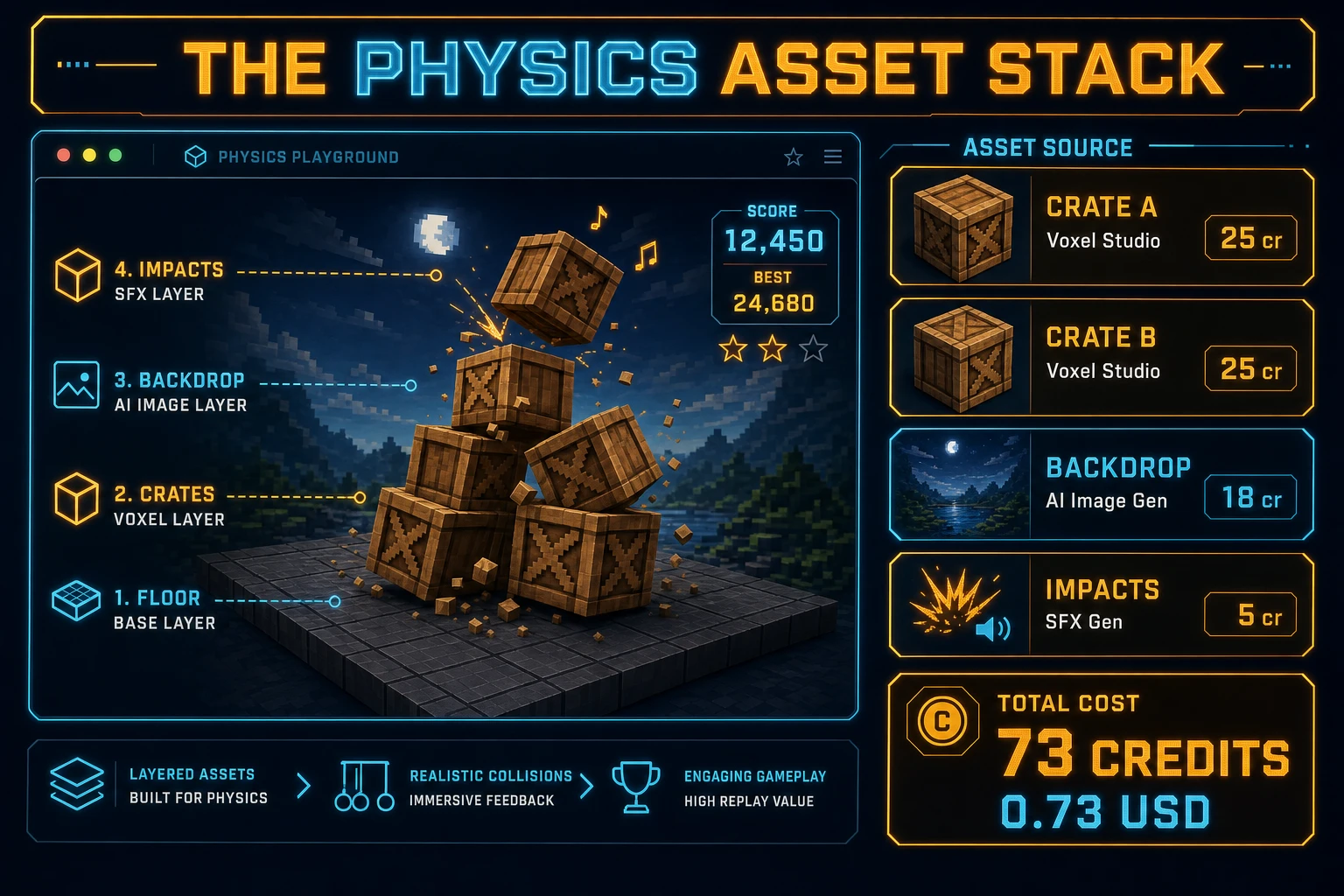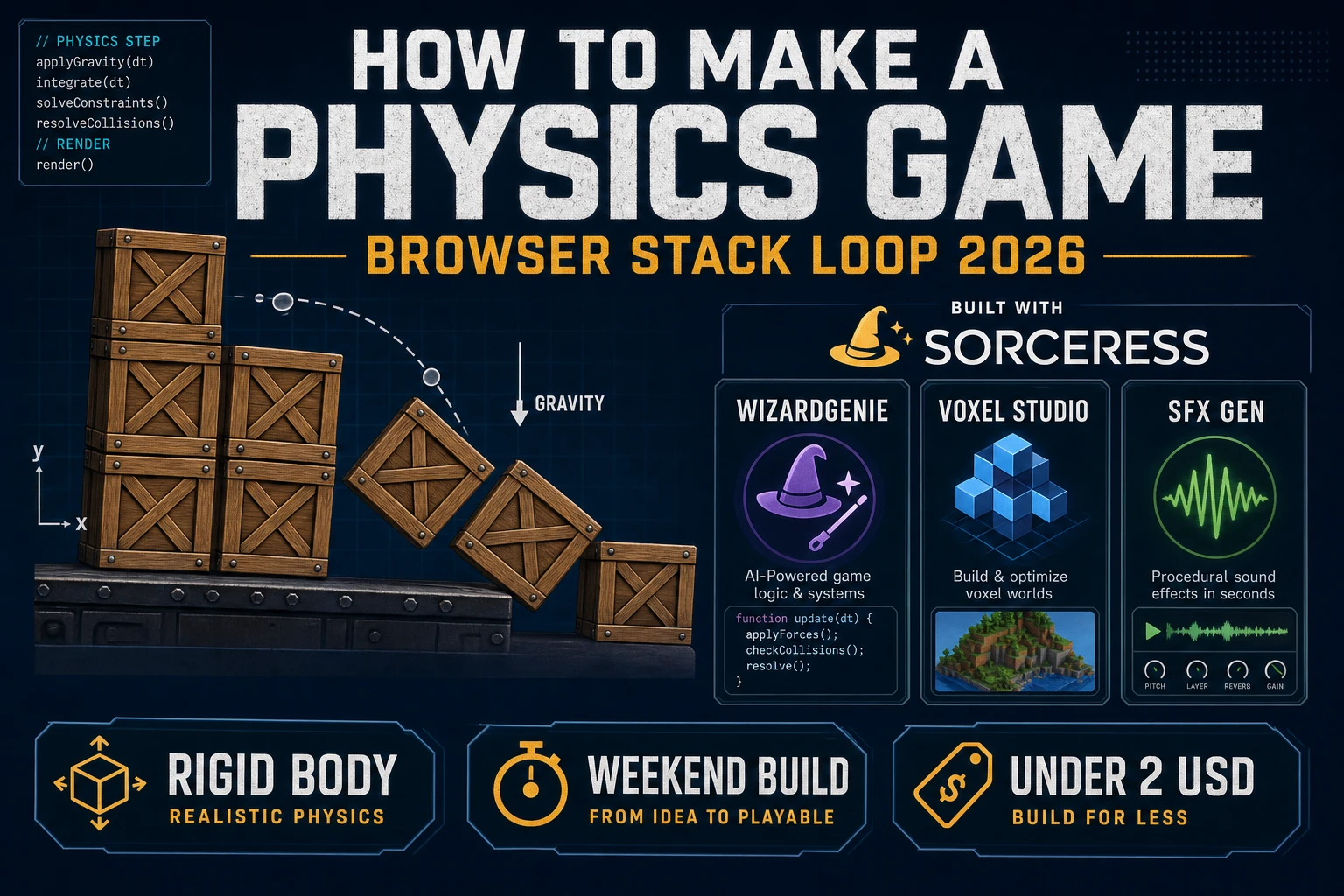
Most beginners who search “how to make a physics game” want crates that tip when you stack them wrong, a mouse drag that feels weighty, and a settle-or-collapse verdict — not a soft-body cloth thesis on day one. A full racing-sim solver with tire models and vehicle suspension is a specialist craft. A browser stack loop is different. A coding agent scaffolds gravity, rigid bodies, and mouse constraints from one prompt, and AI generation covers chunky props and impact audio. On desktop or web, that means WizardGenie for the spawn-drag-settle interpreter, Voxel Studio for crate and barrel props, and SFX Gen for thud and crash clips. This guide is the honest end-to-end for how to make a physics game in 2026, as a weekend build you can finish once.
What how to make a physics game actually means in 2026
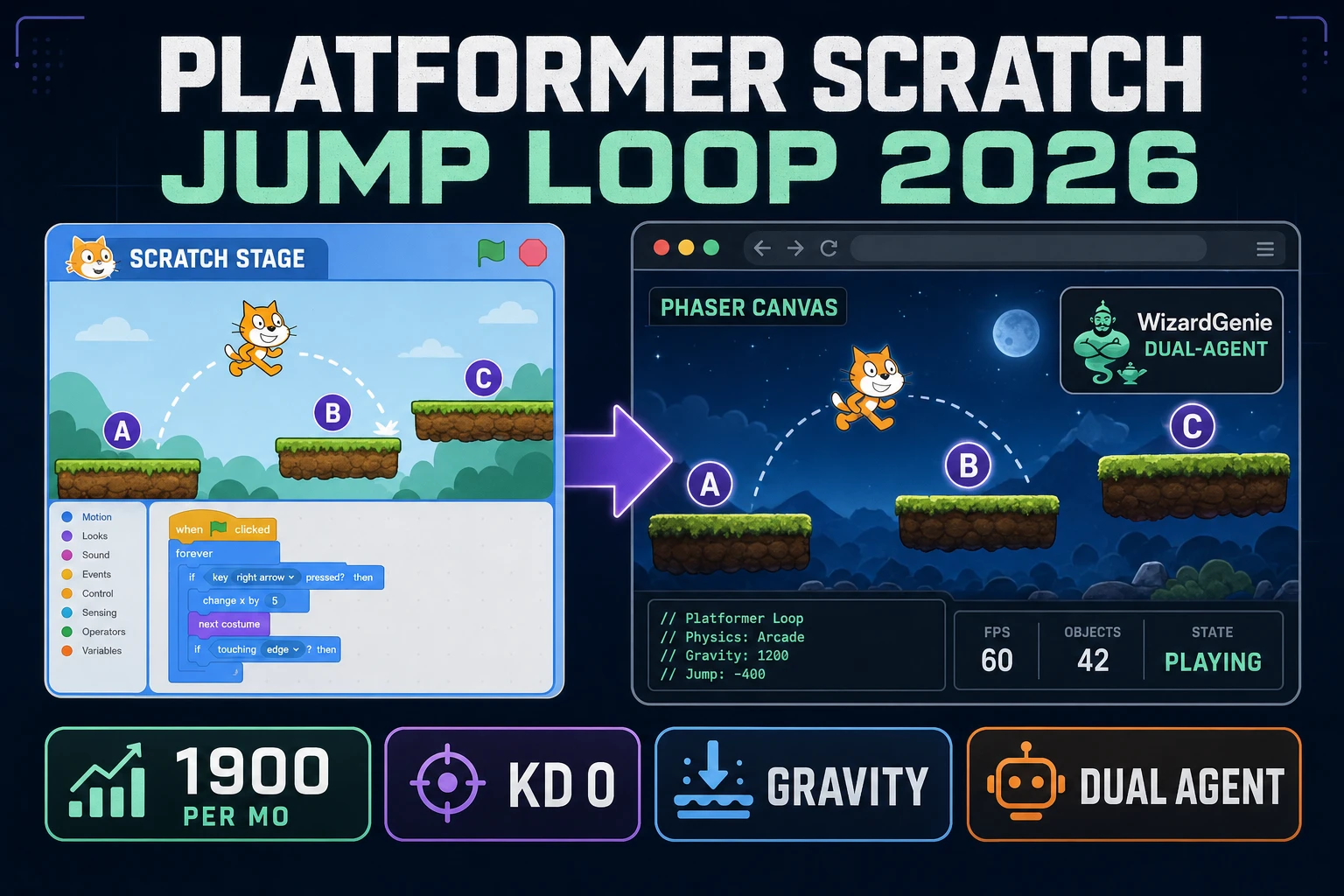
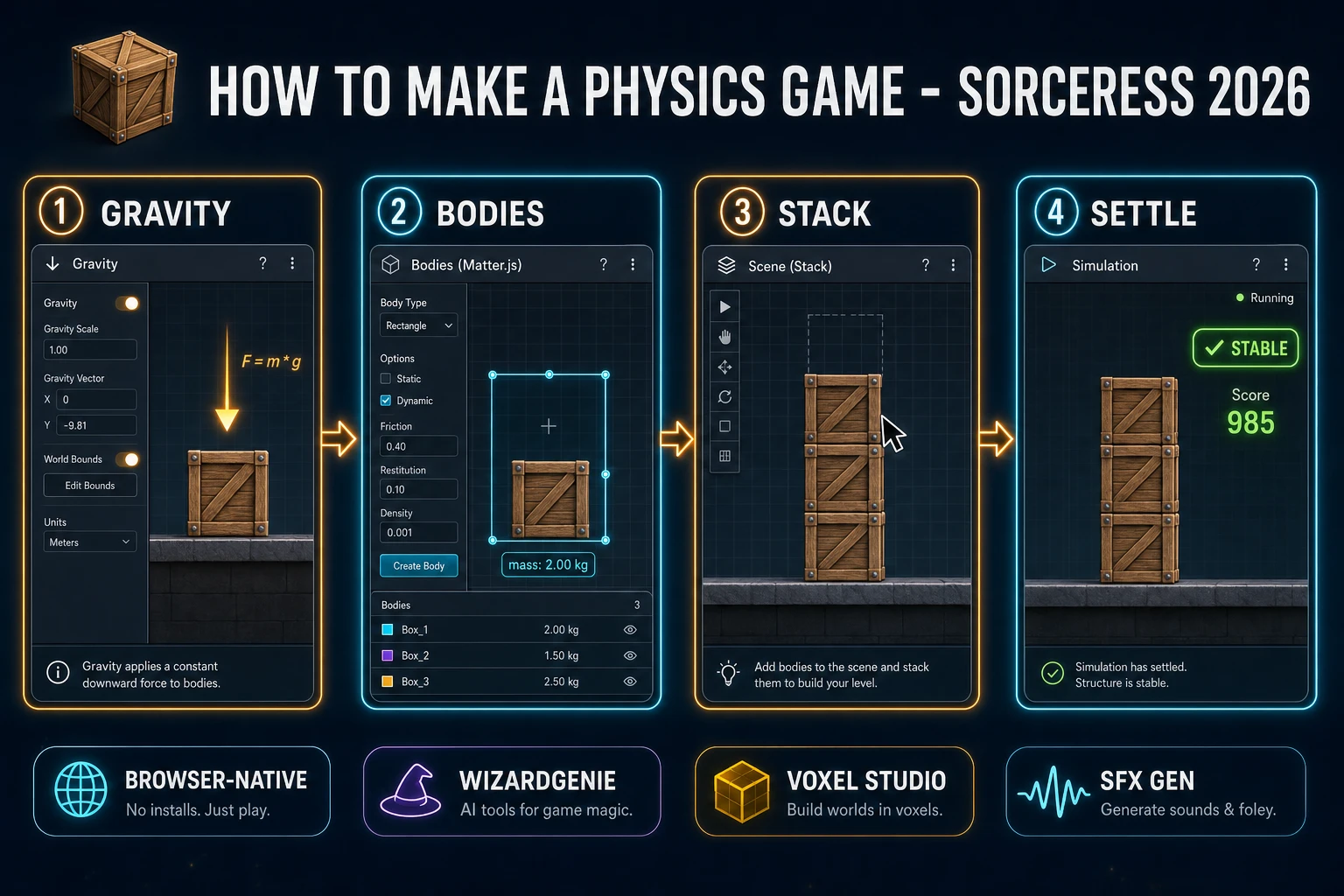
The query “how to make a physics game” hides three intents. Some searchers want a Unreal Chaos or Unity PhysX asset pack with ragdoll templates and vehicle prefabs — that is engine shopping, not a minimal playable loop. A second intent is a platformer that happens to fall with gravity — that is a movement tutorial, and the sibling guide on how to make a platformer game already owns that loop. A third intent is pinball flippers and bumper impulse — covered in how to make a pinball game. The intent this guide targets is a browser stack loop: spawn a crate, drag it onto a tower, release, wait for sleep, then score a stable stack or reset on collapse. That is a weekend build, it demos the Sorceress toolset, and it is the format most physics game tutorial and javascript physics game searchers actually want.
The presentation contract is small and strict. A title screen shows the stage name, control hints (drag to place, release to drop, keep the tower above the red line), and Play. The play screen shows a floor, a preview crate following the cursor, score top-left, best height top-right, and optional mute toggle. When the settle window passes with every body asleep, award a point and spawn the next crate. When any body crosses the kill line, play a crash and show Retry. The physics engine overview on Wikipedia (verified 2026-08-28) defines real-time engines as approximate classical dynamics tuned for perceptually correct play — cite that page when you write your itch.io blurb so players know you shipped a browser physics game stack loop, not a cinematic soft-body reel.
The physics stack loop in one minute (spawn, drag, release, settle, score)
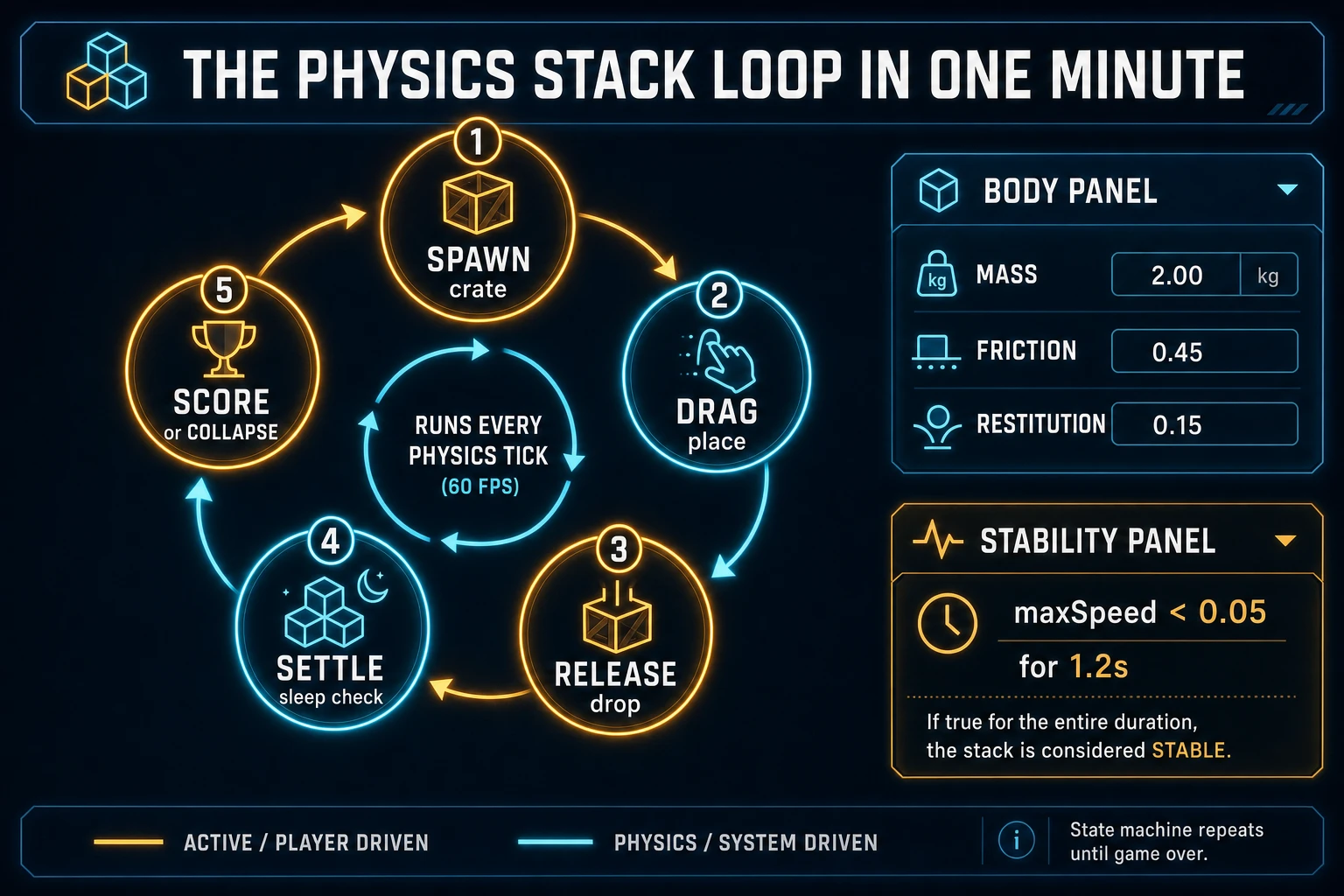
Five moving parts, repeated until the tower collapses. First, spawn — create a rigid rectangle (or rounded box) above the playfield with mass, friction, and restitution. Second, drag — attach a mouse constraint so the player can slide the crate horizontally without punching it through the tower. Third, release — drop the constraint and let gravity take over. Fourth, settle — measure max speed across bodies for a short window; sleep means stable. Fifth, score — award a point and raise the next spawn height, or detect kill-line collapse and reset. Joints, explosives, and destructible mesh are polish layered after one honest three-crate tower is readable at sixty frames per second.
Pick your engine for how to make a physics game: Matter.js, Phaser, or WizardGenie
Three good targets in 2026, each with a different trade-off. Matter.js is the honest default and the pick this guide recommends for a first build. The Matter.js 0.20.0 API docs (verified 2026-08-28) cover Engine, Bodies, MouseConstraint, and Events — enough for a working html5 physics game in under 200 lines including gravity, floor, drag, and sleep checks. Pair Matter’s renderer for prototypes, or draw bodies yourself on a canvas using the MDN Canvas API docs once you want custom crate sprites.
Sleep thresholds versus always-on simulation matter for jam scope: after each release, gate scoring on a settle window so a wobbling tower does not award points mid-tip. Checking body.speed and body.angularSpeed against a small epsilon (for example 0.05) for 1.2 seconds is the single habit that separates a fair stacking game browser build from a score that increments while crates are still sliding.
Phaser v4.2.1 “Giedi” (released 9 July 2026, verified 2026-08-28 on the official Phaser stable download page) becomes the right pick if you want Matter or Arcade Physics wired to Scene stacks, cameras that follow tower height, particle dust on impact, or a level select. Phaser does not invent your stability rule — you still need the same settle window and kill line. Use Phaser when Scene stacks and cameras are the product; use raw Matter.js when the product is a physics game tutorial people can read in one sitting. A phaser matter physics campaign is a fine v2 once the Matter prototype proves the stack feel.
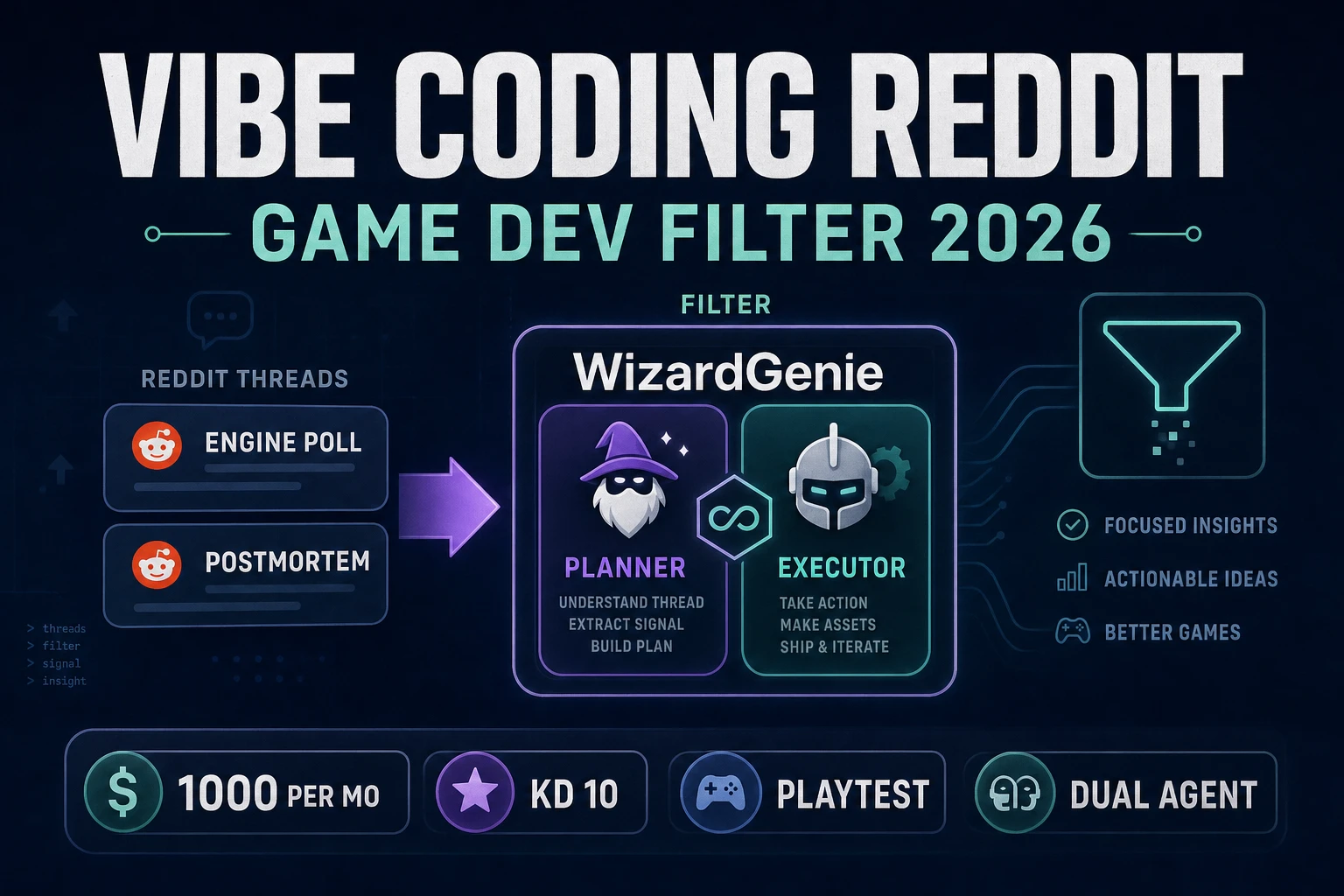
WizardGenie is not a separate physics solver — it scaffolds whichever of the two you pick from a single natural-language prompt. WizardGenie ships as both a desktop app (Windows installer with auto-update, available to Early Access supporters and above) and a no-install web build. Its coding-model lineup covers Claude Opus 4.7, Claude Sonnet 4.6, GPT-5.5, Gemini 3.1 Pro, DeepSeek V4 Pro, Kimi K2.5, Grok 4.2, and MiniMax M2.7 (verified 2026-08-28 in src/app/_home-v2/_data/tools.ts). For physics loops, any frontier model scaffolds Engine setup, MouseConstraint, and settle timers in one prompt. Pair a frontier planner with a budget executor like DeepSeek V4 Pro or Kimi K2.5 for the typing pass — the Dual-agent pattern lands most projects at roughly one-fifth the single-frontier cost.