Type how to make a 2d video game into Google on June 29, 2026 and the SERP splits between two readers. One has played 200 hours of Stardew Valley, Celeste, and Hades and now wants to ship a 2D video game of their own. The other has just watched a 12-minute YouTube tutorial, found Donkey Kong on Wikipedia, and wants the honest tool chain — not another four-hour series. This guide answers both. The honest 2026 path to make a 2D video game is one prompt-driven coding tab plus five asset layers, all in one Sorceress catalog, verified against the live source on June 29, 2026. Genre choice, run loop, tile art, music, and the death-and-restart prompt are the easy half — the hard half is asset volume across a real game scope, and that is exactly the half AI now removes.
What “how to make a 2d video game” actually means in 2026
The phrase how to make a 2d video game is broader than the engine-specific cousins it competes with on the SERP. “How to make a 2D game in Unity” constrains the answer to one engine; “how to make a 2D platformer” constrains it to one genre. The plain 2d video game query is the beginner asking the prior question — which genre, which engine, which asset pipeline, which AI tools, and in what order. A 2D video game in the 2026 sense is any interactive software rendered with two-dimensional sprites and tiles on a flat camera plane — the historical lineage runs from Pong (1972) through Pac-Man (1980), Super Mario Bros (1985), Stardew Valley (2016), Celeste (2018), and Hades (2020). The genre vocabulary is huge (platformer, shoot-em-up, top-down RPG, roguelike, puzzle, visual novel, fighting, deck-builder), but every entry shares the same five-layer content split: code, sprites, tiles, audio, and UI.
That content split is good news for an indie dev because each of the five layers now maps onto a specific AI handoff that did not exist in 2023. The 2026 question is no longer “can one dev ship a 2D video game alone” — that crossed the line in late 2024. The current question is which prompts, which models, and which export formats actually save weeks of work, and that is the question this guide answers concretely. The genre choice still matters — a top-down RPG and a side-scrolling platformer ship different asset budgets — but the underlying toolchain is the same across all 2D genres in 2026, and the right framing is “pick the genre, then run the same five-layer stack with genre-specific prompts.”
The seven moves every 2D video game ships — and where AI shaves time
Before a single tool opens, a dev needs a clear scope list because every move maps to a specific AI handoff. The seven moves every 2D video game ships in 2026 are: (1) the game loop — spawn the player, accept input, update state, render the world, repeat at 60 frames per second with a fixed-timestep simulation layer underneath; (2) genre-specific physics or rules — gravity and jump for platformers, top-down 4 or 8-direction movement for RPGs, projectile spawning and homing for shmups, turn-based action queues for tactical games; (3) character art — one playable hero with idle, run or walk, action, and damage frames, plus three to twelve enemy archetypes with their own loops; (4) tile art and backgrounds — a tile-based world set with autotile rules, plus one to three parallax layers per scene; (5) pickups, goals, and progression — coins or shards for scoring, keys for gating, hearts or potions for survival, the level-end or boss-end trigger; (6) audio — one to three music loops per biome plus SFX one-shots covering action, hit, pickup, ambient, and stinger sounds; (7) UI — a HUD with health and score, a pause menu, an inventory or skill screen for deeper genres, the level-end and death-and-restart screens.
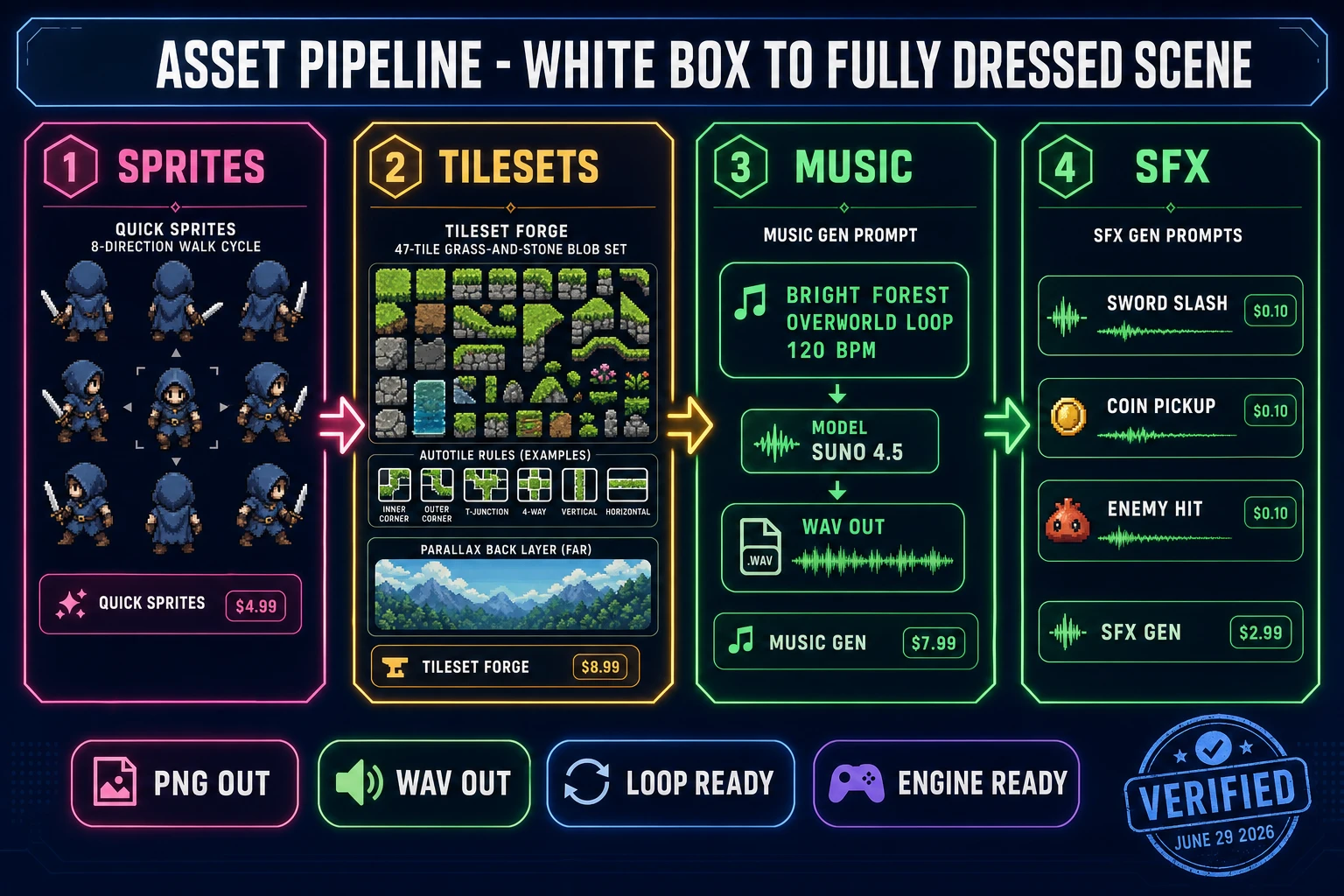
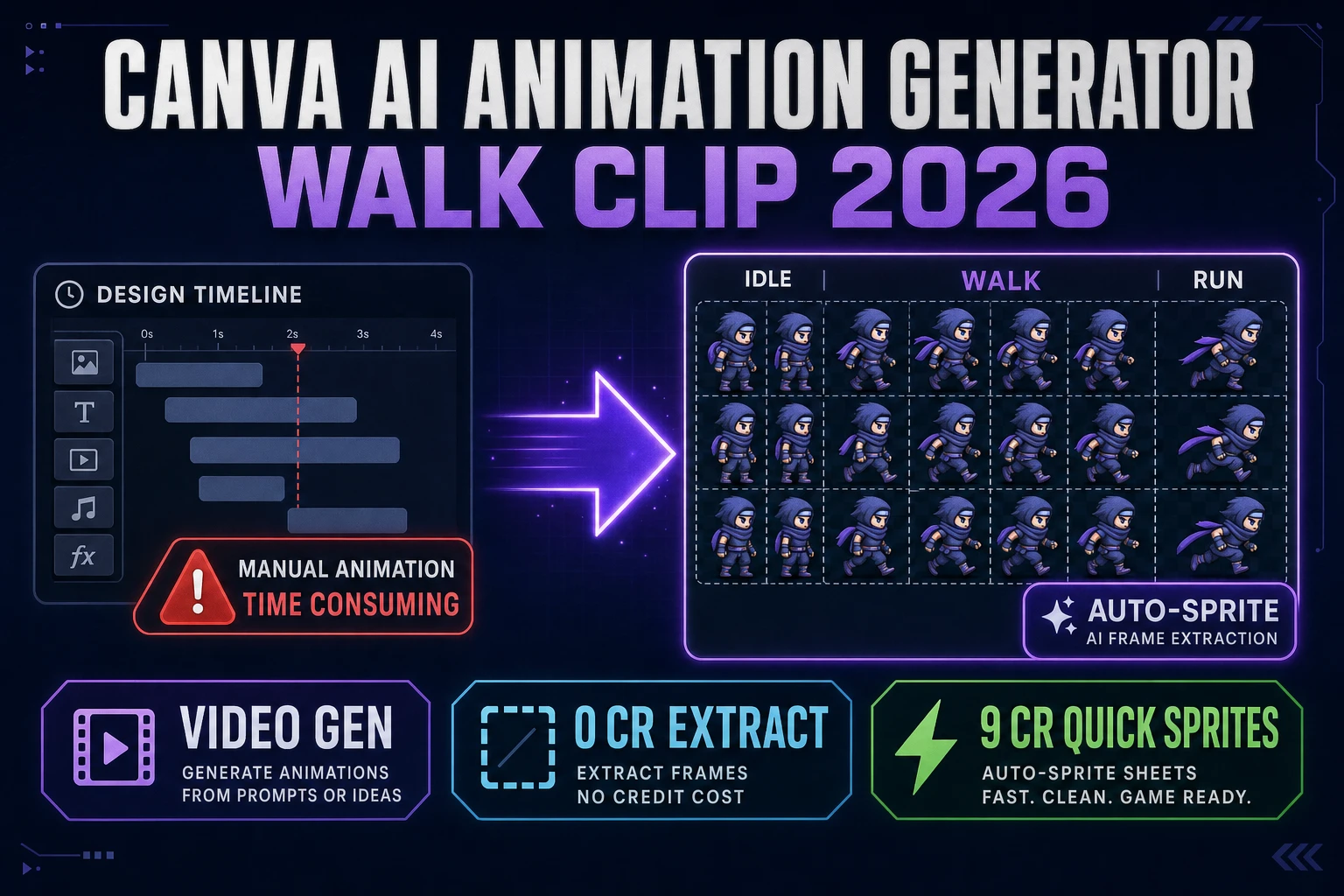
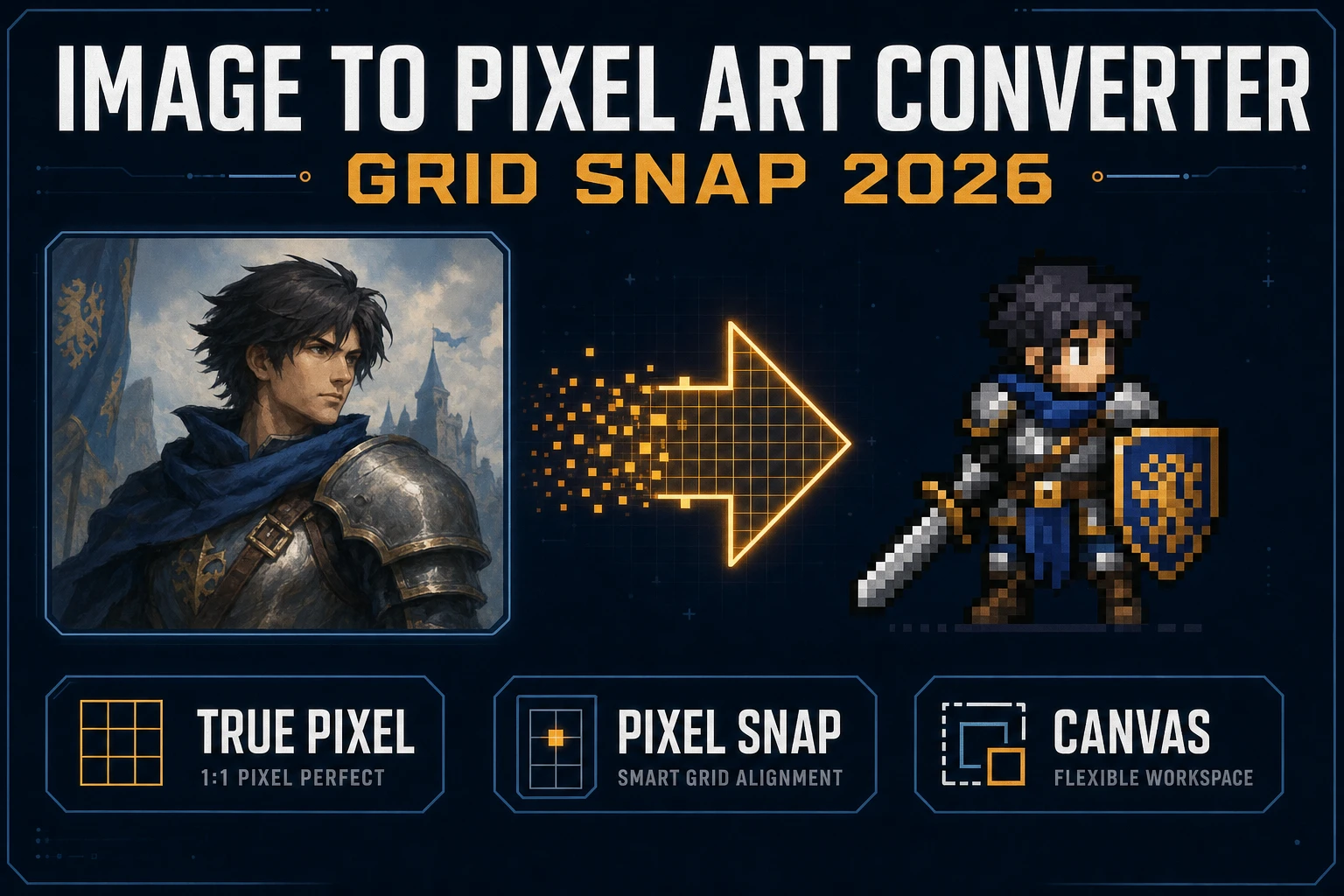
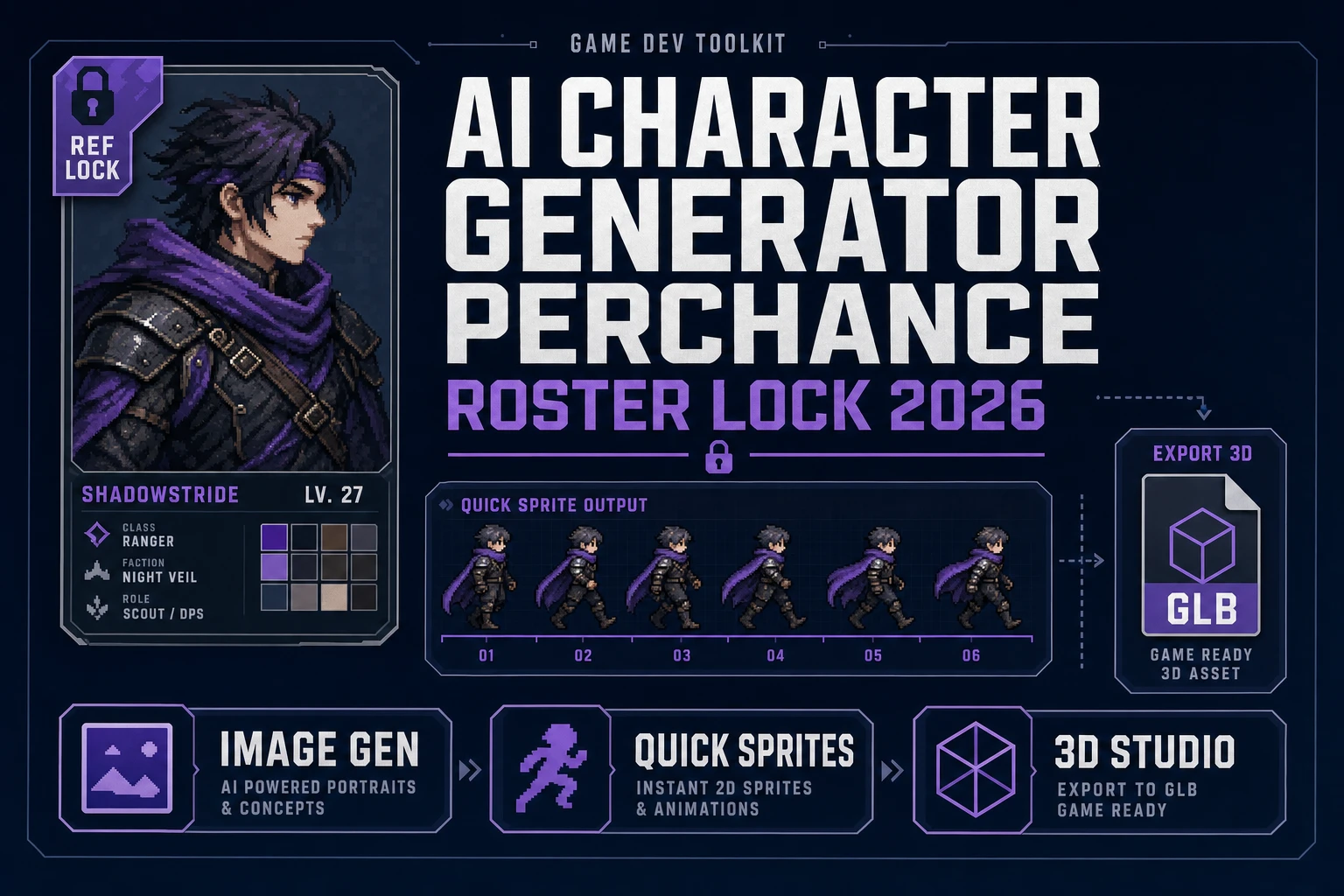
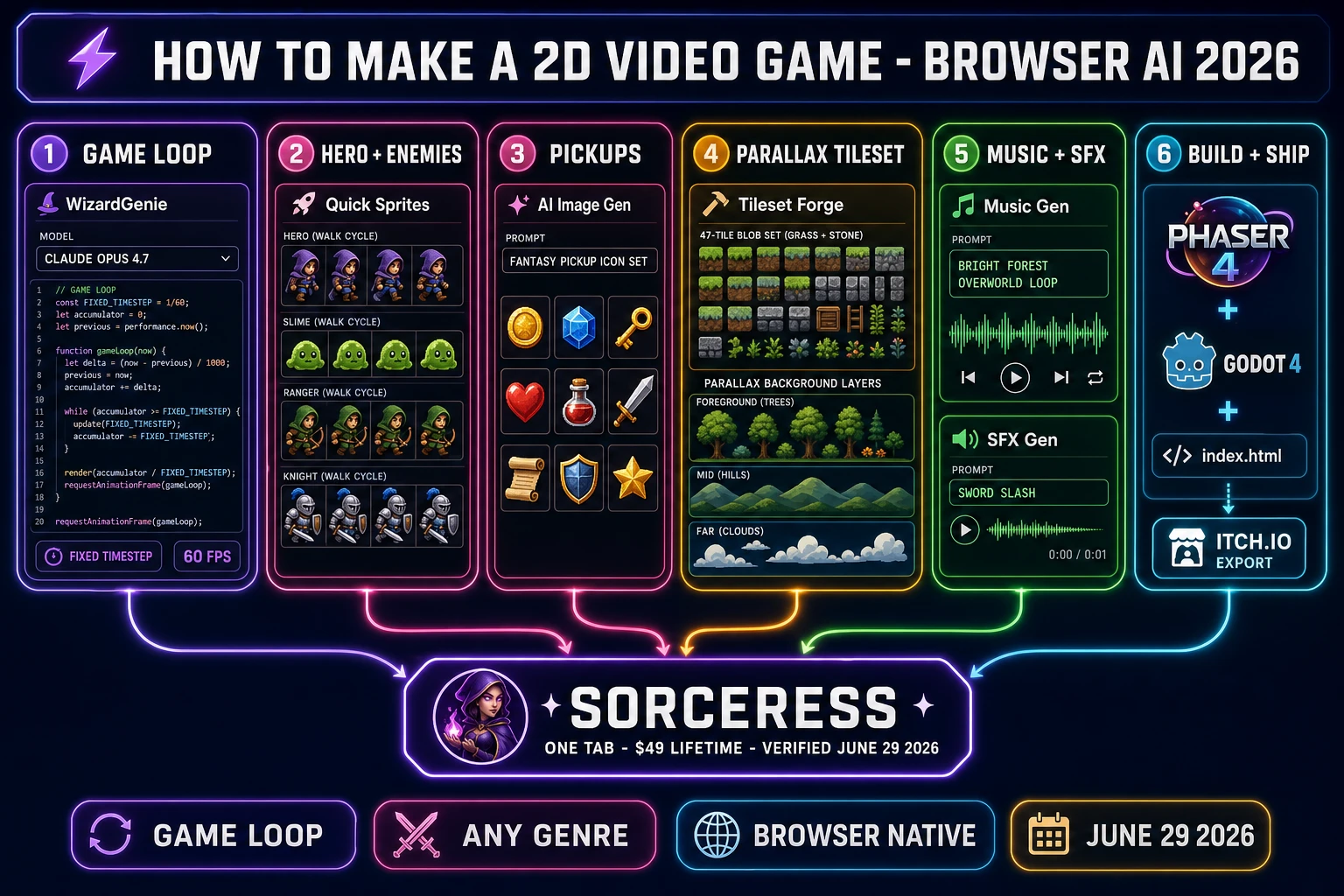
The split between human-curated and AI-generated work falls cleanly along these moves. Moves 1 and 2 are code — WizardGenie writes them on prompt with the eight-model coding picker (verified against src/app/_home-v2/_data/tools.ts CODING_MODELS on June 29, 2026: Claude Opus 4.7, Sonnet 4.6, GPT-5.5, Gemini 3.1 Pro, Grok 4.2, DeepSeek V4 Pro, Kimi K2.5, MiniMax M2.7). Moves 3 and 5 are visual asset generation — Quick Sprites for hero and enemy walk cycles, AI Image Gen for pickup icons and parallax background layers, optionally 3D Studio when the dev wants a 2.5D look with rendered 3D meshes baked to flat sprites. Move 4 is dedicated tile work — Tileset Forge for the autotile blob set, with True Pixel handling photo-to-pixel-art conversion for one-off props and decorations. Move 6 is audio generation — Music Gen for biome loops, SFX Gen for action one-shots, optionally Sound Studio for the in-tab DAW mix. Move 7 is UI markup — back to WizardGenie because the HUD and menu screens are just code wrapped around the asset layers. Every move has exactly one Sorceress tool that is its primary handoff, and every handoff produces a web-standard format (PNG, WAV, OGG, JSON) that any modern engine reads.
How to make a 2D video game with the honest 2026 browser AI stack
The honest stack to make a 2D video game in 2026 is six tools deep, all reachable from one Sorceress account. Verified against the live source on June 29, 2026, those six are WizardGenie for the game loop and genre-specific rules, Quick Sprites for hero and enemy walk cycles, AI Image Gen for pickup icons and parallax background art, Tileset Forge for world tile sets, Music Gen for biome loops, and SFX Gen for action one-shots. Optional adds for stylistic variants include True Pixel for photo-to-pixel-art conversion, Spritesheet Analyzer for slicing AI-output grids into individual frames, and 3D Studio for the 2.5D path when the hero is a rendered 3D mesh; all three are reached from the same tab. Bundle pricing is one $49 Lifetime fee plus pay-once credit packs ($10 for 1,000 credits Starter, $20 for 2,000 Creator, $50 for 5,000 Plus, $100 for 10,000 Studio), verified against src/app/plans/page.tsx on June 29, 2026. New accounts ship with 100 starter credits, enough to draft a hero walk cycle and one tileset before topping up.
The reason this stack works for any 2D video game genre is that the content list compresses across every 2D genre into the same five-layer pipeline. One Sorceress credit pool funds the code agent calls (the planner-executor pattern routes the heavy reasoning to Opus 4.7 or GPT-5.5 and the bulk typing to a cheap mixture-of-experts executor like DeepSeek V4 Pro or Kimi K2.5, cutting cost to roughly one-fifth of single-frontier billing) AND the asset generation calls in the same session. There is no need to buy an Aseprite seat to draw the hero; Quick Sprites covers that handoff. There is no need to install FL Studio or Audacity to compose the music; Music Gen and the in-tab DAW Sound Studio ship the same loops. The dev never leaves the tab between code work and asset work, which is how a 2026 2D video game scope finishes in three to six weeks instead of three to six months. A reference build is documented in a Sorceress user shipped their first game in three weeks using this same catalog end-to-end.
Step 1 — prompt WizardGenie for the game loop, physics, and engine pick
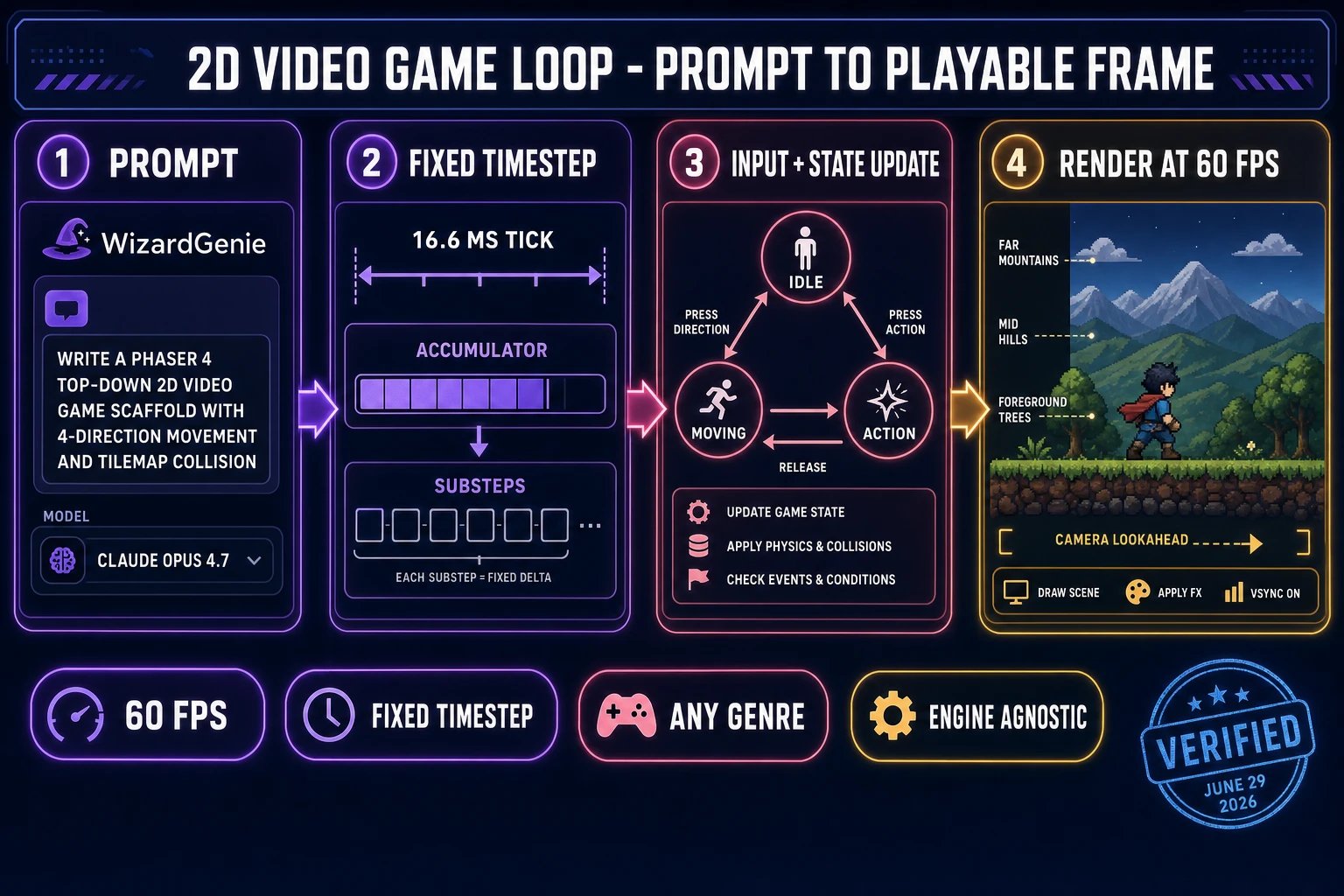
The first prompt to WizardGenie sets the game loop and genre scaffold for the entire project. A reliable opening prompt for a top-down RPG in Phaser 4 looks like this: “Write a Phaser 4 browser-tab top-down 2D RPG scaffold with a 4-direction movement controller, an arcade-physics body that handles wall collisions, a tilemap-based world loader, an interaction key that triggers NPC dialogue, an XP-based level-up loop, and a save-and-load system using localStorage.” For a side-scrolling platformer the prompt swaps in gravity and jump rules; for a shmup it swaps in projectile pools and homing logic; for a turn-based tactics game it swaps in an action queue and a grid-snap movement system. Pick the Opus 4.7 model from the dropdown for this kind of prompt — the systems work (the game loop, the physics primitives, the save format) wants the heavy reasoner, and Opus 4.7 ships at $5 input / $25 output per million tokens with a 1M context window (verified via cloudzero.com/blog/claude-api-pricing on June 29, 2026). The first response will scaffold the project tree, the simulation layer, the input handler, the camera, and the save system.
The second prompt round iterates on the genre feel because every 2D video game lives or dies on how the moment-to-moment input feels in the player's hand. Prompts like “reduce coyote time to 60 ms” (platformer), “make the NPC dialogue trigger fire on a 32-pixel proximity and a key press” (RPG), or “add a 100 ms invincibility window after a hit” (action) refine the controller without rewriting the whole loop. Switch to Sonnet 4.6 ($3 input / $15 output per Mtok, verified via cloudzero.com on June 29, 2026) or DeepSeek V4 Pro for the iteration phase — the cost ratio matters because a 2D video game feel typically takes 20 to 40 prompt rounds to feel right. Pair Opus 4.7 as the planner with DeepSeek V4 Pro or Kimi K2.5 as the executor and the whole pass costs roughly one-fifth of putting Opus on both sides of the loop. Acceptable executors per Sorceress's guidance are DeepSeek V4 Pro, Kimi K2.5, MiniMax M2.7, Gemini 3.1 Flash, GPT-5.5 Mini, and Claude Haiku 4.5 ($1/$5 per Mtok, 200K context, verified via cloudzero.com on June 29, 2026); never put a frontier-priced model on the typing side or the cost advantage disappears.