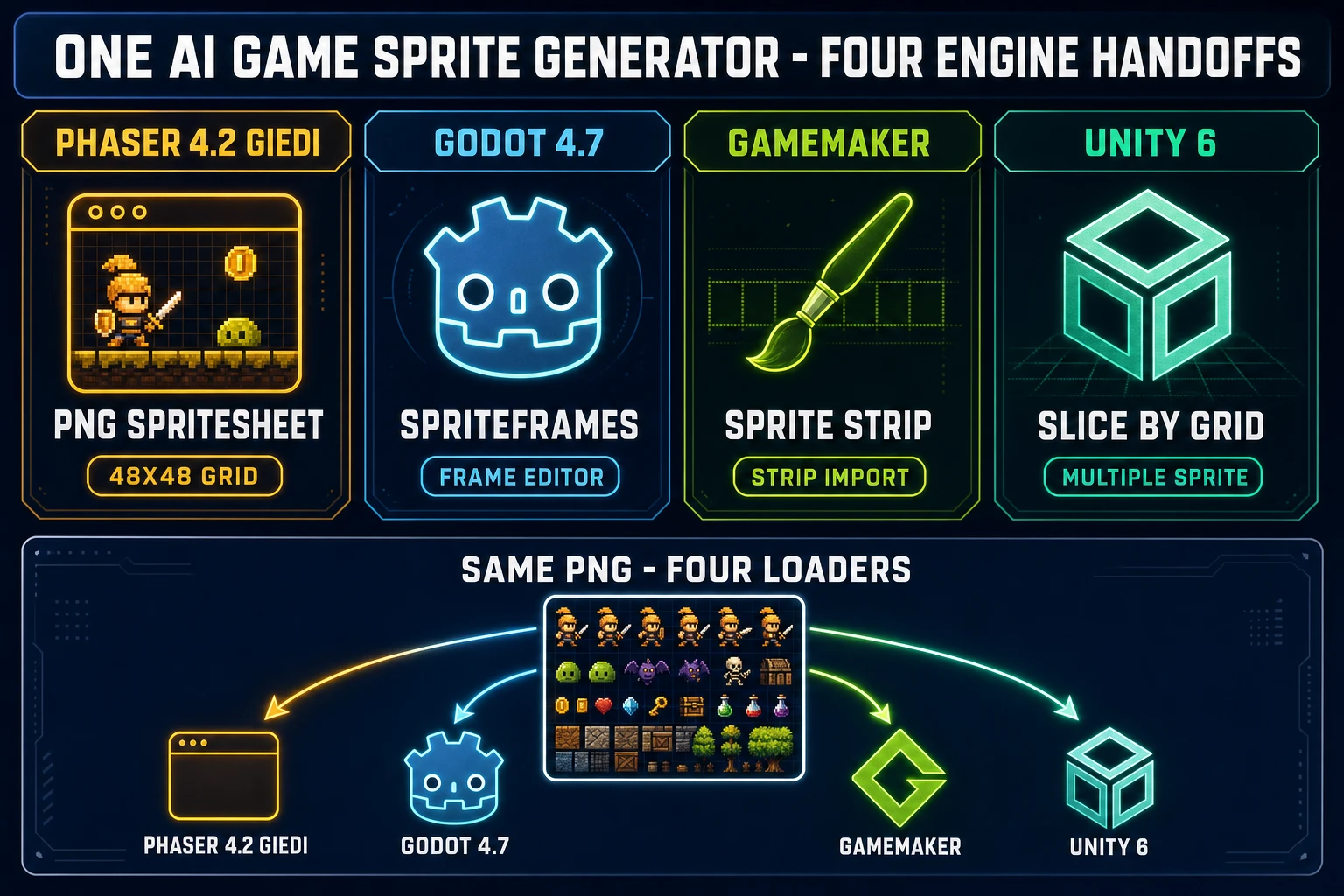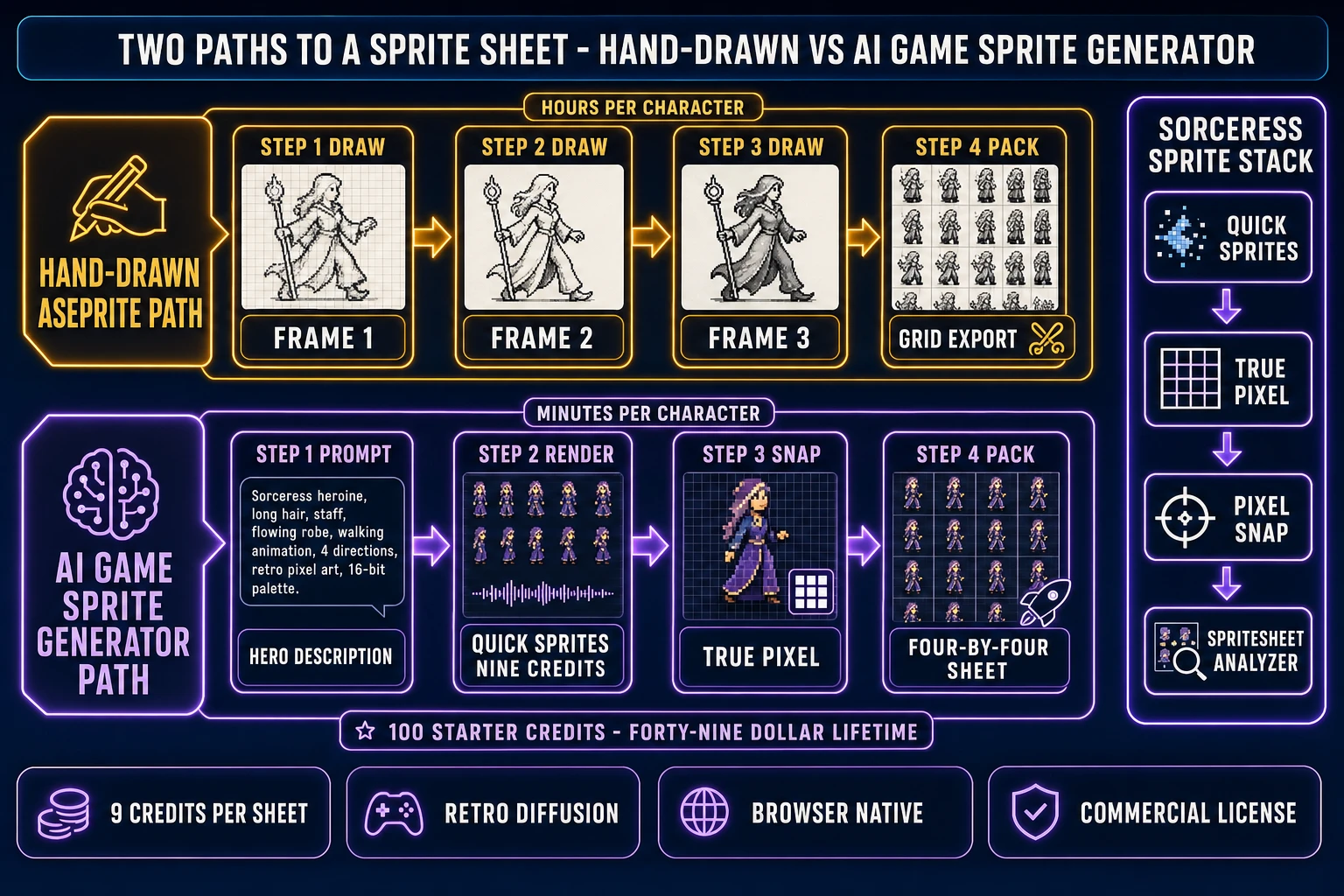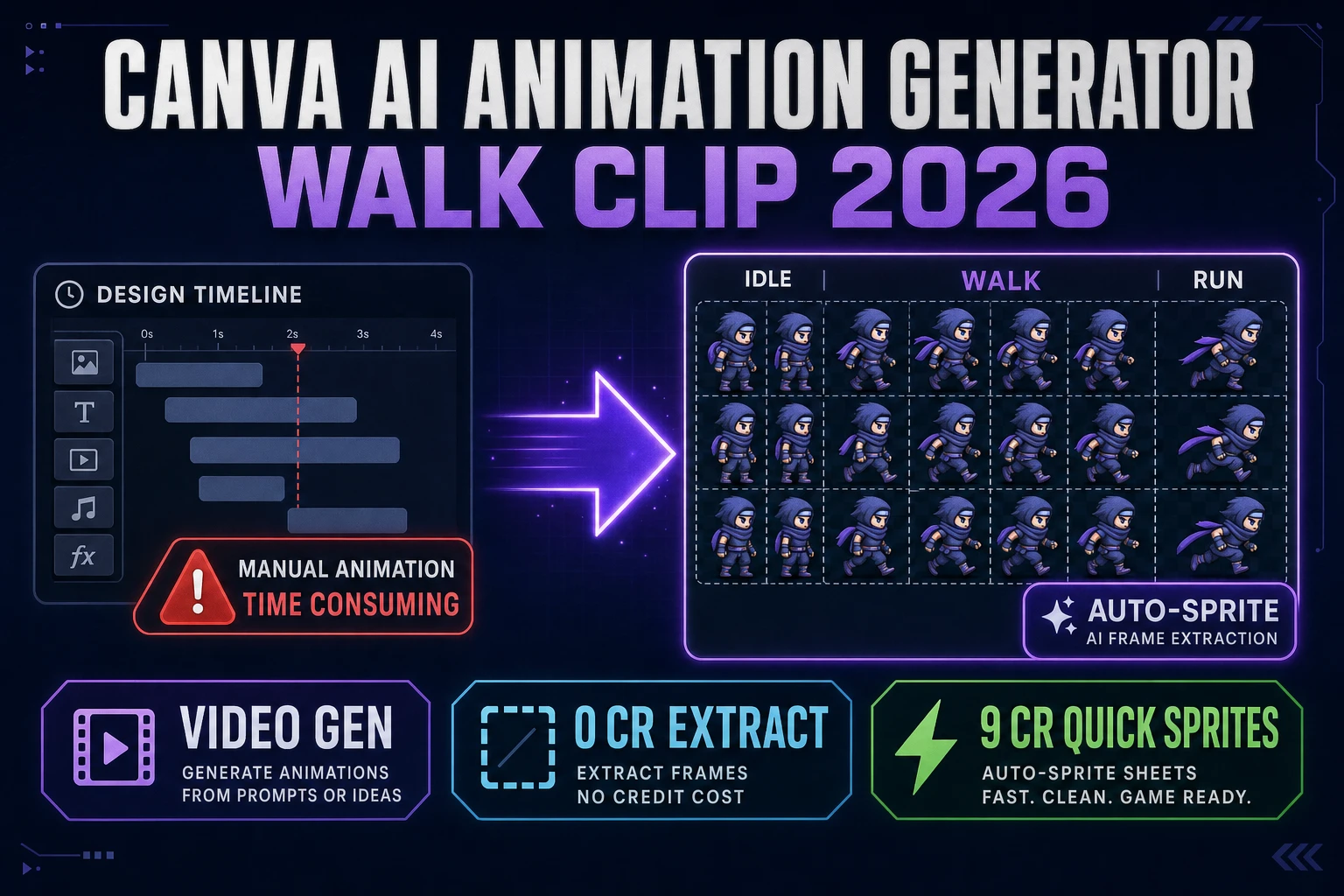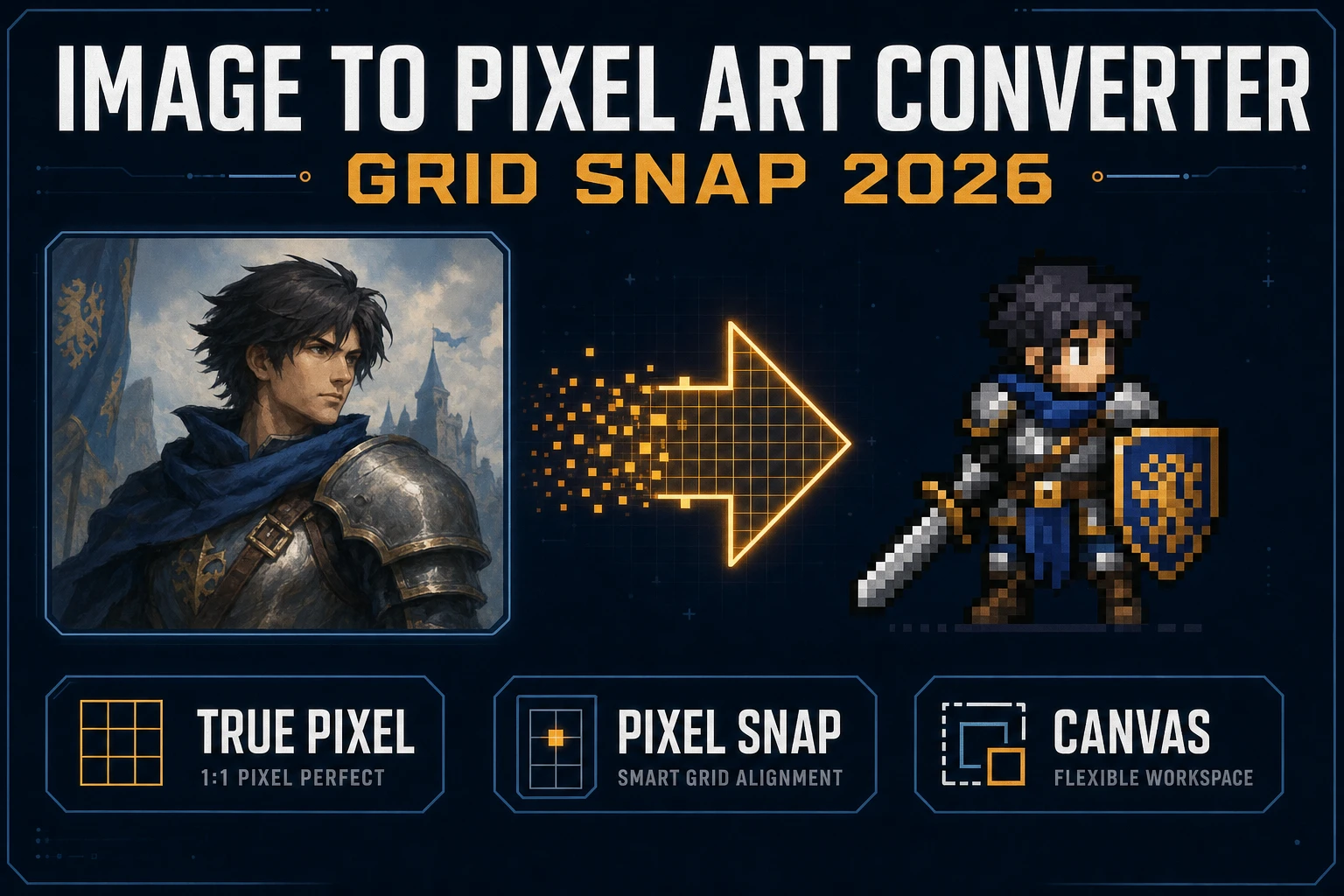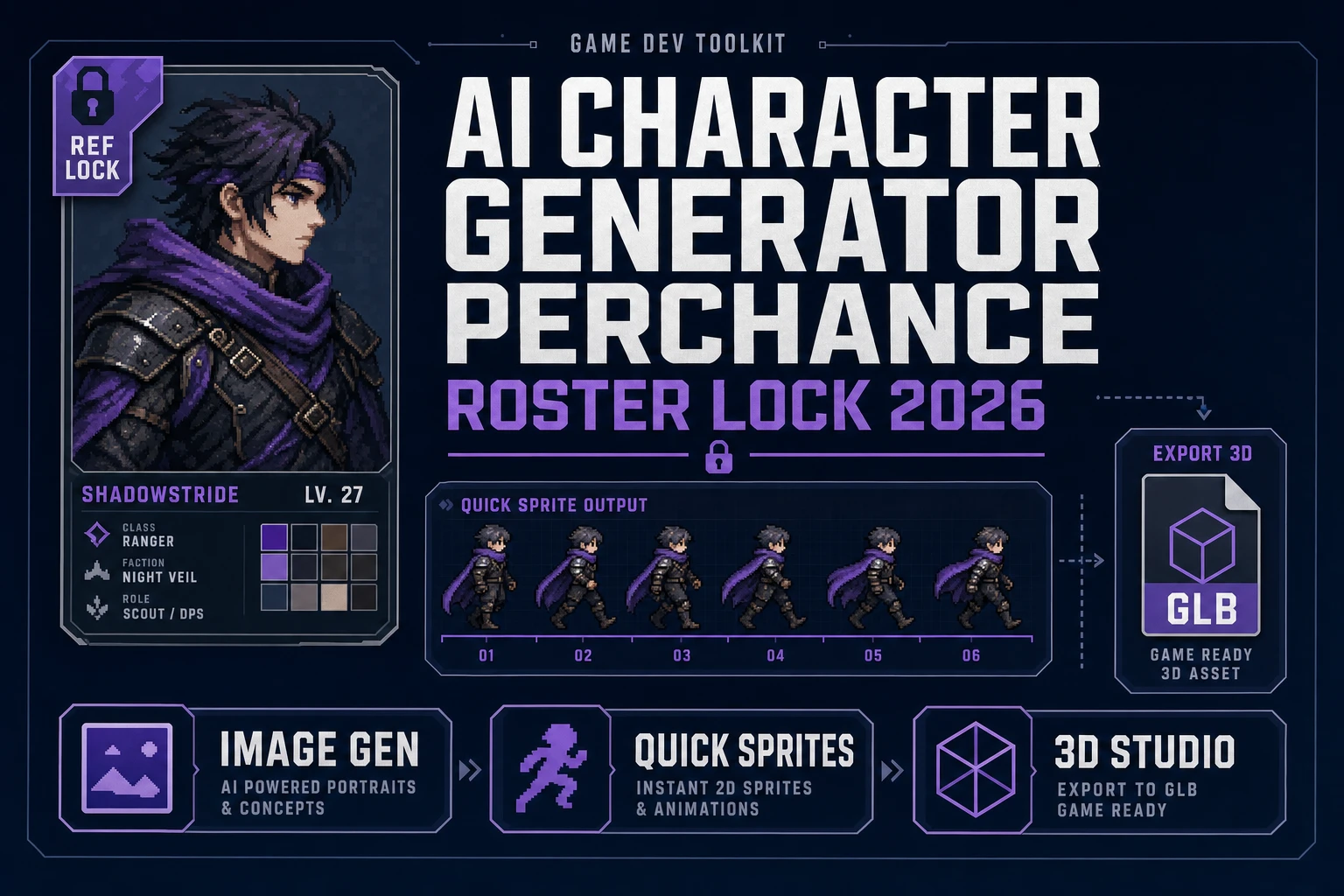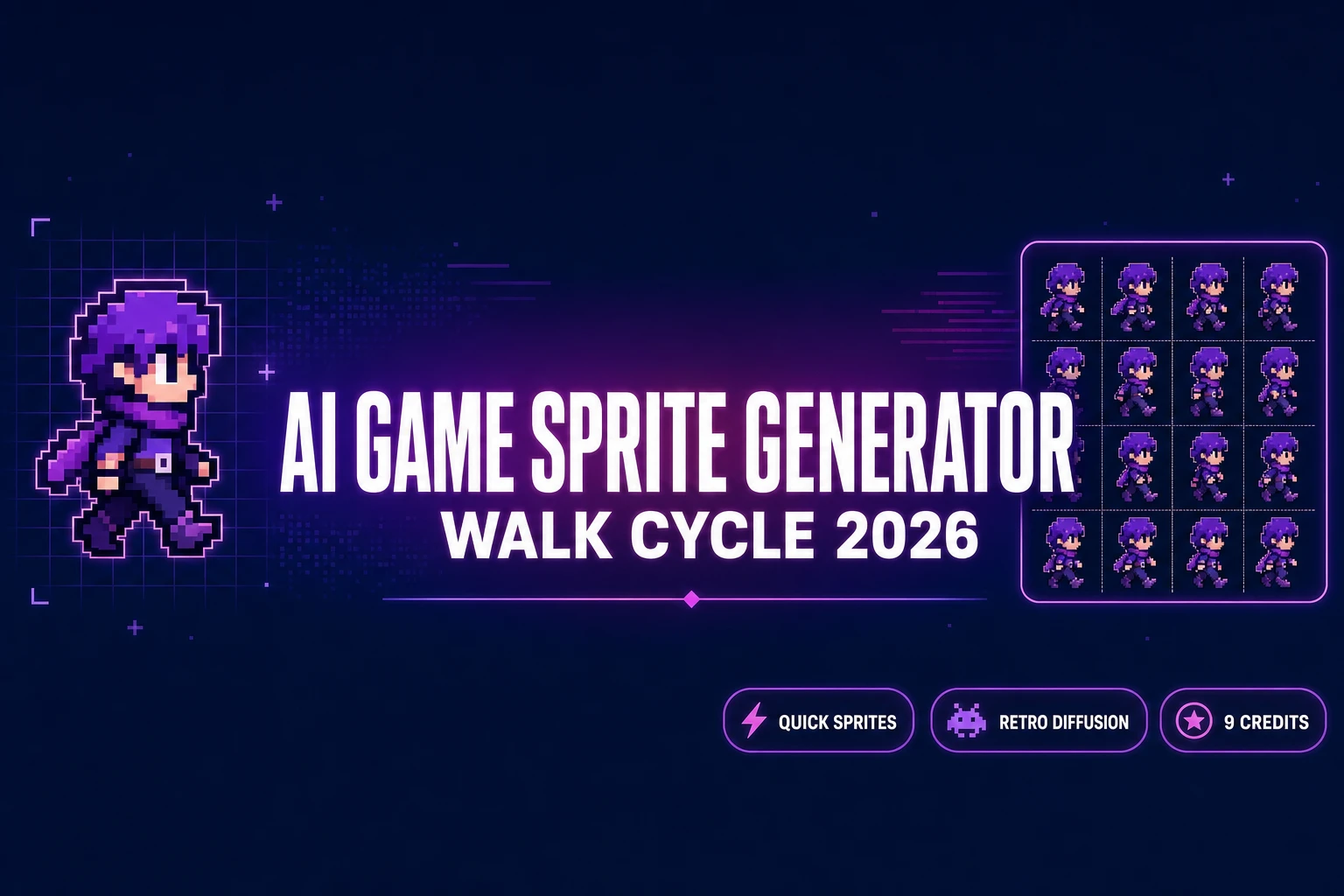
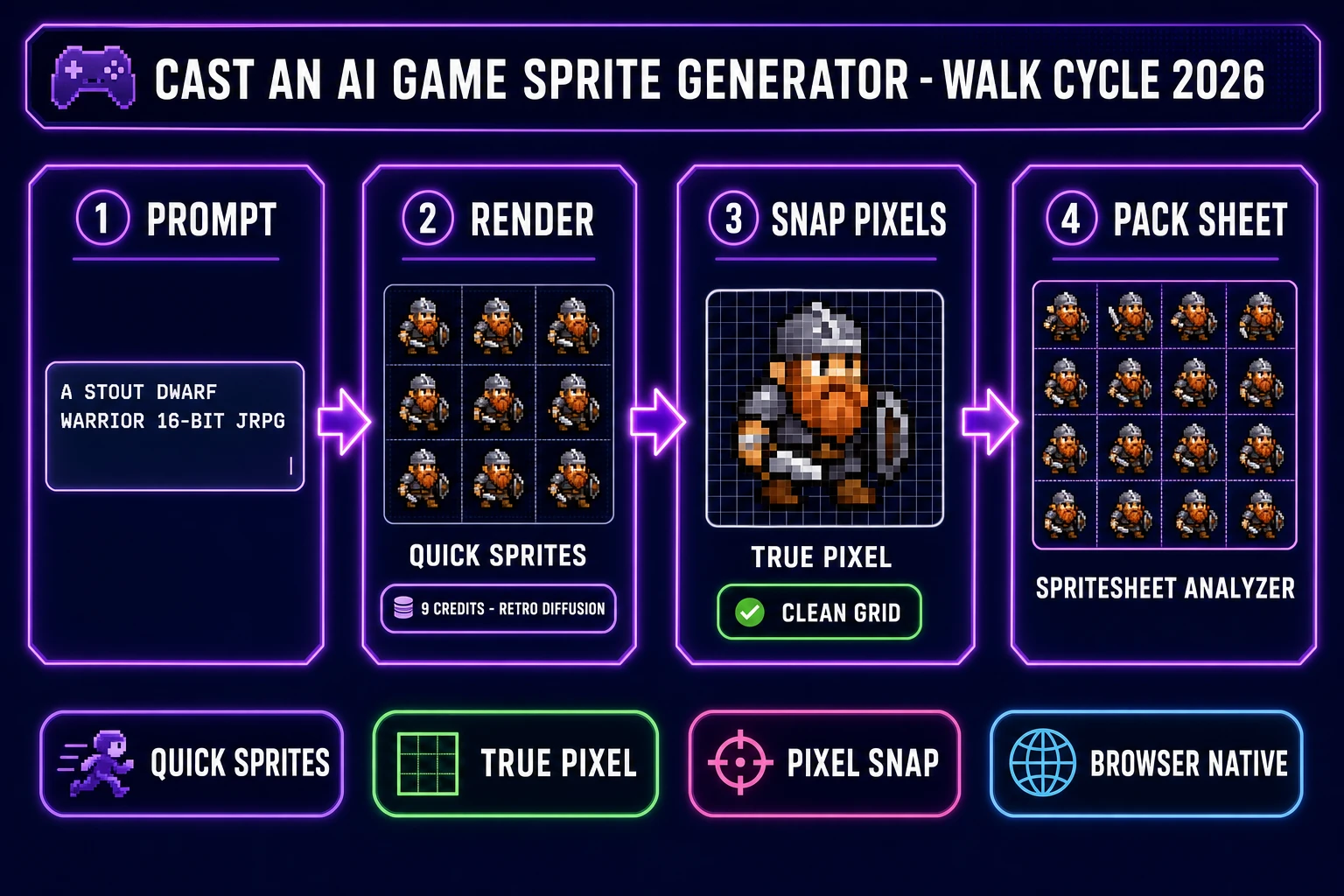
An AI game sprite generator in 2026 is the cheapest way for a solo indie or a two-person team to ship a full character roster without the pixel-by-pixel hand-drawing pass that used to define the genre. The category collapsed three historical bottlenecks — the hand-drawn frame pass that costs an indie team days per character, the per-frame cleanup pass in pixel-art editors, and the sprite-packing step that lays frames into a grid the engine can read — into a single browser tab. The honest 2026 pipeline runs four steps: a prompt-to-sprite generator, a pixel-grid snap pass, a frame-pack pass, and a one-line engine import. Sorceress ships all four on one credit pool: Quick Sprites at 9 credits per generation through the Retro Diffusion rd-animation model, the True Pixel and Pixel Snap editors for the snap pass, and the Spritesheet Analyzer for the frame-pack and engine handoff. This guide casts each step in order and builds a complete indie character roster, with every credit cost and model name re-verified against the live source on June 29, 2026.
src/app/quick-sprites/page.tsx on June 29, 2026.What an AI game sprite generator actually means in 2026
The category covers any tool that takes a short English prompt and renders an animated grid of sprite frames suitable for an in-engine character, enemy, pickup, or VFX. The technical primitive sits between two well-established disciplines: pixel-art animation, which has been a hand-drawn craft since the arcade era of the late 1970s, and generative artificial intelligence, which produces image output that resembles training data without copying it. A modern AI game sprite generator routes the prompt through a pixel-art-specialised image diffusion model trained on licensed and public-domain sprite work.
For an indie team the practical impact is brutal arithmetic. A 12-character roster with three animations each — the rough minimum for a small action or roguelike build — used to mean two to four weeks of dedicated pixel-art work for a single artist, or a $4,000 to $12,000 commission for an outsourced artist on Fiverr or ArtStation. The same 36 sprite sheets through Sorceress Quick Sprites cost 324 credits (about $3.24 on the Starter pack), render in under an afternoon of prompt iteration, and produce frames that are custom to the game rather than recycled from a pre-existing stock asset pack.
Three production-ready output shapes drop out of a 2026 AI game sprite generator: a flat PNG grid for direct engine import, individual PNG frames for hand-editing in a desktop pixel editor, and a strip layout for engines that prefer horizontal frame strips. Quick Sprites exports the flat PNG grid by default, and the grid dimensions are fixed per animation style (verified against the ANIMATION_STYLES array on line 34 of src/app/quick-sprites/page.tsx on June 29, 2026): Four Angle Walking renders a 4x4 grid at 48x48 pixels (four directions, four frames each), Small Sprites renders a 6-row grid at 32x32 (right walk, left walk, arms, look, surprise, lay down), and VFX Effects renders a square grid from 24 to 96 pixels per frame for fire, explosions, lightning, or any other effect loop.
The honest constraints — frame counts, palettes, and engine handoffs
Before prompting an AI game sprite generator, decide what the engine actually needs. Indie sprite sheets split cleanly into three classes, and a different output style handles each one well:
- Hero and NPC characters. The protagonist, party members, shopkeepers, named enemies. These need four-direction walk cycles at a minimum, often with idle, attack, hit, and death animations. Pick: Quick Sprites Four Angle Walking at 48x48 for the walk cycle, plus a second Small Sprites pass at 32x32 for the extra action types (arms, look, surprise, lay down).
- Mob enemies and props. Wandering slimes, fish, birds, treasure chests, breakable barrels, ambient creatures. These need a single-direction loop or a two-direction walk, often at smaller size. Pick: Quick Sprites Small Sprites for the smaller mobs, or a single VFX-style pass for static props with a subtle ambient loop.
- Effects and impacts. Spell casts, explosions, weapon swings, level-up sparkles, screen-clearing ultimates. These need a tight square frame budget and have to read at a glance during action. Pick: Quick Sprites VFX Effects at 64 or 96 pixels, prompted with a clear central pattern and a brief frame count.
The Sorceress credit pool means you can mix all three classes from the same browser tab without juggling separate subscriptions. A 12-character roster might be six Four Angle Walking renders (54 credits), eight Small Sprites NPC and prop renders (72 credits), and a dozen VFX Effects passes for spells and impacts (108 credits) — a total of 234 credits, well inside a single $10 Starter top-up plus the new-account 100-credit allowance.
How to cast an AI game sprite generator pipeline that actually ships
The four-step pipeline below is the one shipped in production by Sorceress users every day in June 2026. It assumes a fresh project and a brand-new account — readers with an existing pixel-art game can skip the AI Image Gen reference pass and prompt Quick Sprites directly. The full pipeline takes about thirty minutes per character on a first pass and under ten minutes per character once the prompt patterns are in muscle memory.
- Sketch the hero in AI Image Gen. One reference frame at a higher resolution, used only to lock the silhouette and palette before prompting the sprite generator.
- Generate the walk cycle in Quick Sprites. The core prompt-to-sheet step. 9 credits per render, three animation styles, fixed grid output.
- Snap pixels in True Pixel or Pixel Snap. The cleanup pass that aligns frames to a uniform pixel grid and trims palette noise.
- Pack the sheet in Spritesheet Analyzer. The inspect, slice, and export pass that produces engine-ready PNG plus a JSON frame map.
Two related Sorceress walkthroughs cover earlier slices of this workflow: the general AI sprite generator overview covers the broader category landscape, and the free AI sprite generator pack walkthrough covers the cheapest legal path for a hobby project. This guide is the production pipeline view — the one to follow when an actual game ship date matters.
Step 1 — sketch the hero in AI Image Gen with a tight reference
The reference pass is optional but worth the five minutes for any character that has to stay on-model across multiple sprite-sheet renders. AI Image Gen hands the project an anchor frame at higher resolution (typically 512x512 or 768x768) that locks the silhouette, color palette, and equipment loadout before the lower-resolution sprite generator runs. Model picks worth considering on June 29, 2026 (verified against src/app/_home-v2/_data/tools.ts): Nano Banana Pro for top-tier pixel-style adherence, Flux 2 Pro for clean line work, Seedream 5 Lite for fast iteration, or GPT Image 2 when the prompt embeds in-image text labels.
The five-token reference prompt pattern that locks a hero across the pipeline:
- Archetype first. Knight, wizard, rogue, slime, dragon, robot. Specific archetypes beat generic ones. “Stout dwarf warrior” lands tighter than “fantasy character.”
- Style anchor. 16-bit JRPG, NES Game Boy, SNES Castlevania, modern indie. The style anchor maps to the era of training data the diffusion model will draw from.
- Silhouette cue. Strong outline, high contrast, readable at 32 pixels. The silhouette cue is what keeps a sprite legible after the resolution drop.
- Palette range. Eight earth tones, four neon colors, monochrome plus accent. A capped palette range matches the pixel-art tradition and keeps the diffusion model from over-rendering details that will not survive the pixel snap.
- Optional accessory. Long red cape, brass goggles, glowing sword. One signature accessory per character is enough — more than two and the silhouette starts to fight itself.
Save the reference frame to a project folder. Quick Sprites does not accept a reference image as input (the rd-animation model is text-conditioned only), so the reference is for the human prompt-writer, not the model — it is the anchor every subsequent prompt rephrases.