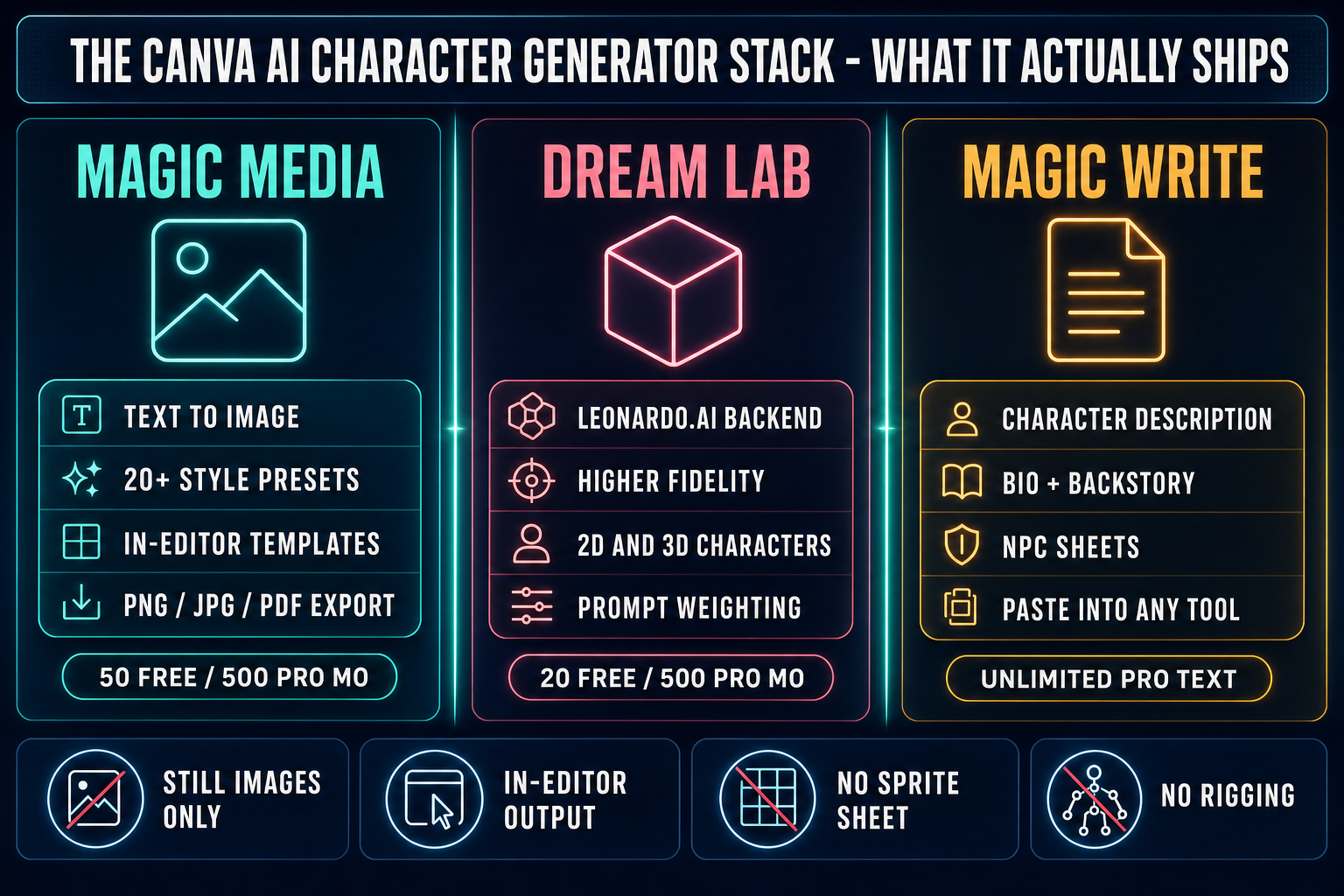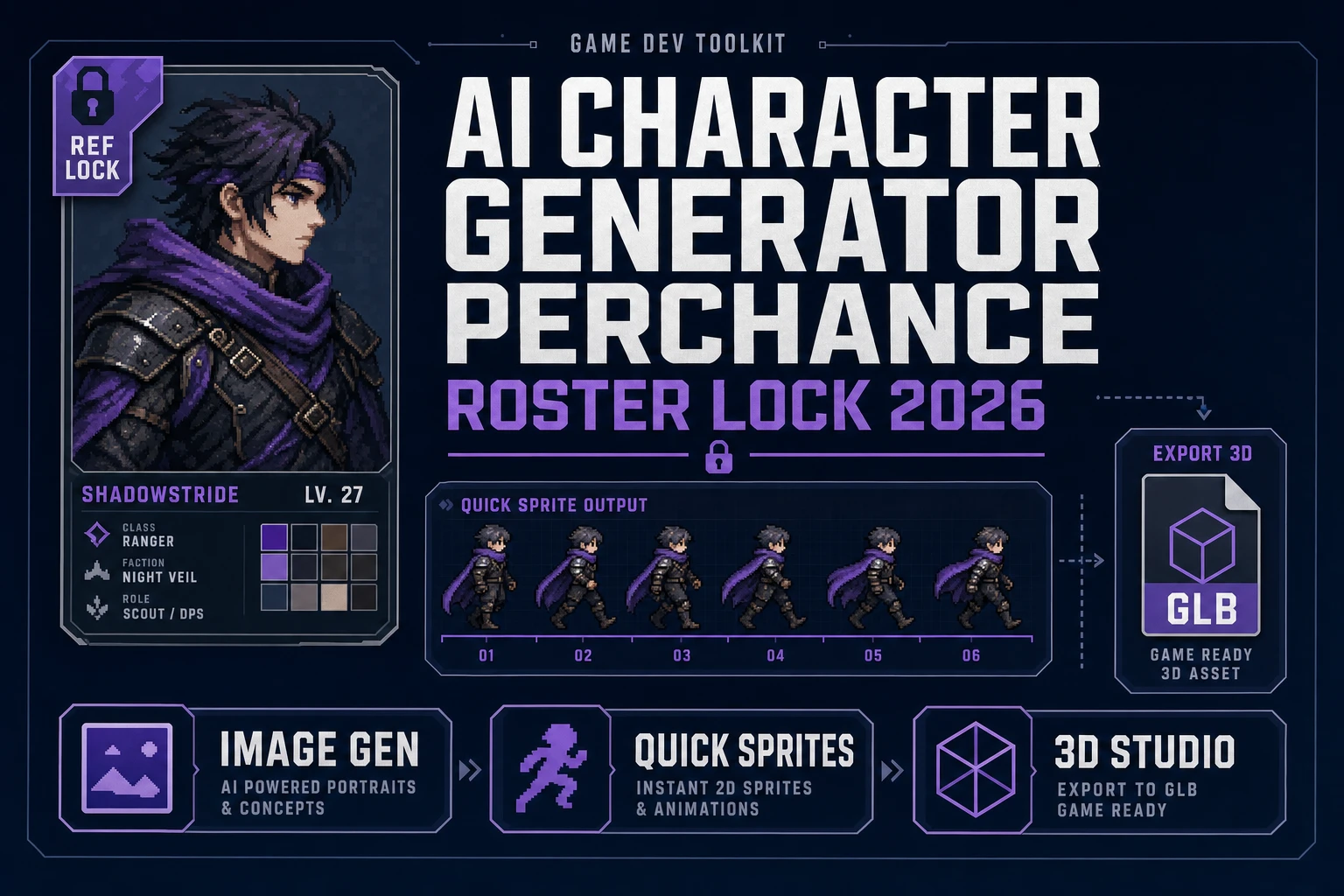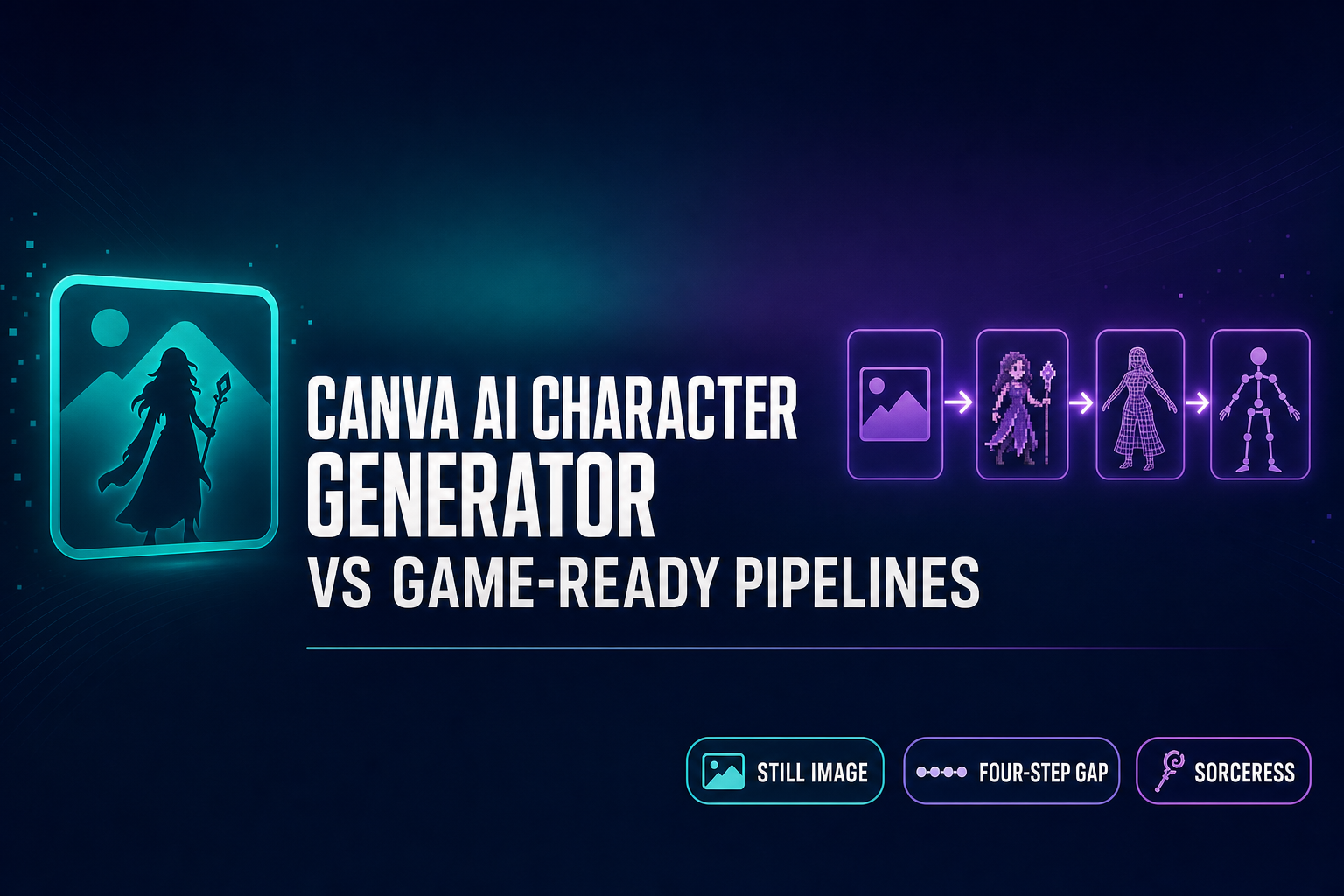
Search for "Canva AI character generator" and you land on three different tools dressed up as one — Magic Media for in-editor 2D images, Dream Lab for higher-fidelity Leonardo.AI generations, and Magic Write for character bios. They are all real, all live in the Canva editor, and all ship the exact same shape of artifact: a still image (or a paragraph of text) destined for a flyer, an Instagram post, a Steam capsule, a pitch deck. That artifact is exactly what game development needs before the game starts — and exactly what stops being useful the second a player needs to walk, jump, or rotate around the character in 3D. The honest read of the Canva AI character generator in May 2026 is that it is the right tool for one specific job (making the image), and the wrong tool for the four jobs that come after it. Verified May 15, 2026 against Canva’s own documentation pages and the source code in src/lib/models.ts.
What the Canva AI Character Generator actually ships in 2026
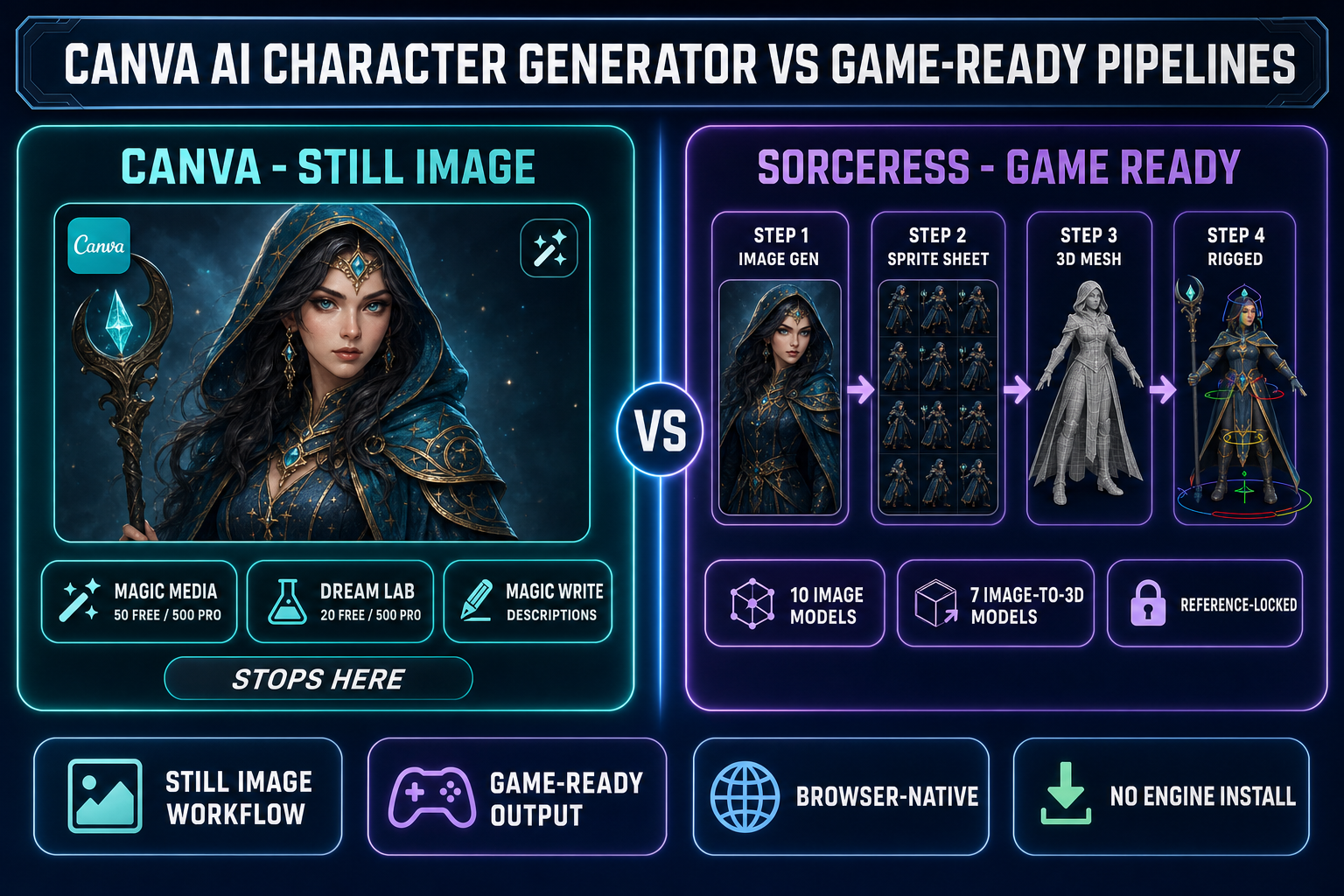
The Canva AI Character Generator is not a single product line — it is three Canva tools bundled under the same marketing page, each surfaced separately inside the Canva editor. Magic Media is the in-editor text-to-image generator that produces 2D character art across 20-plus visual styles (Dreamy, Photo, Vibrant, Anime, Watercolor, Cartoon, others). It is capped at 50 free generations per month on the free tier and 500 generations per user per month on Canva Pro. Dream Lab is the higher-fidelity image and 3D character generator, powered by Leonardo.AI and surfaced as a separate Dream Lab workflow. Dream Lab caps at 20 free generations per month and 500 per month on Pro. Magic Write is the third leg — a text generator that produces character descriptions, backstories, and bios for use in stories, scripts, or NPC dialogue trees.
All three deliver the same shape of artifact. Magic Media exports PNG or JPG at standard image sizes. Dream Lab exports PNG. Magic Write exports paragraphs of plain text. Each artifact lives inside Canva’s document model — drop it on a slide, layer it under typography, snap it to a grid, export the whole composition as PDF for print or as a sized image for Instagram, TikTok, LinkedIn, or X. The Canva AI character generator is, in 2026, a fast and cleanly integrated path from "describe a character" to "publish-ready image inside a Canva design." That is a real product and a useful one. It is also exactly where its responsibilities end.
Where Canva wins (and we should be honest)
For everything that is not the playable build, Canva is the right tool. Concept art for the studio wall, key art for the Steam page, social-media reveal posts for an upcoming boss, banner images for a Kickstarter, jam-week graphics, sticker packs, character sheets for a tabletop adaptation, NPC profile cards for a wiki, business cards for a publisher meeting, pitch decks for an investor — all of those are jobs that need a great-looking still image inside a layout, with brand-consistent typography, on the right aspect ratio, ready to publish. Canva is purpose-built for that round trip. The AI character generator slots into the editor, the editor handles the layout, and the export targets cover every social platform plus print.
It is also, candidly, the best tool for the not-game cases that game devs run into anyway. The studio update post on LinkedIn, the bug-fix patch notes graphic, the "we hit 100 wishlists" celebration, the team photo with overlay, the press kit zip — Canva runs all of those in one tab. Magic Write is genuinely useful for the writing-adjacent corners of game dev: backer-tier descriptions, Steam page paragraphs, NPC backstory text the lead writer can edit and paste into Twine or Yarn. Pretending Canva is bad at any of this is dishonest. The honest framing is narrower: Canva is great at making images that go into Canva designs and out to humans, and that is where it stops.
Where Canva stops — the wall every game dev hits
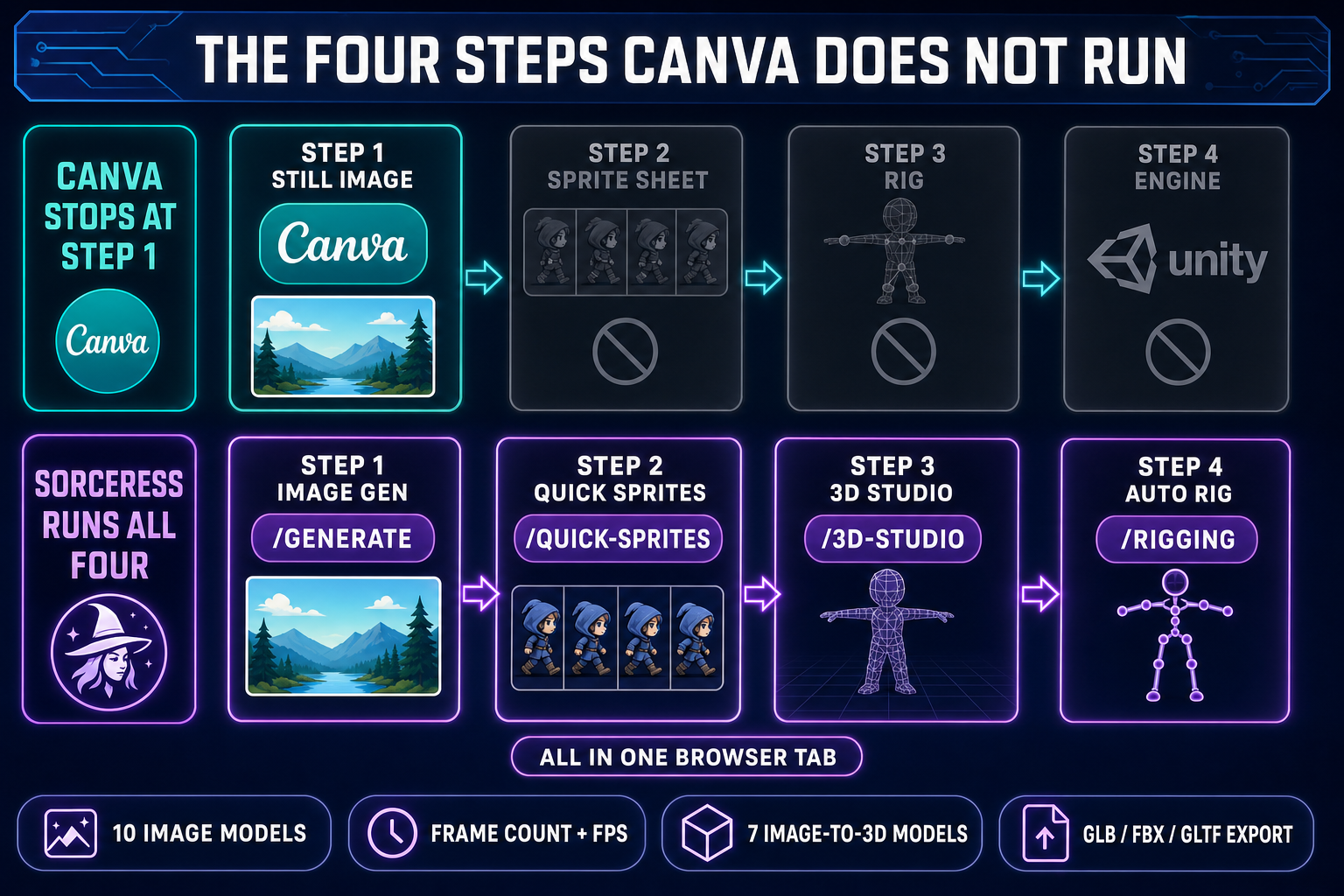
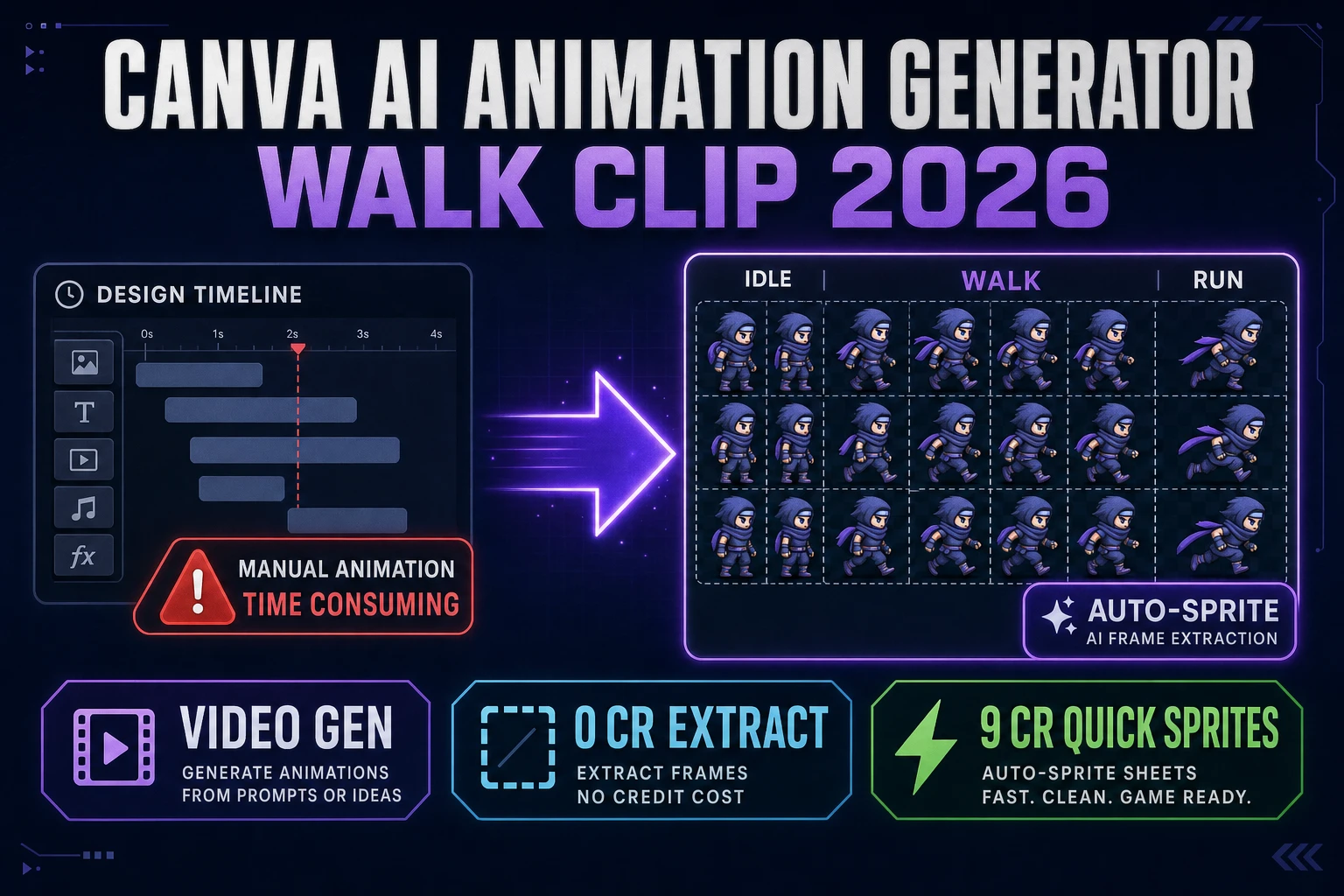
A game character is not a still image. It is a sequence of frames (the sprite sheet for 2D), or a textured mesh with a skeleton (the rigged model for 3D), or both, packed into a format the engine can read at runtime. The Canva AI character generator produces one still image at a time on whatever background the model picked, with whatever subtle pose drift the next prompt introduces. There is no frame-count control, no FPS control, no transparent-background pass, no palette quantization, no rigging, no 3D mesh extraction, no GLB or FBX or GLTF export, and no engine-import path. Even the Pro 500-generations cap does not solve this — generating eight semi-consistent walk-cycle frames burns eight credits and the frames will drift across renders, because pure-prompt generation without reference-image conditioning has no mechanism to lock the silhouette from frame to frame.
That is the wall. The four steps Canva does not run, in order: step two is the sprite sheet (multi-frame animation grid at engine-ready dimensions, transparent background, packed for the runtime); step three is the 3D mesh (single-image to textured manifold mesh extraction); step four is the rig (skeleton bound to the mesh with weight painting); step five is the animation clip (text-to-motion or hand-keyframed loop). Without those four, a Canva character is a press-kit asset, not a gameplay asset. The 2026 sprite-sheet guides for game developers — Easy-Peasy.AI, Seeles, others — all converge on the same diagnosis: the AI character generator is the front of the pipeline, and there are at least three more stages downstream that need their own tools.