Score it.
Voice it.
Sound it.
Sound Studio is the complete game-audio workspace: AI music, sound effects, text-to-speech, voice cloning, waveform previews, trimming, fades, mastering, and download.

From prompt to game-ready audio.
Sound Studio covers the audio jobs game creators usually split across several apps: soundtrack generation, custom sound effects, character voices, text-to-speech, voice cloning, editing, and mastering.
Generate full songs and loops
Write a short direction for the mood, genre, instruments, or vocal style you need. The music studio generates full tracks, instrumentals, vocal songs, remixes, covers, extensions, and soundtrack-ready ideas you can organize in your library.
- Full songs, instrumentals, and vocal tracks
- Prompt by mood, genre, BPM, and instrumentation
- Extend, remix, cover, and reuse generated tracks
- Waveform preview, seek, play, download, and library tools

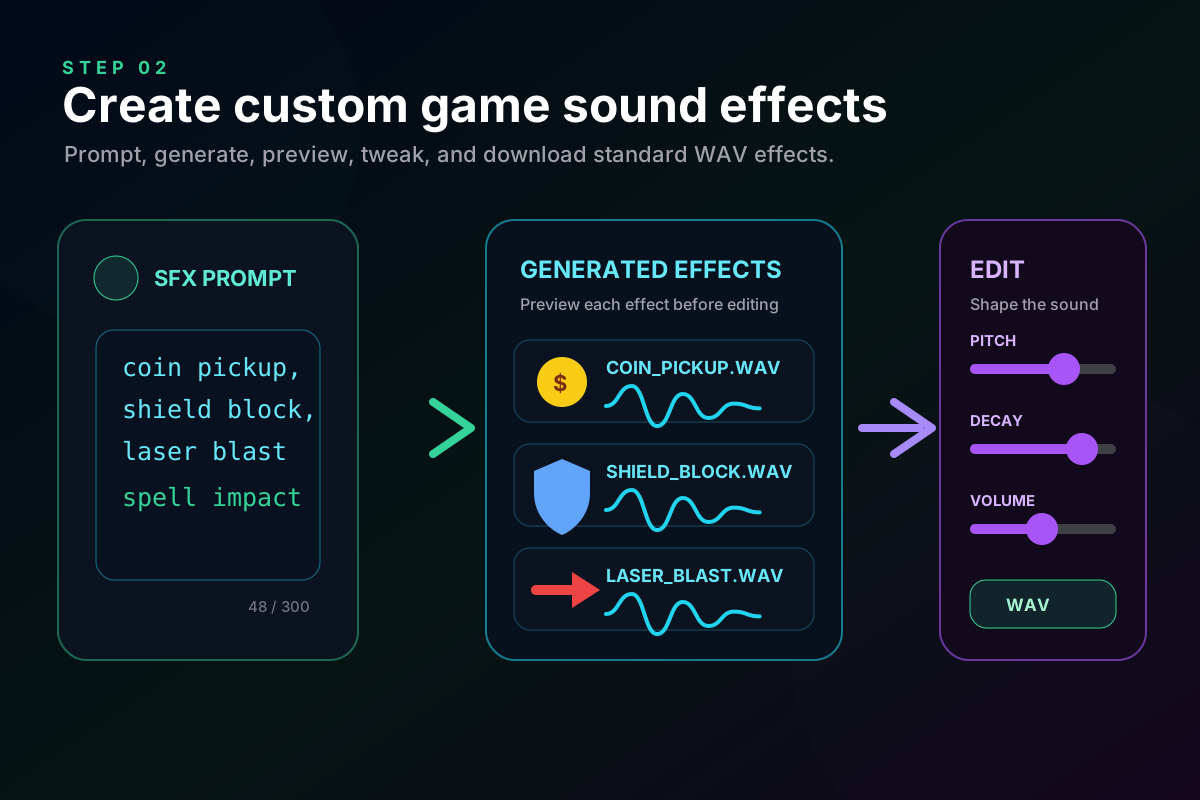
Create custom game sound effects
Describe the sounds your game needs and Sound Studio generates custom effects for UI, combat, pickups, spells, ambience, and feedback. Preview the waveform, tweak the result, and download standard audio for your project.
- Prompt-to-SFX for UI, combat, pickups, and ambience
- Local waveform synthesis, no sample packs required
- Pitch, decay, filter, volume, and processing modifiers
- WAV downloads and reusable JSON sound blueprints
Voice characters, trailers, and narration
Turn scripts into spoken dialogue, narration, trailer reads, accessibility audio, or character voice lines. Use built-in voices, emotion controls, speed/pitch/volume settings, and custom voice cloning when you need a consistent cast.
- Text-to-speech for dialogue, narration, and trailers
- Built-in voices across character and narrator archetypes
- Emotion, speed, pitch, and volume controls
- Custom voice clone workflow with MP3 export

Every major game-audio job in one place.
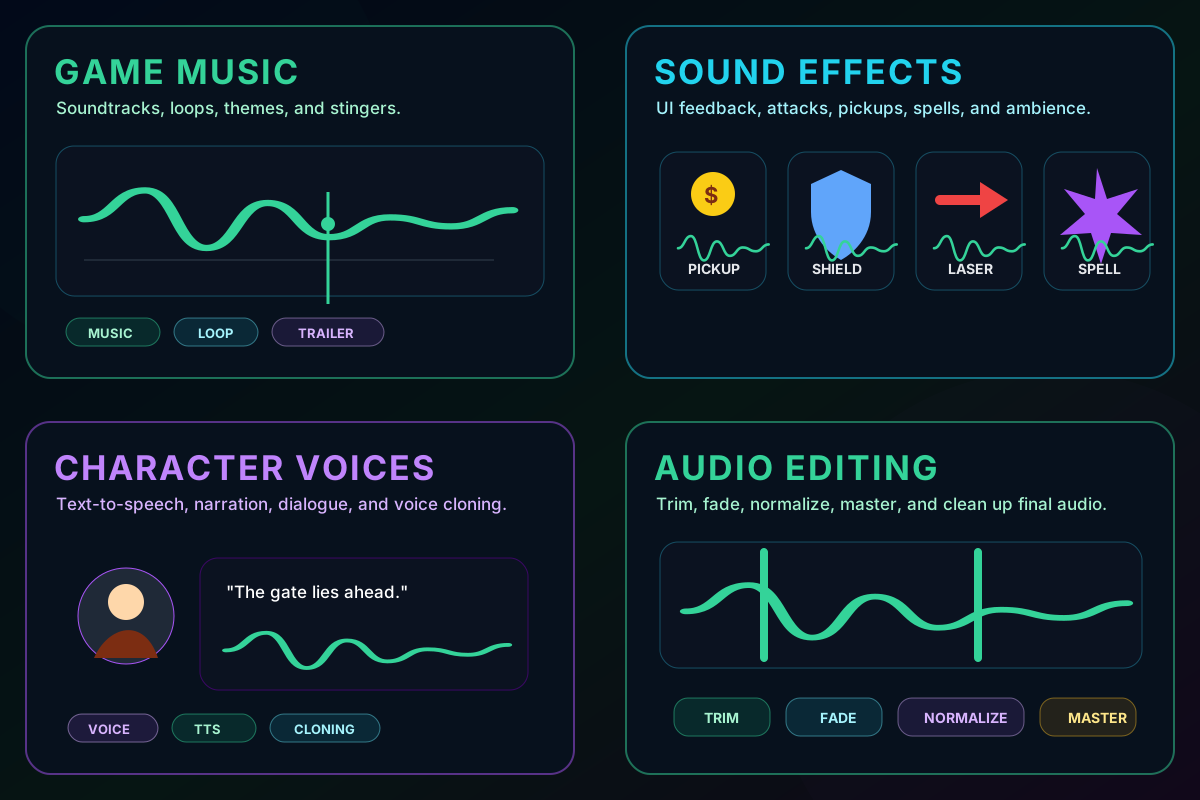
Generate the soundtrack, create interface and combat effects, voice your characters, then clean up and export the files your project needs.
Music
Generate full tracks, background loops, vocal songs, instrumentals, remixes, covers, and extensions.
Sound Effects
Create custom pickup sounds, UI clicks, impacts, spells, explosions, ambience, and interface feedback.
Voice
Generate character dialogue, narrator reads, voiceovers, announcements, and cloned voices.
What people use it for.
Use Sound Studio for soundtrack loops, trailer music, menu stingers, sound effects, UI feedback, attacks, spells, ambience, narrator reads, character dialogue, voice cloning, and production cleanup.
Everything you might be wondering.
Short answers before you open the tool.
01Is Sound Studio one tool or several audio tools?+
02Can it generate music with vocals?+
03How do sound effects work?+
04Does it support voice cloning?+
05What formats does it export?+
06Can I organize generated audio?+
Get building. Today.
Describe the game you want, or dive into the full studio. $49 one-time — and every future tool we ship is included.
Early supporter pricing. Limited availability.