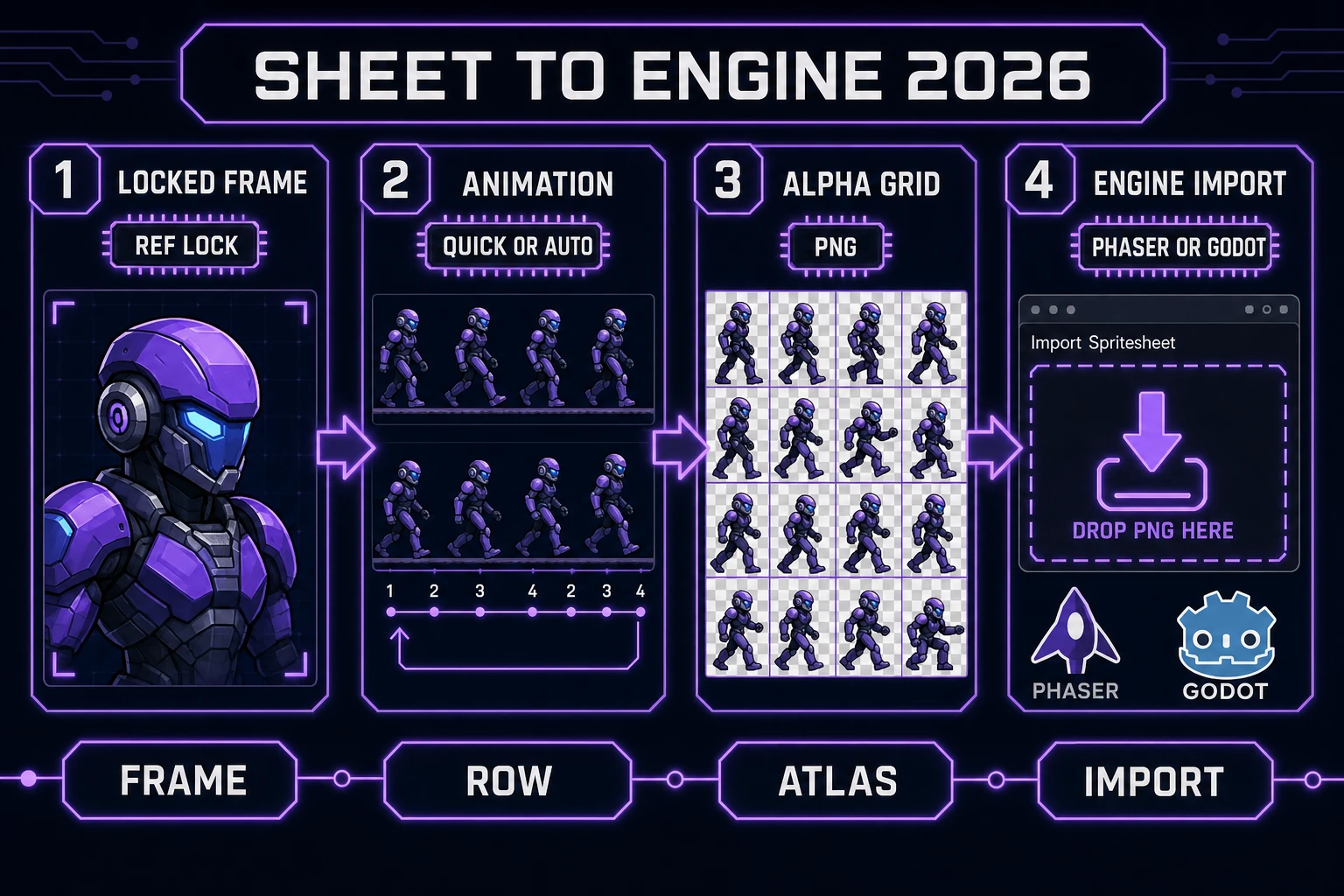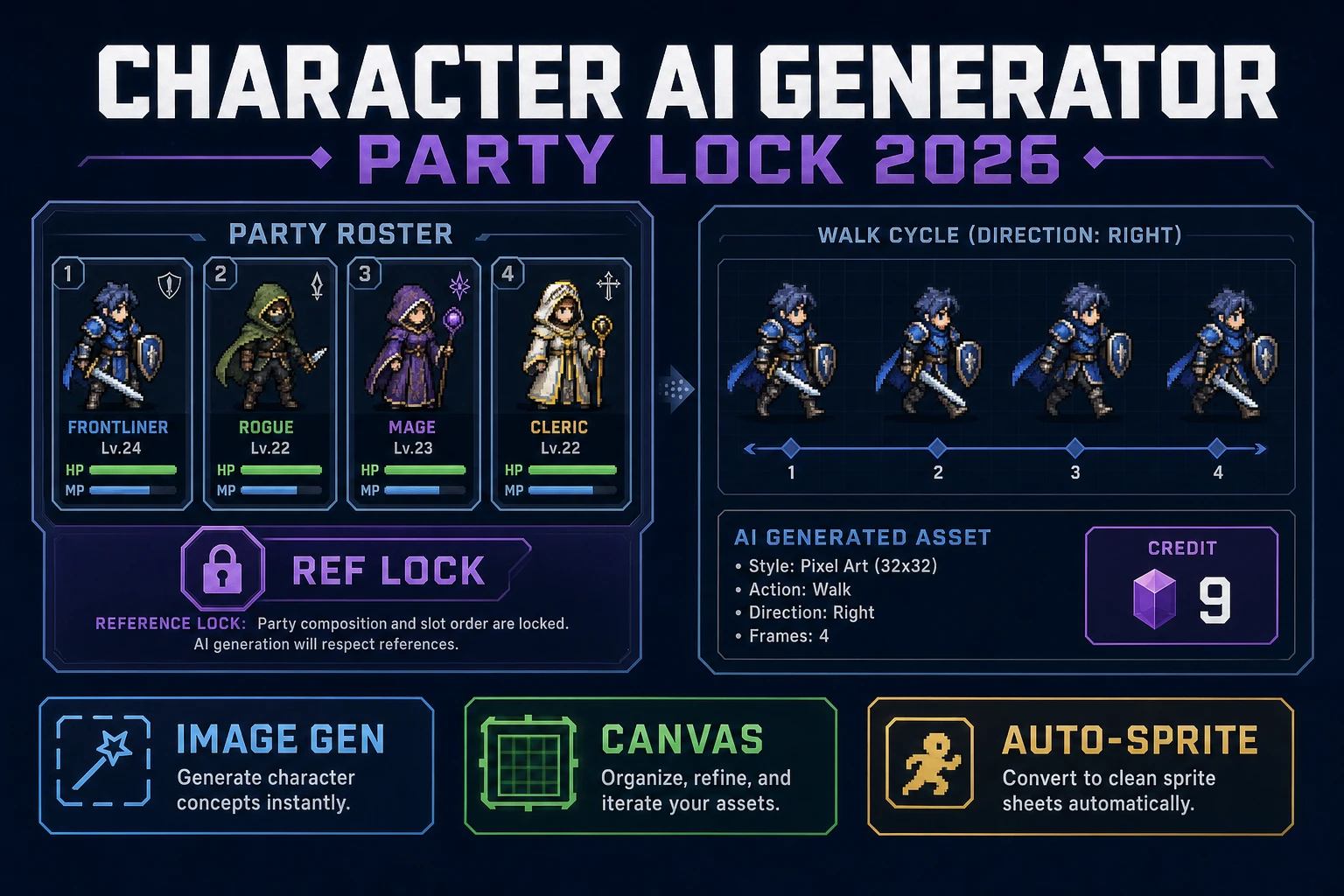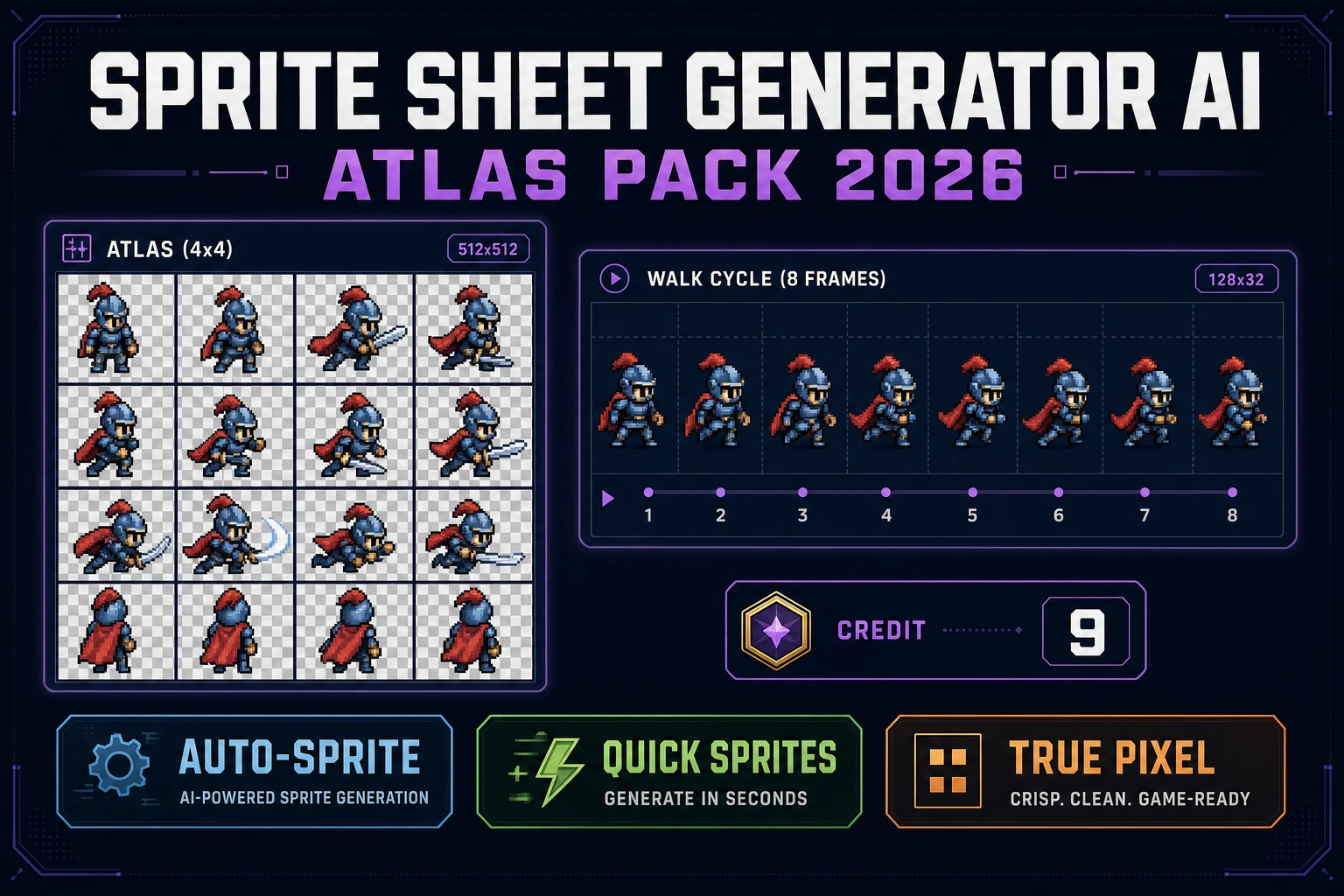
People who type sprite sheet generator AI into a search box in 2026 are almost never shopping for another random pixel character. They already have a jam deadline, an engine expecting a PNG grid, and a folder that needs an atlas — one file, transparent alpha, a stable row layout an importer can slice without hand-work. This guide treats that long-tail as a shipping problem: what the query wants, which Sorceress lane matches which input, how the three sprite lanes price out, and how the exported sheet lands in a browser engine without a second pass. Every fact is verified against source today, 2026-09-29.
What a sprite sheet generator AI search actually wants
DataForSEO lists sprite sheet generator ai at 90 searches a month with KD 8, marked transactional in tools/research-output.md (verified 2026-09-29). The neighbor phrase ai sprite sheet generator sits higher at 320/mo with KD 3 in the same table, and both point at the same job — a packed grid of frames the engine can address by row and column. Wikipedia’s sprite article (verified 2026-09-29) still frames a sprite as an independently movable 2D bitmap composited into a larger scene. The texture atlas page (verified 2026-09-29) then defines the atlas as a large image containing many smaller sub-images packed together — one bind, many draws. A sprite sheet is the animation-oriented cousin: rows are states (idle, walk, attack, hit), columns are frames.
Three shapes of output dominate the sprite sheet generator AI query today. First, a walk cycle atlas — four rows of movement per character, tile size matched to the engine. Second, a fast still-only row from a text prompt for jam pipelines that will drop the sheet directly into Phaser or Godot. Third, an image-in or video-in atlas from footage the developer already owns — reference art, hand-drawn frames, stop-motion clay. Each maps to a different Sorceress lane. Trying to force one tool to do all three is how a beginner burns credits and still ships a broken grid.
For sibling angles already on the blog, see AI sprite generator roster sheet for the character-first framing, AI character image generator sprite pack for the still-image bridge, and how to make a sprite sheet engine atlas for the engine-import angle. This page stays on the sprite sheet generator AI long-tail and on the atlas-pack outcome those searchers actually want.
Cast motion with Auto-Sprite v2 as the default sprite sheet generator AI lane
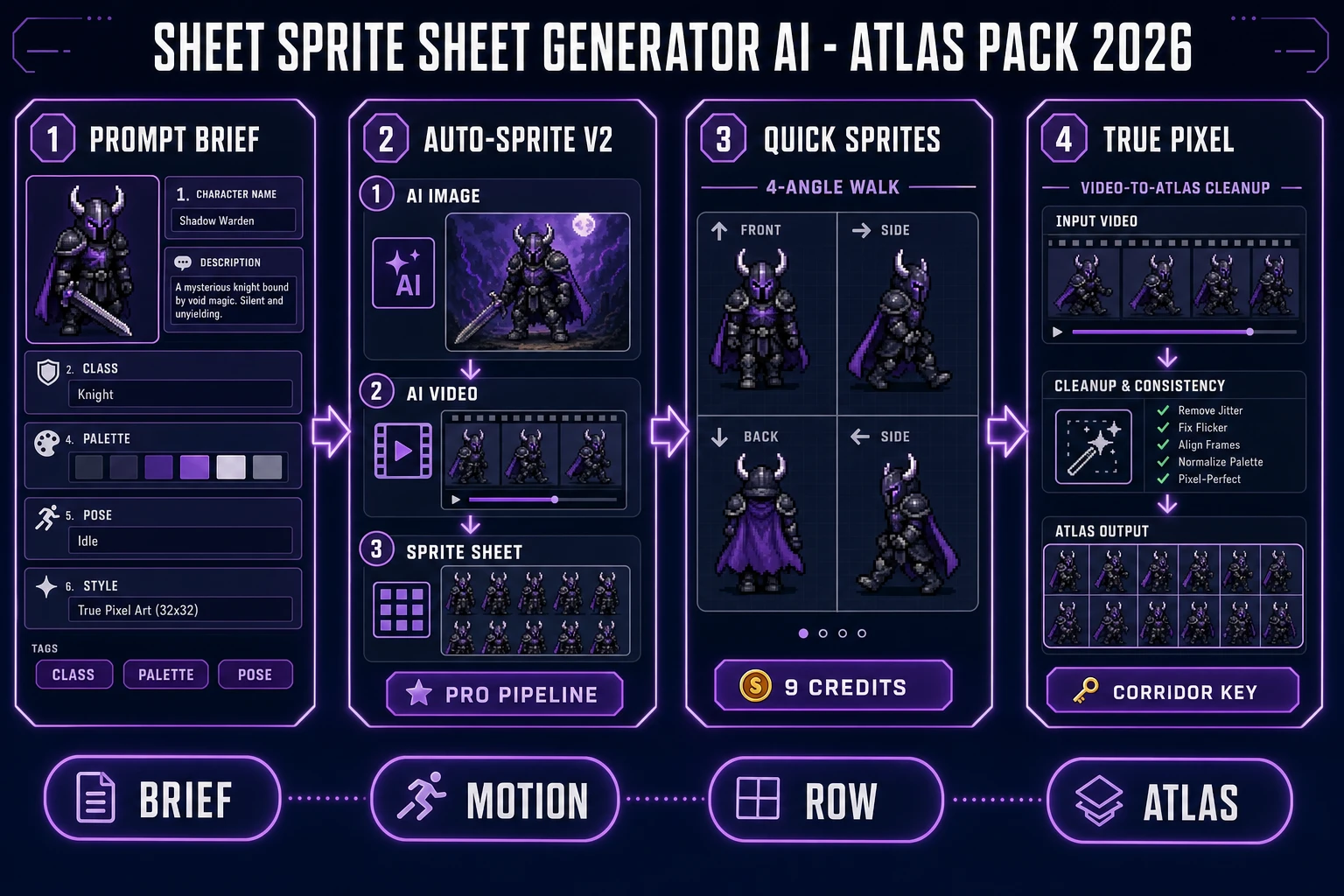
Auto-Sprite v2 is the featured tool. The home card (verified 2026-09-29 in src/app/_home-v2/_data/tools.ts) describes the pipeline in order: create a game-ready 2D sprite in minutes with three steps — generate a character with AI, animate it with AI video, then let Auto-Sprite convert that clip into a clean, game-ready sprite sheet. The Sprites & 2D tile badges the tool Pro. Treat Auto-Sprite as the sprite sheet generator AI path when the job is a real animation — a walk cycle, an attack swing, a jump-and-land — not just a static frame grid.
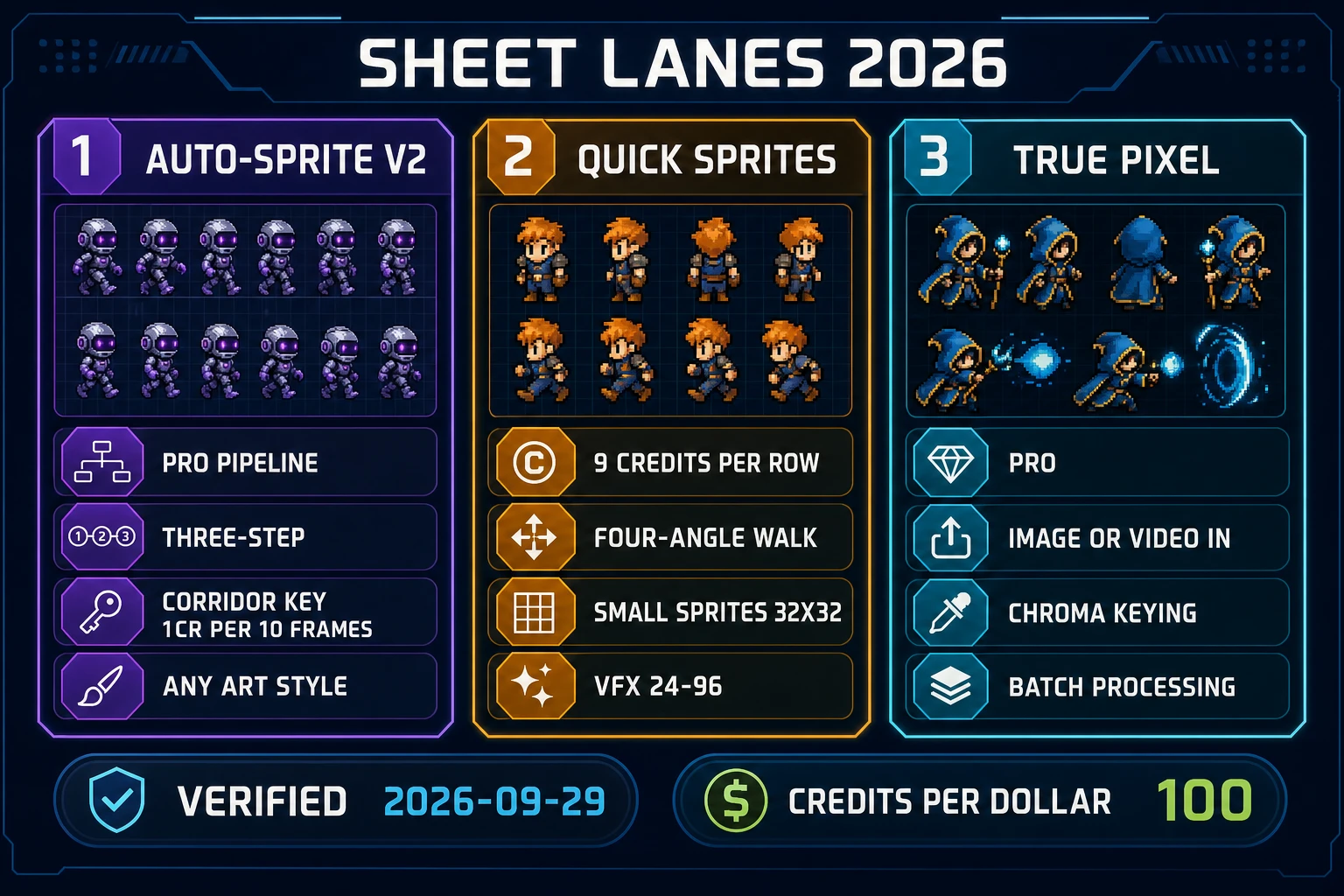
The three steps map to three separate cost lines: an AI image generation to seed the character, an AI video generation to bring the pose into motion, and the sprite-ify step that keys and packs the clip. Each stage has its own credits — the sheet-ification cost sits inside the Cloud Corridor Key math. Verified 2026-09-29 in src/app/autosprite-v2/page.tsx: Cloud GPU rate is 1 credit per 10 frames when the working size is 512 or lower, or 2 credits per 10 frames above 512. VIP members get Cloud GPU free on that path; non-VIP math is unchanged. Local backend costs 0 credits per frame — a real option for the sprite-ify step when the machine can handle it.
A common failure at this stage is asking Auto-Sprite to invent a new character halfway through the pipeline. It cannot. The three-step order is deliberate: the image is the identity, the video is the motion, the sprite-ify step is the packer. If the sheet ships with melted hands or a drifting hair color, re-lock the 2D reference in AI Image Gen before you burn another video pass. Soft silhouettes are a seed problem, not a sheet problem — fix them upstream so the atlas stays consistent across every row.
File a reference tutorial in the same session: the Auto-Sprite v2 page ships with an embedded tutorial video (AUTOSPRITE_TUTORIAL_ID in src/app/autosprite-v2/page.tsx, verified 2026-09-29) that walks the AI-image-to-animated-sprite loop end to end. New users skip the tutorial and blame the tool when the first sheet drifts — do not.
Quick Sprites for still-only sprite sheet generator AI rows
When the job is a fast pixel row from a text prompt — no reference footage, no cinematic — open Quick Sprites. It is the low-overhead lane in the sprite sheet generator AI stack. Verified 2026-09-29 in src/app/quick-sprites/page.tsx: CREDITS_PER_GEN = 9 per row, one shared price across every animation style. The tile carries an AI Credits badge on the home more-tools card (src/app/_home-v2/_data/tools.ts) — no Pro subscription required, just a credit balance.
The three shipped animation styles are worth reading before you prompt. Verified 2026-09-29 in src/app/quick-sprites/page.tsx:
- Four Angle Walking — 48×48 tile, consistent 4-direction, 4-frame walking animations of humanoid characters. Rows read Up, Right, Down, Left. The default sprite sheet generator AI shape for RPG-style movement.
- Small Sprites — 32×32 tile, 6 rows: Right, Left, Arms, Look, Surprise, Lay Down. Best for tiny NPCs or JRPG overworld casts.
- VFX Effects — flexible 24–96 pixel size at 1:1, tuned for fire, explosions, lightning, and impact effects. This is where a sprite sheet generator AI query about hit sparks and pickup shimmer belongs.
Prompt discipline matters more here than in the diffusion image tools. Quick Sprites is running retro-diffusion/rd-animation under the hood (MODEL_ID in the same file), which latches on class silhouette and palette but does not invent complex cinematography. Write the class, one weapon, one palette word, and one motion verb — then let the row generate. Do not ask for camera angles or lighting rigs; that is the Auto-Sprite v2 lane. A four-row atlas across four characters is 16 rows, which lands at 144 credits ($1.44) on the current price table — cheap enough to prototype an entire roster in one sitting.