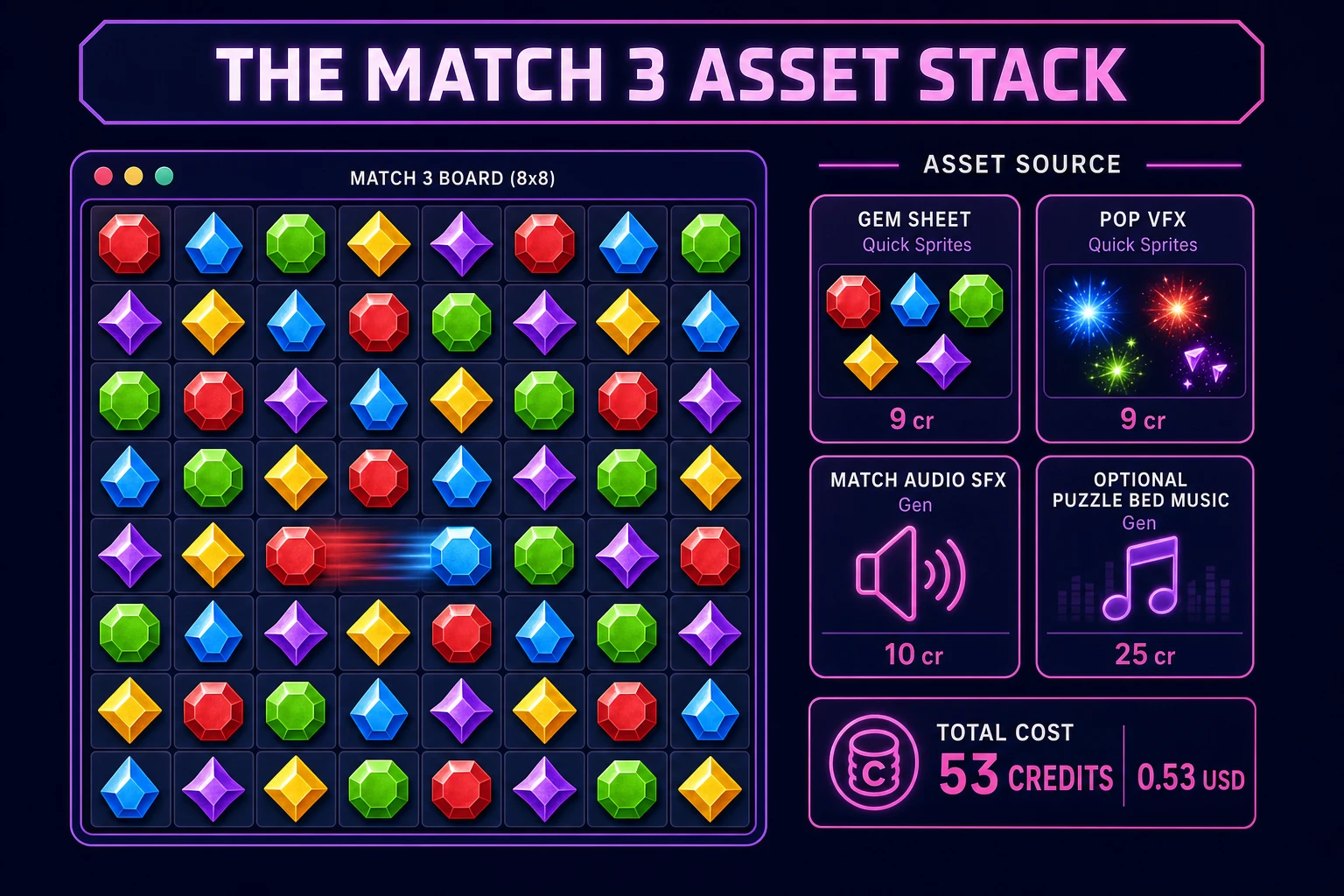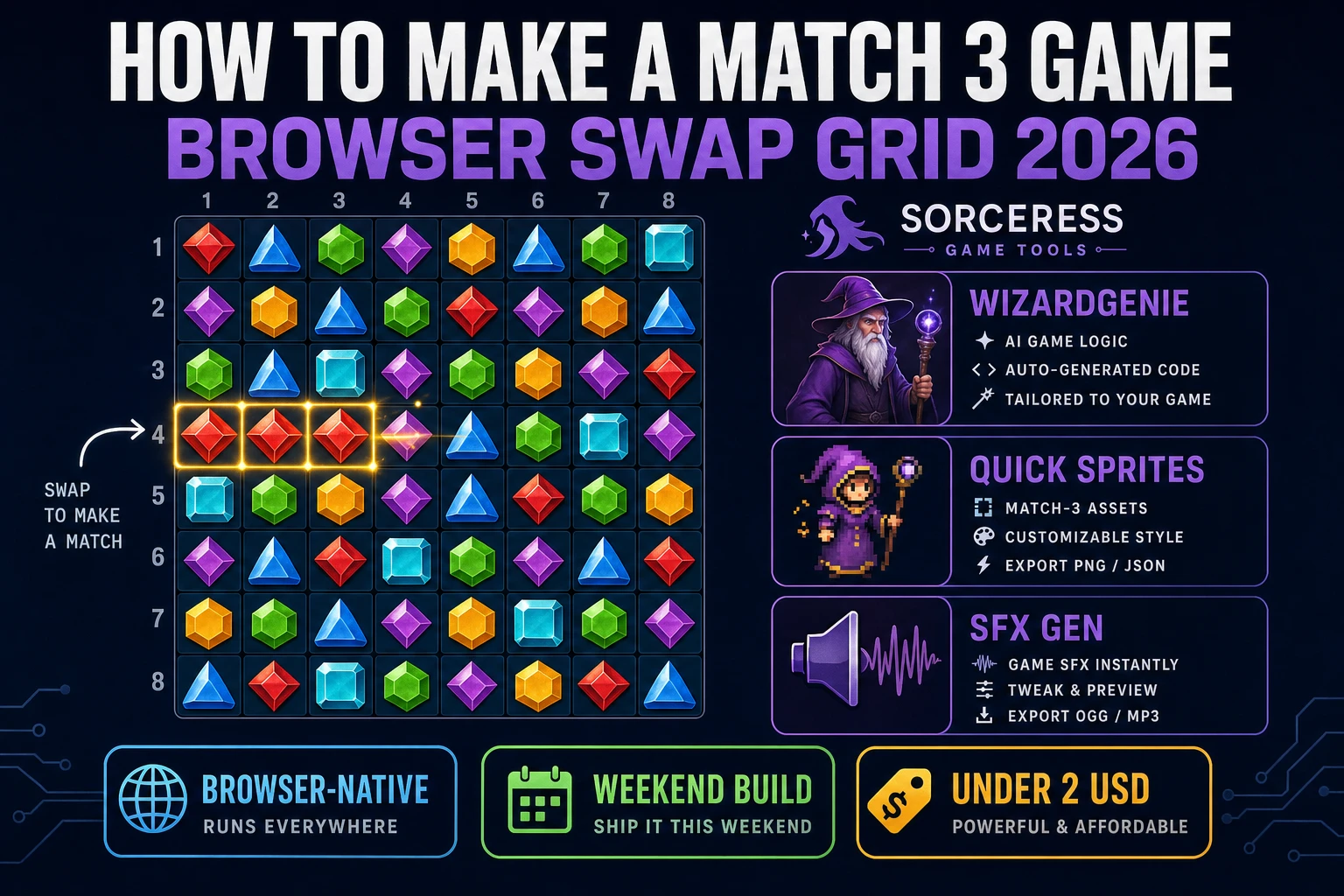
Most beginners who search “how to make a match 3 game” want a swap grid: tap or drag two adjacent gems, clear three-in-a-row runs, watch gravity pull tiles down, refill empty cells, and chain cascades until the board settles. A full live-ops economy with hundreds of levels, boosters, and daily quests is a studio product. A browser swap grid is different. A coding agent scaffolds findMatches, applyGravity, and illegal-swap rejection from one prompt, and AI generation covers gem tiles and match pops. On desktop or web, that means WizardGenie for the swap-and-cascade loop, Quick Sprites for gem sprites and pop VFX, SFX Gen for swap and clear cues, and optional Music Gen for a puzzle bed. This guide is the honest end-to-end for how to make a match 3 game in 2026, as a weekend build you can finish once.
What how to make a match 3 game actually means in 2026 (swap, cascade, score)
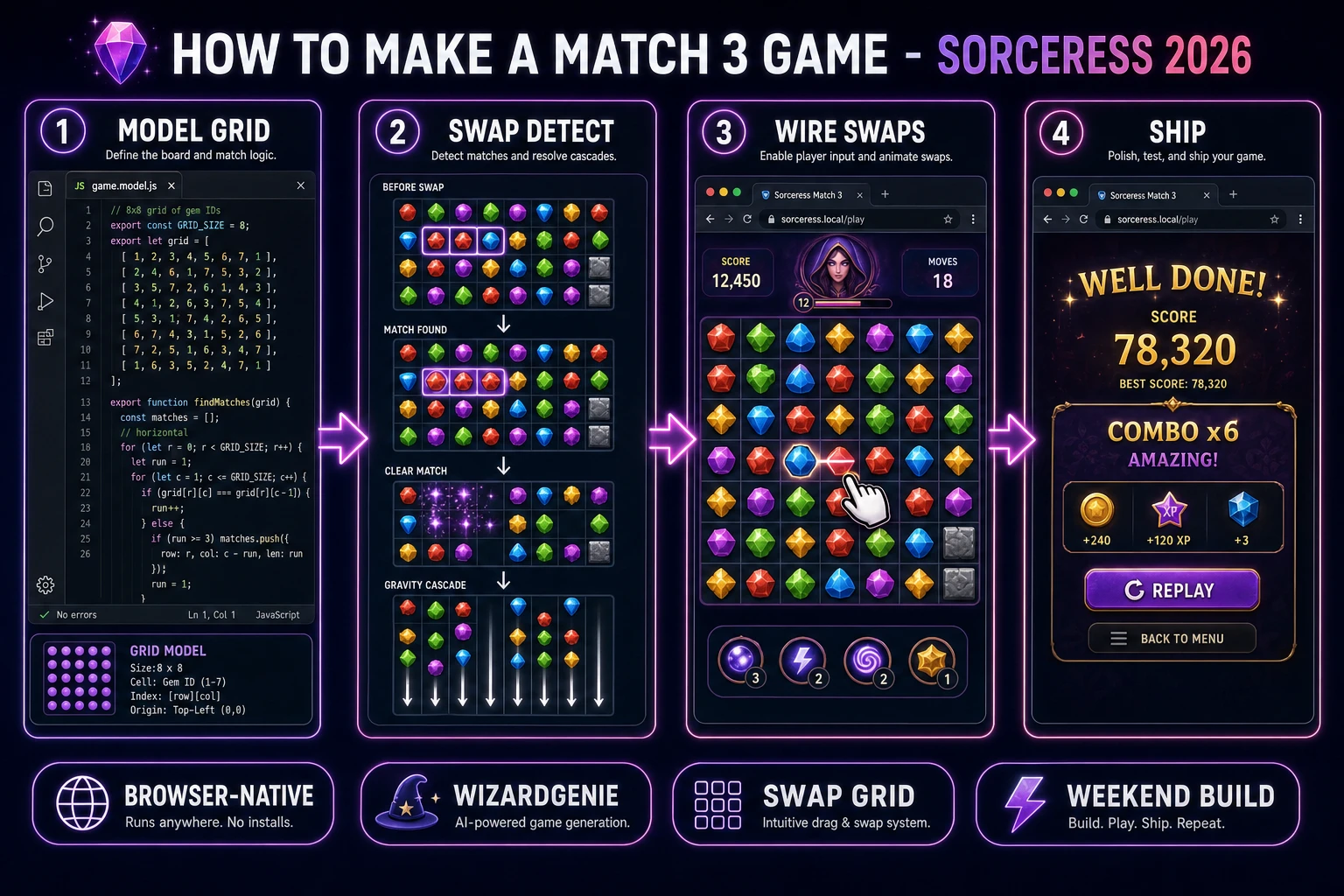
The query “how to make a match 3 game” hides three intents. Some searchers want a paper prototype with colored stickers on a grid — that is craft, not a playable digital game. A second intent is a full candy crush clone with saga maps, lives timers, and IAP boosters — months of economy tuning before the first honest swap feels fair. The third intent, and the one this guide targets, is a browser swap grid: an 8×8 board, five or six gem types, adjacent swaps only, three-in-a-row clears, gravity, refill, cascade chains, a move counter or score HUD, and a Game Over or level-complete card. That is a weekend build, it demos the Sorceress toolset, and it is the format most match 3 tutorial and javascript match 3 searchers actually want.
The presentation contract is small and strict. A title screen shows the game name, Start, and optionally a moves-left preset. The play screen shows the gem grid, a score or combo multiplier, moves remaining, and Pause. On each valid swap, animate the exchange, run clears and cascades with input locked until stable, then re-enable swaps. On game over or target score reached, freeze input, play a short fanfare, show the final score, and offer Replay. The Bejeweled overview on Wikipedia (verified 2026-08-22) still separates the classic swap-and-match loop from tile-matching fallers like Tetris cleanly — cite it when you write your itch.io blurb so players know which promise you kept. If you already shipped a merge or roll loop, the sibling guides on how to make 2048 and how to make a dice game cover shared grid UI patterns; this post owns swap validation, cascade gravity, and combo scoring instead.
The match 3 loop in one minute (swap, detect, clear, gravity, refill)
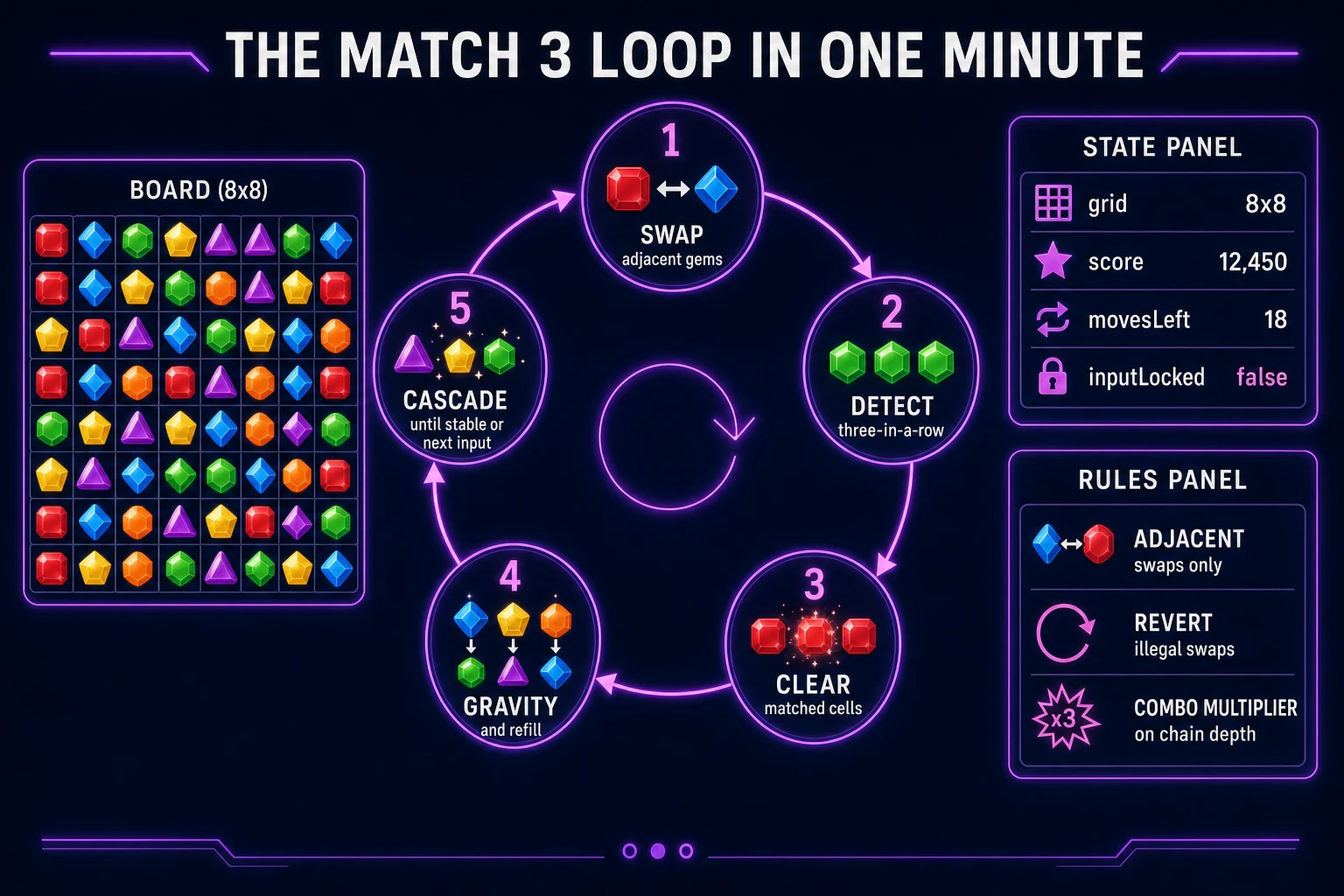
Five moving parts, repeated until the player runs out of moves or hits a target score. First, swap — player picks two orthogonally adjacent cells; exchange their gem types in a scratch copy. Second, detect — run findMatches on the copy; if no run of three or more exists, revert the swap and unlock input. Third, clear — null out every matched cell and add base score plus combo multiplier. Fourth, gravity — for each column, compact gems downward and leave null holes at the top. Fifth, refill and cascade — spawn random gem types into null cells, re-run detection, and repeat clear-gravity-refill until the board is stable. That is the entire match 3 loop. Blockers, color bombs, and saga maps are polish layered after one honest browser match three session chains three clears in a row without illegal swaps slipping through.
Pick your engine for how to make a match 3 game: canvas grid, Phaser, or WizardGenie
Three good targets in 2026, each with a different trade-off. Vanilla JavaScript on a 2D canvas is the honest default and the pick this guide recommends for a first build. Store the board as a 2D array of gem type ids, blit sprite tiles at fixed cell size, and animate swap motion with requestAnimationFrame lerp between cell centers. Total code footprint for a working gem swap game is under 500 lines including match detection, gravity, and pointer hit-testing. No engine to install, ships as a static HTML file, deploys anywhere. The MDN Canvas API docs cover the drawing surface, and Pointer events cover drag-and-swap on the same canvas for mouse and touch.
DOM grid with CSS cells becomes the right pick if you want accessible focus rings on every gem for a classroom demo. You trade animation smoothness for semantics — fine for a 6×6 teaching board, heavier once cascades animate eight columns simultaneously with reflow cost.
Phaser 4.1.0 (verified 2026-08-22 on the official Phaser API documentation page) becomes the right pick if you want Scene lifecycle for title-play-score, tweens when gems swap and fall, or particle bursts on a four-in-a-row. Phaser does not invent your cascade resolver — you still need the same findMatches and applyGravity helpers. Use Phaser when motion polish is the product; use vanilla canvas when the product is a javascript match 3 loop people can play on a phone browser tab.
WizardGenie is not a separate rendering engine — it scaffolds whichever of the three you pick from a single natural-language prompt. WizardGenie ships as both a desktop app (Windows installer with auto-update, available to Early Access supporters and above) and a no-install web build. Its coding-model lineup covers Claude Opus 4.7, GPT-5.5, Gemini 3.1 Pro, DeepSeek V4 Pro, Kimi K2.5, Grok 4.2, and MiniMax M2.7 (verified 2026-08-22 in src/app/_home-v2/_data/tools.ts). For match-3 games, any frontier model scaffolds grid state, swap validation, and cascade resolution in one prompt. Pair a frontier planner with a budget executor like DeepSeek V4 Pro or Kimi K2.5 for the typing pass — the Dual-agent pattern lands most projects at roughly one-fifth the single-frontier cost.