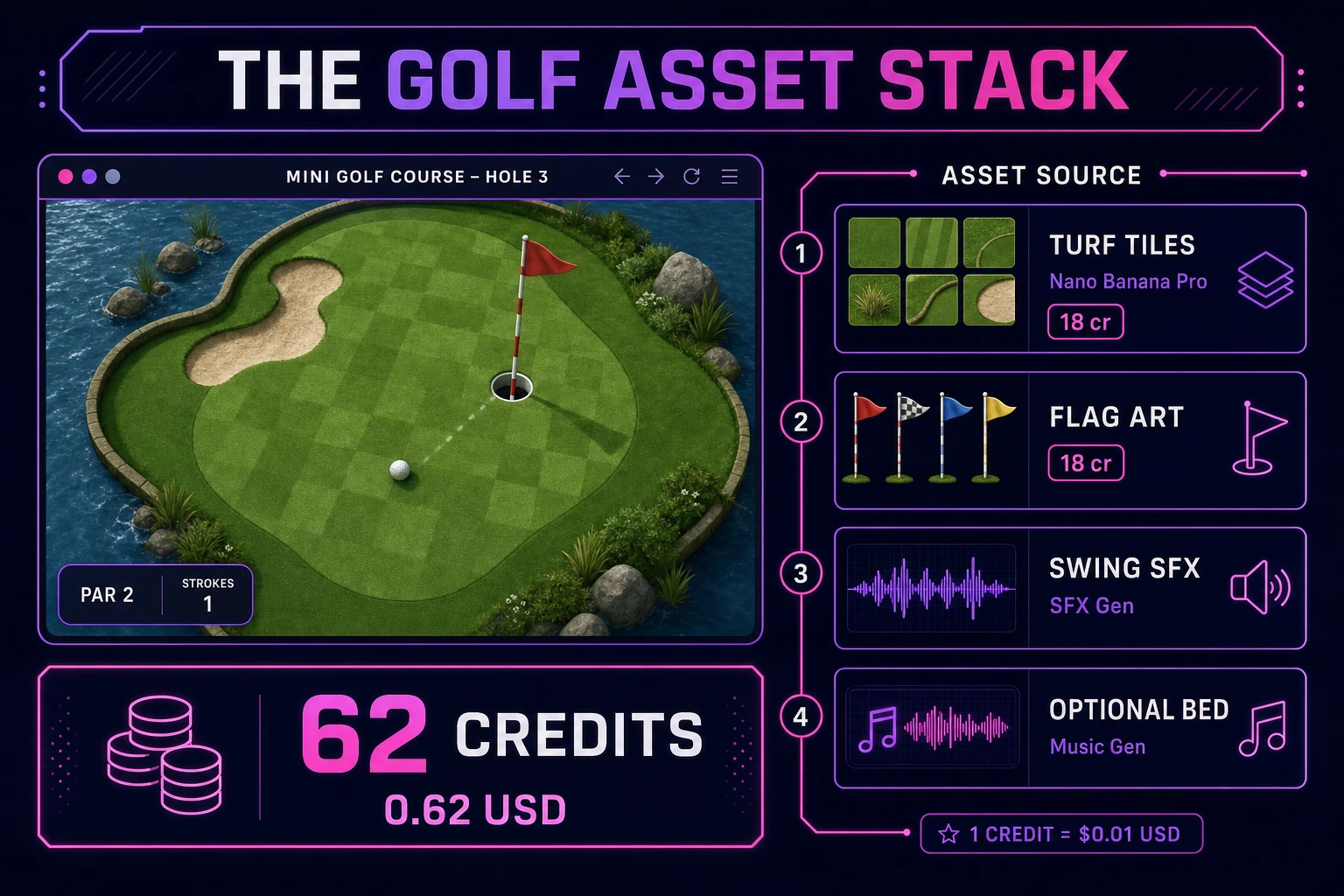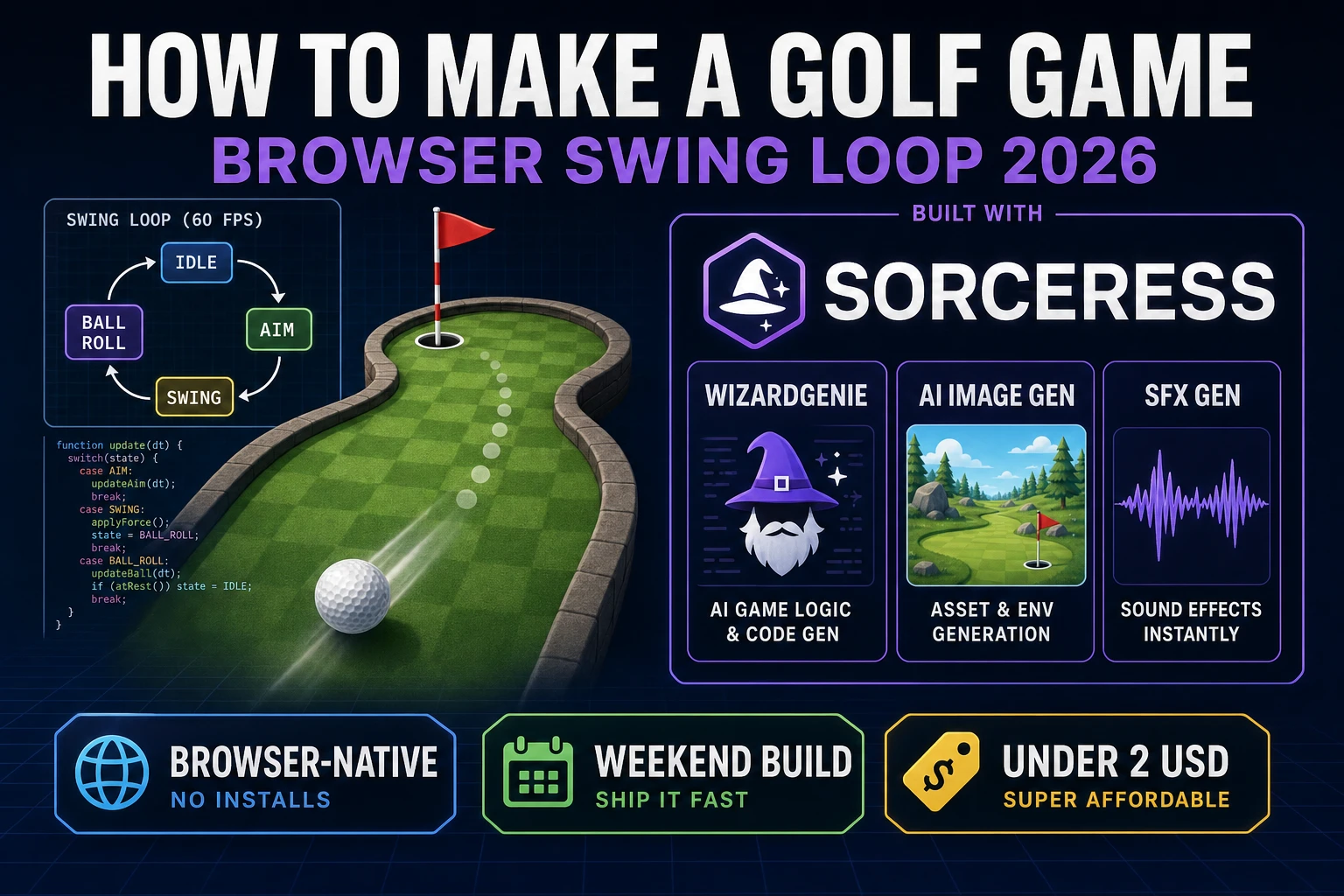
Most beginners who search “how to make a golf game” want a fairway you can see, a ball you drag to aim, a power meter that fills on pull-back, and a satisfying roll that slows until the ball drops in the cup or stops short. A PGA Tour sim with club stats, wind vectors, and eighteen linked courses is a studio project. A browser mini golf loop is different. A coding agent scaffolds aim vectors, friction integration, and hole detection from one prompt, and AI generation covers turf tiles and swing audio. On desktop or web, that means WizardGenie for the aim-swing-roll loop, AI Image Gen for course art, SFX Gen for swing and cup audio, and optional Music Gen for a pastoral bed. This guide is the honest end-to-end for how to make a golf game in 2026, as a weekend build you can finish once.
What how to make a golf game actually means in 2026
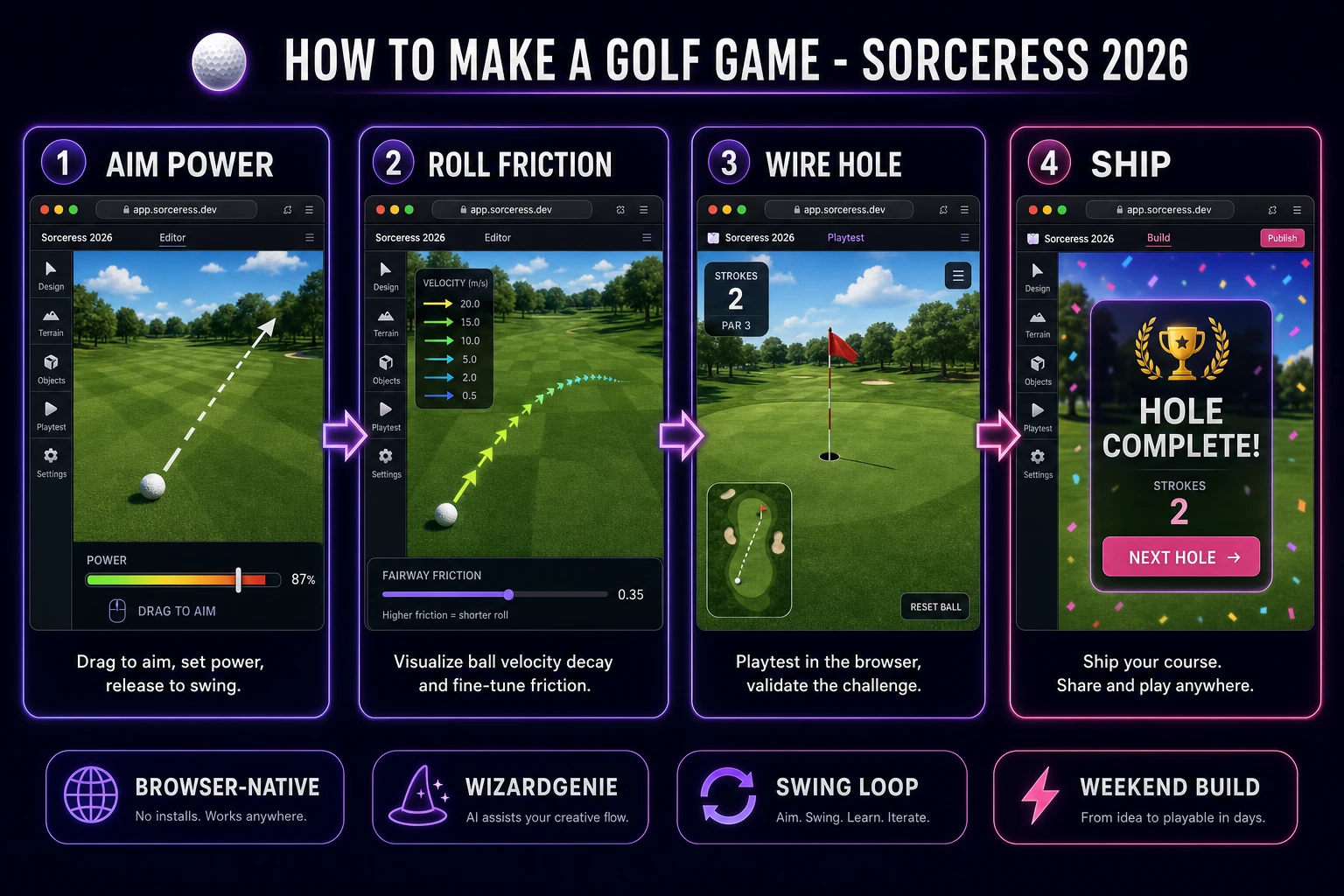
The query “how to make a golf game” hides three intents. Some searchers want a Unity asset pack with pre-modeled courses and licensed golfer avatars — that is engine shopping, not a minimal playable loop. A second intent is a realistic golf sim with swing planes, ball spin, and broadcast camera cuts — a product team, not a solo jam. The third intent, and the one this guide targets, is a browser mini golf hole: one fairway, one tee, one cup with a flag, drag-to-aim input, a power bar, ball roll that decelerates on grass, and a stroke counter that ticks up each swing. That is a weekend build, it demos the Sorceress toolset, and it is the format most golf game tutorial and javascript golf game searchers actually want.
The presentation contract is small and strict. A title screen shows the course name, par, and Play. The play screen shows the fairway from a top-down or slight isometric angle, the ball at the tee, the cup marked with a flag, a stroke counter, and a power meter that appears only while the player drags. On release, hide the meter, apply velocity from aim direction times power, and let friction slow the ball each frame until speed drops below a rest threshold. When the ball rests inside the hole radius, play a sink sound, show Hole Complete with total strokes, and offer Next Hole or Play Again. When strokes exceed par plus two, show Try Again. The Golf overview on Wikipedia (verified 2026-08-25) still separates stroke play from match play cleanly — cite it when you write your itch.io blurb so players know you shipped a mini golf loop, not a full PGA roster. If you already shipped a physics arcade game, the sibling guide on how to make a pinball game covers gravity and impulse math; this post owns drag aim, roll friction, and cup detection instead.
The golf loop in one minute (aim, swing, roll, hole)
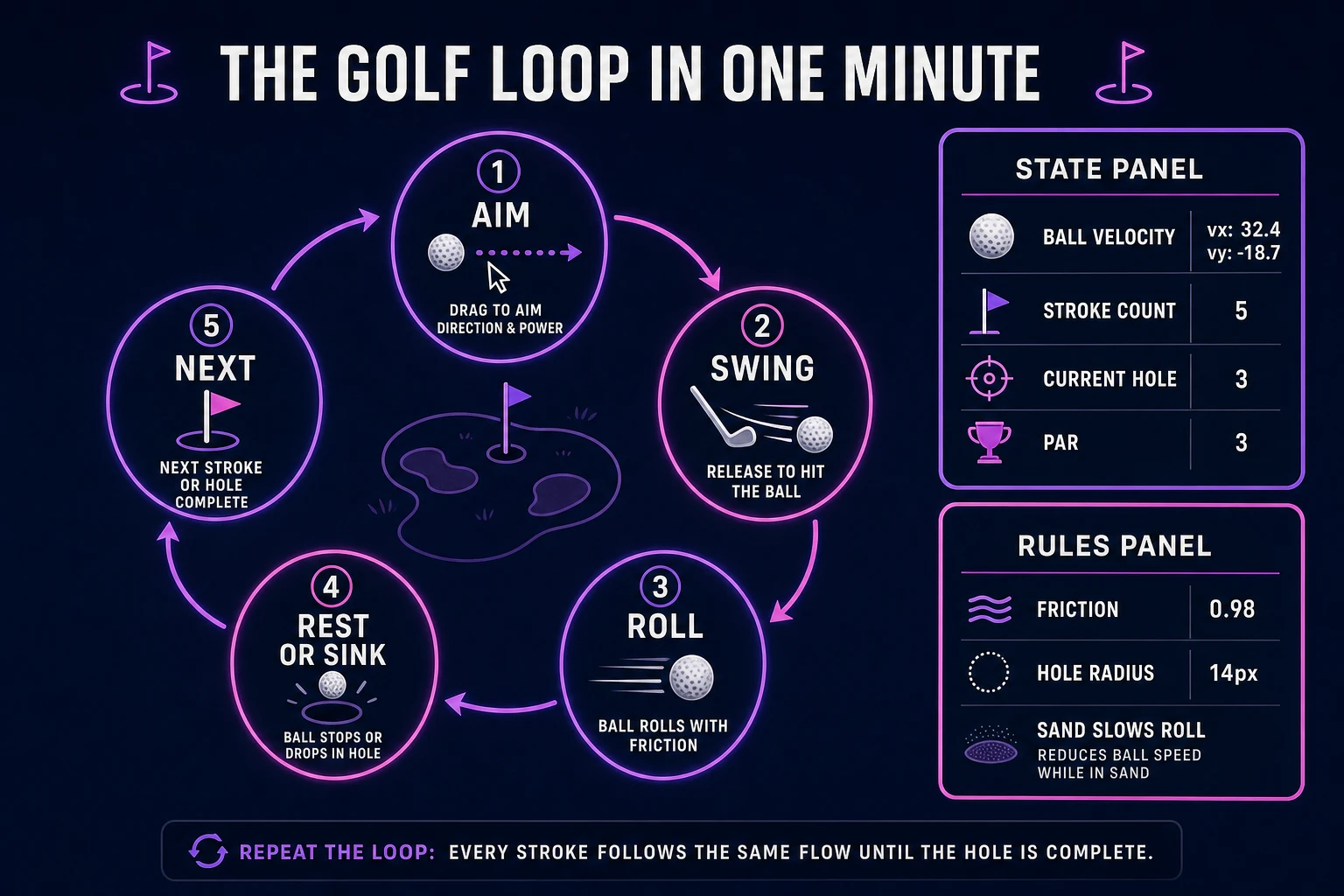
Five moving parts, repeated until the ball sinks or strokes run out. First, aim — on pointerdown at the ball, record the start point and show a direction arrow from ball to cursor. Second, swing — on pointerup, compute power as clamped distance between start and release, convert aim angle to a unit vector, and set ball velocity to direction times power times a scale factor. Third, roll — each frame while speed exceeds the rest threshold, move the ball, multiply velocity by a friction constant, and bounce off wall segments if the ball overlaps an obstacle edge. Fourth, rest or sink — when speed drops below threshold, if ball center is inside hole radius minus ball radius, snap to cup and mark complete; otherwise leave the ball where it stopped and wait for the next aim. Fifth, next stroke or hole complete — increment strokes on each swing release, compare to par, and show win or retry UI when the hole resolves. That is the entire golf loop. Wind, spin, club selection, and multi-hole course editors are polish layered after one honest putt rolls, stops, and sinks without the ball tunneling through walls.
Pick your engine for how to make a golf game: canvas, Phaser, or WizardGenie
Three good targets in 2026, each with a different trade-off. Vanilla JavaScript on canvas is the honest default and the pick this guide recommends for a first build. Draw the fairway polygon, sand traps, water hazard rectangles, ball, and flag each frame with fillRect, arc, and lineTo, integrate position with friction each tick, and run circle-vs-segment collision for walls and bumpers. Total code footprint for a working html5 golf game is under 400 lines including stroke counter, hole detection, and a simple power meter. No engine to install, ships as a static HTML file, deploys anywhere. The MDN Canvas API docs cover drawing and animation frames, and Pointer events cover mouse and touch on the same drag-to-aim gesture.
DOM with CSS transforms becomes the right pick only for a static mockup — a rolling ball at sixty frames per second through dozens of div elements janks on mobile. Stick with canvas for any golf ball physics javascript tutorial you expect strangers to play.
Phaser 4.1.0 (verified 2026-08-25 on the official Phaser API documentation page) becomes the right pick if you want Matter Physics restitution on bumper rails, tweened camera pans when the ball nears the cup, or Scene transitions between title and play. Phaser does not invent your friction curve — you still need the same velocity decay and hole overlap helpers. Use Phaser when obstacle bounce chains and animated hole reveals are the product; use raw canvas when the product is a browser mini golf walkthrough people can read in one sitting.
WizardGenie is not a separate rendering engine — it scaffolds whichever of the two you pick from a single natural-language prompt. WizardGenie ships as both a desktop app (Windows installer with auto-update, available to Early Access supporters and above) and a no-install web build. Its coding-model lineup covers Claude Opus 4.7, GPT-5.5, Gemini 3.1 Pro, DeepSeek V4 Pro, Kimi K2.5, Grok 4.2, and MiniMax M2.7 (verified 2026-08-25 in src/app/_home-v2/_data/tools.ts). For mini golf, any frontier model scaffolds aim drag, friction integration, and hole overlap in one prompt. Pair a frontier planner with a budget executor like DeepSeek V4 Pro or Kimi K2.5 for the typing pass — the Dual-agent pattern lands most projects at roughly one-fifth the single-frontier cost.