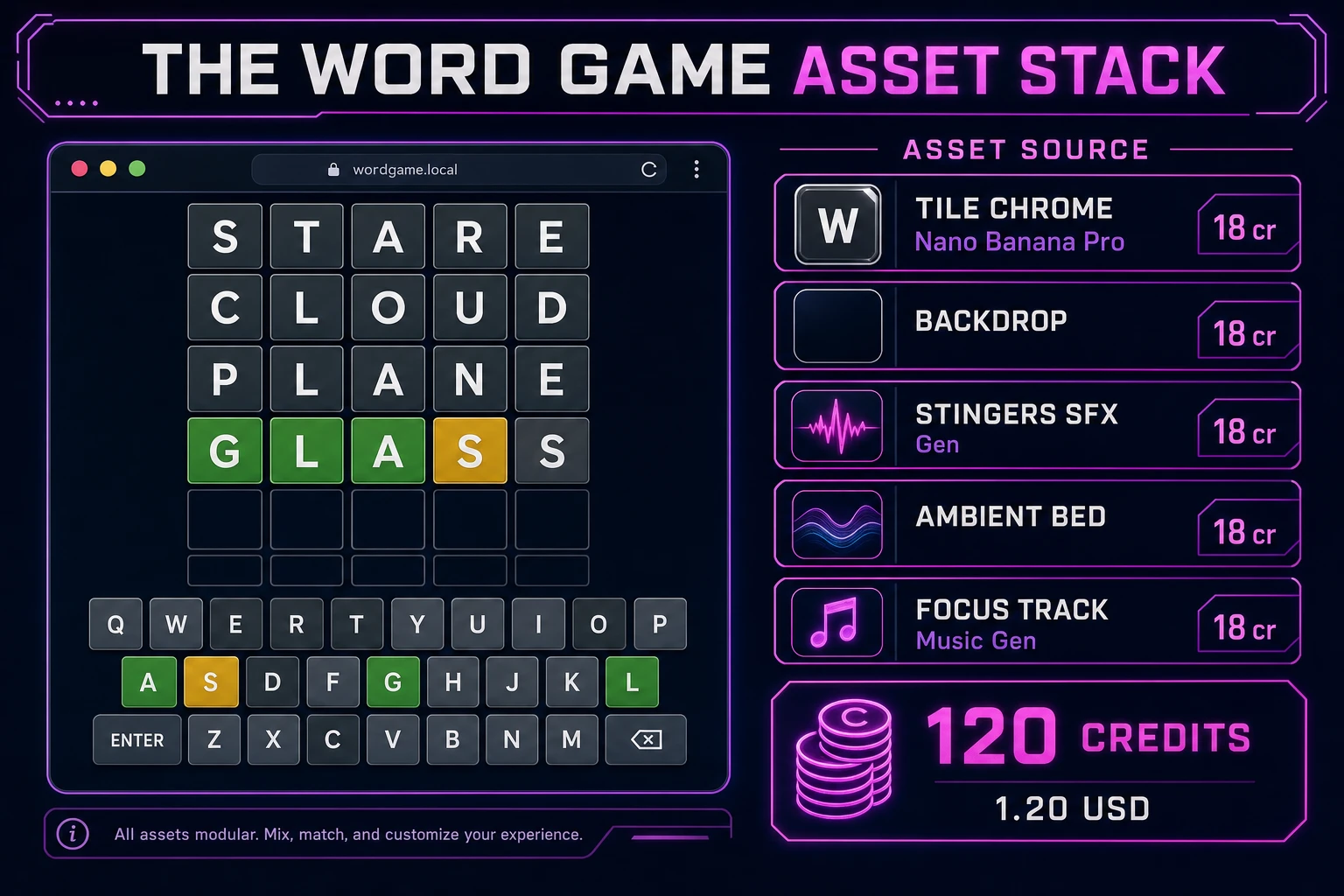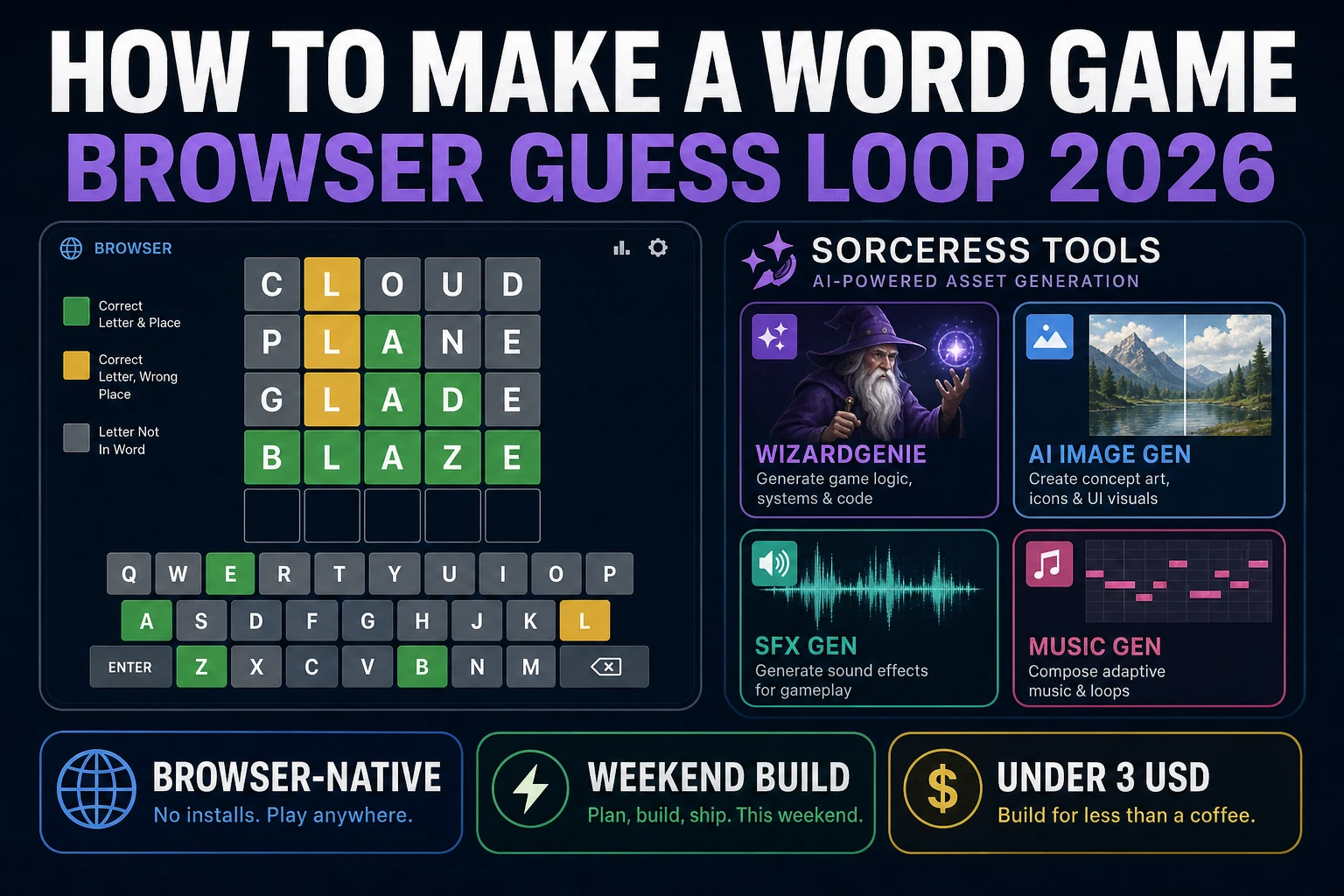
Daily five-letter guess games rewired what “word puzzle” means for browser players: a secret word, six rows, color-coded letter feedback, and a shareable emoji grid at the end. That loop is small enough to ship in a weekend but rich enough to teach dictionary validation, duplicate-letter scoring, and keyboard-first UX. Most javascript word puzzle tutorials stop at a static HTML form and an alert on submit. The 2026 pipeline is different. A coding agent scaffolds the grid, feedback engine, and virtual keyboard from one prompt, and AI generation covers tile chrome and focus audio. In a browser, that means WizardGenie for the guess loop, Sorceress AI Image Gen for tile skins and backdrop, SFX Gen for key and win stings, and Music Gen for a calm puzzle bed. This guide is the honest end-to-end for how to make a word game in 2026, in a browser, in a weekend.
What how to make a word game actually means in 2026
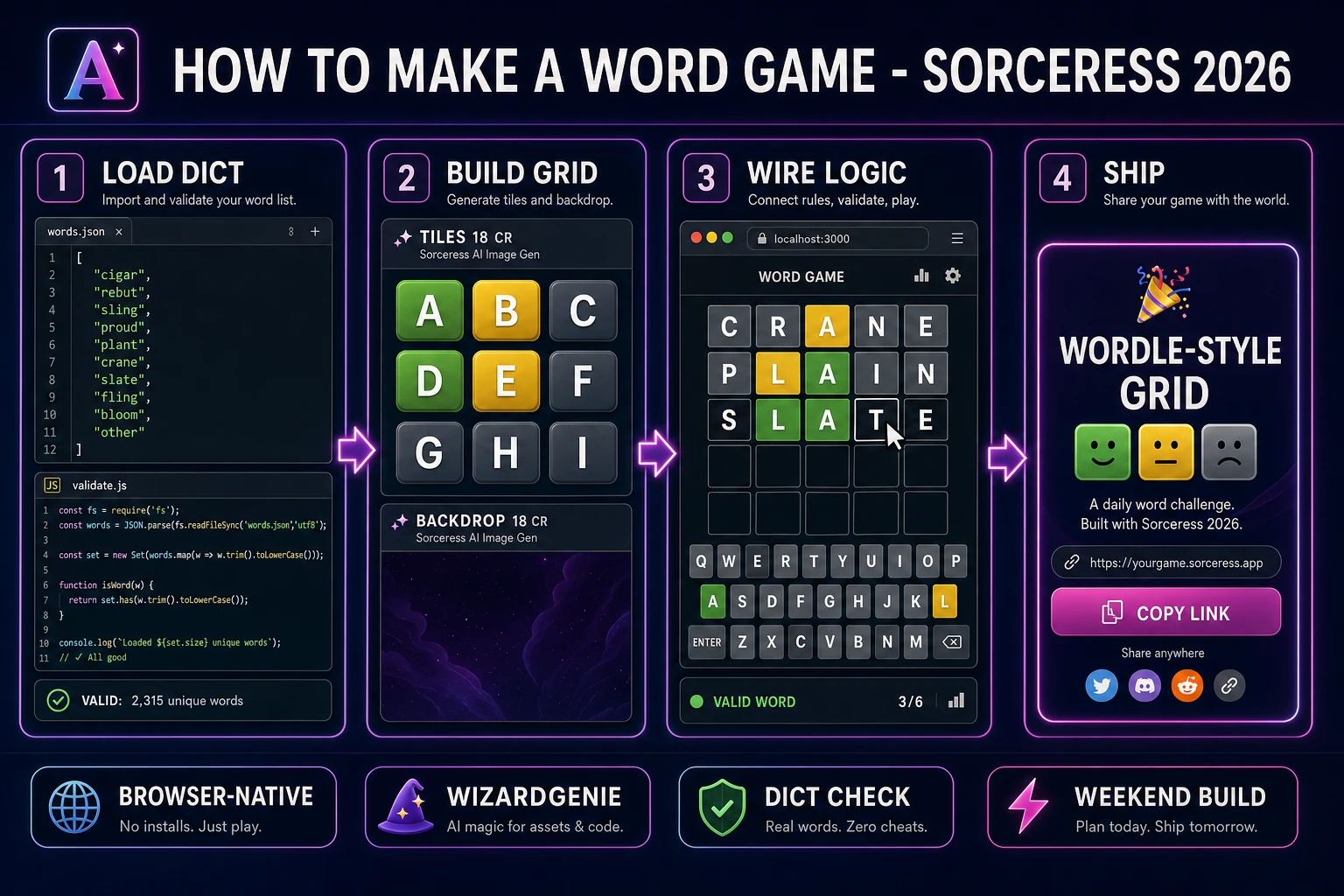
The query “how to make a word game” hides four intents. Some searchers want a printable crossword PDF or classroom worksheet — that is publishing software, not a game loop. A second intent is a multiplayer party game like charades or Taboo — real-time social mechanics, not a solo grid. A third intent is a word-scramble or anagram toy: shuffle letters, drag them into order, score when the result is a valid word. The fourth intent, and the one this guide targets, is a single-player browser guess game: a fixed word length (five letters is the default players expect), a limited number of attempts (six rows is the familiar cap), letter feedback after each valid guess, a dictionary check that rejects nonsense strings, keyboard input on desktop and a virtual keyboard on mobile, and optional share text that encodes the result as colored squares. That is a weekend build, it demos the whole Sorceress toolset, and it is the format most word game tutorial and browser word game searchers actually want when they type the phrase into Google.
The presentation contract is tight. A title screen shows the game name, a Play button, and optionally a Daily Word seed keyed to UTC date so every player gets the same secret. The play screen shows an empty grid (five columns by six rows), a row highlight on the active guess, a virtual keyboard with keys that update color as letters are eliminated or confirmed, Enter and Backspace controls, and a toast when the guess is not in the dictionary. On win, reveal the word, show attempt count, offer Share and Play Again. On loss after row six, reveal the answer and explain what the colors meant. The Word game Wikipedia overview lists dozens of formats; the guess-with-feedback loop is the one with the lowest implementation surface area and the highest player recognition in 2026.
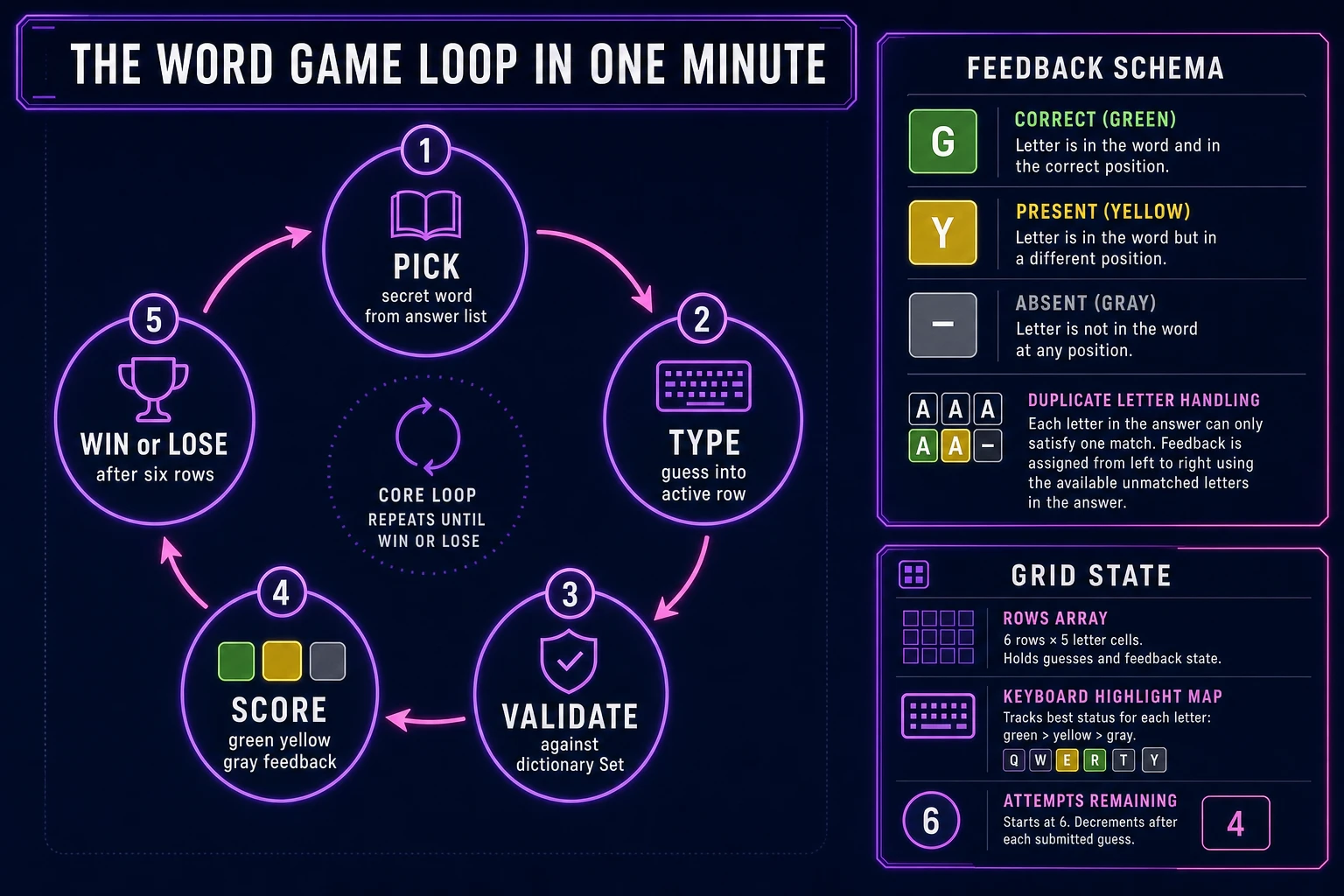
The word game loop in one minute (pick, type, validate, score, win)
Five moving parts, repeated until the player wins or exhausts six rows. First, pick — choose a secret word from a curated answer list (not the full guess list) and store it server-side if you run daily mode, or client-side for offline practice. Second, type — capture letters into the active row via physical keys or virtual keyboard taps; advance the cursor left to right; Backspace deletes the previous cell. Third, validate — on Enter, reject incomplete rows, reject duplicates of prior guesses, and reject strings absent from the guess dictionary. Fourth, score — run the green-yellow-gray feedback algorithm on each letter, paint tiles, update virtual keyboard key colors to the best-known state per letter. Fifth, win or lose — if guess equals secret, stop and show share UI; if row six fails, reveal secret and offer retry. That is the entire word game loop. Hard mode (must use revealed hints), unlimited practice mode, and four-letter variants are polish layered after one honest round works.
Pick your engine for how to make a word game: vanilla DOM, canvas, or WizardGenie
Three good browser targets in 2026, each with a different trade-off. Vanilla JavaScript with CSS Grid tiles is the honest default and the pick this guide recommends for a first build. Each cell is a <div> with border-radius, background color driven by state (empty, filled, correct, present, absent), and a flip animation class toggled after validation. The virtual keyboard is a second grid of <button> elements. KeyboardEvent handlers on window mirror the same insert and delete logic. Total code footprint for a working word game tutorial is under 600 lines including feedback scoring and share encoding. No engine to install, ships as a single static HTML file plus words.json, deploys anywhere.
Canvas becomes the right pick if you want flip animations with perspective, particle bursts on win, or shader-based tile glow. You still keep the virtual keyboard in the DOM for accessibility; canvas owns the grid. The cost is manual text rendering and hit-testing if you add click-to-select cells.
Phaser 4.2.1 “Giedi” (verified 2026-08-20 on the official Phaser download page at phaser.io/download/stable) becomes the right pick if you want tweened tile flips, screen shake on invalid guesses, or integrated audio timelines. Phaser’s Scene lifecycle maps cleanly onto title-play-result if you later add timed modes or streak counters. For a first dictionary validation game, Phaser is optional weight — use it when motion is the product, not when the product is a correct feedback scorer and a reliable share string.
WizardGenie is not a separate rendering engine — it scaffolds whichever of the three you pick from a single natural-language prompt. WizardGenie ships as both a desktop app (Windows installer with auto-update, available to Early Access supporters and above) and a no-install web build. Its coding-model lineup covers Claude Opus 4.7, GPT-5.5, Gemini 3.1 Pro, DeepSeek V4 Pro, Kimi K2.5, Grok 4.2, and MiniMax M2.7 (verified 2026-08-20 in src/app/_home-v2/_data/tools.ts). For word games, any frontier model scaffolds the grid and feedback function in one prompt. Pair a frontier planner with a budget executor like DeepSeek V4 Pro or Kimi K2.5 for the typing pass — the Dual-agent pattern lands most projects at roughly one-fifth the single-frontier cost.