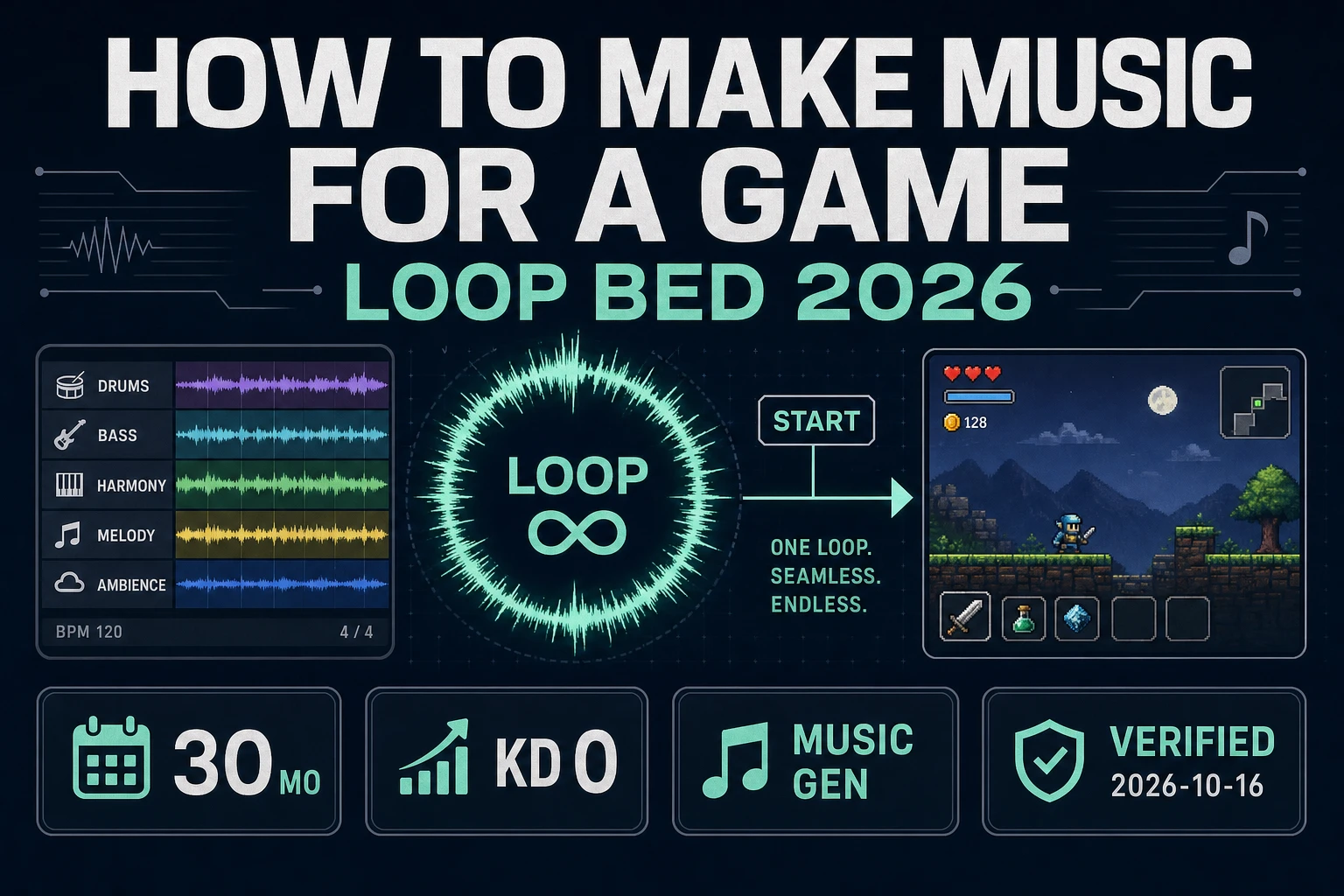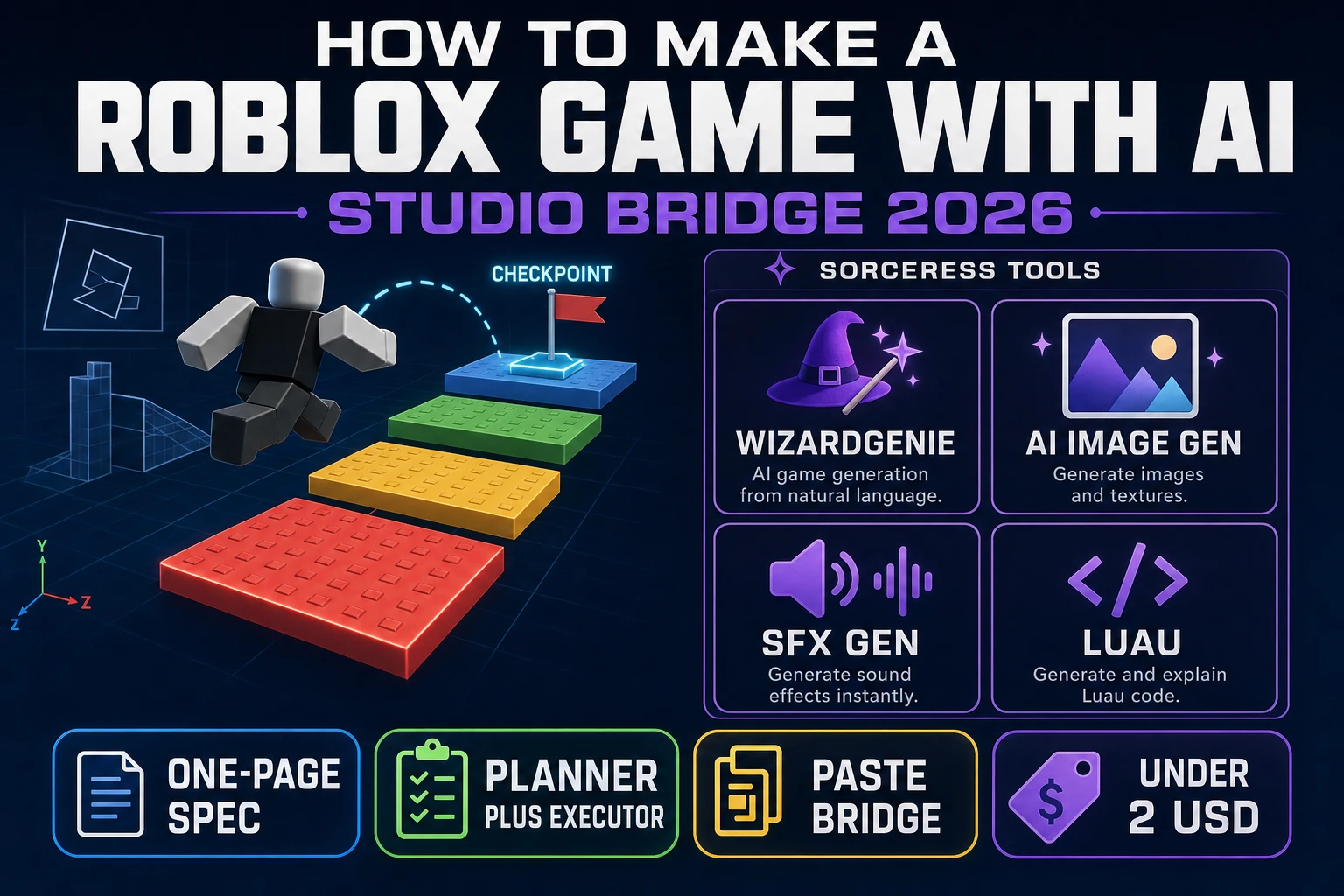
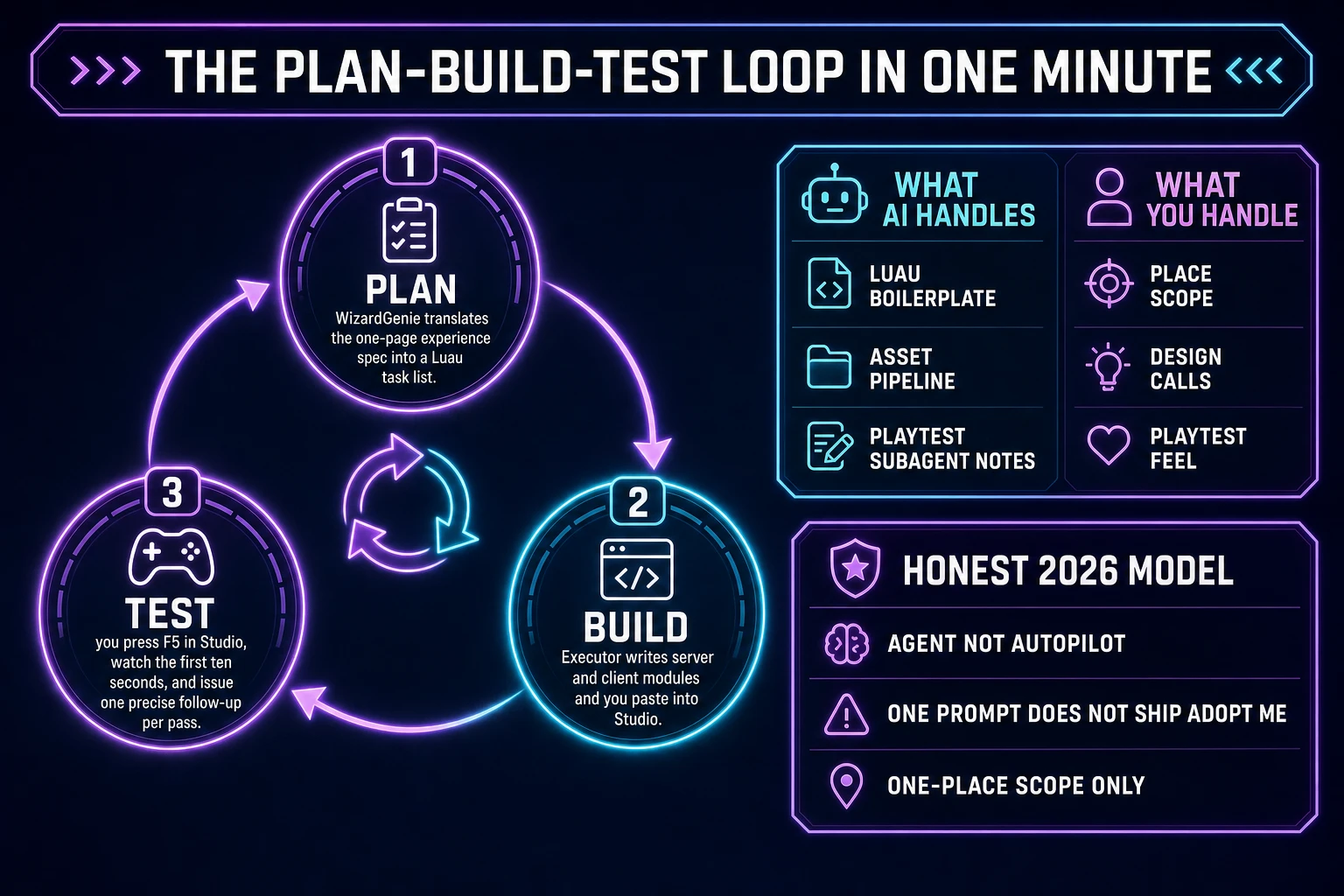
Most beginners searching "how to make a Roblox game with AI" want the honest 2026 answer, not a marketing reel — a natural-language prompt describes a small experience, an AI coding agent drafts the Luau server and client modules for the game loop, and a paste bridge into Roblox Studio compiles them into a playable place by Sunday night. That reality lives one browser tab and one Studio window away in 2026, and it is not "type a sentence, ship Adopt Me." A coding agent is an agent, not autopilot: the human still writes a tight one-page experience spec that names the mode, the verb, and the win state, picks a Planner+Executor model pair to keep costs sane, watches the first ten seconds of the playtest, and issues small precise fixes for the next hour. The game engine underneath is Roblox Studio and its Luau dialect of Lua (verified 2026-09-01 against the Lua Wikipedia reference for the parent language). The AI stack on top is WizardGenie for the Luau drafting, AI Image Gen for decal art, SFX Gen for the cues, and Music Gen for the round bed. This guide is the honest end-to-end for how to make a Roblox game with AI in 2026 as a weekend Studio-bridge build you can actually finish.
What how to make a Roblox game with AI actually means in 2026 (agent, not autopilot)
The query "how to make a Roblox game with AI" hides three intents. Some searchers want a philosophical piece on whether AI will replace game designers — it will not, and that is a separate essay. Some want a survey of every AI plugin on the Creator Store — a comparison article for a different day. The intent this guide targets is the third and by far the largest: a beginner who wants a step-by-step recipe to prompt a coding agent, get back a working Luau script bundle, paste it into Roblox Studio, dress the place with AI-generated decals and audio, and press F5 into a playtest inside a weekend. That reader wants working Luau, not a manifesto, and the honest 2026 answer is the plan-build-test loop described below.
The mental model that keeps a first project on the rails is agent, not autopilot. Roblox itself shipped this framing at scale in April 2026 when its built-in Assistant went agentic (verified 2026-09-01 via the "Roblox Studio Is Going Agentic" announcement summary): the Assistant now runs a Planning Mode that translates a prompt into an editable Markdown plan, a Data Model Search subagent that inspects the current place in parallel without cluttering the main conversation, and a Playtest subagent that drives the game with virtual mouse and keyboard inputs and reads logs to catch regressions. A coding agent in 2026 is genuinely capable — a well-scoped prompt to WizardGenie drafts a full Luau module bundle (a server-side script, a client-side controller, and a shared config module) for a one-place obby or arena in under twenty minutes, and follow-up prompts refine the checkpoint system, the round timer, the HUD, and the scoring. What the agent does not do in 2026 is make design decisions or read playtest instincts. It cannot tell you that your first checkpoint is unfairly punishing because the gap is 12 studs wide instead of 8, or that the round timer feels rushed because you set it to 60 seconds instead of 90. The human owns place scope, design taste, and the playtest feel; the agent owns Luau boilerplate, the asset pipeline, and the busywork.
The second reframe is scope over cleverness. A first prompt-to-Roblox-place project in 2026 is weekend-jam scope (verified 2026-09-01): one place, one game mode, one round loop, one win state (reach the top of the obby, survive a 90-second round, hit the score threshold). The agent will happily attempt a full simulator with an economy and 20 gamepasses on your first prompt and fail invisibly. Locking scope inside the spec prompt itself is the single biggest predictor of whether the first Saturday afternoon ends in a Studio window playing a real playable place or a wall of Luau parse errors.
The Roblox Studio plus AI assistant loop in one minute
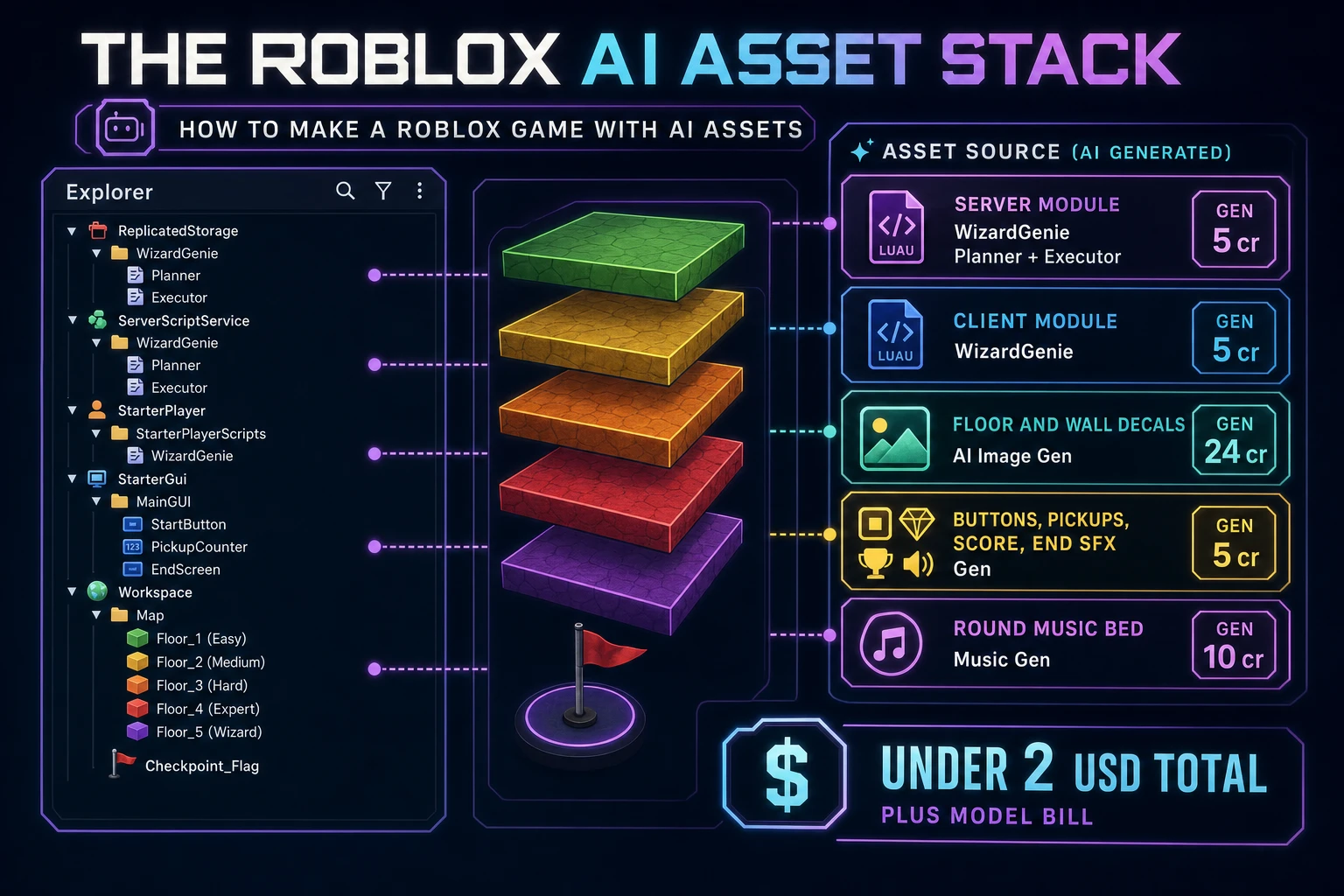
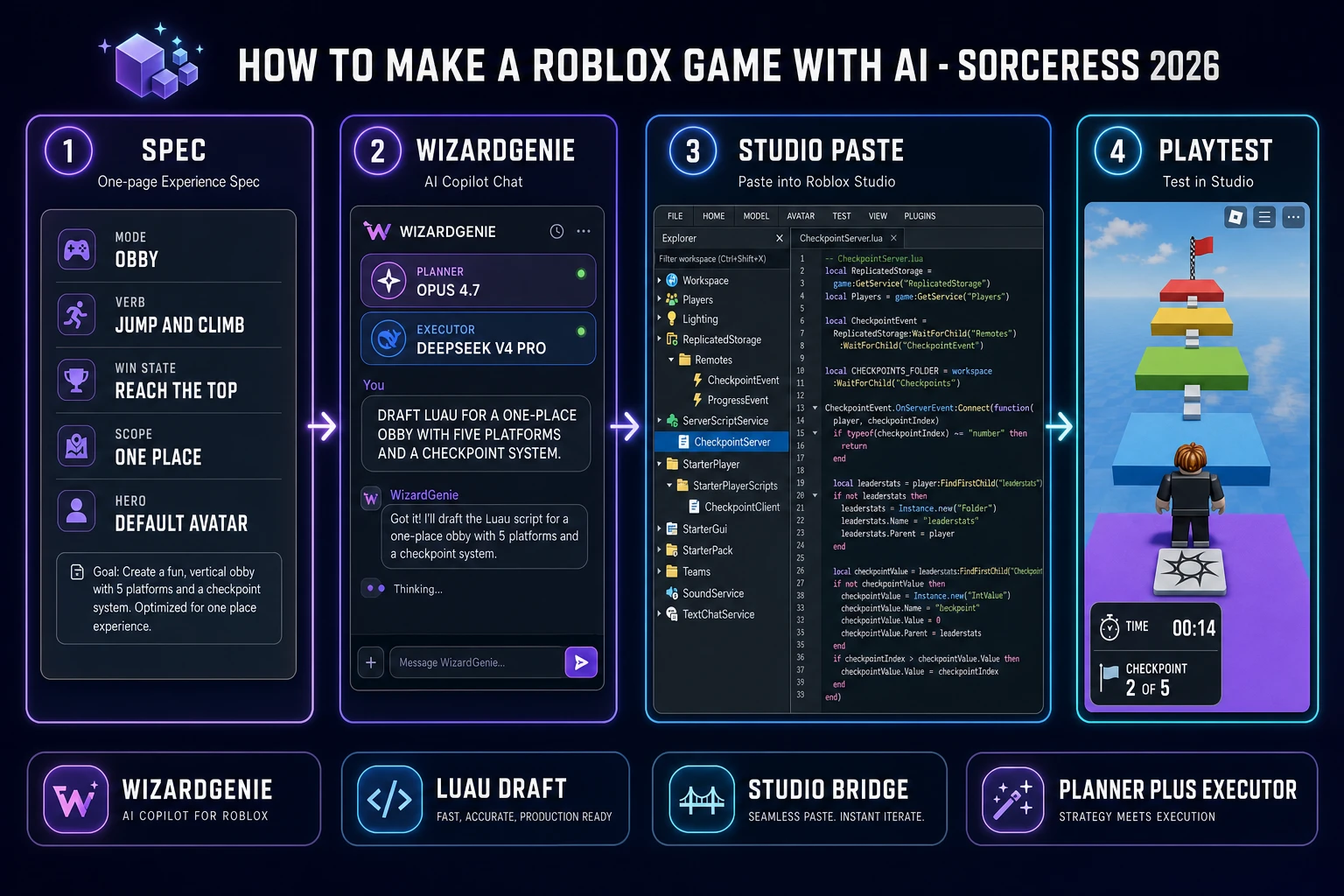
Three moving parts, cycled until the place feels right. First, plan — the human writes a natural-language experience spec describing the place in one page or less (mode, verb, win state, round length, hero, scope constraint, one style anchor) and sends it to WizardGenie. Second, build — the Planner reads the spec and writes an ordered Luau task list, the Executor drafts each script in sequence (a server module in ServerScriptService, a client module in StarterPlayerScripts, a shared config in ReplicatedStorage), and the human copies each module into the matching Explorer container in Roblox Studio. Third, test — the human presses F5 in Studio, watches the first ten seconds of the playtest inside the Studio viewport, spots the two or three things that feel wrong (checkpoint too far, spawn location behind a wall, HUD missing a counter), and issues a small precise follow-up prompt for each. Loop. The cycle time on a fresh place is roughly ten to twenty minutes per iteration on the first hour, dropping to three to seven minutes per iteration as the modules settle.
The prompt to game AI walkthrough covers the same loop from a different angle for browser Phaser builds, and the Roblox game logo maker guide covers the thumbnail side of shipping a Roblox place. Everything else in this article — the stack choice, the spec prompt template, the asset pass, the cost math — is polish on top of that three-step cycle. If a first afternoon feels stuck, the fix is almost always to shrink the follow-up prompt (one system per patch, not five) rather than to switch tools.
Pick your AI stack for how to make a Roblox game with AI (Sorceress WizardGenie for the Luau, plus asset generators)
Two decisions matter on day one: which coding agent drafts the Luau (Roblox’s built-in Assistant vs an external agent like WizardGenie) and which model pair actually types the code. Get both right and the rest of the weekend is downhill.
Built-in Assistant or external agent. Roblox’s built-in Assistant runs directly inside Studio with a Planning Mode, a Playtest subagent, and a Data Model Search subagent that reads your current place graph in parallel. It is the correct pick when the project depends heavily on inspecting an existing place (an inherited place file, a shared team project, a live experience with players in it) because the Data Model Search subagent can see everything Studio can see. WizardGenie runs in a separate browser tab (or as a desktop installer for Early Access supporters and above) and drafts Luau modules from a natural-language spec without needing to see the place graph. It is the correct pick when the project is a fresh place with no legacy code because the paste bridge is simpler than debugging a plugin session, and because WizardGenie’s Planner+Executor split typically lands the same Luau at a fraction of the token cost of a single frontier-model Assistant session. For a first Roblox project, WizardGenie plus a paste bridge into a fresh place is the honest default.
Model pair. A Planner+Executor split beats any single frontier model on cost by roughly 5x, verified 2026-09-01 in the CODING_MODELS lineup at src/app/_home-v2/_data/tools.ts. The expensive-reasoner Planner reads the experience spec, breaks it into a Luau task list, reviews the current script bundle, and writes the next prompt for the Executor — use Claude Opus 4.7, GPT-5.5, Gemini 3.1 Pro, or Grok 4.2 on that side. The cheap-fast-typer Executor writes the actual server and client scripts from Planner instructions — use DeepSeek V4 Pro, Kimi K2.5, MiniMax M2.7, or Gemini 3.1 Flash on that side. Never put Sonnet, Opus, GPT-5.5, or Gemini Pro on the typing side; that erases roughly 80 percent of the cost advantage the pattern exists to capture. For a first Roblox place, Opus 4.7 as Planner and DeepSeek V4 Pro as Executor is the honest default. All four Executor picks handle Luau cleanly because Luau is a superset of Lua and any model trained on the Lua corpus reads and writes it without extra prompting.
MCP bridge (optional). Roblox Studio ships a built-in MCP server so any MCP-compatible client can attach to it. The July 2026 devforum update added a Quick Connect toggle for Antigravity, Codex CLI, Claude Code, Claude Desktop, Cursor, Gemini CLI, and Visual Studio Code (verified 2026-09-01). WizardGenie is not on that quick-toggle list yet in September 2026, so the honest default for a first project is a plain paste bridge (Ctrl+C in WizardGenie, Ctrl+V into the Studio script editor). The paste bridge is what the 44 percent of top-1000 Roblox creators using external AI tools rely on when their tool of choice is not on the Quick Connect list.