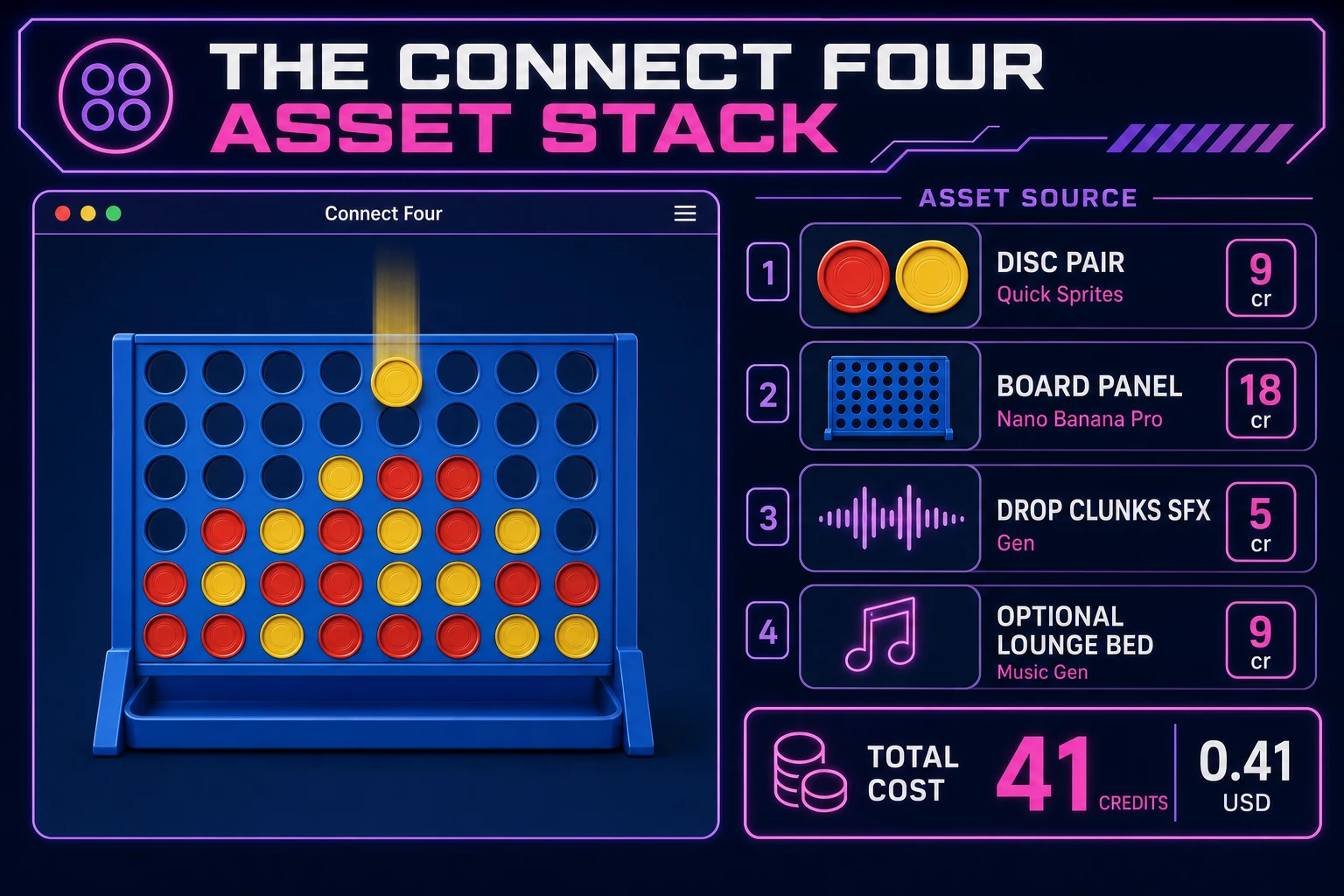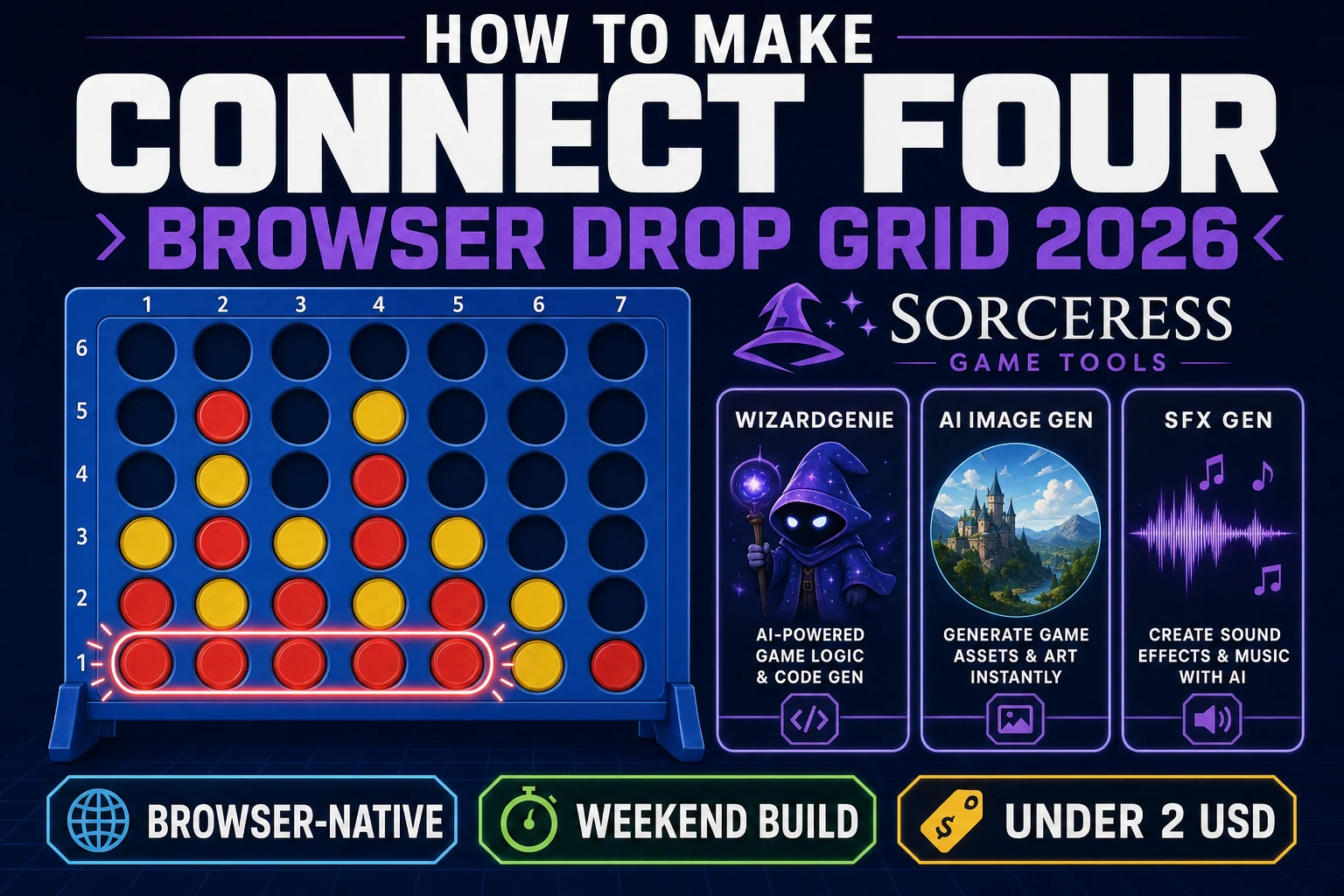
Most beginners who search “how to make connect four” want a two-player drop board: tap a column, watch a disc fall, alternate turns, and shout when four line up. A full AI opponent with minimax depth twelve and tournament brackets is a research project. A browser drop grid is different. A coding agent scaffolds gravity placement, column validation, and four-in-a-row detection from one prompt, and AI generation covers disc sprites and drop clunks. On desktop or web, that means WizardGenie for the column-click loop, AI Image Gen for board panels and disc art, SFX Gen for drop and win cues, and optional Music Gen for a lounge bed. This guide is the honest end-to-end for how to make connect four in 2026, as a weekend build you can finish once.
What how to make connect four actually means in 2026
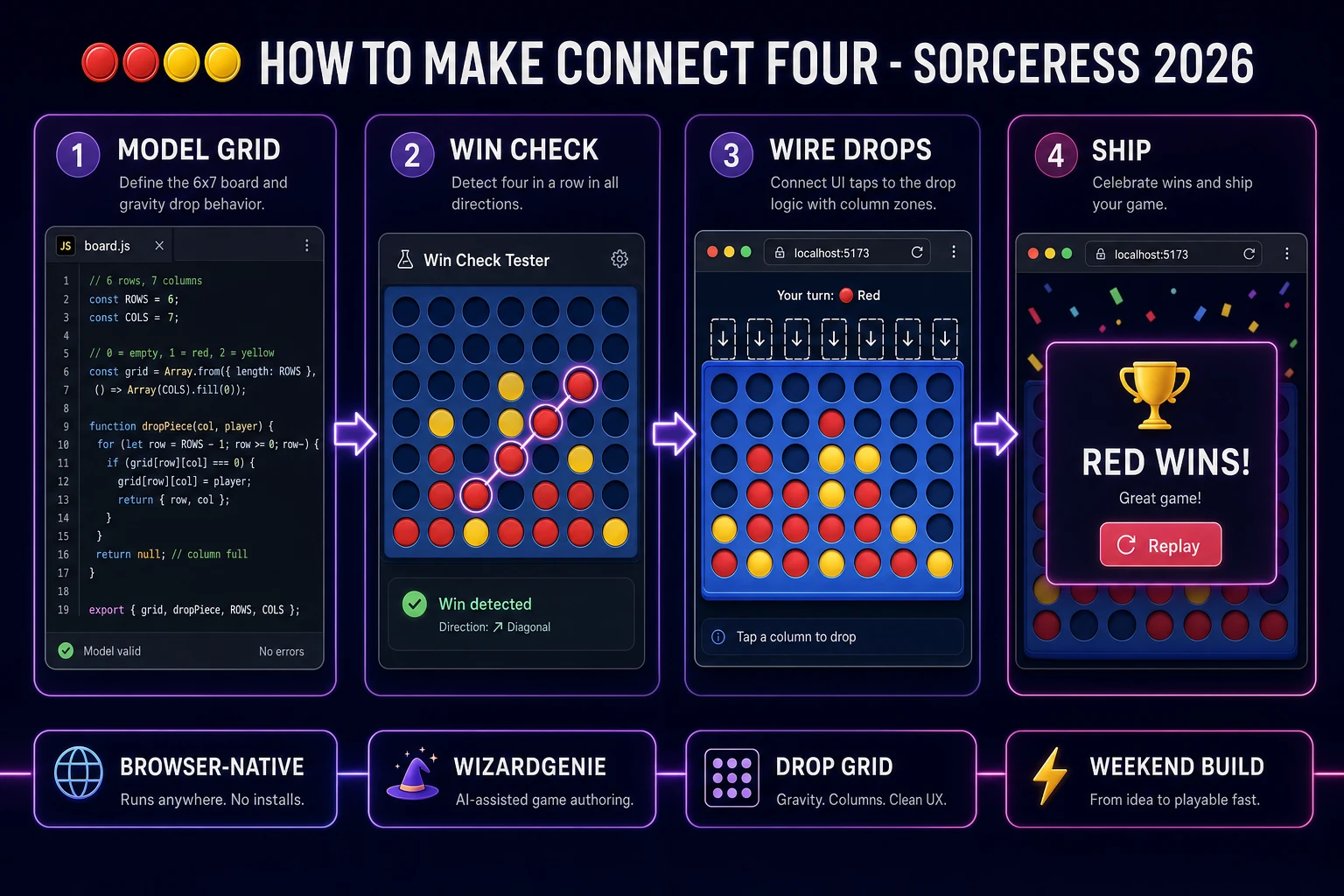
The query “how to make connect four” hides three intents. Some searchers want a printable paper grid and colored tokens for a kitchen table — that is craft, not a playable digital game. A second intent is a full online lobby with ranked matchmaking and chat — a serious networking and anti-cheat problem. The third intent, and the one this guide targets, is a browser connect 4 board: six rows, seven columns, gravity drops, two alternating players, and a win when either color connects four horizontally, vertically, or diagonally. That is a weekend build, it demos the Sorceress toolset, and it is the format most connect four tutorial and javascript connect four searchers actually want.
The presentation contract is small and strict. A title screen shows the game name, Red vs Yellow labels, and Start. The play screen shows the board grid, a current-player indicator, seven column tap zones, and a status line for wins and draws. On game over, freeze input, play a short fanfare, highlight the winning four, and offer Replay. The Connect Four overview on Wikipedia (verified 2026-08-22) still separates the classic Milton Bradley rules from Pop Out variants and power-up editions cleanly — cite it when you write your itch.io blurb so players know which promise you kept. If you already shipped a card or grid loop, the sibling guides on how to make solitaire and how to make checkers cover shared turn UI patterns; this post owns gravity drops and four-in-a-row math instead.
The connect four loop in one minute
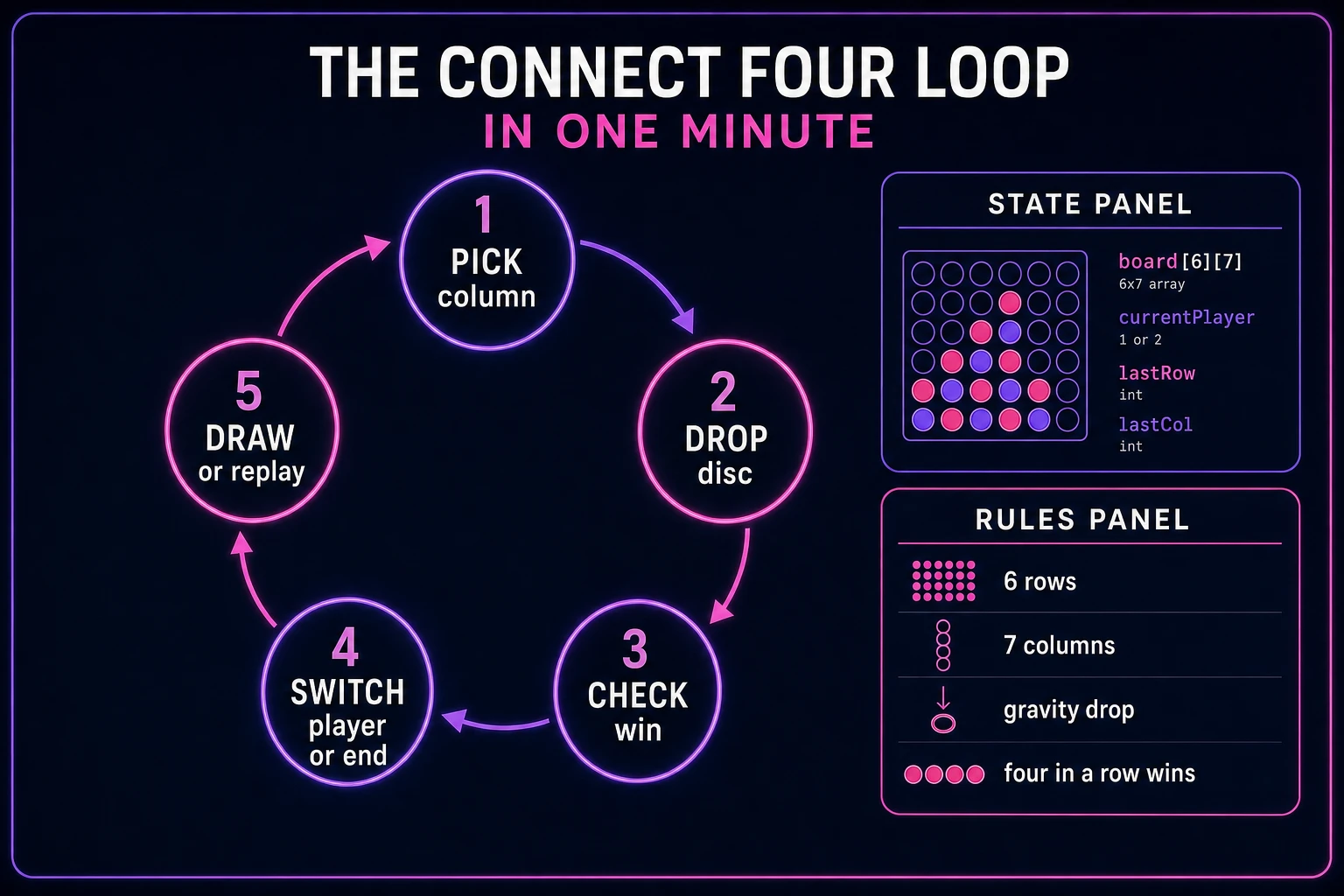
Five moving parts, repeated until someone wins or the board fills. First, pick column — player taps one of seven column zones; reject taps on full columns with a buzz. Second, drop disc — place the current player's color in the lowest empty row of that column. Third, check win — scan horizontal, vertical, and both diagonals from the new disc; if four or more match, declare a winner. Fourth, switch player or end — flip Red to Yellow and back, or freeze the board on a win. Fifth, draw or replay — if all forty-two cells are filled with no four-in-a-row, show a draw banner; otherwise offer Replay to reset. That is the entire connect four loop. AI opponents, timed turns, and animated board tilts are polish layered after one honest hot-seat board feels fair.
Pick your engine for how to make connect four: DOM, canvas, or WizardGenie
Three good targets in 2026, each with a different trade-off. Vanilla JavaScript on DOM column buttons is the honest default and the pick this guide recommends for a first build. Render seven invisible column buttons above a CSS grid of forty-two cells, paint red and yellow discs as rounded divs or background sprites, and wire column clicks with a single pointer handler. Total code footprint for a working html5 connect four board is under 350 lines including win detection and turn switching. No engine to install, ships as a static HTML file, deploys anywhere. The MDN Pointer events docs cover mouse and touch on the same column targets.
Canvas with drop tweens becomes the right pick if discs need arc motion, squash on landing, or a glowing win-line overlay drawn with Canvas API strokes. You trade free accessibility and simple column hit zones for visuals — fine for a showcase jam, heavier once you reimplement touch targets and focus management yourself.
Phaser 4.1.0 (verified 2026-08-22 on the official Phaser API documentation page) becomes the right pick if you want Scene lifecycle for title-play-score, gravity tweens when discs fall, or particle pops on a winning four. Phaser does not invent your win checker — you still need the same grid model and direction scans. Use Phaser when motion polish is the product; use DOM when the product is a browser connect 4 board people can tap on a phone.
WizardGenie is not a separate rendering engine — it scaffolds whichever of the three you pick from a single natural-language prompt. WizardGenie ships as both a desktop app (Windows installer with auto-update, available to Early Access supporters and above) and a no-install web build. Its coding-model lineup covers Claude Opus 4.7, GPT-5.5, Gemini 3.1 Pro, DeepSeek V4 Pro, Kimi K2.5, Grok 4.2, and MiniMax M2.7 (verified 2026-08-22 in src/app/_home-v2/_data/tools.ts). For connect four, any frontier model scaffolds the grid, gravity drops, and win detection in one prompt. Pair a frontier planner with a budget executor like DeepSeek V4 Pro or Kimi K2.5 for the typing pass — the Dual-agent pattern lands most projects at roughly one-fifth the single-frontier cost.