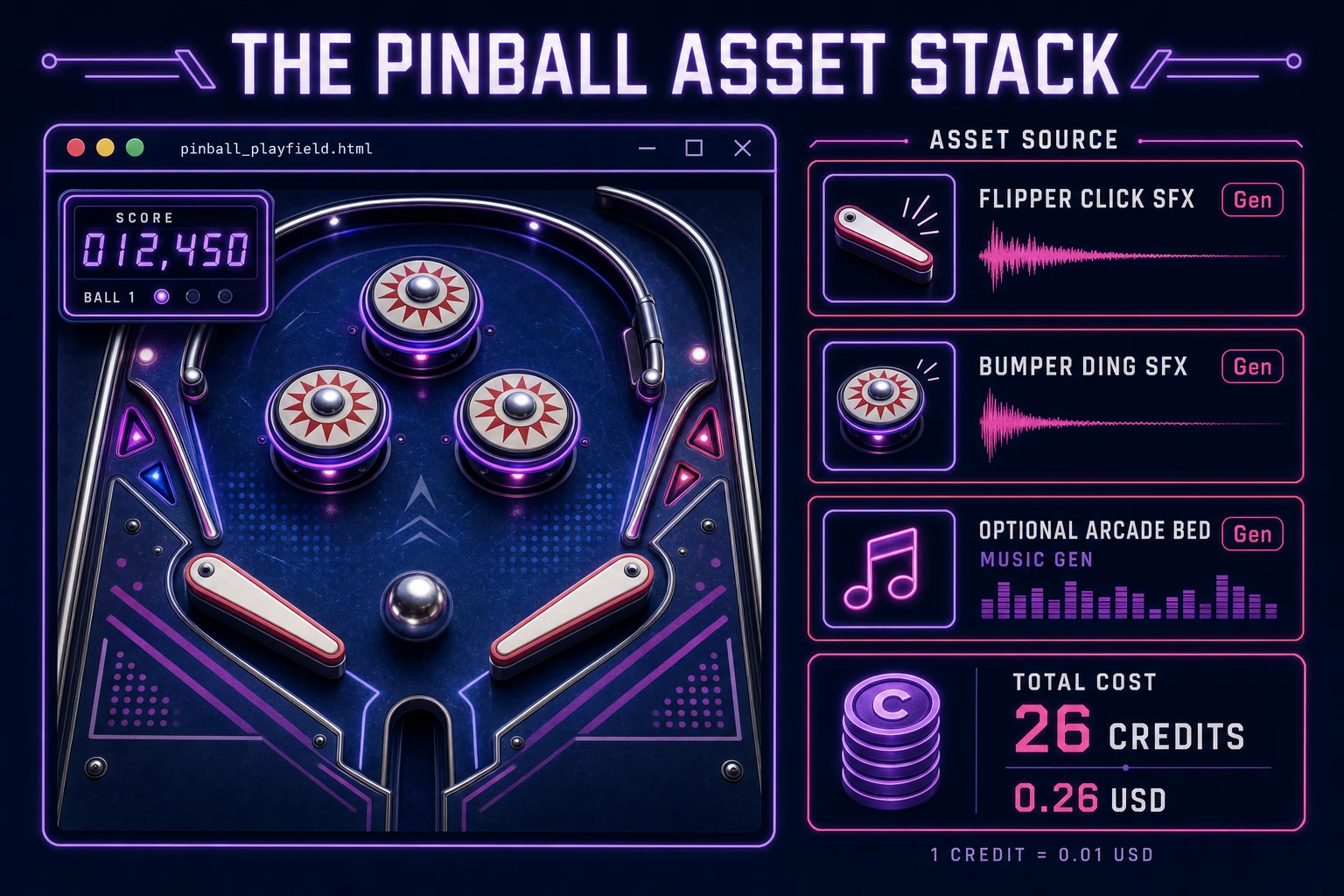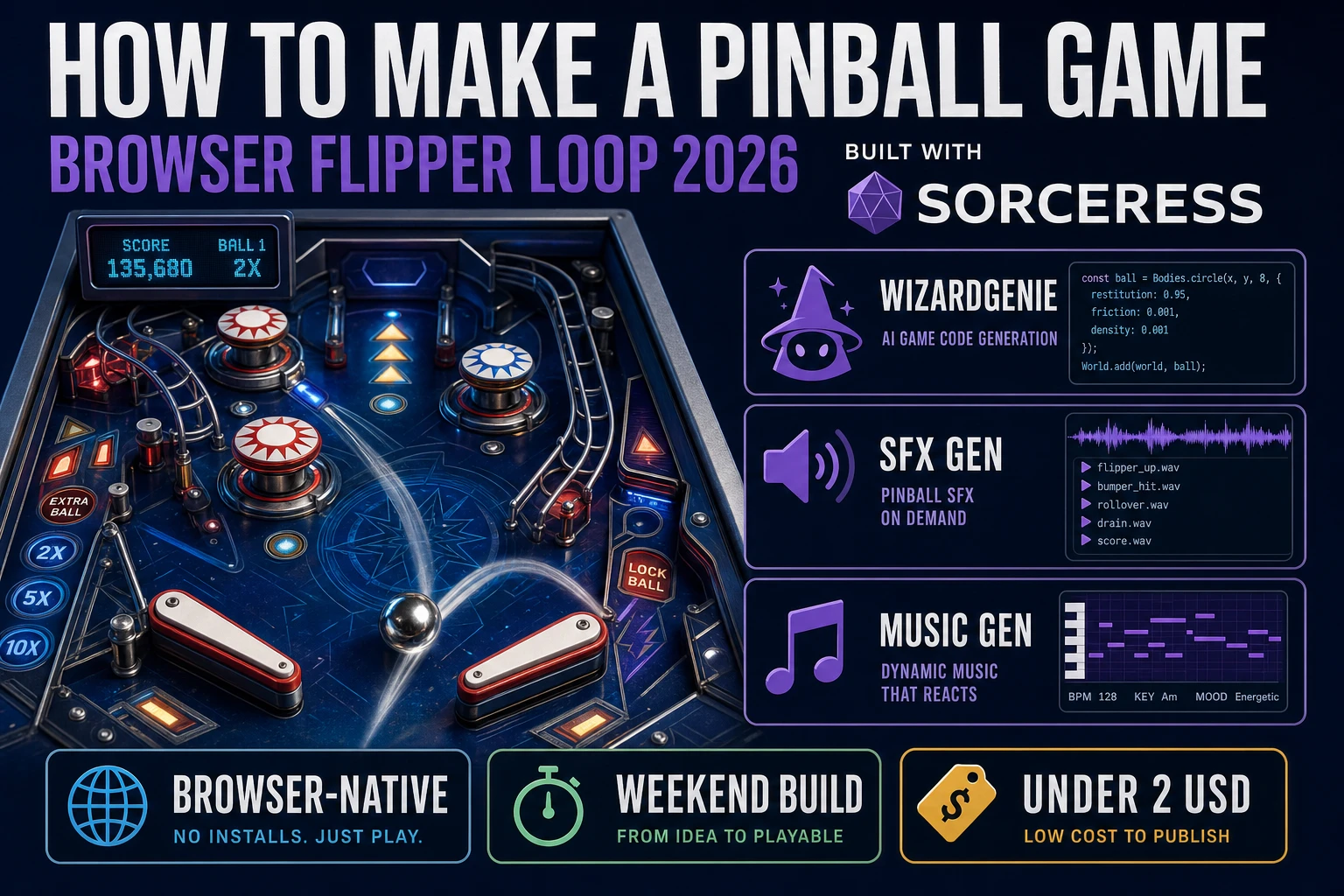
Most beginners who search “how to make a pinball game” want a tilted table, a silver ball that rolls under gravity, flippers you tap to save it from the drain, and bumpers that ding up the score. A full cabinet sim with ramps, multiball, tilt sensors, and dot-matrix animations is a studio project. A browser flipper loop is different. A coding agent scaffolds gravity integration, flipper impulses, and bumper overlap from one prompt, and AI generation covers flipper clicks and bumper dings. On desktop or web, that means WizardGenie for the launch-flip-drain loop, SFX Gen for flipper and bumper audio, and optional Music Gen for an arcade bed. This guide is the honest end-to-end for how to make a pinball game in 2026, as a weekend build you can finish once.
What how to make a pinball game actually means in 2026
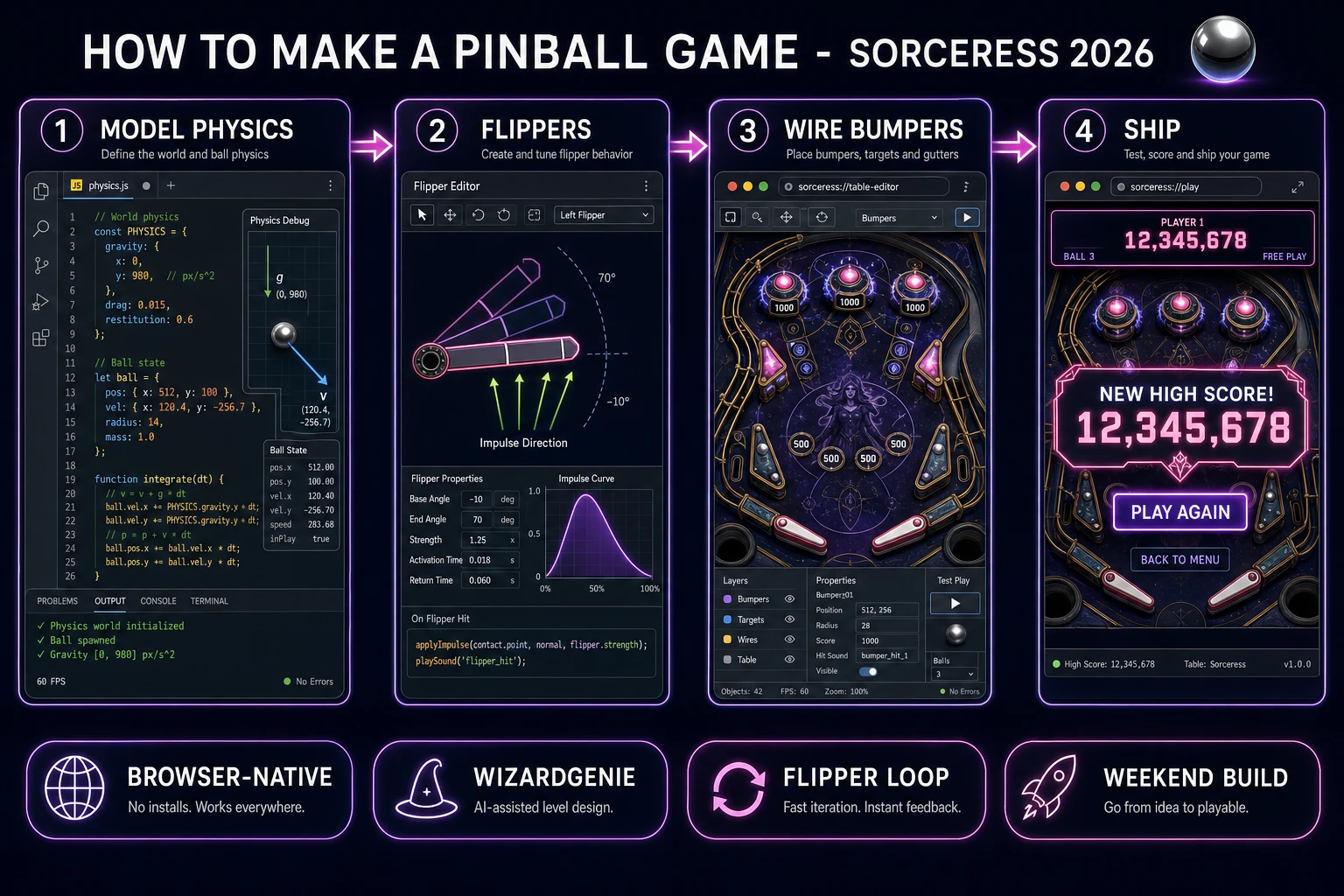
The query “how to make a pinball game” hides three intents. Some searchers want a Unity asset pack with pre-rigged flippers and PBR table meshes — that is engine shopping, not a minimal playable loop. A second intent is a commercial cabinet tribute with ramps, captive balls, and licensed tables — a product team, not a solo jam. The third intent, and the one this guide targets, is a browser pinball table: one ball, two flippers, a handful of bumpers, gravity pulling the ball down, score ticking on bumper hits, and a drain gutter that ends the ball when you miss. That is a weekend build, it demos the Sorceress toolset, and it is the format most pinball game tutorial and javascript pinball searchers actually want.
The presentation contract is small and strict. A title screen shows the game name, high score, and Launch. The play screen shows the table outline, flippers at the bottom, bumpers in the upper half, score, and balls remaining. On bumper hit, flash the bumper briefly and add points with a cooldown so one contact does not register ten times. On drain, decrement balls, play a thud, and respawn at the plunger lane or show game over. On game over, show final score and Play Again. The Pinball overview on Wikipedia (verified 2026-08-25) still separates the electromechanical flipper era from modern digital scoring cleanly — cite it when you write your itch.io blurb so players know which promise you kept. If you already shipped a paddle reflex game, the sibling guide on how to make a breakout game covers shared wall-bounce math; this post owns gravity, rotating flippers, and drain detection instead.
The pinball loop in one minute (launch, flip, bumper, drain)
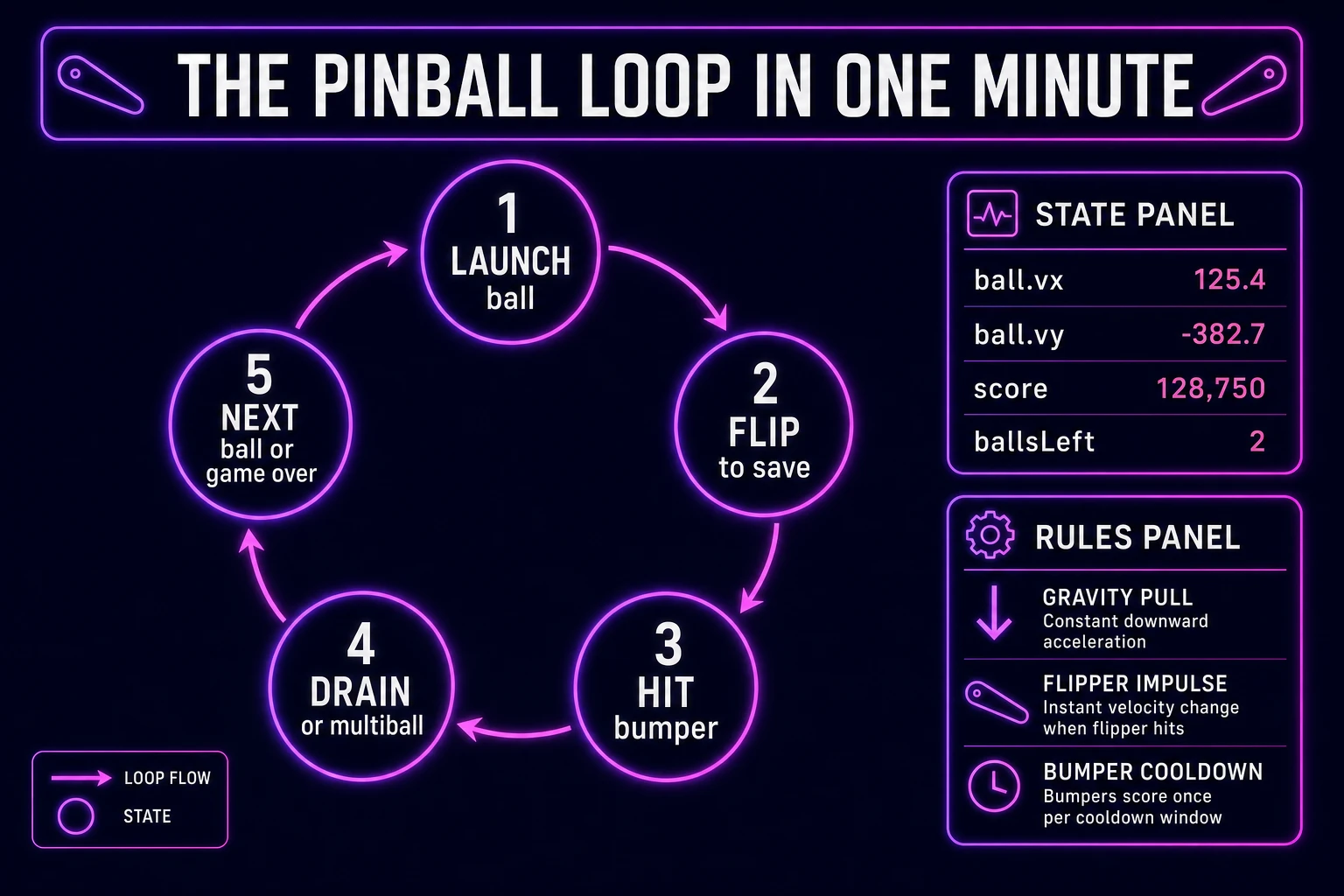
Five moving parts, repeated until balls hit zero or the player quits. First, launch — apply an upward impulse from the plunger lane so the ball enters the upper table with enough speed to reach the bumpers. Second, flip — on pointer or spacebar, rotate each flipper toward its fired angle and apply a tangent impulse to any ball overlapping the flipper face. Third, bumper hit — on circle overlap with a bumper, add score, play a ding, and reflect velocity away from the bumper center with restitution above 1.0 for that arcade kick. Fourth, drain or save — if the ball crosses the drain line below the flippers without a save, end the ball; otherwise keep integrating gravity and collisions. Fifth, next ball or game over — when balls remaining hits zero, show final score; otherwise respawn at the plunger and continue. That is the entire pinball loop. Ramps, multiball, and tilt warnings are polish layered after one honest table drains and relaunches without the ball tunneling through walls.
Pick your engine for how to make a pinball game: canvas, Phaser, or WizardGenie
Three good targets in 2026, each with a different trade-off. Vanilla JavaScript on canvas is the honest default and the pick this guide recommends for a first build. Draw the table, ball, flippers, and bumpers each frame with arc and lineTo, integrate position with gravity each tick, and run circle-vs-segment collision for flippers and circle-vs-circle for bumpers. Total code footprint for a working html5 pinball game is under 350 lines including score, balls remaining, and drain detection. No engine to install, ships as a static HTML file, deploys anywhere. The MDN Canvas API docs cover drawing and animation frames, and Pointer events cover mouse and touch on the same flipper buttons.
DOM with CSS transforms becomes the right pick only for a static mockup — a rolling ball at sixty frames per second through dozens of div elements janks on mobile. Stick with canvas for any flipper physics tutorial you expect strangers to play.
Phaser 4.1.0 (verified 2026-08-25 on the official Phaser API documentation page) becomes the right pick if you want Matter Physics restitution on bumpers, tweened flipper rotation, or Scene transitions between title and play. Phaser does not invent your drain gutter — you still need the same gravity integration and overlap helpers. Use Phaser when bounce chains and spring bumpers are the product; use raw canvas when the product is a pinball physics javascript walkthrough people can read in one sitting.
WizardGenie is not a separate rendering engine — it scaffolds whichever of the two you pick from a single natural-language prompt. WizardGenie ships as both a desktop app (Windows installer with auto-update, available to Early Access supporters and above) and a no-install web build. Its coding-model lineup covers Claude Opus 4.7, GPT-5.5, Gemini 3.1 Pro, DeepSeek V4 Pro, Kimi K2.5, Grok 4.2, and MiniMax M2.7 (verified 2026-08-25 in src/app/_home-v2/_data/tools.ts). For pinball, any frontier model scaffolds gravity, flipper segments, and bumper overlap in one prompt. Pair a frontier planner with a budget executor like DeepSeek V4 Pro or Kimi K2.5 for the typing pass — the Dual-agent pattern lands most projects at roughly one-fifth the single-frontier cost.