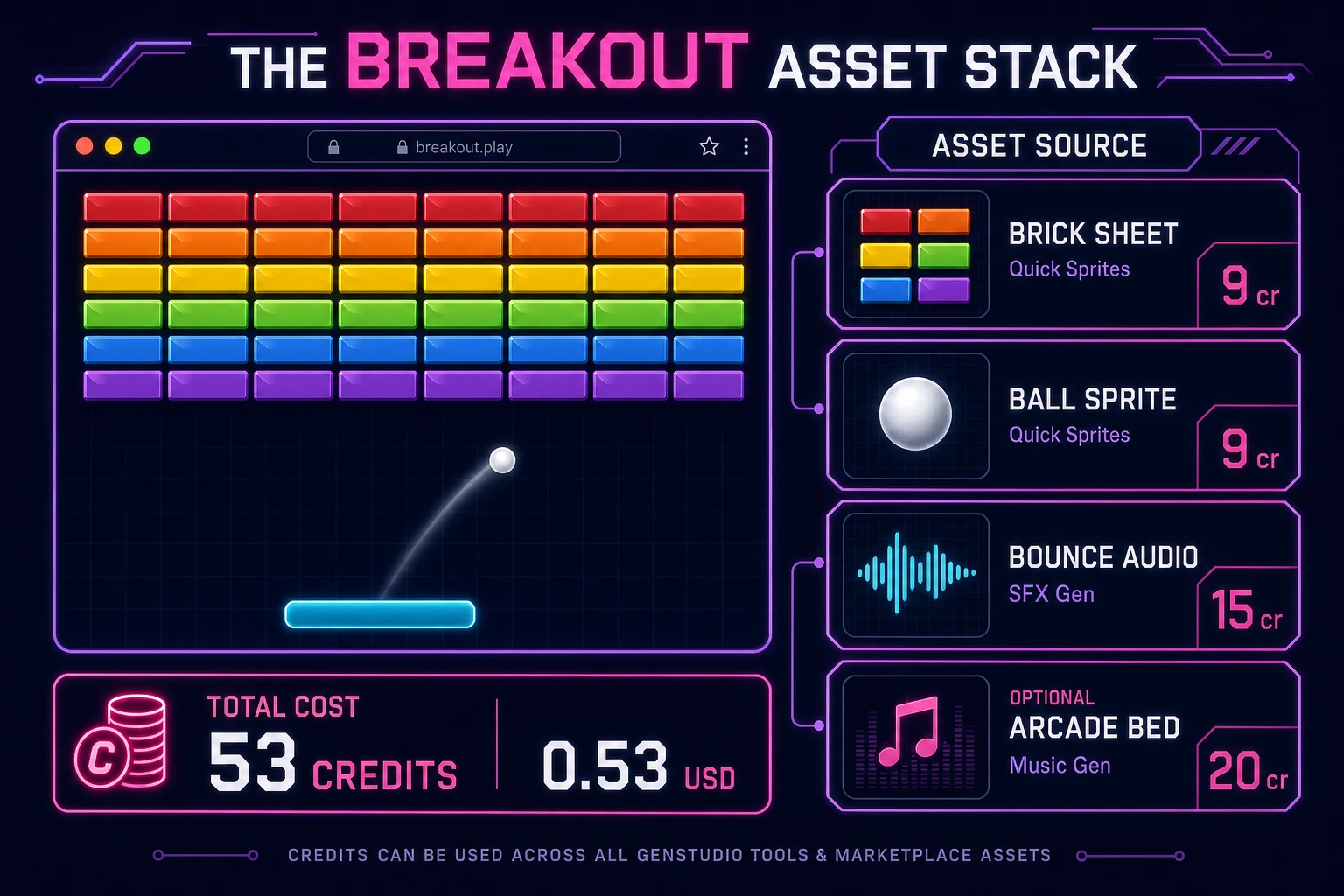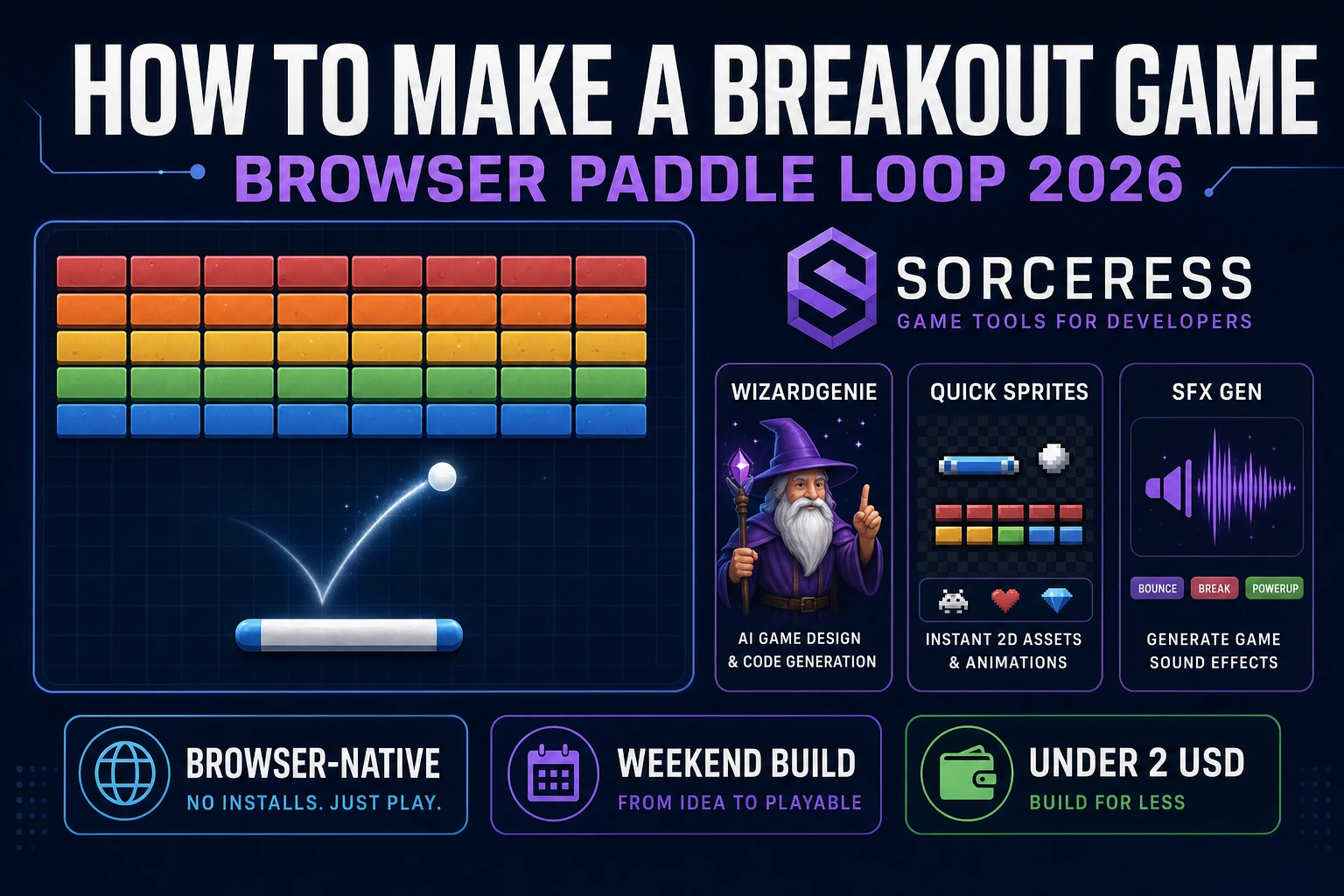
Most beginners who search “how to make a breakout game” want a paddle at the bottom, a ball that bounces off walls and bricks, and a grid that empties row by row until the level clears. A full Arkanoid clone with laser paddles, boss bricks, and fifty level files is a month of tuning. A browser paddle loop is different. A coding agent scaffolds velocity integration, AABB brick hits, and lives from one prompt, and AI generation covers brick tiles and bounce pops. On desktop or web, that means WizardGenie for the paddle-and-ball loop, Quick Sprites for brick rows and ball art, SFX Gen for wall and brick audio, and optional Music Gen for an arcade bed. This guide is the honest end-to-end for how to make a breakout game in 2026, as a weekend build you can finish once.
What how to make a breakout game actually means in 2026
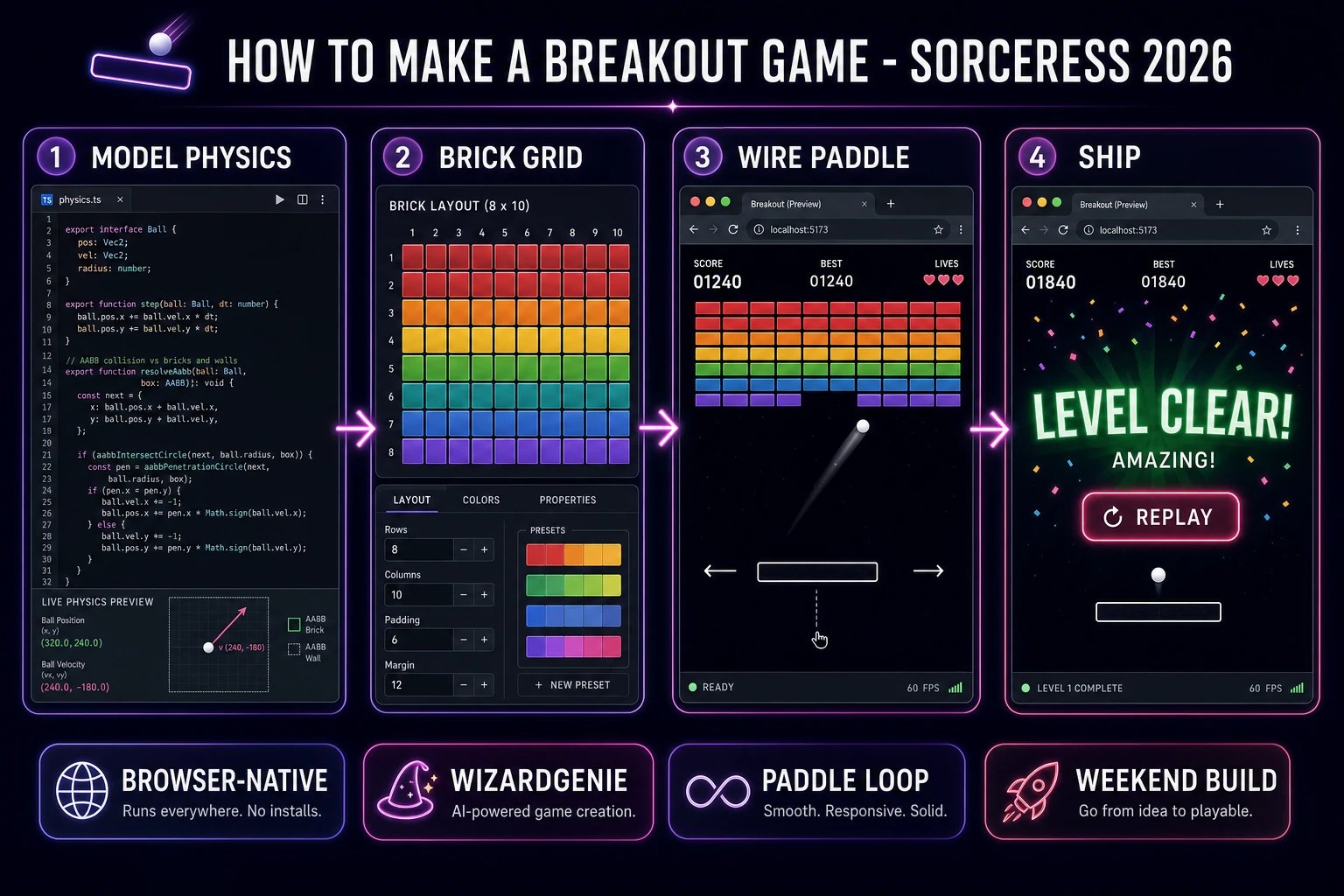
The query “how to make a breakout game” hides three intents. Some searchers want a Unity or Godot template with prefab bricks and particle systems — that is engine shopping, not a minimal playable loop. A second intent is a full Arkanoid tribute with power-ups, enemies, and cutscenes — a commercial-scale scope. The third intent, and the one this guide targets, is a browser brick breaker: paddle at the bottom, ball with constant speed, eight rows of destructible bricks, three lives, score counter, and level advance when the grid is empty. That is a weekend build, it demos the Sorceress toolset, and it is the format most breakout game tutorial and javascript breakout searchers actually want.
The presentation contract is small and strict. A title screen shows the game name, high score, and Start. The play screen shows the brick grid, paddle, ball, lives icons, score, and level label. On life loss, reset ball above paddle without rebuilding bricks. On level clear, freeze input briefly, show a banner, rebuild bricks from the next template, and reset ball position. On game over, show final score and Replay. The Breakout overview on Wikipedia (verified 2026-08-22) still separates the 1976 paddle prototype from later Arkanoid power-ups cleanly — cite it when you write your itch.io blurb so players know which promise you kept. If you already shipped a two-paddle reflex game, the sibling guide on how to make pong covers shared wall-bounce math; this post owns destructible bricks and paddle aim instead.
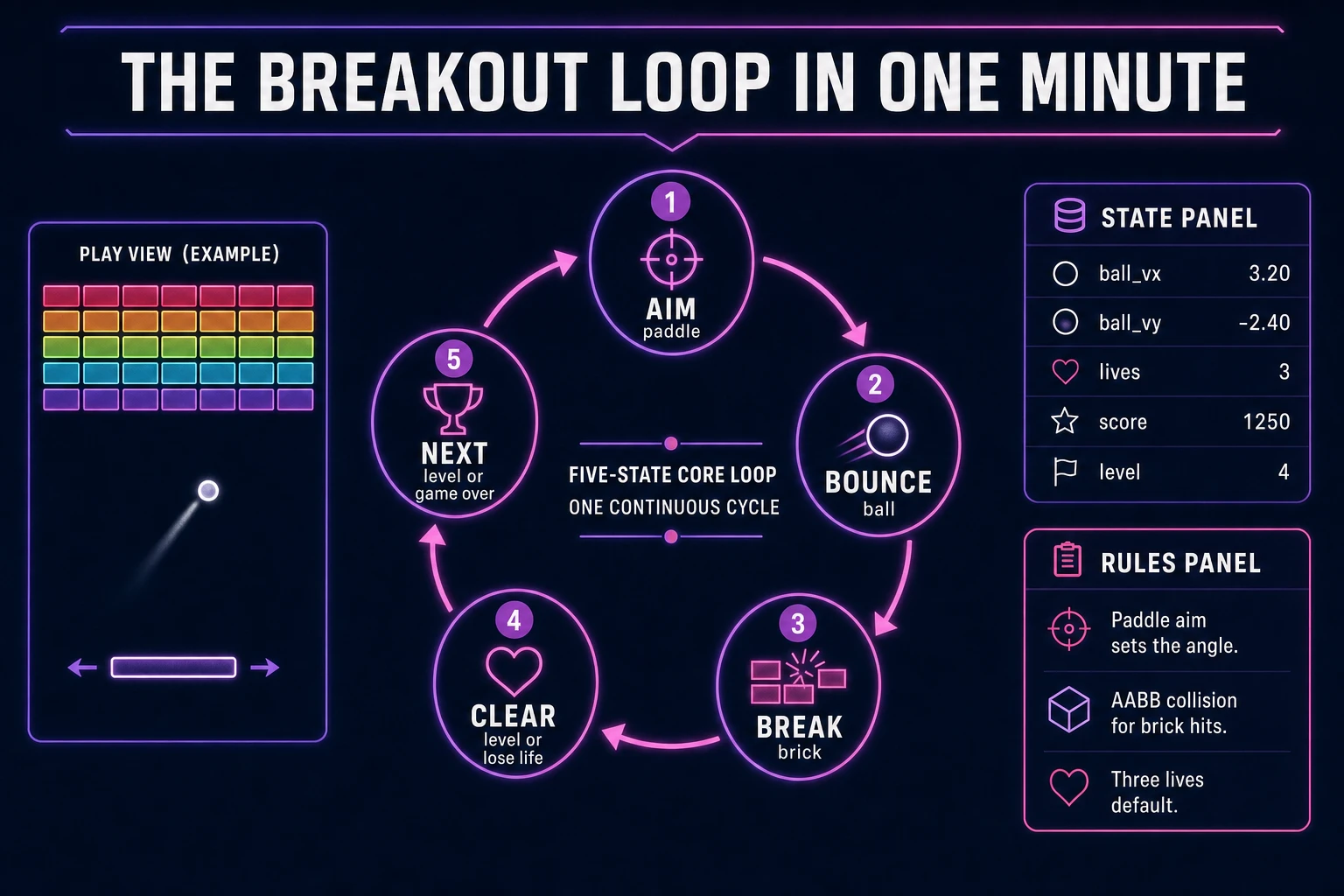
The breakout loop in one minute (aim, bounce, clear row, next level)
Five moving parts, repeated until lives hit zero or the player quits. First, aim — move the paddle with pointer or arrow keys so the ball will meet it on the return path. Second, bounce — integrate ball position each frame; flip velocity on wall hits and apply paddle-angle bias on paddle hits. Third, break brick — on AABB overlap with a live brick cell, null the cell, add points, play a pop sound. Fourth, lose life or clear level — if the ball falls below the paddle, decrement lives and reset ball; if every brick is gone, advance level and rebuild the grid. Fifth, game over or next level — when lives reach zero, show final score; otherwise load the next brick template and continue. That is the entire breakout loop. Power-ups, multiball, and laser paddles are polish layered after one honest eight-by-ten grid clears without tunneling bugs.
Pick your engine for how to make a breakout game: canvas, Phaser, or WizardGenie
Three good targets in 2026, each with a different trade-off. Vanilla JavaScript on canvas is the honest default and the pick this guide recommends for a first build. Draw paddle, ball, and bricks each frame with fillRect or drawImage, run collision in a single update function, and wire pointer move for paddle position. Total code footprint for a working html5 breakout loop is under 350 lines including level templates and lives. No engine to install, ships as a static HTML file, deploys anywhere. The MDN Canvas API docs cover drawing and animation frames, and Pointer events cover mouse and touch on the same paddle strip.
DOM with CSS transforms becomes the right pick only for a toy demo — bricks as div cells reflow painfully once you animate twenty breaks per second. Stick with canvas for any paddle ball game you expect strangers to play on mobile.
Phaser 4.1.0 (verified 2026-08-22 on the official Phaser API documentation page) becomes the right pick if you want Arcade Physics bounce groups, brick particle emitters, or Scene transitions between title and play. Phaser does not invent your brick grid — you still need the same AABB helpers and level arrays. Use Phaser when shatter tweens are the product; use raw canvas when the product is a brick breaker tutorial people can read in one sitting.
WizardGenie is not a separate rendering engine — it scaffolds whichever of the two you pick from a single natural-language prompt. WizardGenie ships as both a desktop app (Windows installer with auto-update, available to Early Access supporters and above) and a no-install web build. Its coding-model lineup covers Claude Opus 4.7, GPT-5.5, Gemini 3.1 Pro, DeepSeek V4 Pro, Kimi K2.5, Grok 4.2, and MiniMax M2.7 (verified 2026-08-22 in src/app/_home-v2/_data/tools.ts). For breakout, any frontier model scaffolds ball physics, brick grids, and lives in one prompt. Pair a frontier planner with a budget executor like DeepSeek V4 Pro or Kimi K2.5 for the typing pass — the Dual-agent pattern lands most projects at roughly one-fifth the single-frontier cost.