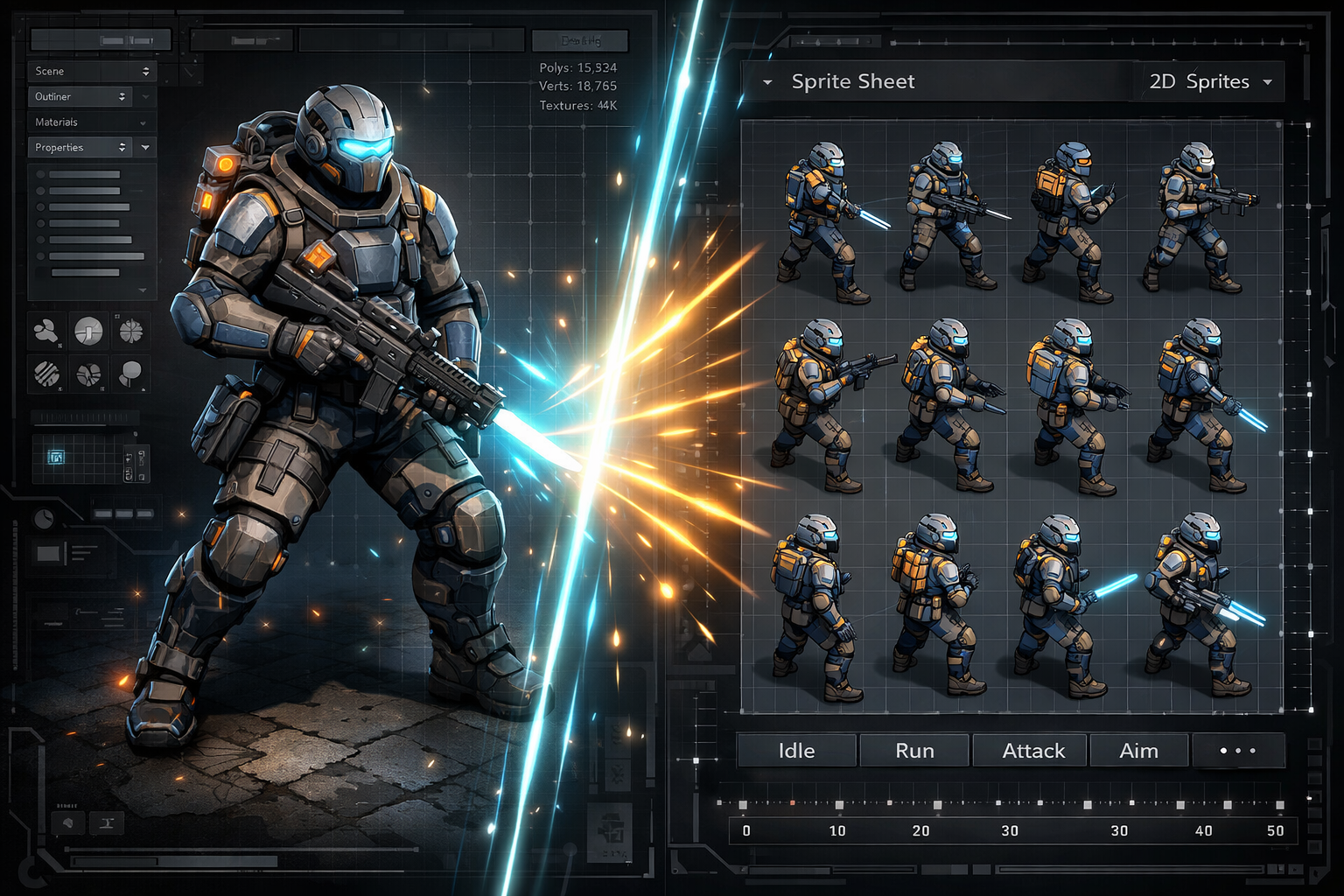
Bridge the Gap Between 3D and 2D Game Development
You have a 3D model — a character, a vehicle, a weapon, a building — and you need 2D sprite art for your game. The old workflow meant setting up a renderer, configuring camera angles, exporting frames manually, and stitching them into a sprite sheet by hand. The Sorceress 3D to 2D tool does all of that in your browser, in a single session.
What the 3D to 2D Tool Does
The tool provides a 3D scene viewer where you can load your model, position it, set up lighting, and render it out as a 2D sprite sheet with multiple angles and animation frames. The output is a properly formatted sprite sheet ready for immediate import into your game engine.
This makes it the perfect bridge between 3D modeling tools like Blender, Maya, or even AI-generated 3D models, and 2D game engines that work with traditional sprite-based animation.
Key Features
- Multi-angle rendering — render your model from 4, 8, or 16 directions for isometric or top-down games
- Animation support — render frame sequences from rigged 3D animations into walk cycles, attack animations, and more
- Lighting controls — adjust directional lights, ambient light, and shadow intensity to match your game's art style
- Background removal — export frames with transparent backgrounds, ready for sprite sheet assembly
- Custom resolution — choose your sprite size to match your game's pixel density and scale
Perfect for These Game Genres
3D to 2D rendering is particularly powerful for certain game types:
- Isometric RPGs — render characters and objects at the classic 45° isometric angle for crisp, consistent art
- Top-down action games — generate 8-directional sprite sets for movement and combat
- Side-scrollers and platformers — render characters from the side with detailed 3D lighting
- Strategy and tower defense — render buildings, units, and terrain objects from your 3D assets
Workflow Integration
The 3D to 2D tool is designed to slot into your existing production pipeline. If you model in Blender, export an FBX or OBJ, upload it directly to the tool, configure your render setup, and export the sprite sheet. You can then bring that sheet into the Sprite Analyzer to preview the animation frames, or pass it to the Slicer to extract individual frames for use as separate assets.
Start Rendering
Head to sorceress.games/3d-to-2d and upload your first 3D model. Position it, light it, and render your first multi-angle sprite sheet without leaving the browser.