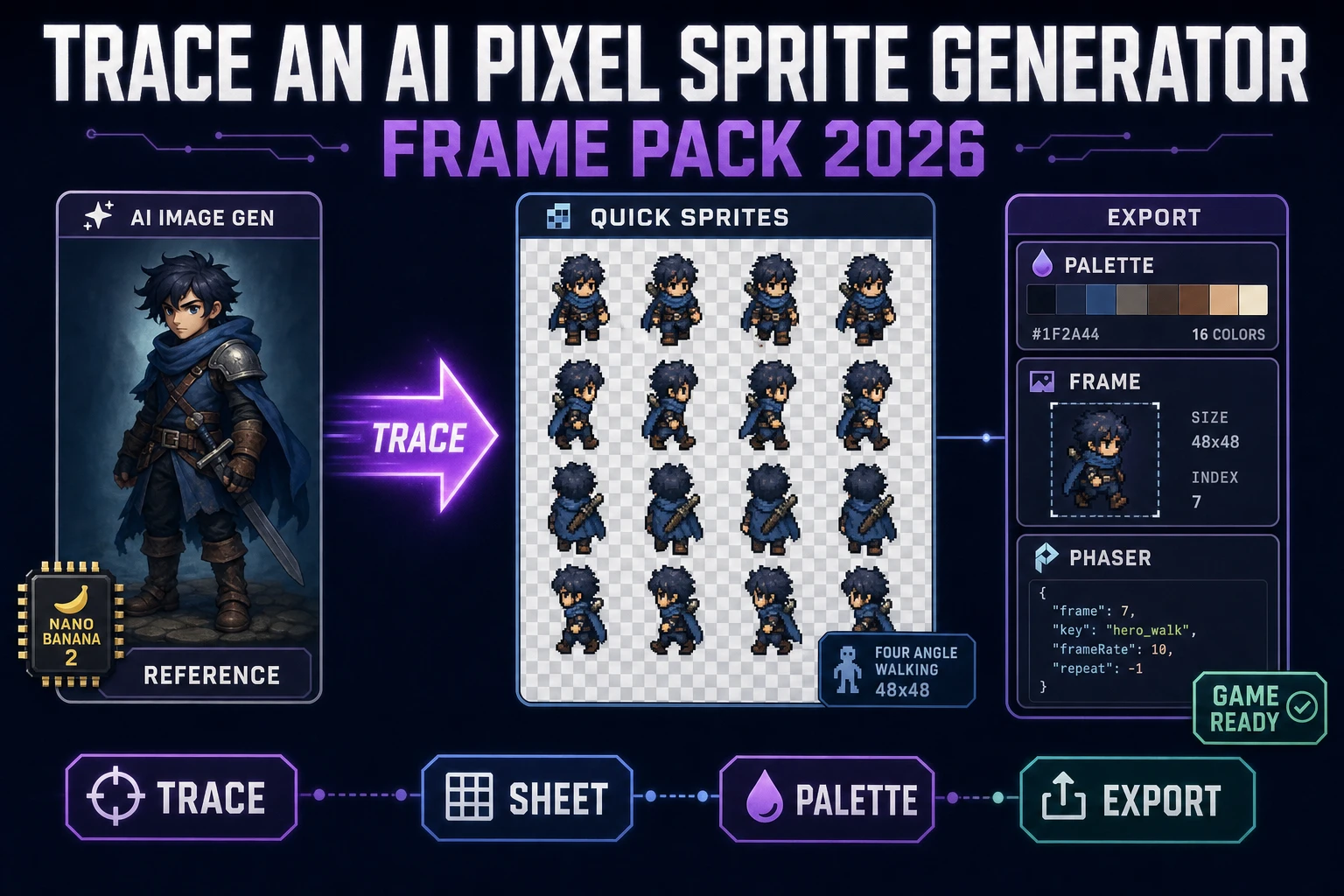
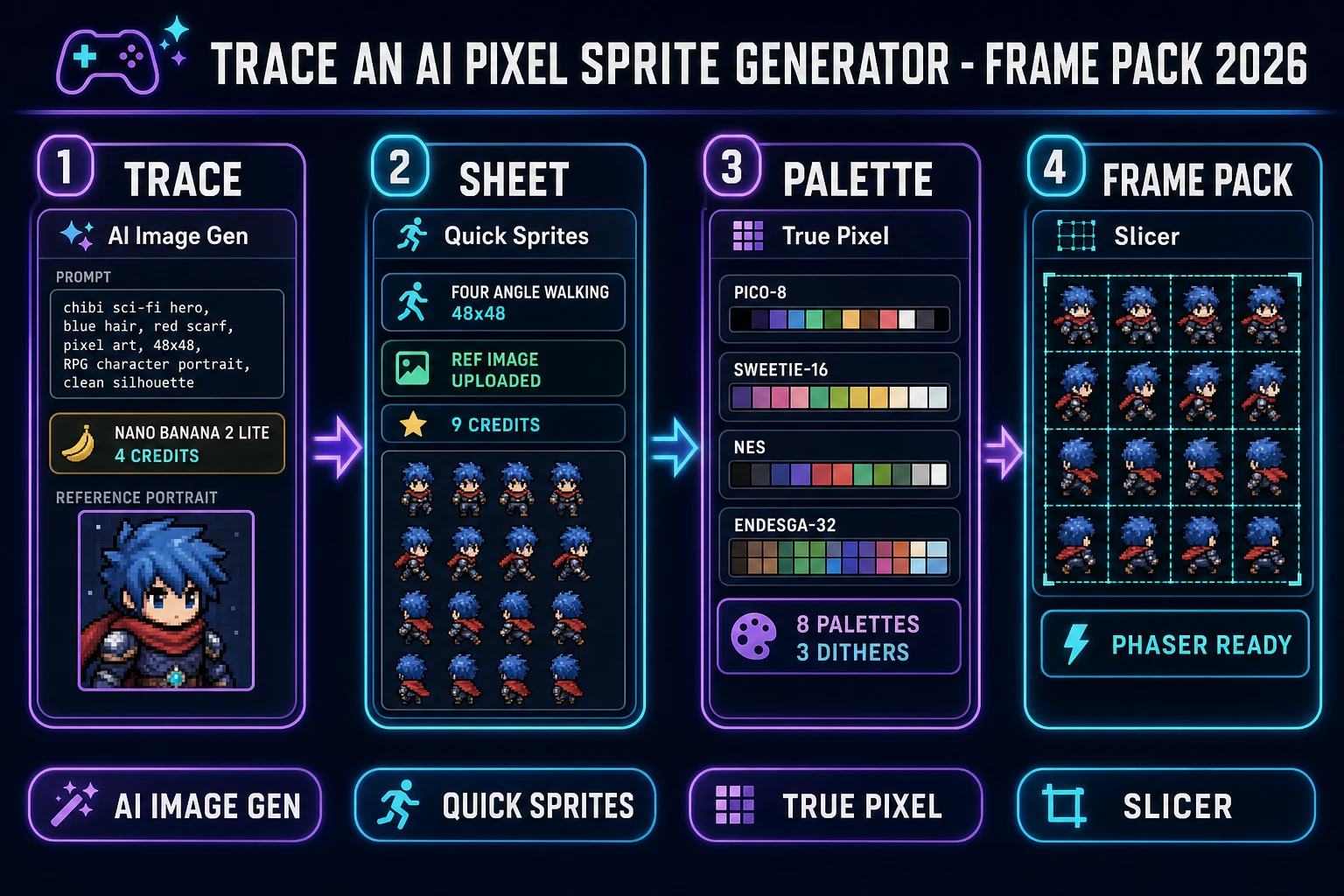
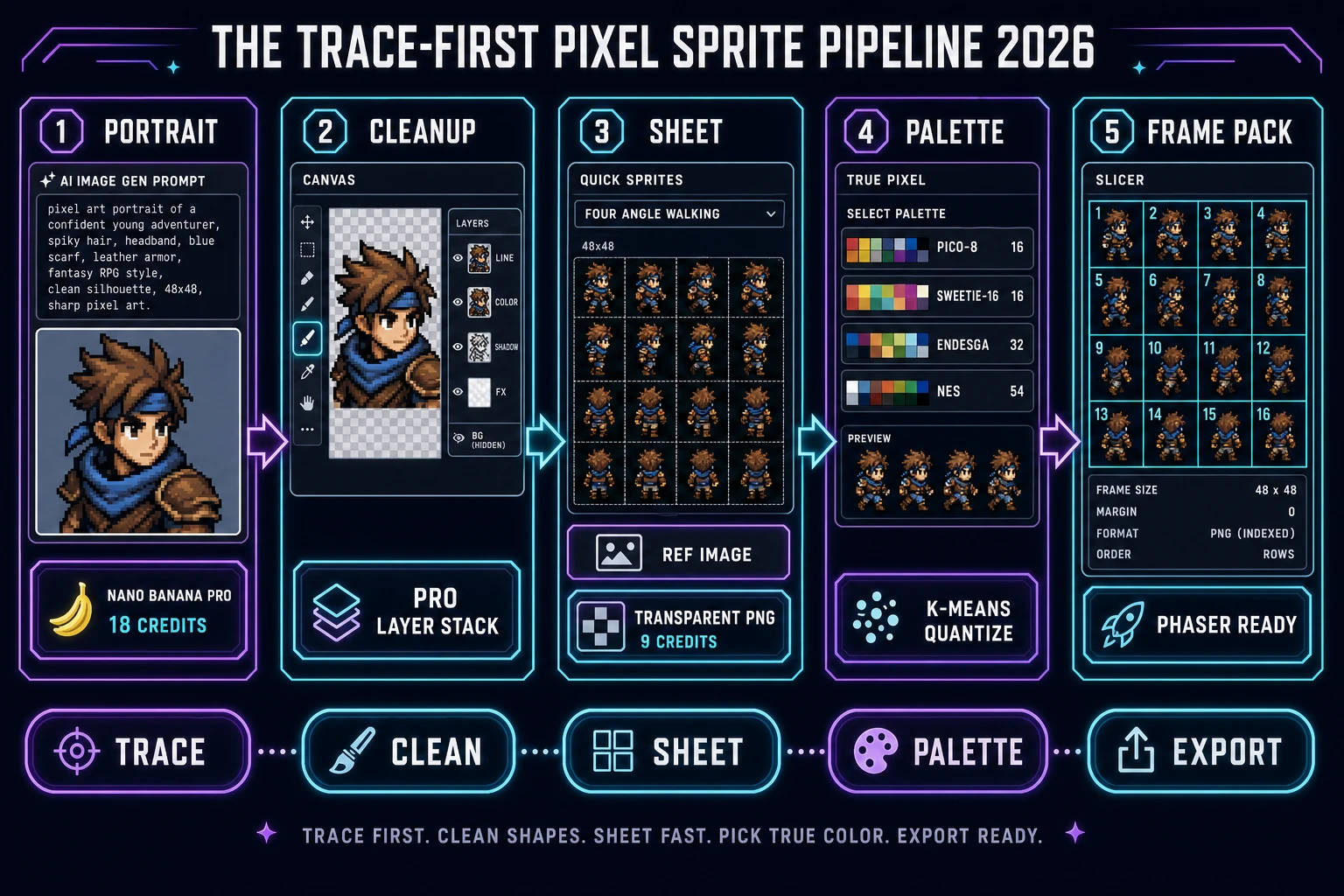
Pixel sprites are the one asset class that punishes prompt drift hardest. A single hero on a top-down world map appears in dozens of frames across four walk directions, three combat animations, and a handful of idle poses, and the human eye picks up a one-pixel change in helmet shape from across the room. The honest 2026 fix for that problem is to stop prompting the sprite model cold and start tracing a reference. This piece is the 2026 walk-through of the trace-first pixel-sprite workflow inside the shipping Sorceress stack: draft the character portrait in AI Image Gen, optionally clean the silhouette on Canvas, hand the trace to Quick Sprites for a transparent PNG sheet, palette-lock the frames in True Pixel, and export the frame pack through Slicer. Verified 2026-09-08 against the Sorceress source tree.
What an AI pixel sprite generator actually delivers in 2026
The phrase “AI pixel sprite generator” has cleaned up considerably since 2024. Two years ago the label covered anything from a text-to-image model that returned a single pixel-art hero screenshot to a folder of eight unrelated PNGs the developer was expected to slice by hand. The 2026 working definition is tighter: an AI pixel sprite generator returns a transparent-background sprite spritesheet (verified 2026-09-08 on Wikipedia) with the character posed on a uniform frame grid the game engine can slice with one call. Sorceress Quick Sprites at /quick-sprites is the shipping pipeline in that category. It calls Retro Diffusion’s rd-animation model (MODEL_ID = 'retro-diffusion/rd-animation', verified 2026-09-08 in src/app/quick-sprites/page.tsx) at nine credits per generation (CREDITS_PER_GEN = 9) and returns a grid PNG in one of three fixed shapes: Four Angle Walking at 48×48, Small Sprites at 32×32, or VFX Effects at 24 to 96 px in six size presets.
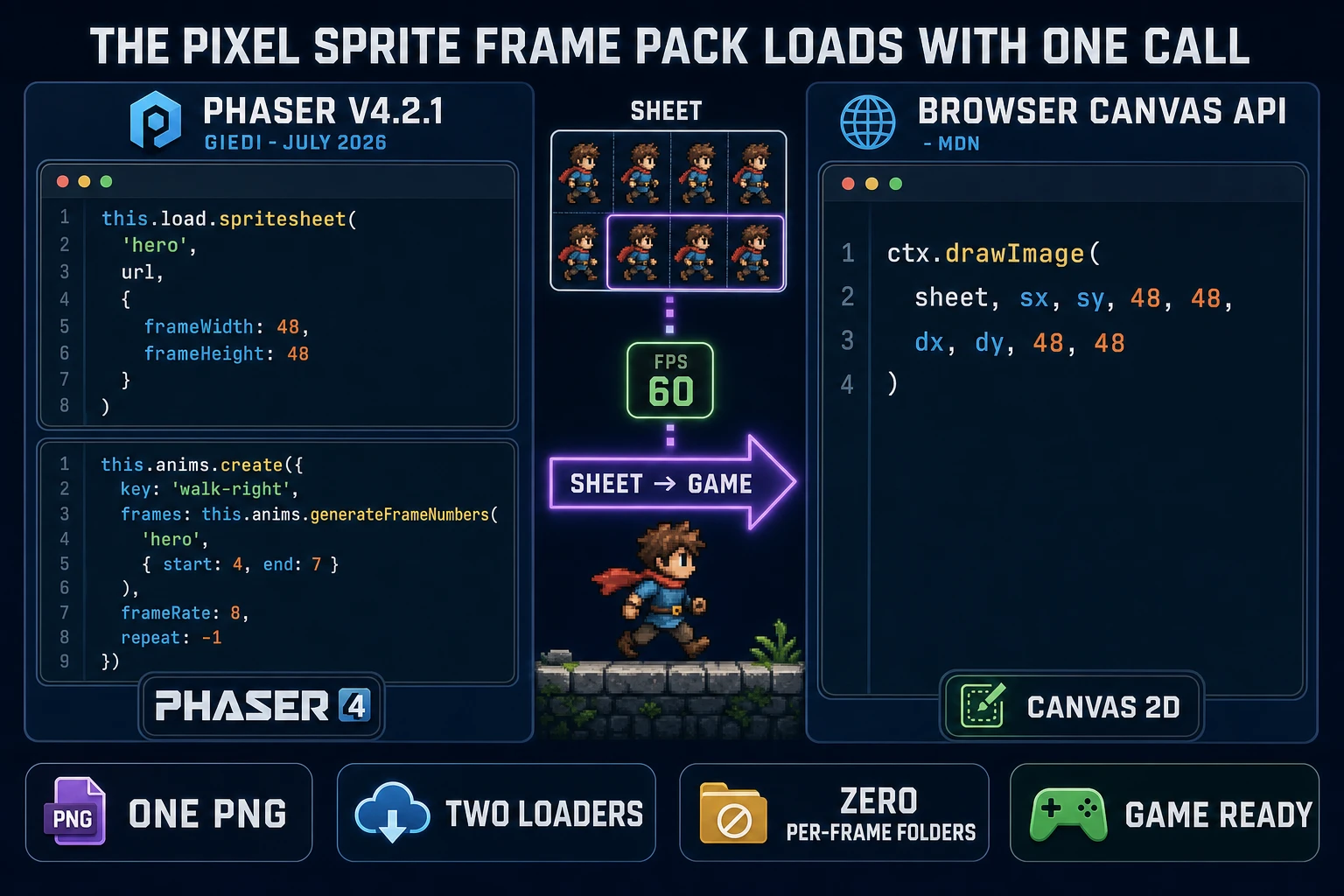
The Spritesheet PNG toggle ships on by default so the output is a real texture atlas (verified 2026-09-08 on Wikipedia) instead of a folder of eight PNGs. That single decision is what separates a shippable 2026 AI pixel sprite generator from the 2024 status quo — the loader in the game engine calls load.spritesheet() once and the animation system slices the frames on the fly, which is dramatically cleaner than tracking a folder of files across a working session. Recent Sorceress coverage of related sprite pipelines lives in Frame an AI 2D Sprite Generator and Craft an AI Game Sprite Generator; this piece drills into the trace-first variant, which is the honest fix for keeping the character silhouette consistent across the whole frame pack.
The trace-first workflow at a glance
Cold prompts drift. A hero prompted as “moss-armored ranger with a hood” comes back with a slightly taller hood on Tuesday than it had on Monday, and by the time the frame pack has an idle, walk, jump, and attack cycle the silhouette has quietly shifted by a couple pixels across the pose set. Tracing anchors it. The five-step 2026 trace-first pipeline runs: (1) draft the character portrait in AI Image Gen at /generate once, (2) optionally clean the silhouette on Canvas at /canvas so the sprite model does not need to reproduce a busy background, (3) hand the reference to Quick Sprites at /quick-sprites as the ref-image upload alongside a short text prompt, (4) palette-lock the returned sheet in True Pixel at /pixel-art so every frame reads on the same 16- or 32-color surface, and (5) export the frame pack through Slicer at /slicer. Each stage is a browser tab; nothing lives on the developer’s filesystem until the final frame-pack export.
Step 1 — Trace the silhouette in AI Image Gen
Open AI Image Gen at /generate. The 2026 panel exposes twelve image models with credit costs verified 2026-09-08 in src/lib/models.ts: Nano Banana 2 Lite at 4 credits, GPT Image 2 at 5 credits base (with quality tiers at 8 and 15), Seedream 5 Lite at 6 credits (plus 14 reference-image slots), Flux 2 Pro at 6 credits (plus 3 per reference image, 8 refs), Nano Banana 2 at 9 credits, Nano Banana Pro at 18 credits for 1K and 2K output (33 credits at 4K, 8 refs). The whole panel bills against the CREDITS_PER_DOLLAR = 100 conversion (one credit equals one US cent) so a portrait draft on Nano Banana 2 Lite runs four cents.
Write a portrait prompt that will read as a game character, not a portrait photograph: full-body view, plain background, a single silhouette, no props the sprite pack does not need to carry. “Full-body pixel-art-style character, moss-armored ranger with a hood, side view, plain white background, no shadow” is the kind of prompt that returns a clean traceable reference on the first pass. Save the PNG. That single portrait is the anchor for every frame in the pack — the sprite model will reference the silhouette when it paints the four walk directions or the six NPC poses, and the silhouette will stay consistent across the whole sheet as a result. Related pipeline coverage on the character-generation side lives in What Is an AI Consistent Character Generator, which walks the ref-image-first pattern in more depth for character work.
Step 2 — Hand the trace to Quick Sprites
Open Quick Sprites at /quick-sprites. The 2026 panel is intentionally narrow: pick one of three animation styles, write a short prompt, upload the reference portrait from Step 1, hit generate. The three styles map cleanly to three game-dev needs, all verified 2026-09-08 in src/app/quick-sprites/page.tsx. Four Angle Walking returns a 48×48 grid with four cardinal directions (up, right, down, left) on four rows and four walk frames per row — the exact shape a top-down game reads to animate the hero as they walk on the world map. Small Sprites returns a 32×32 grid with six rows for right walk, left walk, arms (idle chatter), look (idle head-turn), surprise (dialogue reaction), and lay down (defeated or sleeping) — the classic RPG townsfolk layout. VFX Effects returns a 1:1 grid at one of six sizes from 24 to 96 px for explosions, spell casts, lightning strikes, and other impact frames.
The reference upload is the whole difference. Without the reference, the sprite model returns a plausible pixel-art character in the requested pose — but the “plausible character” drifts from run to run. With the reference, the model latches onto the silhouette in the portrait and paints the four or six poses to match. Every generation on the same reference returns the same character in a new pose, which is exactly what a real frame pack needs. At nine credits per generation, a full frame pack of one hero (Four Angle Walking) plus four townsfolk NPCs (Small Sprites) plus three impact VFX (VFX Effects) runs 8 × 9 = 72 credits — under one US dollar at the documented one-credit-equals-one-cent rate. Full walk-cycle coverage on the animation side lives in Sprawl an AI Sprite Animation Generator.