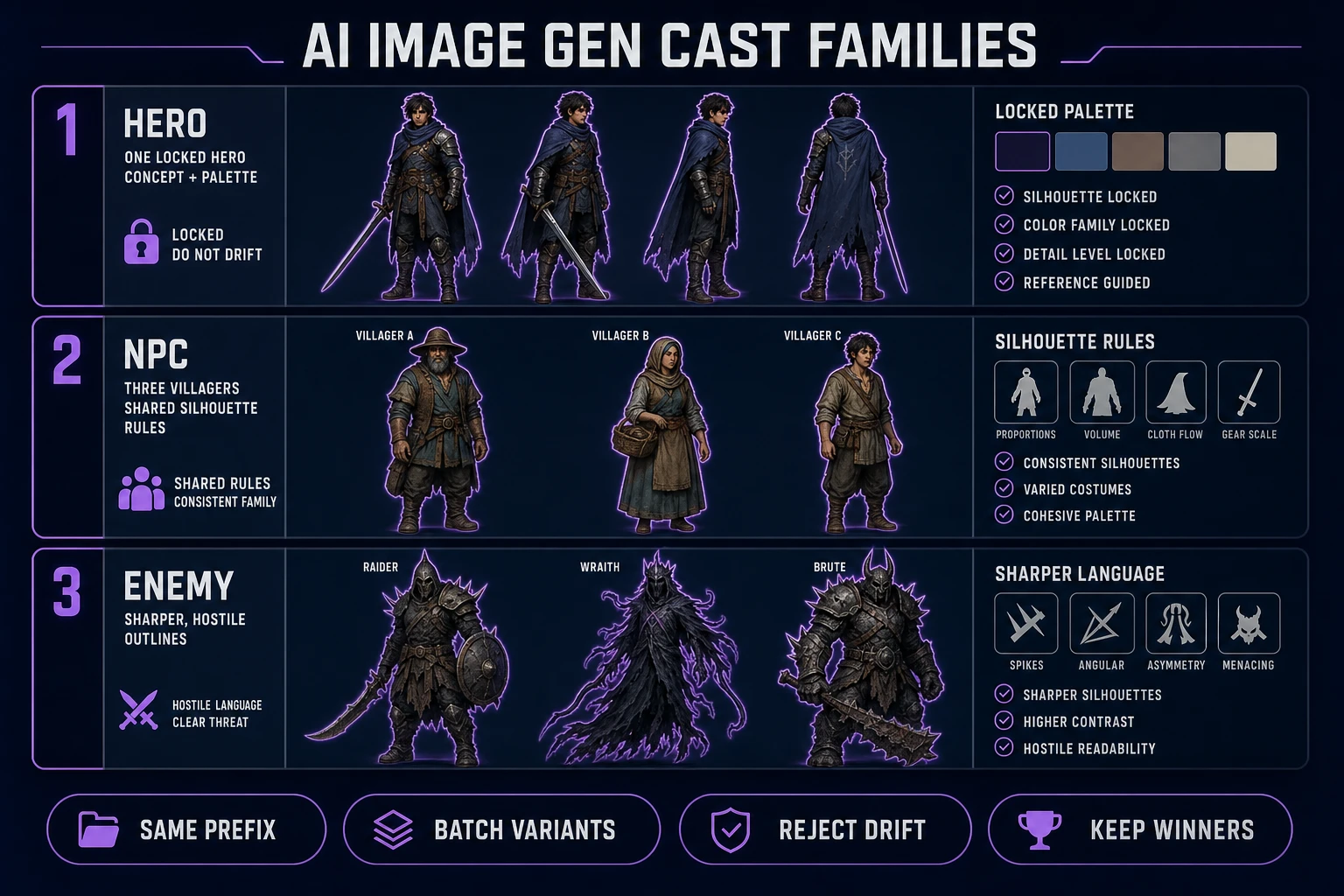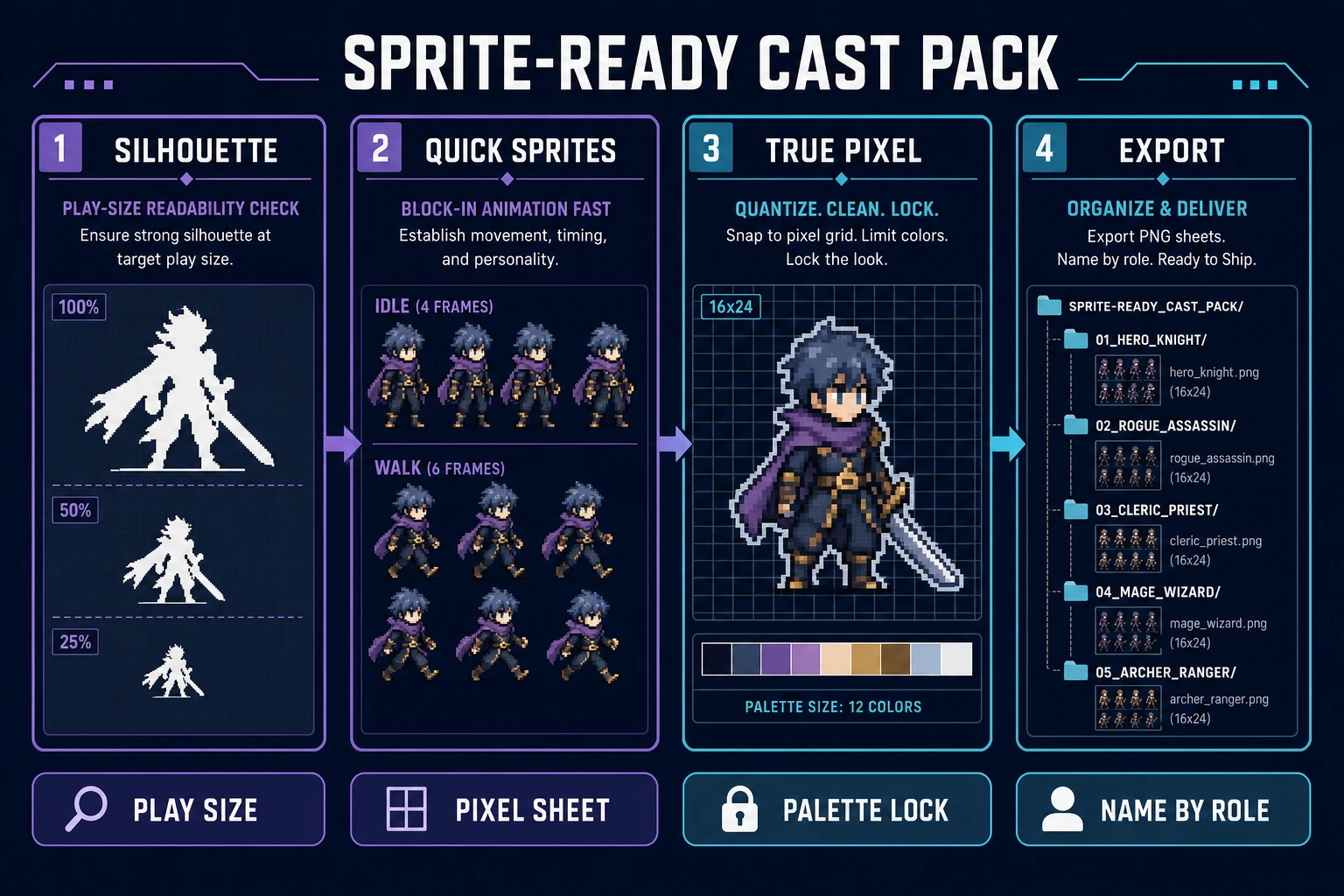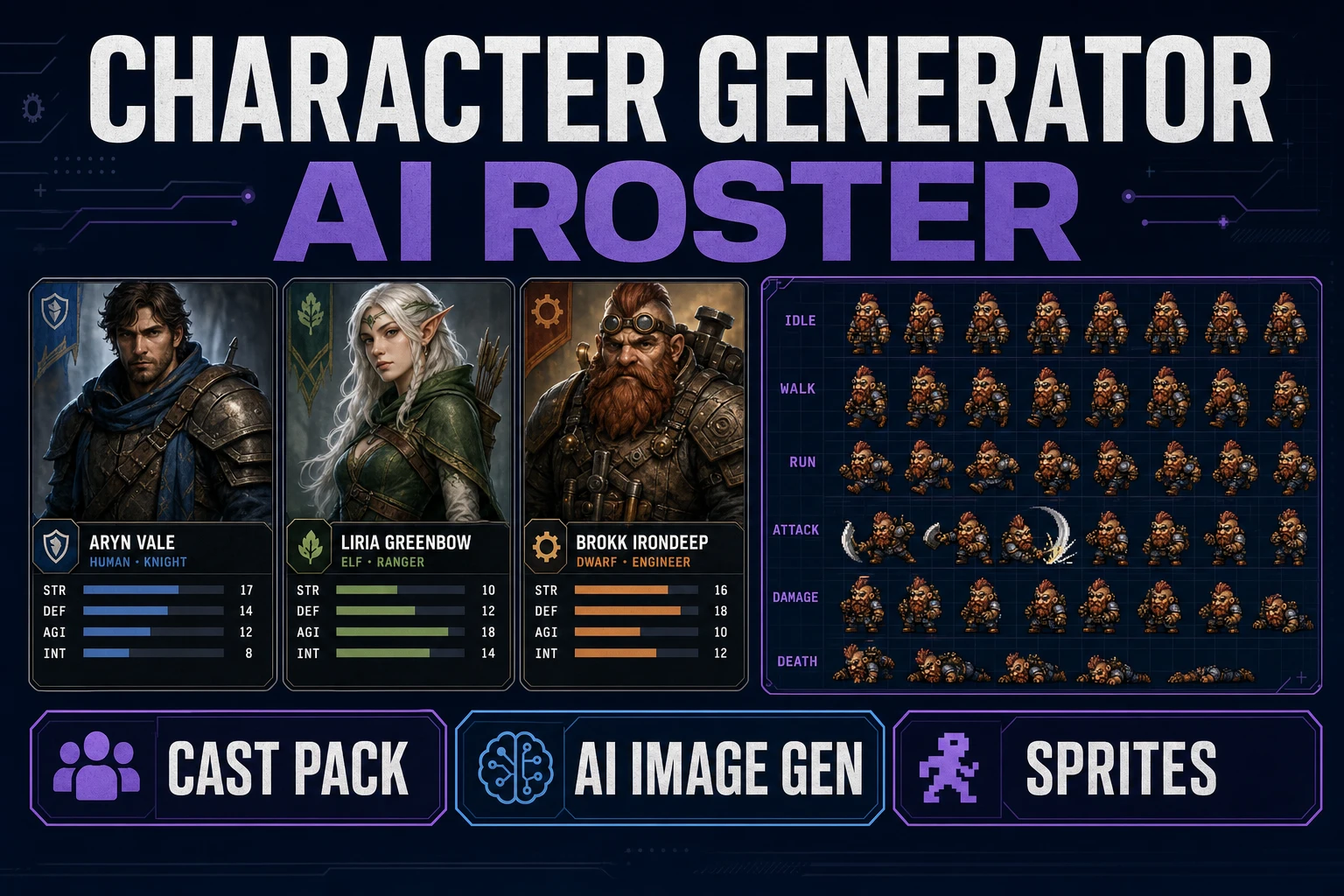
Pretty one-off faces do not ship a cast. Games need a hero, a few NPCs, and enemies that share silhouette rules, palette budget, and prop language so the world feels designed. This guide turns a character generator ai search into a roster pipeline: write the cast sheet first, batch families in AI Image Gen, lock references, then convert only silhouette winners with Quick Sprites and True Pixel. Model names and credit bases below were verified against src/lib/models.ts on July 20, 2026.
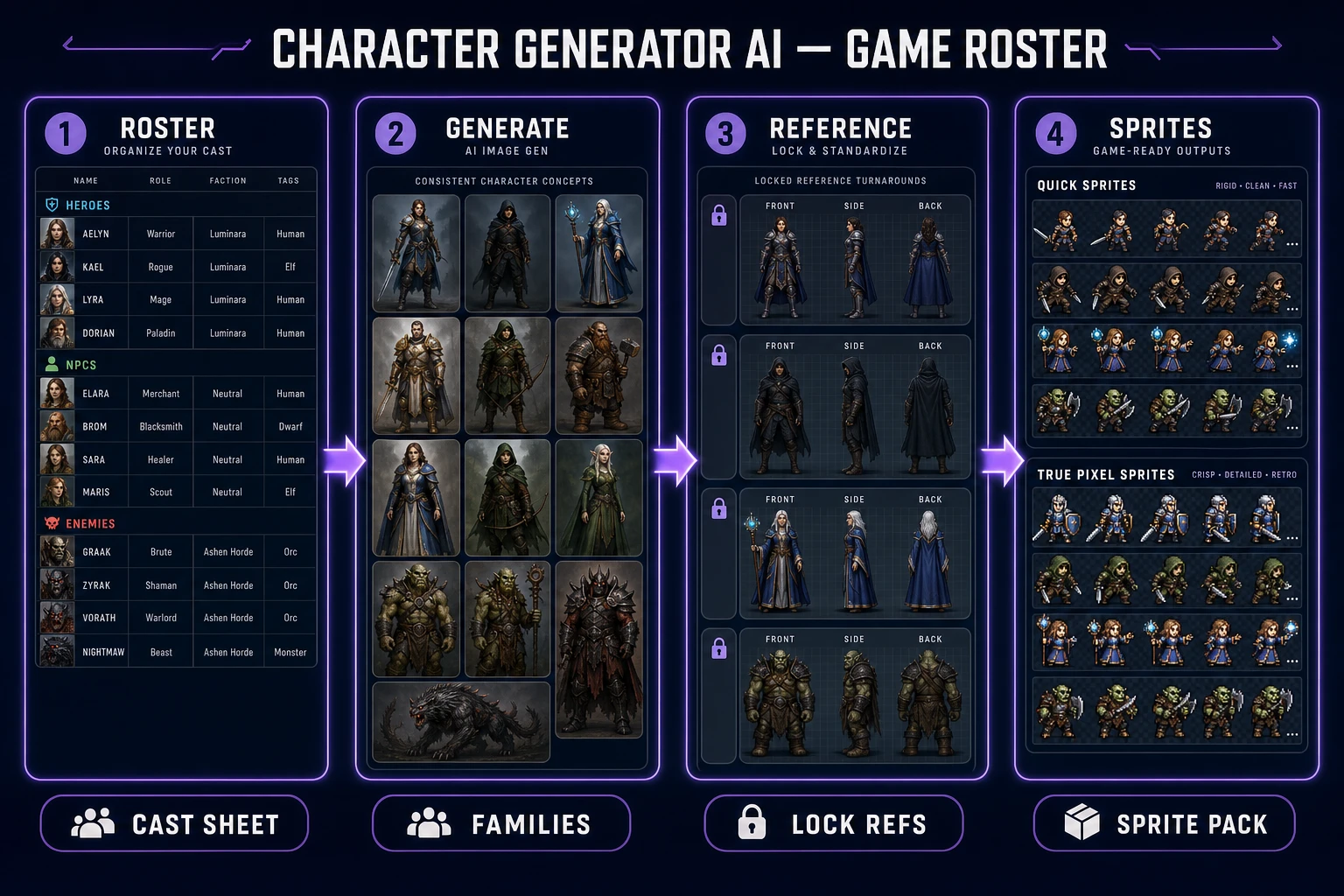
What a character generator ai must keep consistent
DataForSEO lists character generator ai at 880 monthly searches with KD 21 in research-supplement.md, verified July 20, 2026. It sits beside the head phrase ai character generator (18,100/mo, KD 29) but the inverted query usually wants a tool-shaped answer: generate characters, keep them useful. For indie production that means a cast pack, not a single gallery winner.
Four locks decide whether your character generator ai output survives the engine:
- Silhouette family: tall/compact, cloak/no cloak, weapon scale relative to torso.
- Palette budget: three to five hex colors that every role may tint but not abandon.
- Signature prop language: pins, hats, scars, or tools that mark roles without redrawing faces.
- Lighting rules: flat cel, soft painted, or hard rim — pick one and forbid the others for this cast.
Animation studios formalize the same idea as a model sheet: standardized poses and proportions so multiple artists stay on-model. Your roster sheet is that document for AI batches. Without it, every regenerate invents a new protagonist and the NPC line collapses.
Write a roster sheet before prompting
Open a plain text note and list roles before you touch a prompt field. A minimal jam cast is enough:
- Hero: player-readable outline, one prop, two emotion states.
- Friendly NPCs: two or three soft silhouettes that share the hero’s palette language.
- Enemies: one sharper silhouette family that reads as threat at play size.
For each row write age band, body mass, three palette hexes, one forbidden trait, and the export name you will use later (hero_teal, npc_baker, enemy_spike). Forbidden traits matter as much as positive ones: “no floating hair ribbons,” “no photo-real skin pores,” “no asymmetric horns unless enemy.” Those negatives stop models from sprinkling fashion-doll noise into a pixel game.
Keep the sheet short enough to paste as a reusable prompt prefix. Long lore paragraphs waste tokens and dilute the visual contract. Names and bios can live in a separate JSON file; the character generator ai pass only needs visual constraints. If you later need dialogue faces, the sibling AI portrait generator NPC pack covers bust crops on the same card rules.
Print the roster sheet beside your monitor or pin it as the first message in the generation session. Every batch should start by pasting those lines unchanged. When a teammate joins mid-week, they inherit the same locks instead of reinventing the hero from a Discord screenshot. That handoff is the difference between a cast and a folder of near-misses.
Generate hero, NPC, and enemy families
Open AI Image Gen and treat each role as a family, not a single lucky image. Paste the roster prefix, then add only the role delta: “hero front three-quarter,” “baker NPC softer outline,” “spike enemy taller sharper crown.” Batch three variants per role with the same prefix. Keep only the ones that share jaw mass, hair volume, and prop scale.
Credit bases verified July 20, 2026 in src/lib/models.ts:
- GPT Image 2: 5 credits base — strong costume edges for later sprite work.
- Nano Banana Pro: 18 credits at default 1K/2K — heavier spend when you need crisp readable cloth folds.
- Nano Banana / Seedream 4.5: 6 credits each — cheaper iteration while the silhouette is still settling.
- Flux 2 Pro: 6 credits plus 3 per reference image — useful once a winner exists and you need costume swaps on the same face.
Start cheap until the silhouette passes. Spend Pro-tier credits on the keeper, not on exploring ten unrelated aesthetics. A practical first hour is three Nano Banana or Seedream drafts per role, one keeper upgrade on GPT Image 2 or Nano Banana Pro, then stop. New accounts still receive starter credits; pay-as-you-go packs and the $49 lifetime unlock are listed on the plans page. The Sorceress tools guide maps every adjacent tool if you later add video or 3D legs to the same cast.
Aspect ratio should match the eventual crop. Square or 3:4 works for portraits and busts; a taller full-body frame helps when you already know you need walk-cycle proportions. Do not generate ultra-wide cinematic stills for a 32×32 jam sprite — the model will spend detail on background air you will discard. Neutral gray or flat color backdrops also survive background cleanup better than busy tavern scenes.