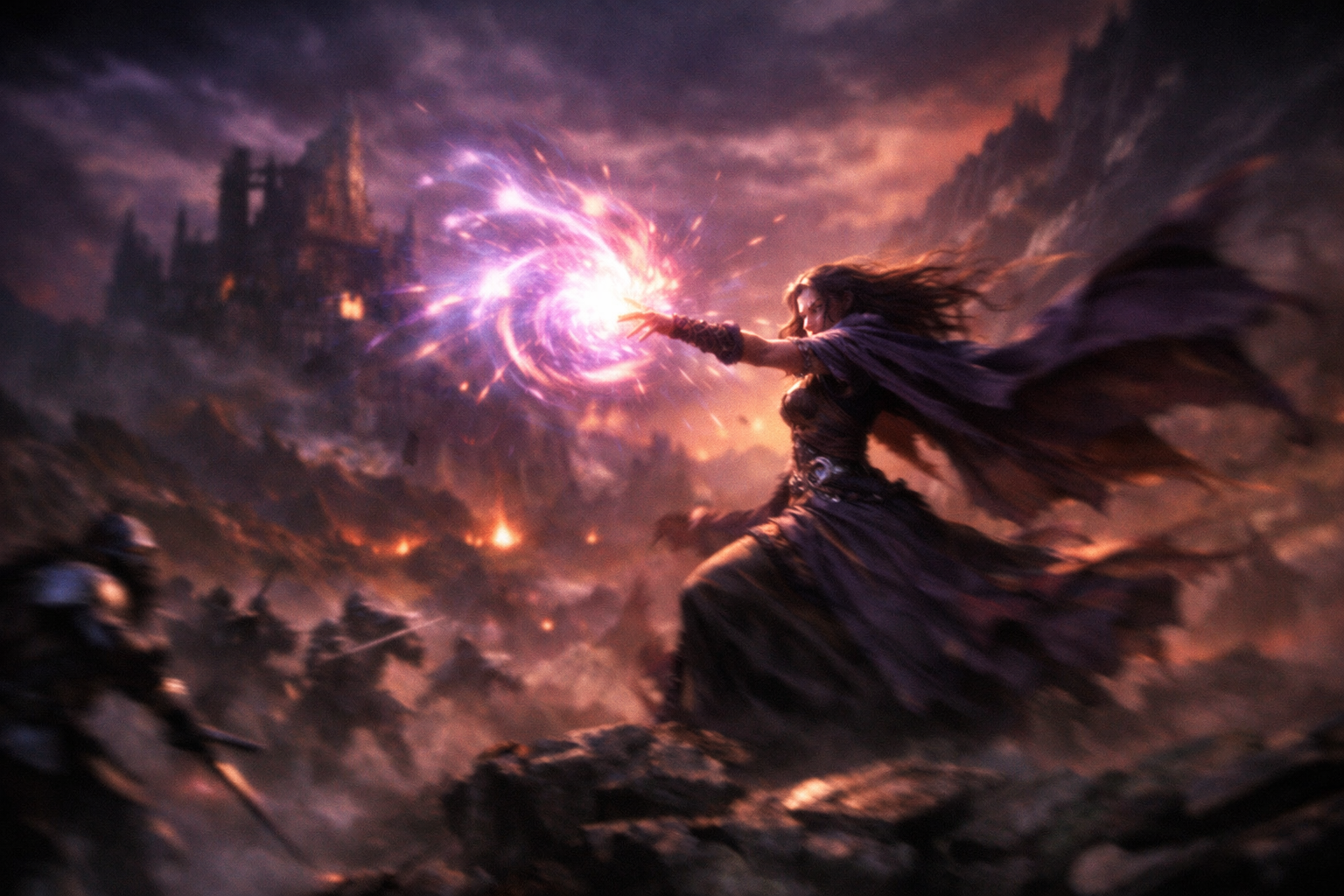
From Still Image to Moving Scene in One Step
A static screenshot of your game or a still concept image is useful. A short animated video of that same scene is unforgettable. Sorceress Video Gen bridges that gap by taking your existing images and transforming them into animated video clips — no video editing experience required, no timeline to wrangle, no keyframes to set.
What Is Video Gen?
Video Gen is an AI-powered image-to-video tool built specifically for game developers. You provide an image — a character render, a background illustration, a UI screen, a logo — and the AI animates it. The resulting video clip is ready to use as a game cutscene, a trailer segment, a social media post, or a loading screen sequence.
What You Can Create
- Game trailers and teasers — animate your concept art into a compelling promotional video
- Cutscenes — bring static scene illustrations to life with cinematic movement
- Animated backgrounds — subtle parallax and environmental motion for in-game use
- Character reveal animations — dramatic animated introductions for heroes and bosses
- Social content — eye-catching animated clips for YouTube thumbnails, TikTok, and Instagram
How the AI Animates Your Images
The model interprets the visual content of your image and applies physics-aware, context-sensitive motion. Water ripples. Cloaks billow. Fire flickers. Characters breathe. The motion is not random — it is guided by what the AI recognizes in the scene, which means the output looks natural and purposeful rather than glitchy or distorted.
You can also guide the motion with a text prompt, describing the type of movement you want to emphasize. This gives you creative control over the animation direction without requiring frame-by-frame editing.
Integration with the Sorceress Pipeline
Video Gen sits naturally in the post-production phase of the Sorceress workflow. Generate a character with Image Gen, clean it up with BG Remover, then feed it into Video Gen for a cinematic reveal. Or generate a seamless tile background with Seamless Tile Gen and animate it into a scrolling environment loop for your game's main menu.
Output Formats
The tool exports video in formats compatible with standard video editors and game engine import pipelines. You can use the output directly in a Godot viewport, as a Unity video player clip, or drop it into your trailer edit in DaVinci Resolve or Premiere.
Get Animating
Go to sorceress.games/video, upload your best piece of game art, and watch it come alive. Whether you are making a 5-second teaser or a 30-second cinematic, Video Gen can produce it from a single image.