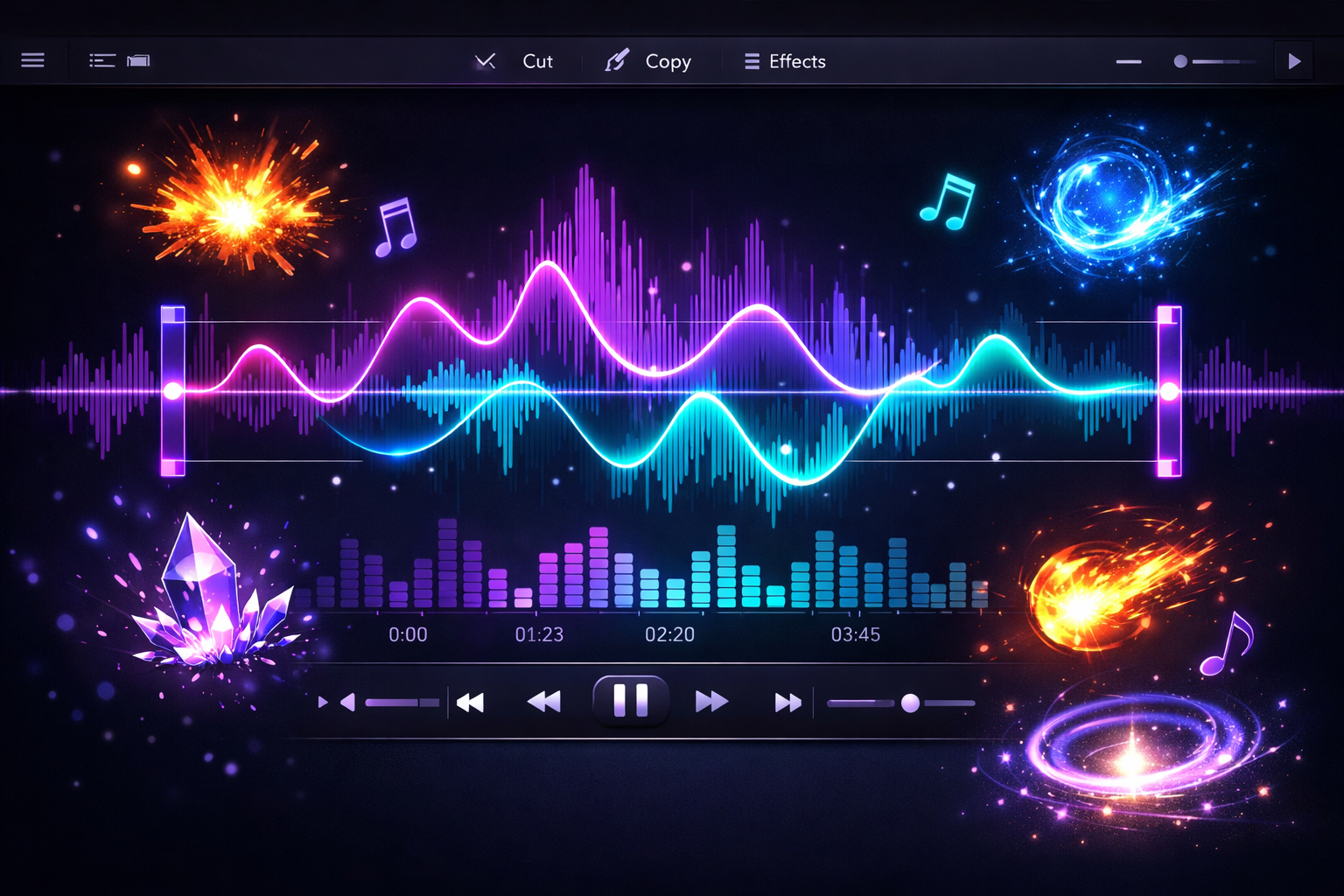
Great Sound Design Starts with Clean Audio
Sound effects are often the last thing indie developers think about and the first thing players notice when something is wrong. A clipped jump sound, a buzzing explosion, a coin pickup that is just slightly too loud — these things break immersion instantly. The Sorceress SFX Editor gives you a fast, browser-based audio processing tool designed specifically for getting your game's sound effects sounding right.
What Is the SFX Editor?
The SFX Editor is a lightweight audio workstation built into the Sorceress suite. It handles the most common sound processing tasks that game developers need: trimming, fading, volume adjustment, and audio cleanup. You upload a sound file, make your edits in a visual waveform editor, and export a clean, properly leveled clip ready to drop into your game project.
No DAW license. No plugin setup. No audio engineering degree required.
Core Features
- Trim — cut dead air from the beginning or end of your audio clips so sounds trigger instantly and cleanly
- Fade In / Fade Out — add smooth volume ramps to prevent harsh pops and clicks at the start or end of a sound
- Volume Adjustment — normalize or manually adjust the loudness of your clips so they all sit at a consistent level in your game's mix
- Noise Processing — clean up background hiss or recording artifacts from captured sounds
- Export — download your processed audio as a clean, game-ready clip in standard formats
Why Game Audio Needs Special Attention
Audio in games behaves differently from audio in music or video. Sounds loop, layer, trigger simultaneously, and play back through wildly different speaker setups — phone speakers, gaming headsets, laptop audio, TV soundbars. A sound effect that works on your production machine might be deafening or inaudible on another device.
The SFX Editor helps you standardize your audio output. By trimming, normalizing, and setting consistent volume levels across your entire sound library, you ensure that your game's audio behaves predictably regardless of where it is played.
Perfect Use Cases
- Cleaning up free sound effects downloaded from asset sites before using them in your project
- Trimming long ambience recordings down to tight, seamlessly loopable clips
- Leveling a complete sound library before importing into Godot, Unity, or GameMaker
- Removing accidental recording noise from custom-captured sounds
- Preparing UI sounds (button clicks, menu hovers, notifications) for consistent playback
Part of the Sorceress Audio Pipeline
The SFX Editor pairs naturally with the Batch Utilities tool in the Sorceress suite, which can handle bulk MP3 compression across your entire audio library. Use the SFX Editor for individual clip polish and Batch Utilities for large-scale optimization before final export.
Start Editing
Go to sorceress.games/sfx-editor and upload your first sound file. Trim it, level it, export it. Your game will sound better for it.