Stop Searching Stock Sites. Generate Exactly What Your Game Needs.
Finding the right visual assets for an indie game has always been a compromise. You either spend hours searching stock libraries for something that is almost right, commission art you cannot afford, or learn to make it yourself. Sorceress Image Gen removes that bottleneck entirely by letting you generate professional-quality game art from a text prompt in seconds.
Multiple AI Models in One Place
What sets Image Gen apart from a single-model image tool is the breadth of models available. Rather than being locked into one style or capability, you can choose the model that best fits your current task:
- Photorealistic models for concept art, splash screens, and marketing visuals
- Stylized and illustrative models for characters, items, and UI elements
- Pixel-art-capable models for retro and low-res aesthetics
- Fantasy and sci-fi fine-tuned models for genre-specific work
Each model has its own strengths, and the Sorceress interface makes it easy to switch between them without leaving your workflow.
What You Can Generate
Image Gen handles every category of visual asset a game developer regularly needs:
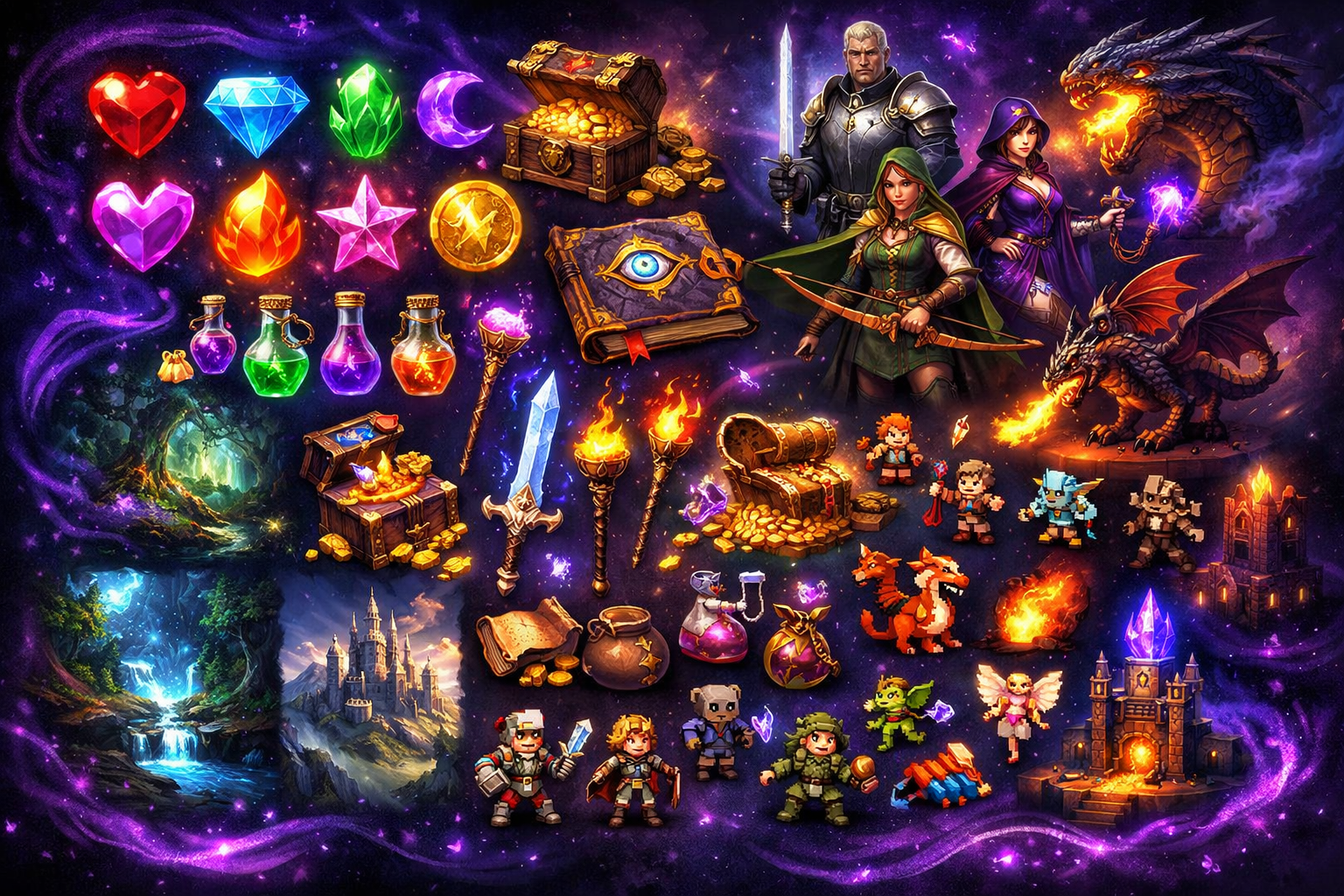
- Character portraits, sprites, and full-body concepts
- Environment backgrounds and landscapes
- UI elements like buttons, frames, icons, and HUD components
- Item art, weapons, potions, gems, and collectibles
- Logos, title screens, and promotional artwork
Prompt-Driven Creativity
The quality of your results depends heavily on how you write your prompts. Image Gen is built for game developers, so the system understands game-specific terminology. You can describe an art style, a lighting condition, a character role, a color palette, and a visual mood all in a single prompt and get results that match your vision.
Not sure what to write? The Prompt Lexicon is a community resource inside the Sorceress suite where developers share their most effective prompts for reference and inspiration.
From Prompt to Game-Ready
Once you have generated an image, it flows naturally into the rest of the Sorceress pipeline. Send it to the BG Remover for a clean transparent PNG, pass it to the Expander to extend the canvas, or bring it into the Tileset Builder to assemble a full environment layout.
Start Generating
Visit sorceress.games/generate and describe your first asset. Whether you are making a match-3 gem, a fantasy warrior, or a scrolling parallax background, the models are ready to produce it.