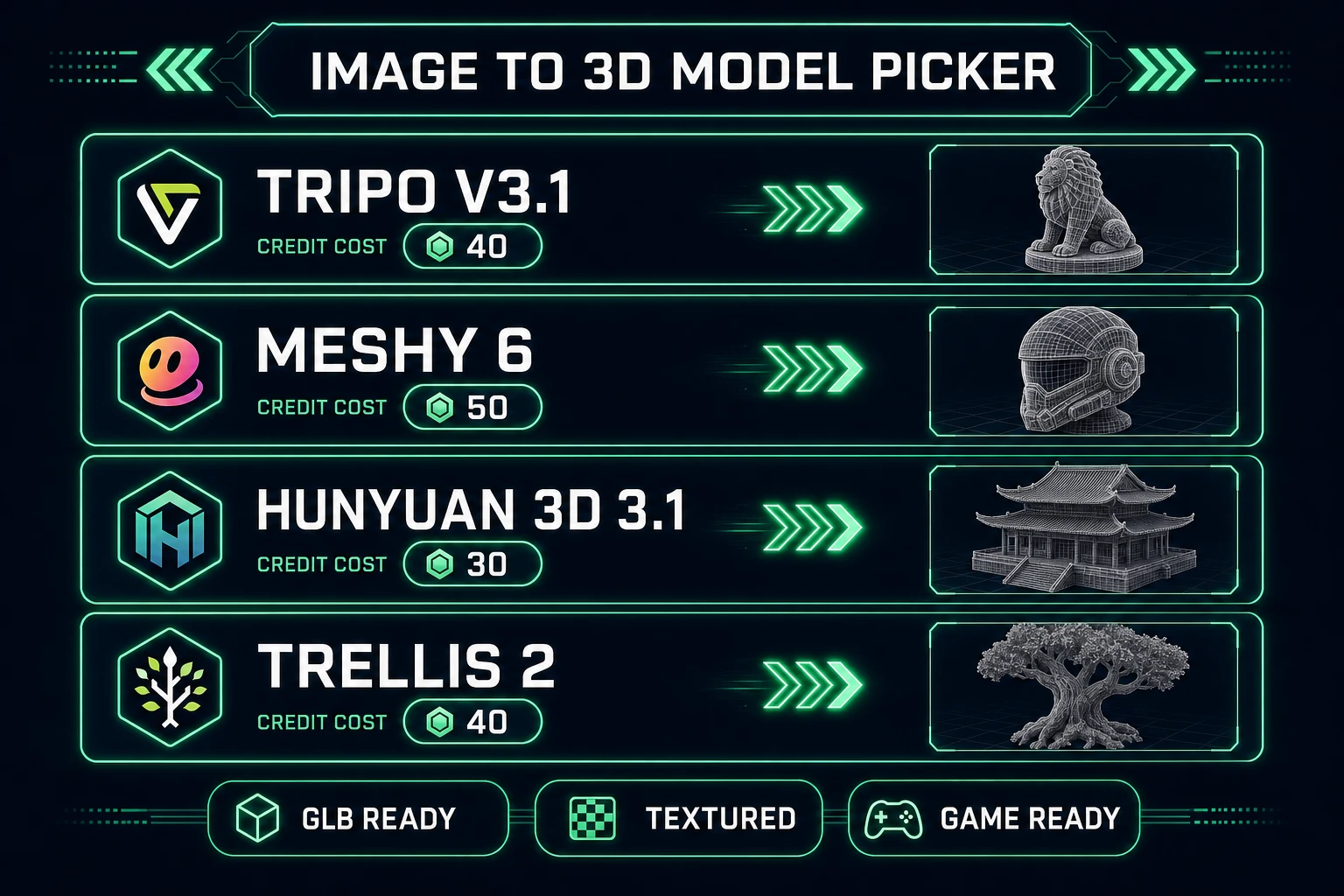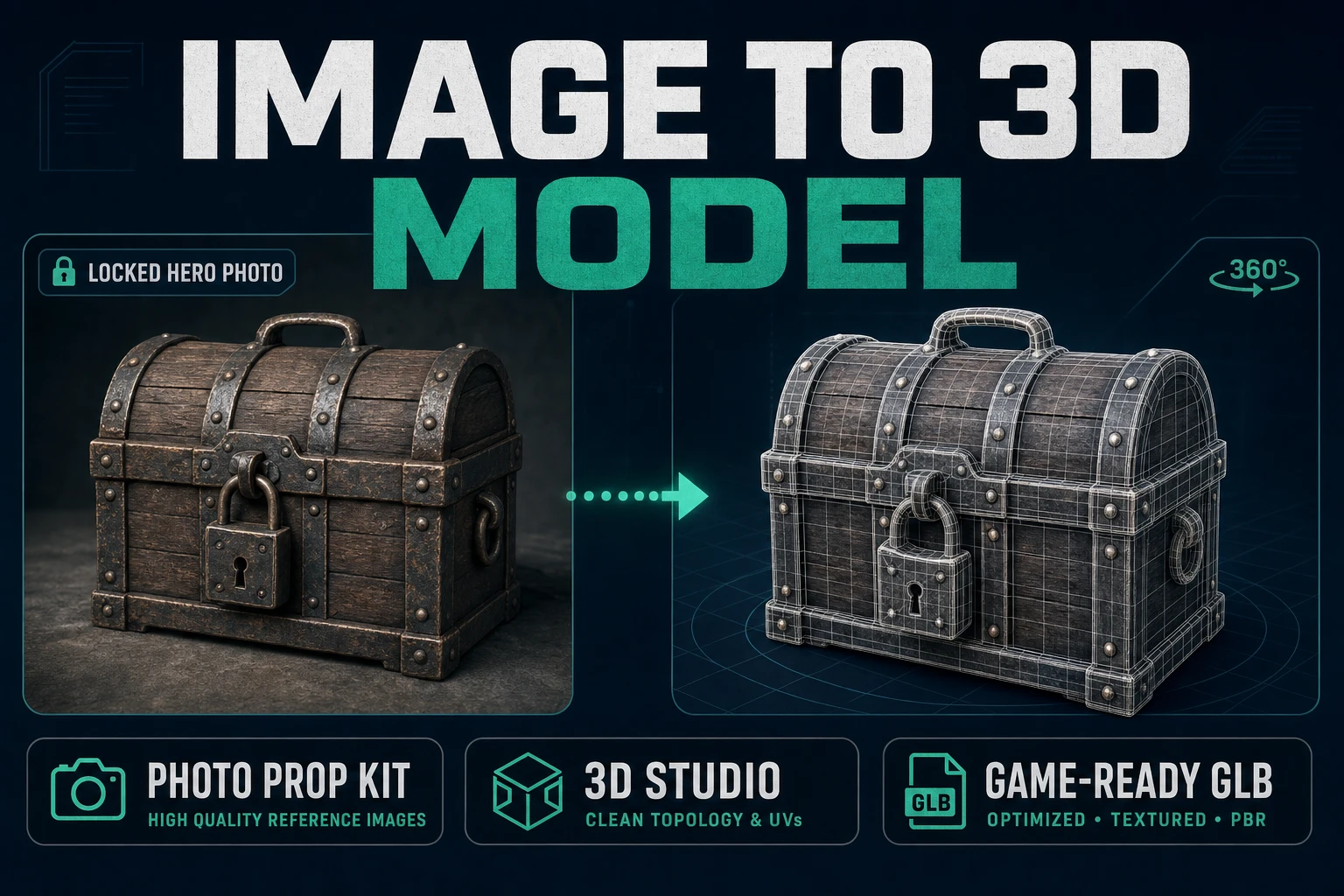
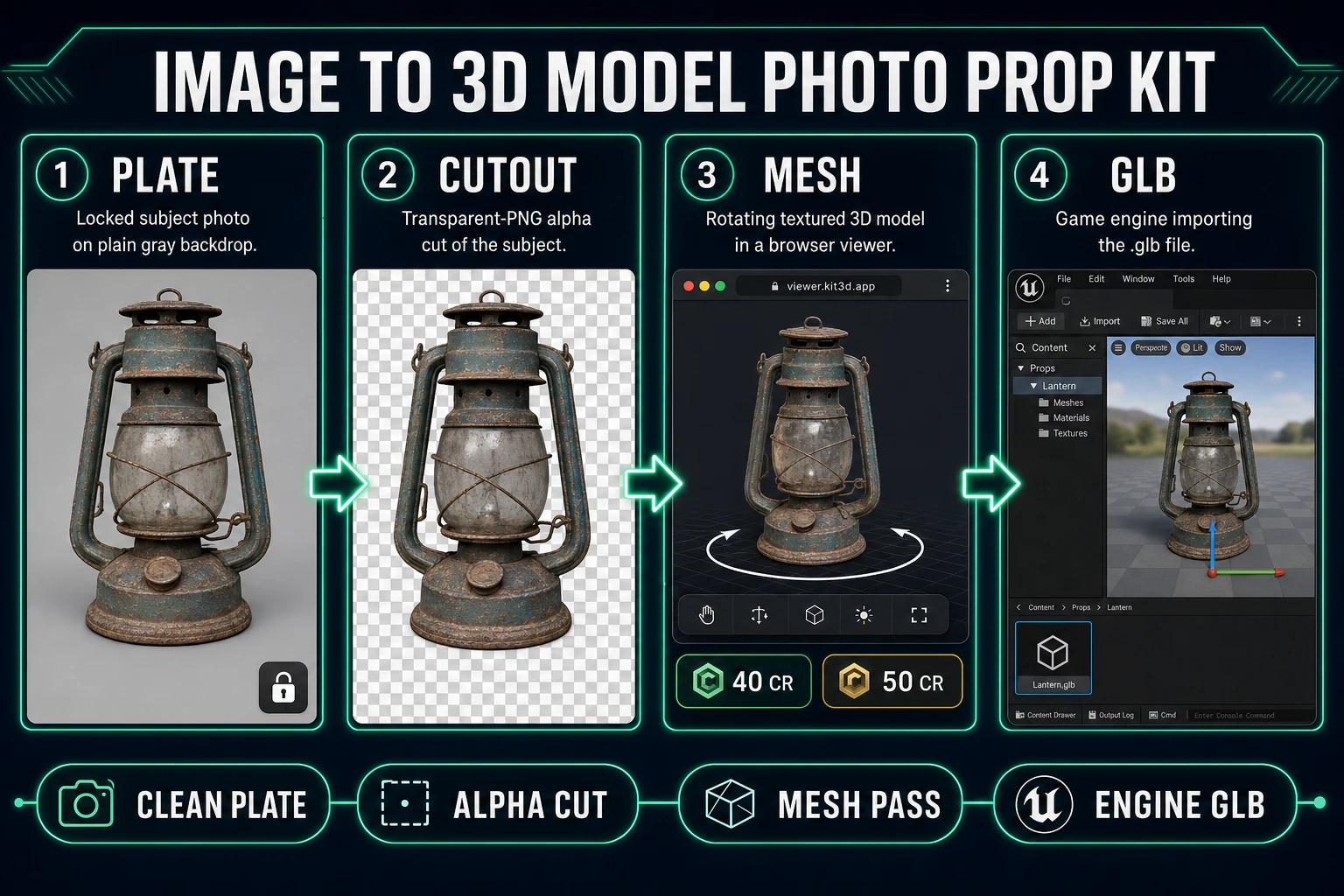
Everyone shows off "image to 3d model" demos with a perfect studio lighting rig and a rendered chess piece. Jam devs need a different pass: one prop plate, one mesh model in a browser tab, one GLB you can drop into your engine before the coffee cools. The head query hides a workflow, not a party trick.
What an image to 3d model search actually wants
DataForSEO lists image to 3d model at 8,100 monthly searches with KD 27 in research-supplement.md (verified July 29, 2026). The plural image to 3d models ties at 8,100 too, and long-tails like image to 3d model free (2,900/mo), convert image to 3d model (720/mo), and ai image to 3d model (590/mo) sit under the same umbrella. Readers typing any of those want the same deliverable: a textured, orbit-checked, engine-importable mesh from a single reference image — without cranking a desktop DCC.
Every honest workflow needs three ingredients: a clean plate, one chosen model, one credit budget. A polygon mesh generator will average whatever you feed it, so pass one thing: one subject on a plain backdrop, framed to fill the crop. If the plate looks like a shopping-cart mood board, the mesh will look like the same mood board — averaged, blurred, and missing the silhouette that made you pick the reference in the first place.
The Sorceress path here is deliberate. 3D Studio hosts every image-to-3D model we ship, BG Remover cleans the plate, and AI Image Gen creates the reference plate when you do not have a photo to start with. Sibling blog posts cover branded long-tails (Meshy, Tripo, 2D-to-3D conversion) and the free-tier framing; this post targets the head-term image to 3d model workflow for jam devs who need one prop shipped this week.
Prep a plate the mesh models can actually read
Every mesh generator inherits the same weakness: it hallucinates unseen surfaces. If your reference photo hides the back of a helmet under a shadow, the mesh will invent a back. If the subject sits against a busy background, the model will smear that background into the top of the silhouette. Prep the plate before you spend a single credit.
- Fill the frame with the subject. Roughly 70 to 90 percent coverage. A tiny subject on a huge white sheet forces the model to invent detail from nothing.
- Use a plain backdrop. Grey card, plain wall, or a single sheet of paper. Not your dining table.
- Kill the background if it is not already plain. Open BG Remover.
BG_REMOVER_CREDITSis 3 andMAX_FILE_SIZE_MBis 5 insrc/app/bg-remover/page.tsx(verified July 29, 2026). Upload the plate, download the transparent PNG. - Inspect on a checkerboard. Silhouette edges should not glow white. Feet should not float on a matte wedge. If the cutout is soft, the mesh will inherit that softness.
Optional but strong: generate the reference plate in AI Image Gen when you do not have a photo. A single prompt with subject, camera, and plain-backdrop tokens produces a plate the mesh models happily eat. The Sorceress Mold Image to 3D post covers the case where you skip alpha entirely; this workflow uses the cutout because game props survive a hard silhouette better than a soft product-shot matte.
Pick a model and credit budget
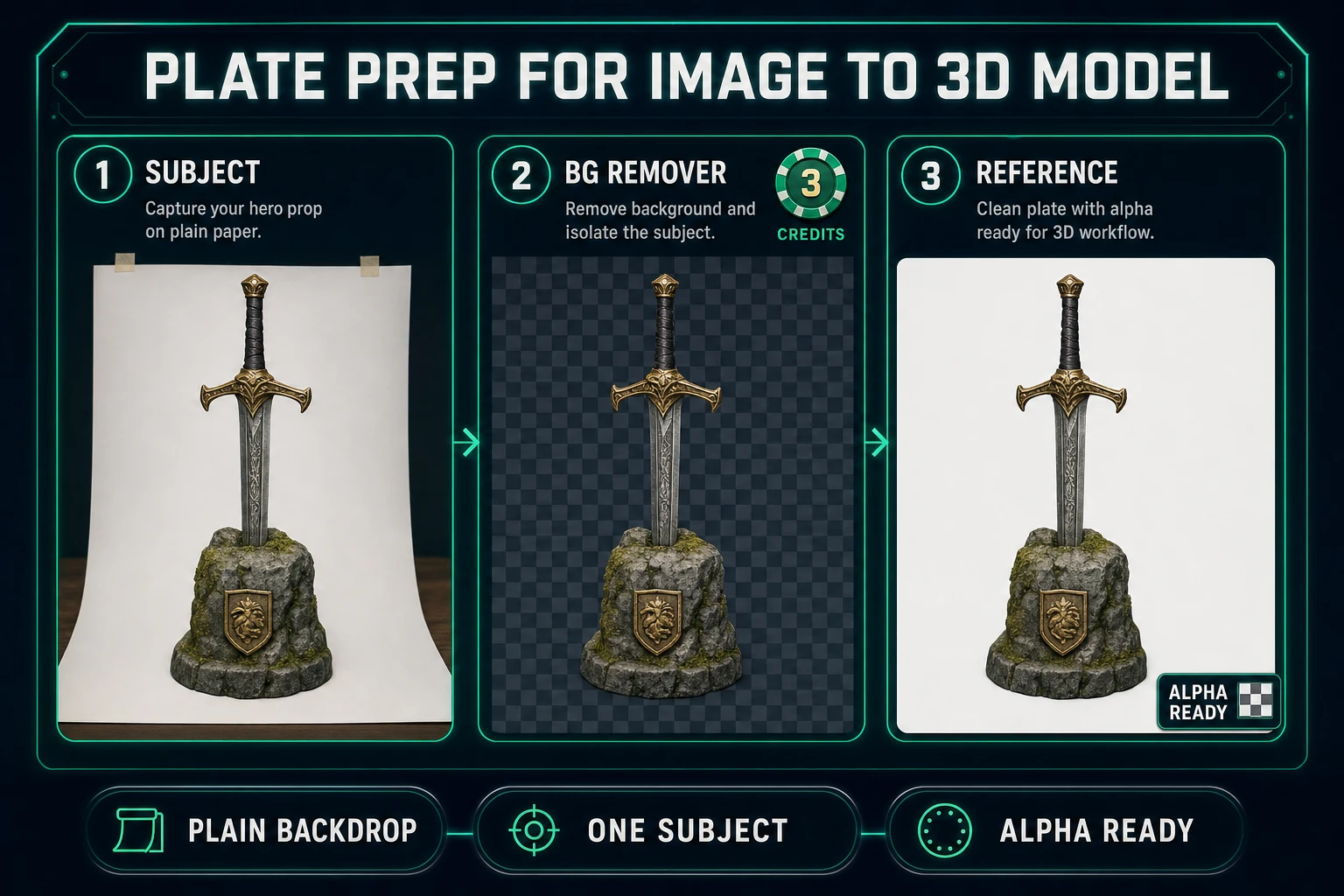
3D Studio exposes six image-to-3D models in the default picker (plus a VIP-free option). The model registry lives in src/lib/threed-models.ts; every number below was pulled from that file on July 29, 2026. Do not memorize these — check the source before quoting them anywhere.
- Tripo v3.1 — 40 credits for image-to-3D with standard texture, up to 50 credits at HD texture (add 5 for quad mesh, 30 for detailed geometry). Rating "Best" in the picker.
- Meshy 6 — 35 credits base + 15 for texture (default on) + 15 for remesh, so 50 credits for a textured single-image run. Adds Smart Topology (
meshy-t2) and native part separation. Rating "Best". - Hunyuan 3D 3.1 — 30 credits. Rating "Best Budget" for jam runs where you want three passes without burning a whole starter pack.
- TRELLIS 2 — 35 credits at 512p, 40 at 1024p (default), 45 at 1536p. Microsoft Research model routed through fal.ai. Good when you want a controllable resolution knob rather than a texture toggle.
- Rodin 2.0 (Hyper3D) — 50 credits. Quad mesh + PBR default. Only model that ships GLB, FBX, OBJ, USDZ, or STL from a single toggle.
- Pixal3D — Free unlimited for VIP members, locked otherwise. Sorceress-hosted, image-to-3D only.
Budget rule for a jam prop: pick one model, run it once, ship if it survives orbit-check. If it does not, fix the plate — do not switch to another provider mid-asset. Two providers on the same reference plate produces two meshes with different topology grammar; you cannot texture-swap them consistently later.
Lifetime Access is listed at $49 via LIFETIME_PRICE on the plans page (verified July 29, 2026). Lifetime does not mean unlimited silent retries — credits still meter every run. Cap yourself at 100 credits per prop before you sit down.