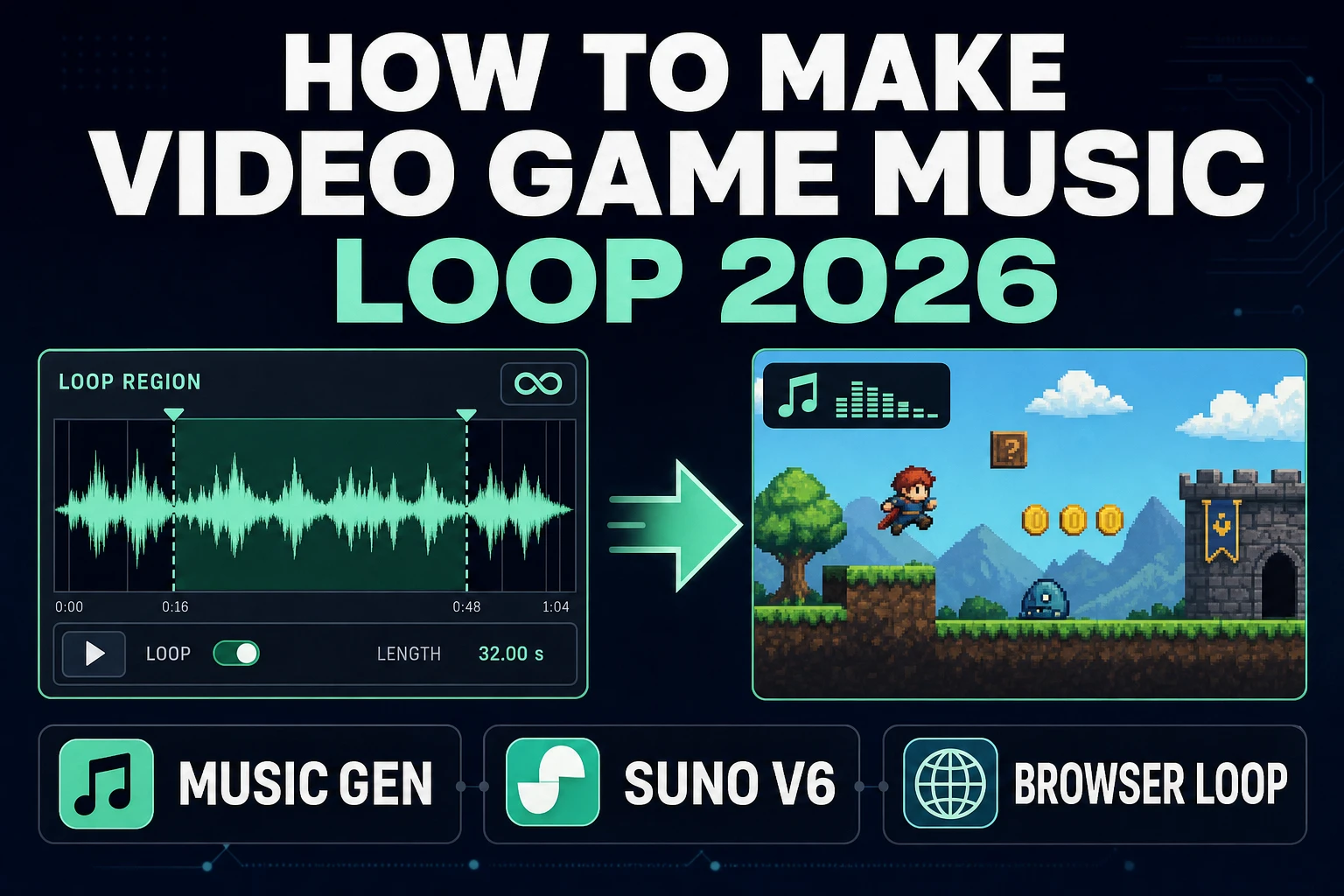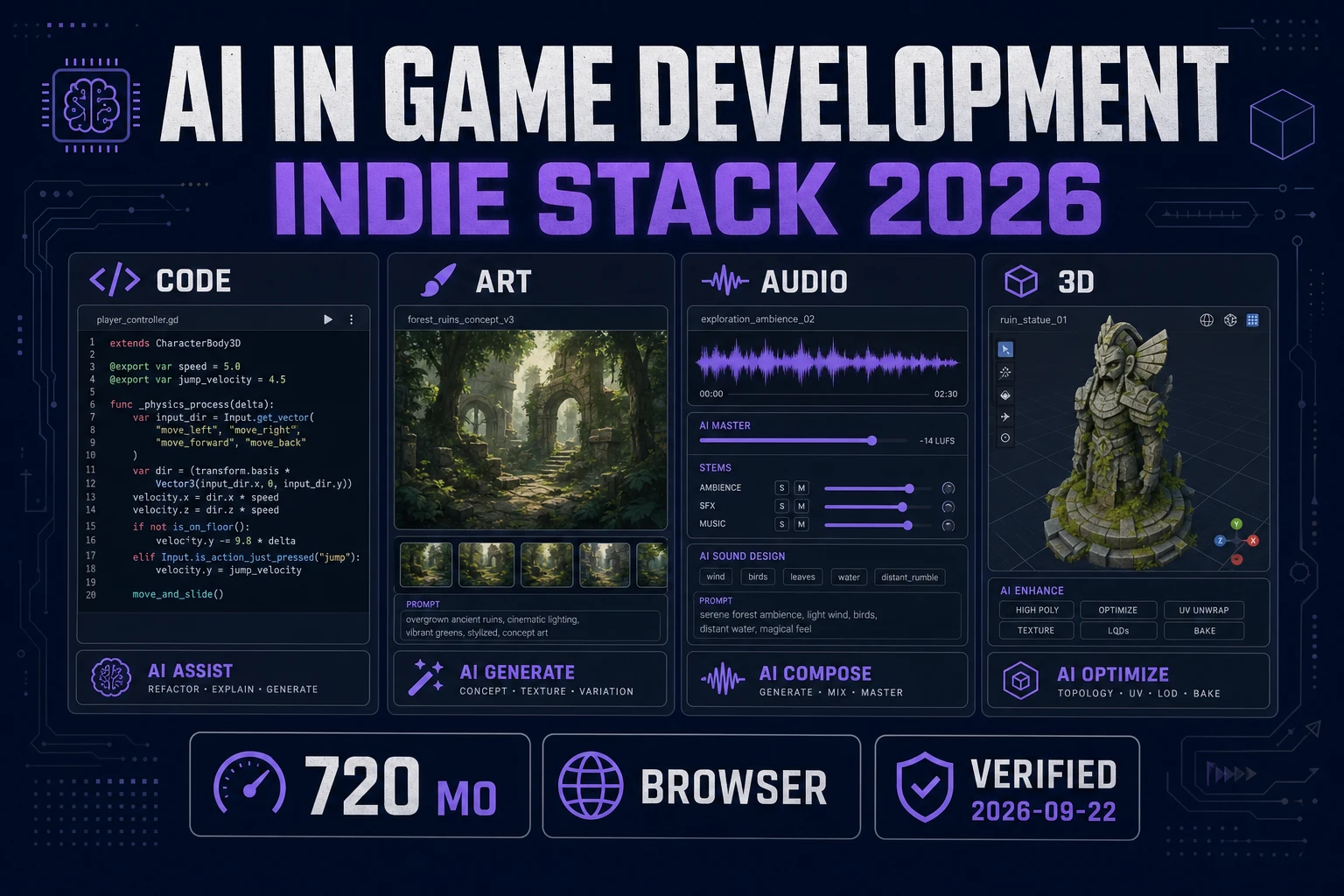
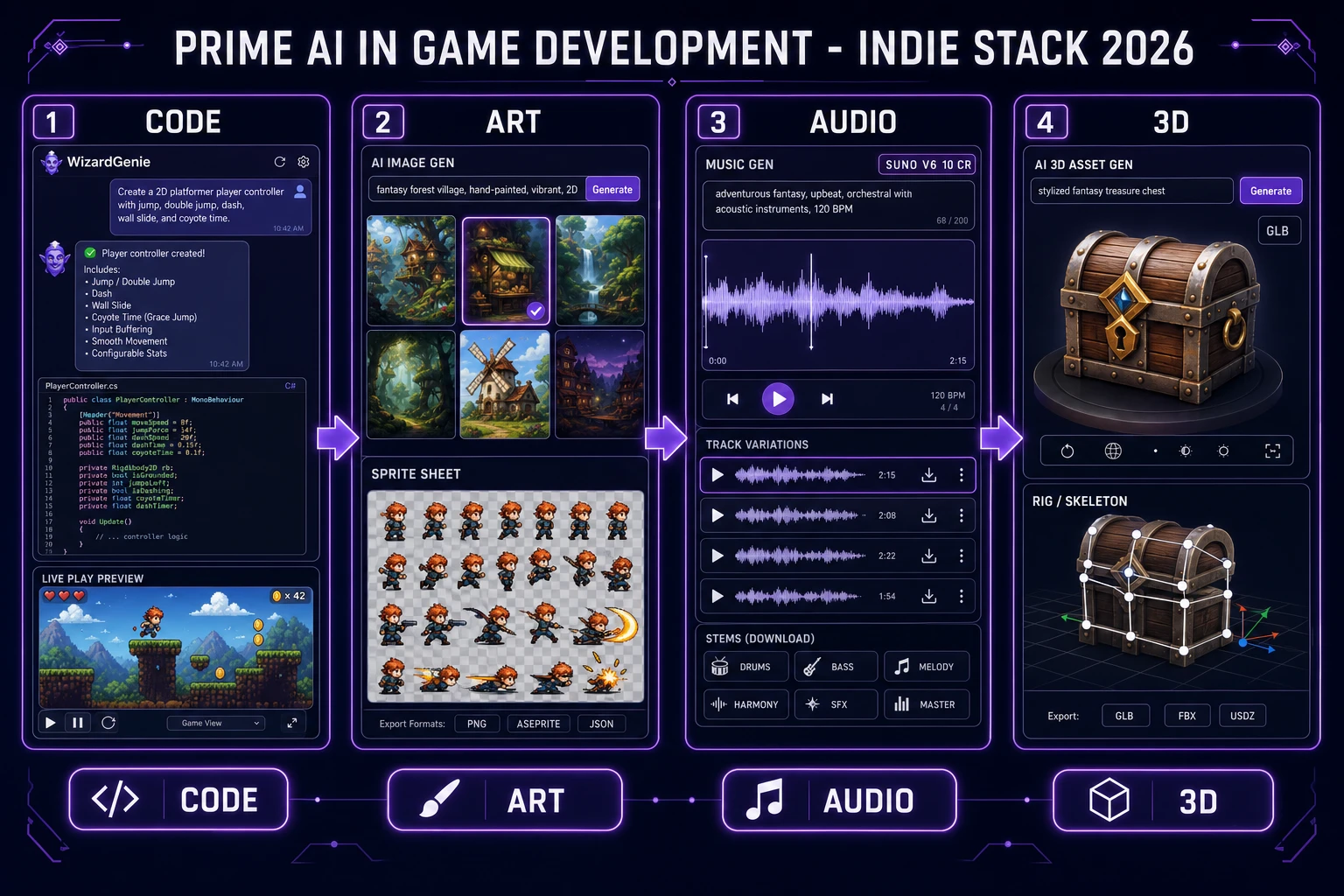
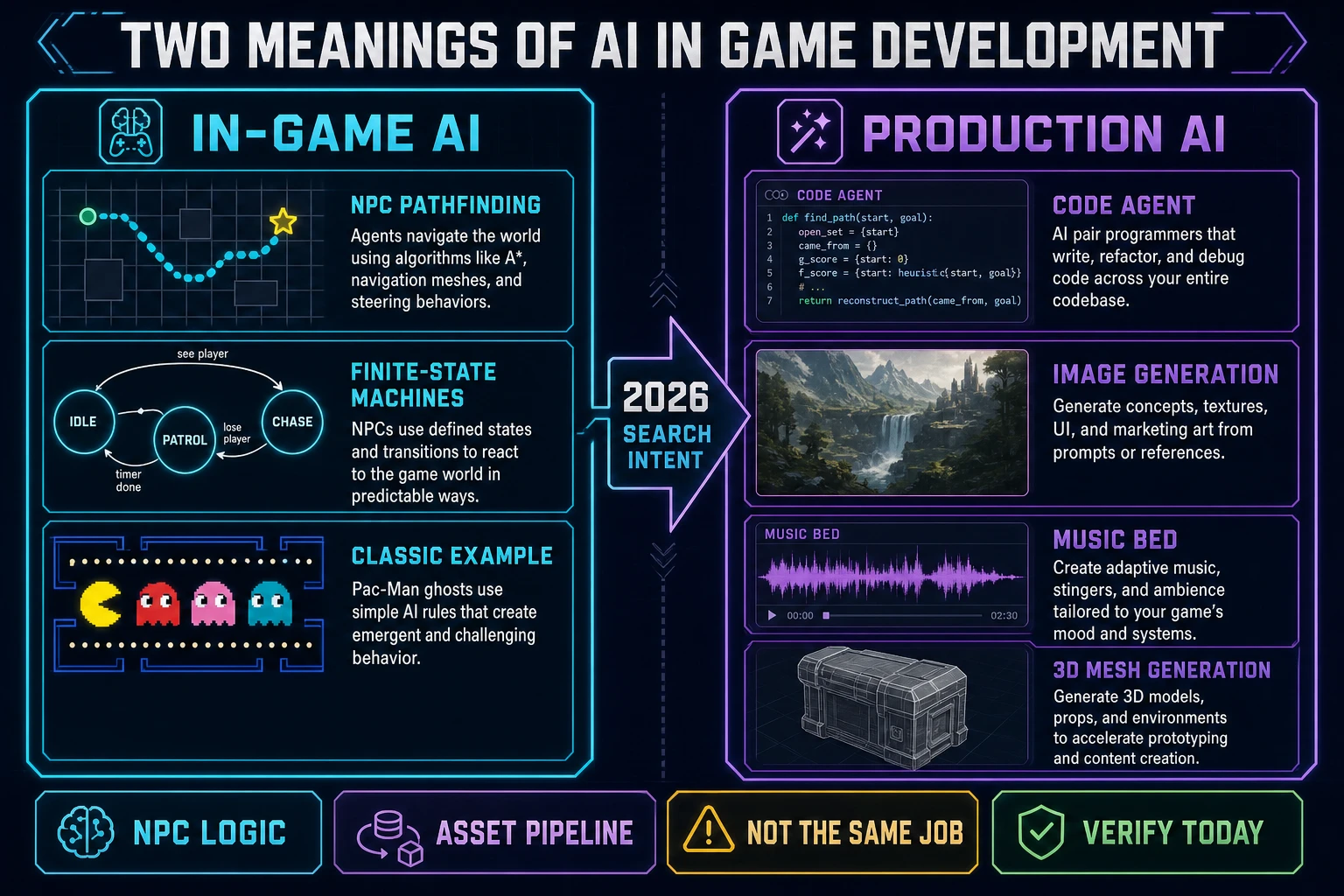
Search engines treat “AI in game development” as if it were one topic. It is not. Wikipedia’s page on artificial intelligence in video games still describes the systems that steer NPCs, pathfinding, and scripted opponents. Indie producers typing the same phrase into Google in 2026 usually want something else: models that write the project files, paint the backdrop, lift a prop into 3D, and score a loop. This page keeps both meanings on the table, then maps the production stack you can actually run in a browser. Facts below were checked on 2026-09-22 against Wikipedia, MDN’s game development center, the Phaser stable download page, and the Sorceress source for WizardGenie, AI Image Gen, Auto-Sprite v2, Music Gen, and 3D Studio.
What AI in game development covers in 2026
DataForSEO lists the primary phrase ai in game development at 720 searches a month with KD 30 (verified 2026-09-18 in tools/research-output.md, still the backing row for this brief). Neighboring queries include game ai development (720/mo), ai for game development (170/mo), ai tools for game development (140/mo), and ai game development tools (90/mo). Those rows sit next to older inventory on ai for game development, ai game development, and generative ai for game development. The phrases are related. They are not interchangeable. This article owns the head phrase and the stack map.
Wikipedia’s Artificial intelligence in video games article, retrieved 2026-09-22, opens by saying game AI controls non-player characters, generates dynamic behavior, or simulates strategic decisions, and that the bag of techniques often comes from control theory and heuristics rather than “true” academic AI. Pac-Man ghosts, RTS pathfinding, and finite-state machines live on that page. That history still matters when you ship enemies. It does not answer a jam team that needs a sprite sheet before dinner.
Wikipedia’s Video game development article, also checked 2026-09-22, frames the discipline as the process of creating a video game across design, art, programming, audio, and testing. AI in game development, as searchers use it now, is the set of models that sit inside those disciplines and accelerate drafts. MDN’s game development center (checked the same day) still roots browser games in HTML, CSS, and JavaScript and points beginners at the anatomy of a main loop. The loop is the object the production stack has to serve. A chat transcript is not a game.
The code lane: agents that write the playable loop
Large language models, as Wikipedia’s LLM page describes them, are neural networks trained on text that generate fluent continuations. In a game project that means the model can open files, propose Phaser scenes, fix a collision bug, and re-run. The honest win is speed on a first playable. The honest cost is review: unread diffs become Monday bugs.
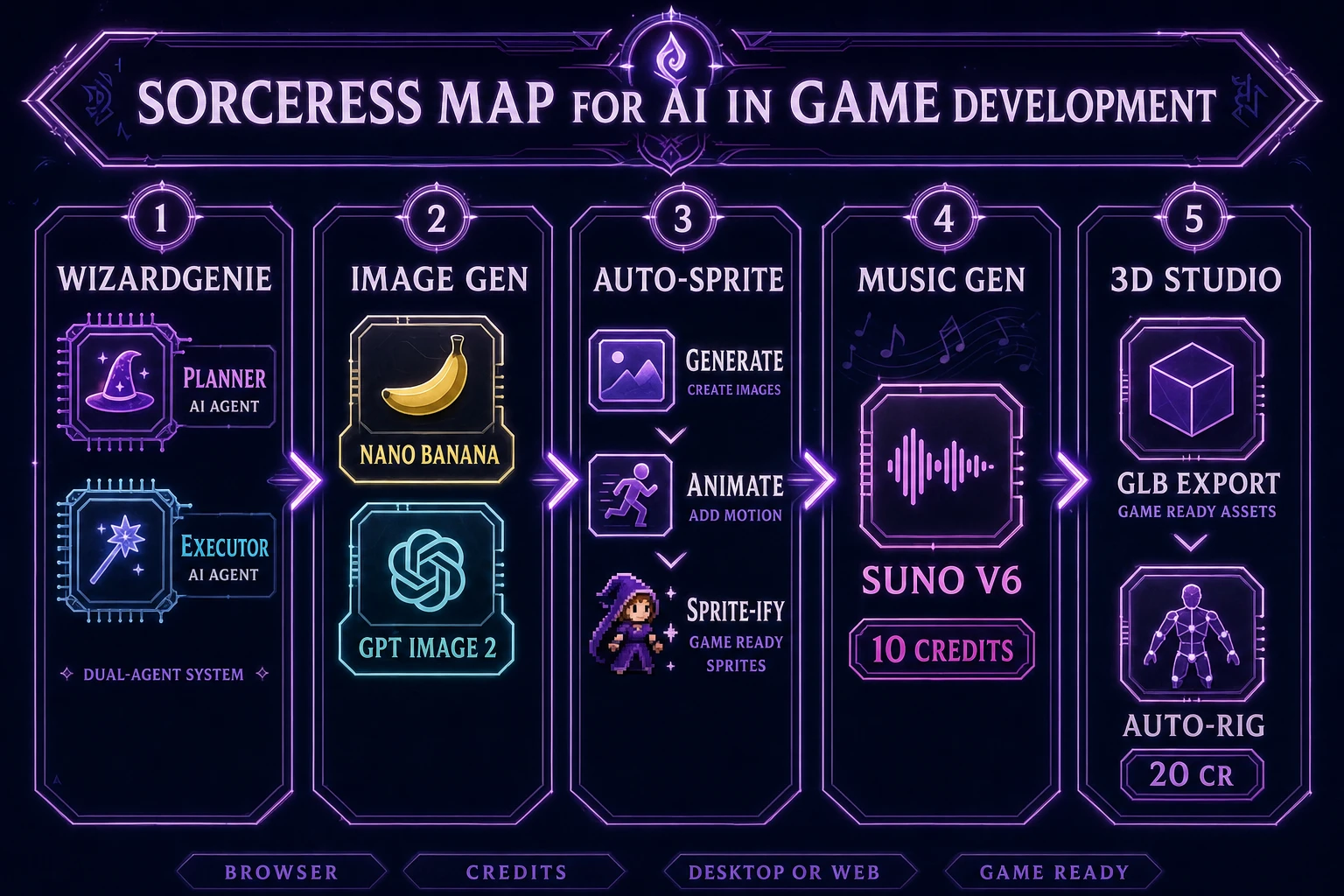
WizardGenie is the Sorceress coding surface for that lane. The home card, read 2026-09-22, calls it an AI-powered game engine: describe the game you want, and WizardGenie writes, runs, and iterates in real time. It drives leading coding models with your own API key. It ships as both a desktop build and a web build at /wizard-genie/app. Framing it as browser-only would misstate the product.
The coding roster in src/app/_home-v2/_data/tools.ts (verified 2026-09-22) lists Claude Opus 4.7 (Top tier), Claude Sonnet 4.6 (Fast + smart), GPT-5.5 (Frontier), Gemini 3.1 Pro (1M context), DeepSeek V4 Pro (Budget), Kimi K2.5 (256K coding), Grok 4.2 (2M context), and MiniMax M2.7 (Agent-ready). When a post talks Planner+Executor, the expensive reasoner plans and the cheap model types. Acceptable planners: Opus 4.7, GPT-5.5, Gemini 3.1 Pro, Grok 4.2. Acceptable executors: DeepSeek V4 Pro, Kimi K2.5, MiniMax M2.7. Putting Sonnet or Opus on the typing chair erases the economics that make the split worth running.
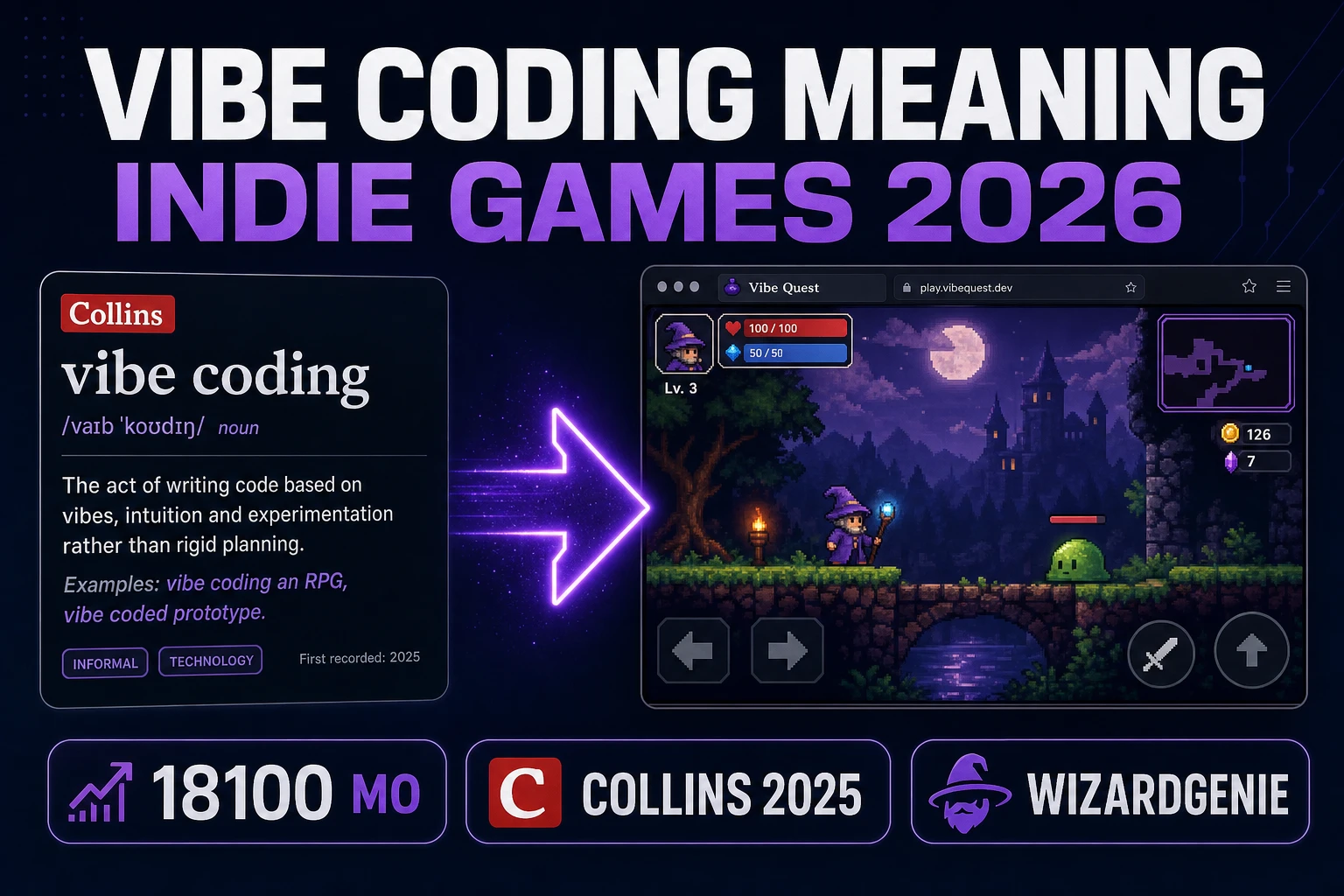
For a browser runtime target, Phaser v4.2.1 “Giedi” (released 9 July 2026, download page checked 2026-09-22) remains a stable ship point. The agent can write against it. You still press play. Wider tool comparisons live on best vibe coding tools; the definition of the practice lives on what is vibe coding.
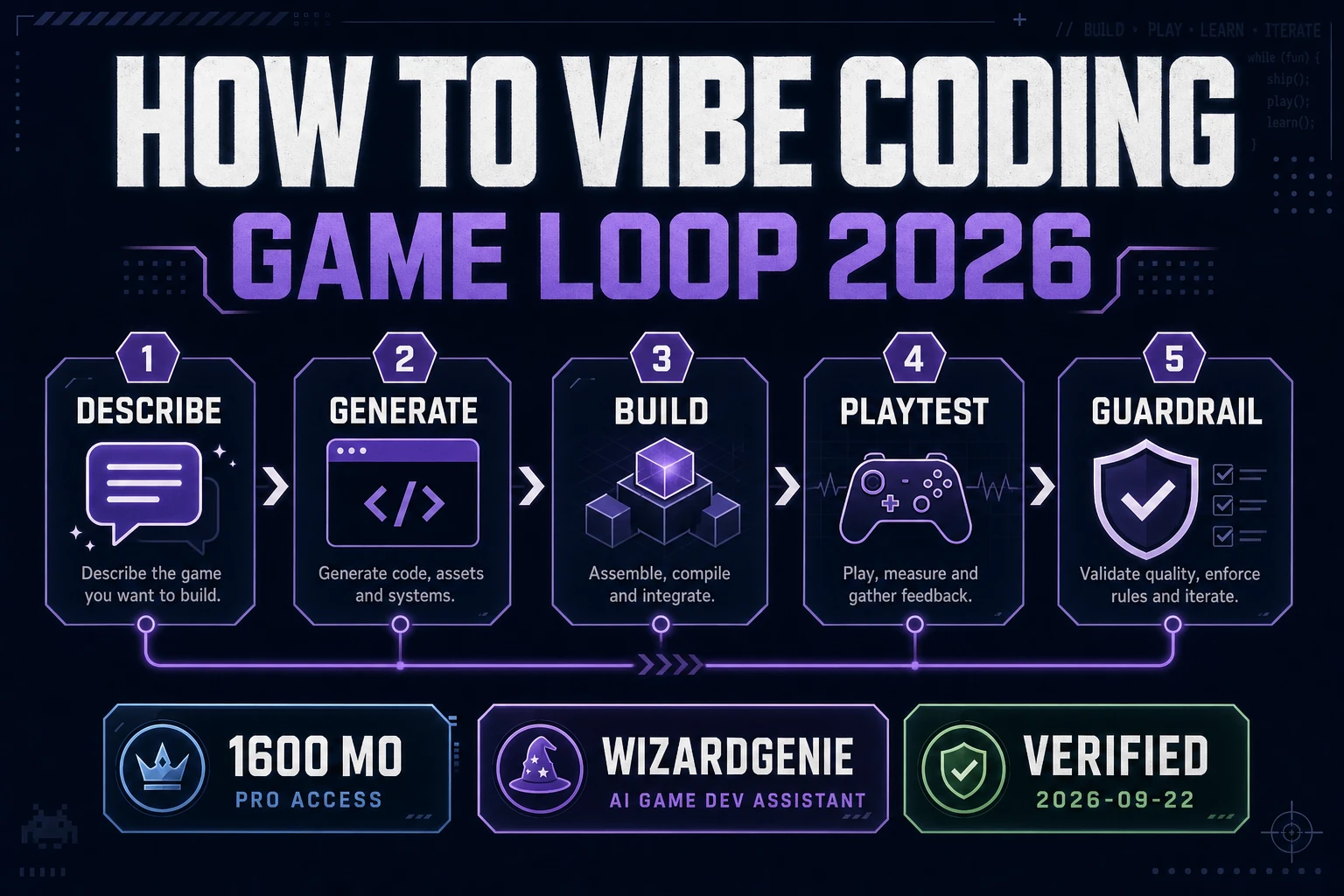
A practical code-lane checklist for AI in game development looks like this:
- Write one sentence that names the player verb, the hazard, and the fail state.
- Ask the agent for a runnable page, not a design essay.
- Change one visible number (jump height, spawn rate) and confirm the build updates.
- Keep Planner and Executor roles separate when the repo grows past a toy.
- Stop prompting when the next change needs a feature you cannot describe in one breath — that is when you read the files.
The art lane: stills, sheets, and readable silhouettes
Art is where AI in game development feels immediate: a prompt returns a portrait, a prop sheet, or a backdrop. Sorceress AI Image Gen at /generate puts multiple top image models in one panel. The marketing card (verified 2026-09-22) names Nano Banana Pro, GPT Image 2, Grok Imagine, Seedream 5, Flux 2 Pro, Z-Image Turbo, and more. Credits bill per generation; one credit equals one US cent (CREDITS_PER_DOLLAR = 100 in src/lib/models.ts).
Stills are not sprites. Auto-Sprite v2 is the sheet pipeline: generate a character, animate it with AI video, then convert the clip into a clean game-ready sprite sheet. That three-step card is the honest path when searchers want motion, not a single concept painting. Quick Sprites is the parallel pixel-animation surface at CREDITS_PER_GEN = 9 per generation (src/app/quick-sprites/page.tsx). For messy photo backdrops, BG Remover produces a transparent PNG before you quantize or sheet.
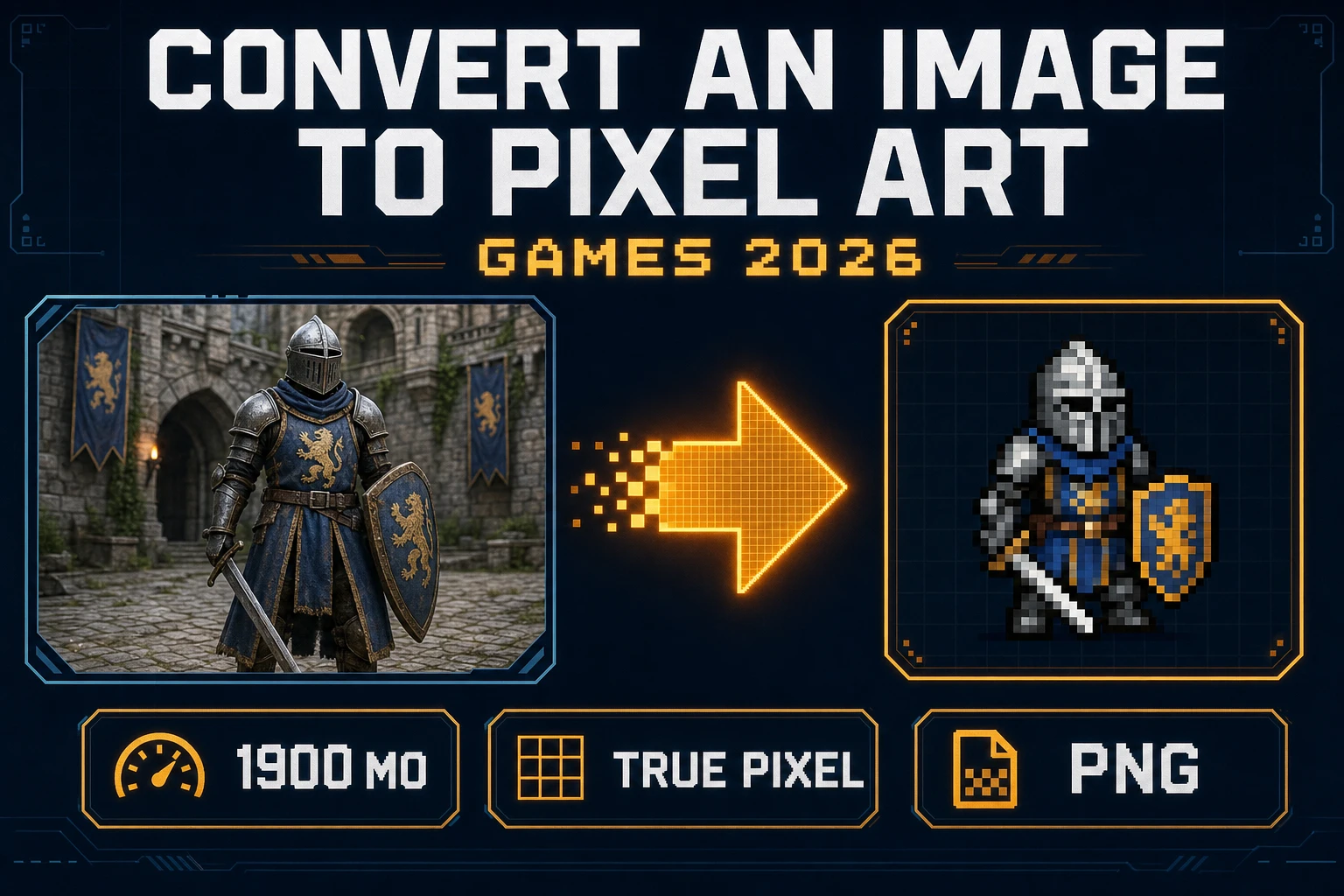
The art director job does not disappear. Models invent detail; engines punish blurry edges and muddy silhouettes at 32–64 px. Treat generative art as a draft that still needs a palette lock, a matte, and a nearest-neighbor scale. Pixel conversion specifics live on convert an image to pixel art.
When ai tools for game development are ranked by jam usefulness, art wins early only if the camera already exists. Generate against a known resolution and perspective. A top-down props sheet does not drop into a side-scroller without a redraw. Consistency beats novelty: lock a palette, lock a line weight, and regenerate outliers instead of accepting every pretty miss.