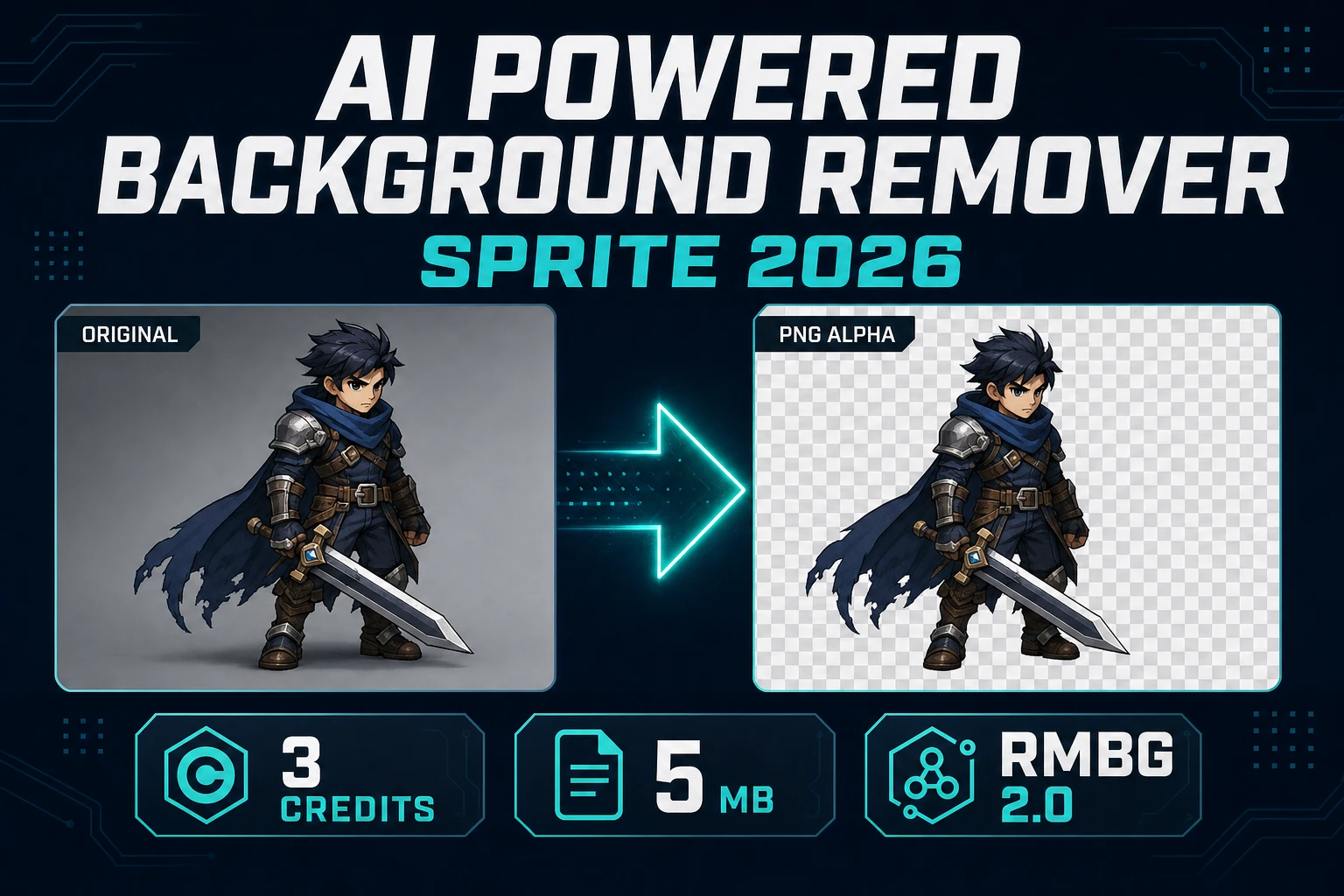
An AI powered background remover is the difference between a character render and a sprite. The studio gray behind the boots becomes a rectangle the moment that still lands on a tileset, a dialogue portrait, or a UI card. Players read that rectangle as a mistake even when the pose, the costume, and the lighting are fine.
What an AI powered background remover changes for sprites
A sprite is a picture with a shape. The shape is the alpha channel: a number on every pixel that says how much of the backdrop shows through. Without that number, the engine draws a box. With it, the character can stand on grass, overlap a door, or sit in a speech balloon and only the painted pixels show.
An AI powered image background remover estimates that shape when you never shot a green plate. AI character renders almost always arrive on a photographic or gradient backdrop. Hand-tracing the silhouette is honest work and slow work. A neural matte is the still-image shortcut: upload the render, download a PNG whose empty pixels are actually empty.
That shortcut has a boundary. It is a still-image tool. A walk cycle, a cape flutter, or a four-second attack clip is a stack of frames, and cutting them one upload at a time is how people lose an evening. The still path below is for portraits, item icons, concept crops, and single poses. Animated sheets have their own pipeline, covered later.
Searchers often type “AI powered image background remover” and “AI image background remover” for the same job. For games the job is narrower than a marketing cutout: you need straight alpha, a lossless file, and edges that survive being scaled down to a 64-pixel character. A pretty preview on a checkerboard is not enough if the file you download is a JPEG. An online AI powered background remover that only previews the matte, then saves a flattened JPEG, has not finished the job.
Run BG Remover on a still
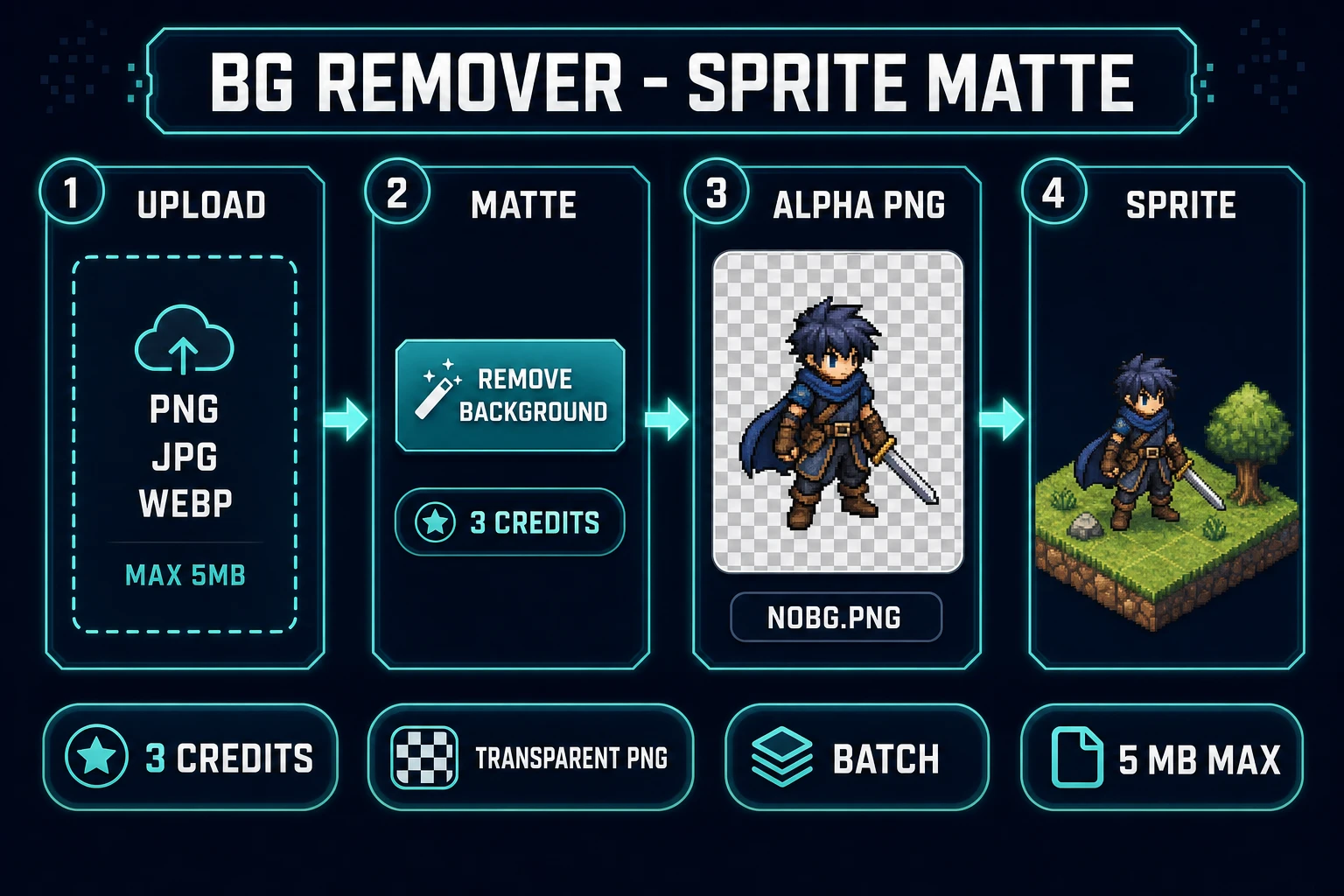
Sorceress BG Remover is the AI powered background remover in this workflow. The home card badges it AI Credits. Verified 2026-09-21 in src/app/_home-v2/_data/tools.ts and in src/app/bg-remover/page.tsx:
- Cost is
BG_REMOVER_CREDITS = 3per image.CREDITS_PER_DOLLAR = 100insrc/lib/models.ts, so one still is three cents. - Accepted types are PNG, JPG, and WebP. The drop zone copy says max 5 MB each (
MAX_FILE_SIZE_MB = 5). Oversized files are skipped and listed in a Files Too Large dialog. - You must be signed in. The button reads “Sign In to Process” until a session exists.
- One pending file shows a Remove Background button. Several pending files show Process All N Images. The batch checks
3 × Ncredits up front, then sends each file as its own job. - The request posts
model: "bria/remove-background"to/api/replicate. The public model card for that slug, fetched 2026-09-21, identifies it as Bria RMBG 2.0. - A finished still downloads as
nobg-<id>.pngfrom the gallery, or as<original>_nobg.pngfrom the batch download.
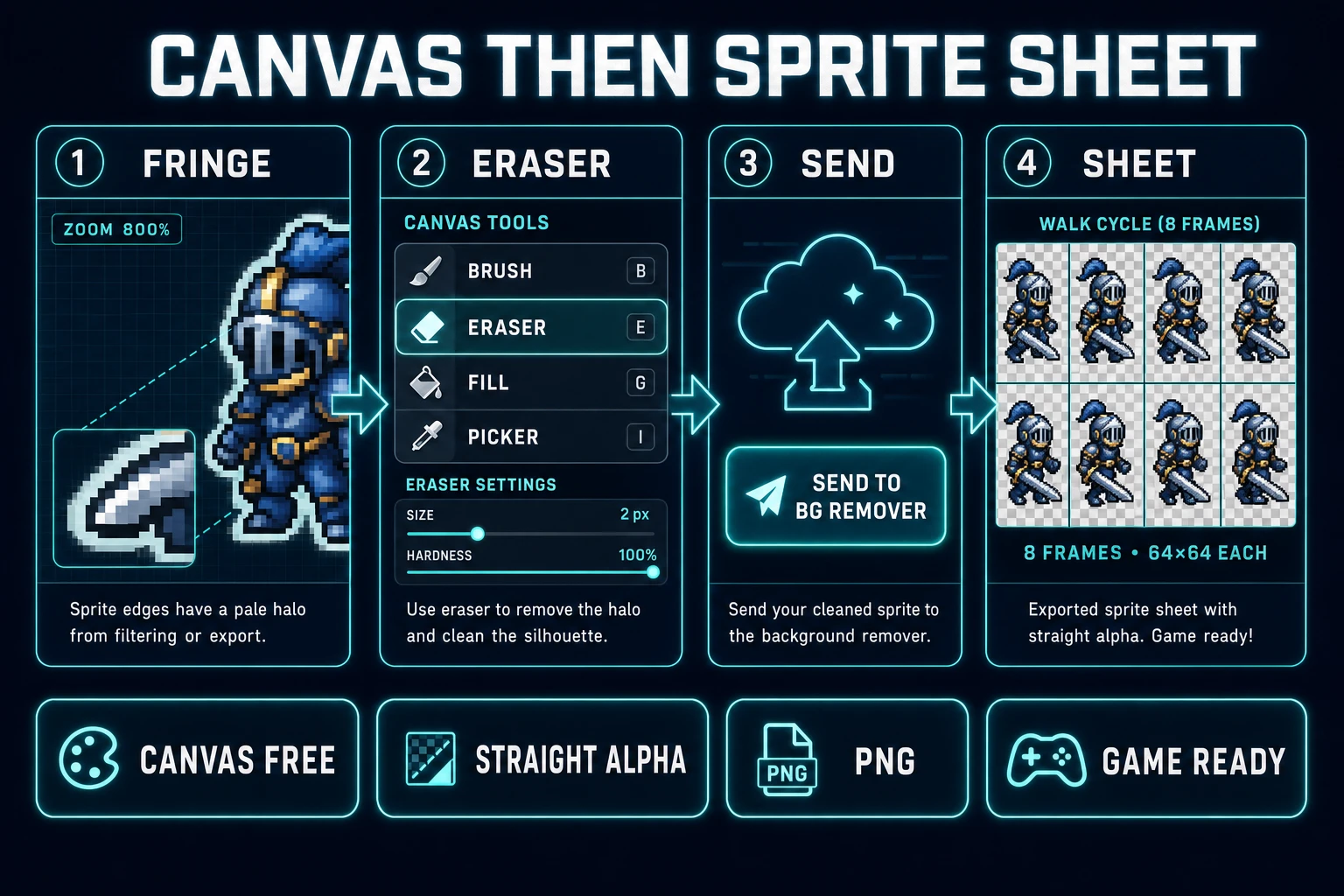
The page can also receive a still that AI Image Gen or Canvas sends over, so you do not have to download and re-upload just to change tools. Image Gen’s send menu includes BG Remover. Canvas has the same handoff.
- Sign in on Sorceress and open BG Remover.
- Drop the character still, or send it from Image Gen. Keep the file under 5 MB. If the render is a huge PNG, export a smaller copy first. The tool will not quietly resize an oversized file. It skips it.
- For one image, press Remove Background. For a folder of portraits, queue them and press Process All. Each image spends 3 credits.
- Wait until the card in Processed Images finishes, then download the PNG. Open it on a checkerboard, not on white, before you call it done. White hides a white fringe.
- If the hair or the boots still carry a halo, take the PNG into Canvas and erase the leftover pixels. Then continue to your sheet or your UI.
There is an older route at /api/remove-background that names a different credit cost. The button you click does not use that route. The live control path is the page above: 3 credits, bria/remove-background. Quote the page, not the unused route. If a write-up calls some other endpoint the AI powered background remover, check the button handler before you repeat the number.
Classic chroma key versus a neural matte
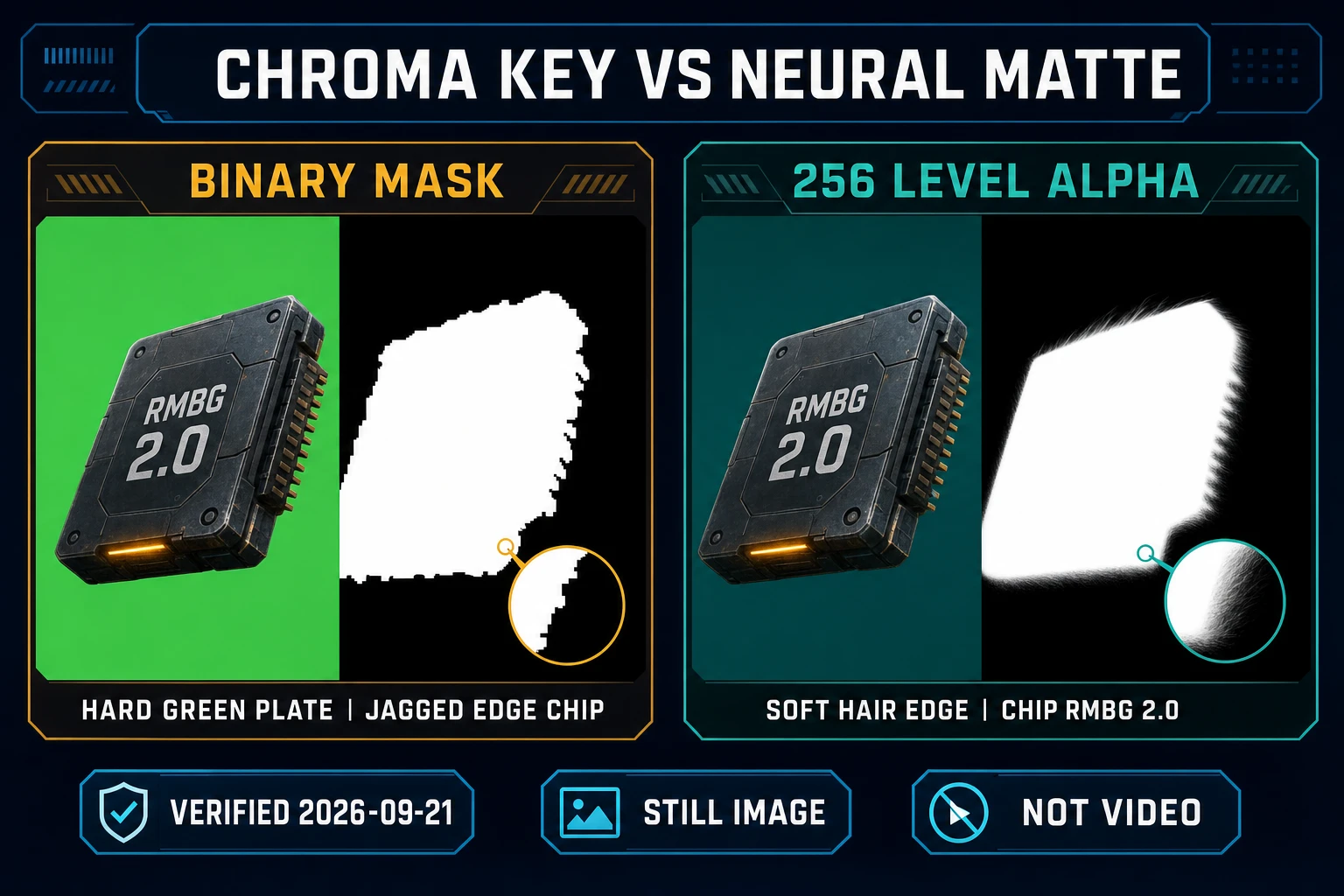
Chroma key compositing removes a color range and lets another image show through. The chroma key write-up (verified 2026-09-21) is explicit about the constraint: no part of the subject may duplicate the backing color, or that part is treated as background. Green and blue are common because they sit far from human skin hues. Games inherited the same trick. A character painted on a flat green plate can be keyed with a tolerance slider.
A hue key and an AI powered background remover answer different pictures. The hue key fails in predictable ways. A green gem on a cloak disappears. A soft shadow on the plate becomes a jagged bite. A gradient studio backdrop has no single hue to select. Anti-aliased edges mix the plate color into the character, so a binary mask either eats the outline or leaves a green rim.
RMBG 2.0, the model BG Remover calls, is built for the second case. Its model card (verified 2026-09-21) says most removers use binary masks that look harsh, while this one uses non-binary masks with 256 levels of transparency so hair and partial edges can stay partial. That is the practical meaning of an AI powered background remover for sprites: not “magic delete,” but a matte with in-between alpha instead of a cookie cutter.
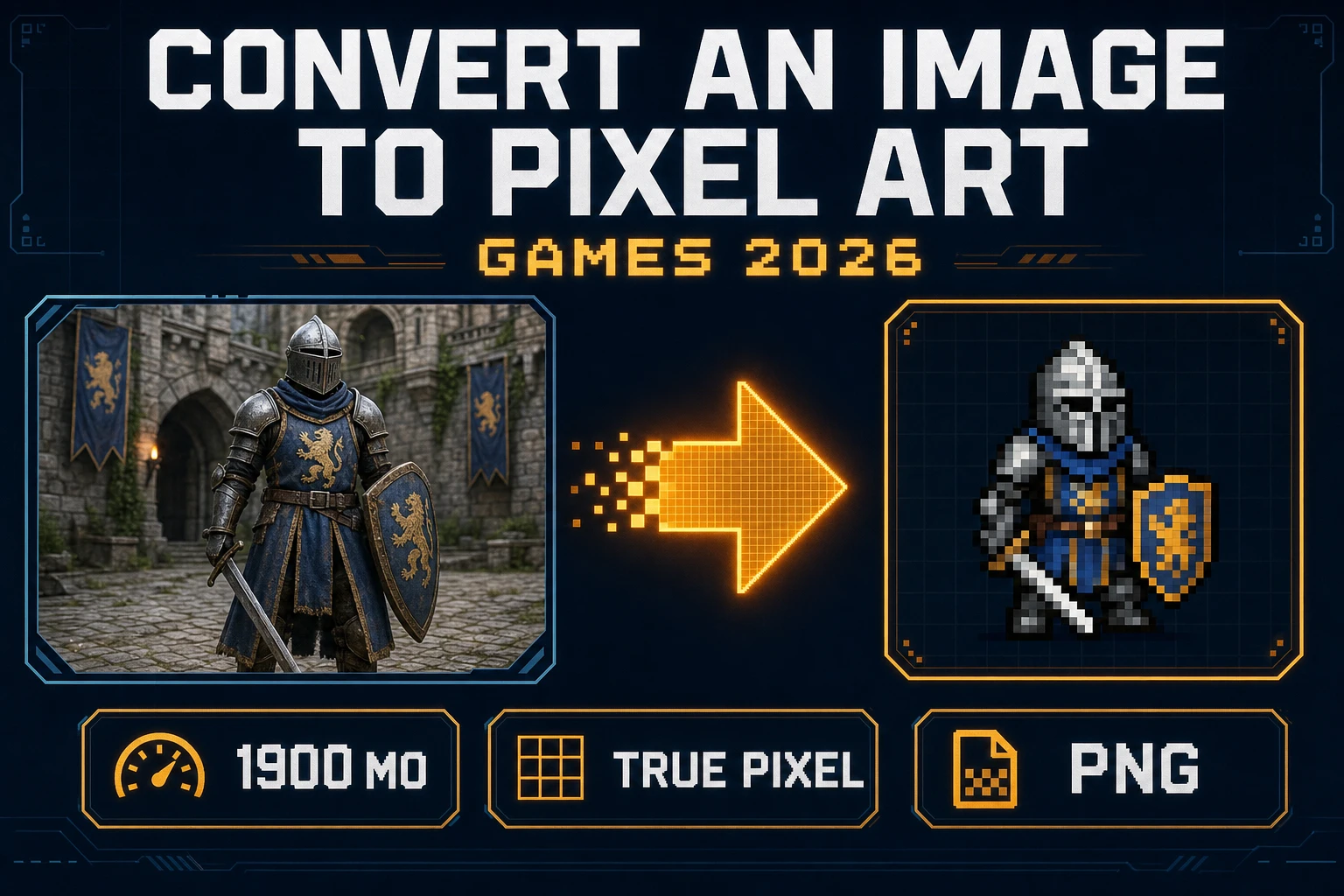
Keep both tools in the kit. True Pixel documents chroma keying, outline cleanup, and batch processing for image or video that you are turning into pixel art. Use that when you already control the plate and you want a pixel-art sheet. Use BG Remover when the source is a one-off still whose background was never a plate. Do not run a neural still matte and a chroma key on the same pixels and expect them to agree. Pick the method that matches how the picture was made.