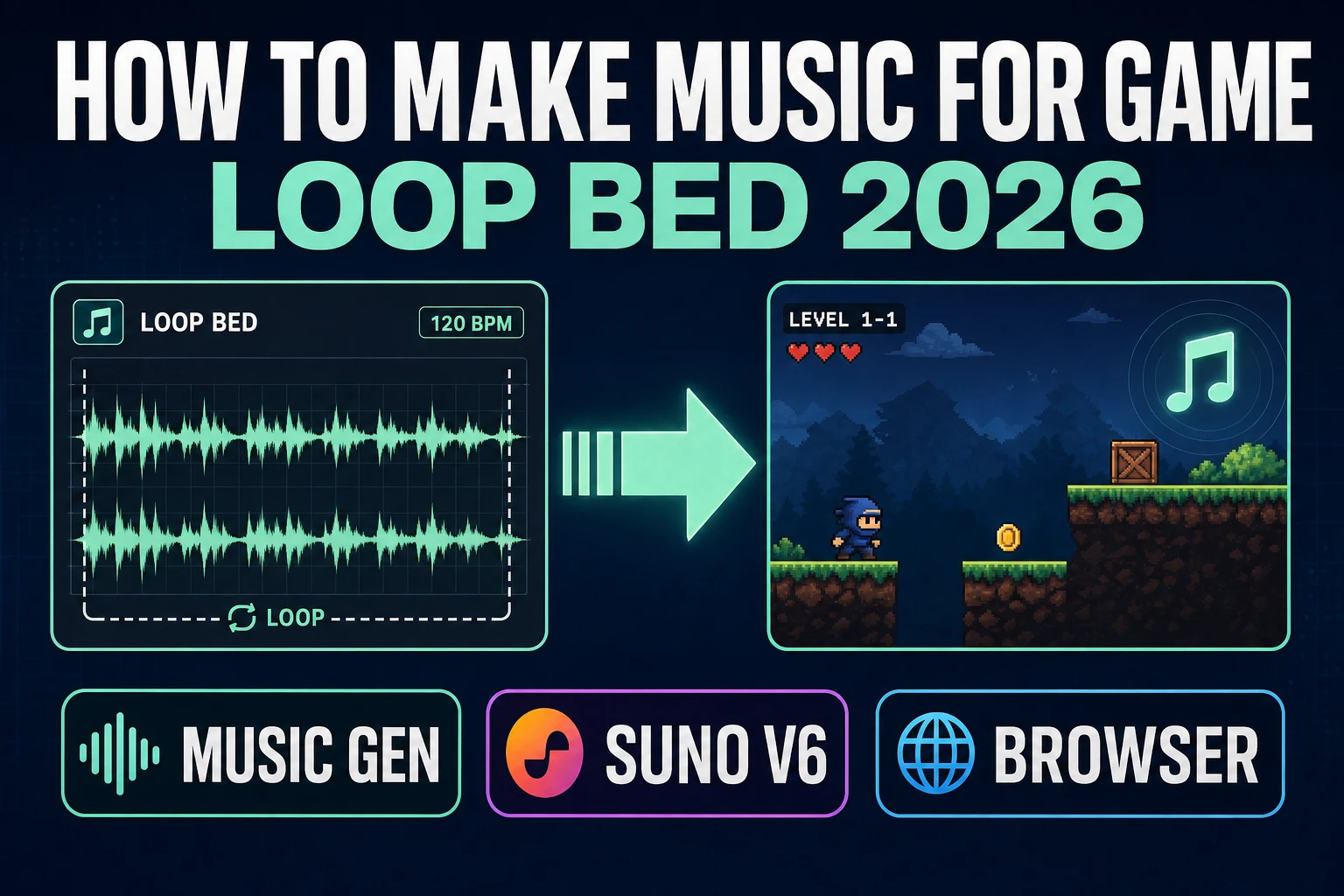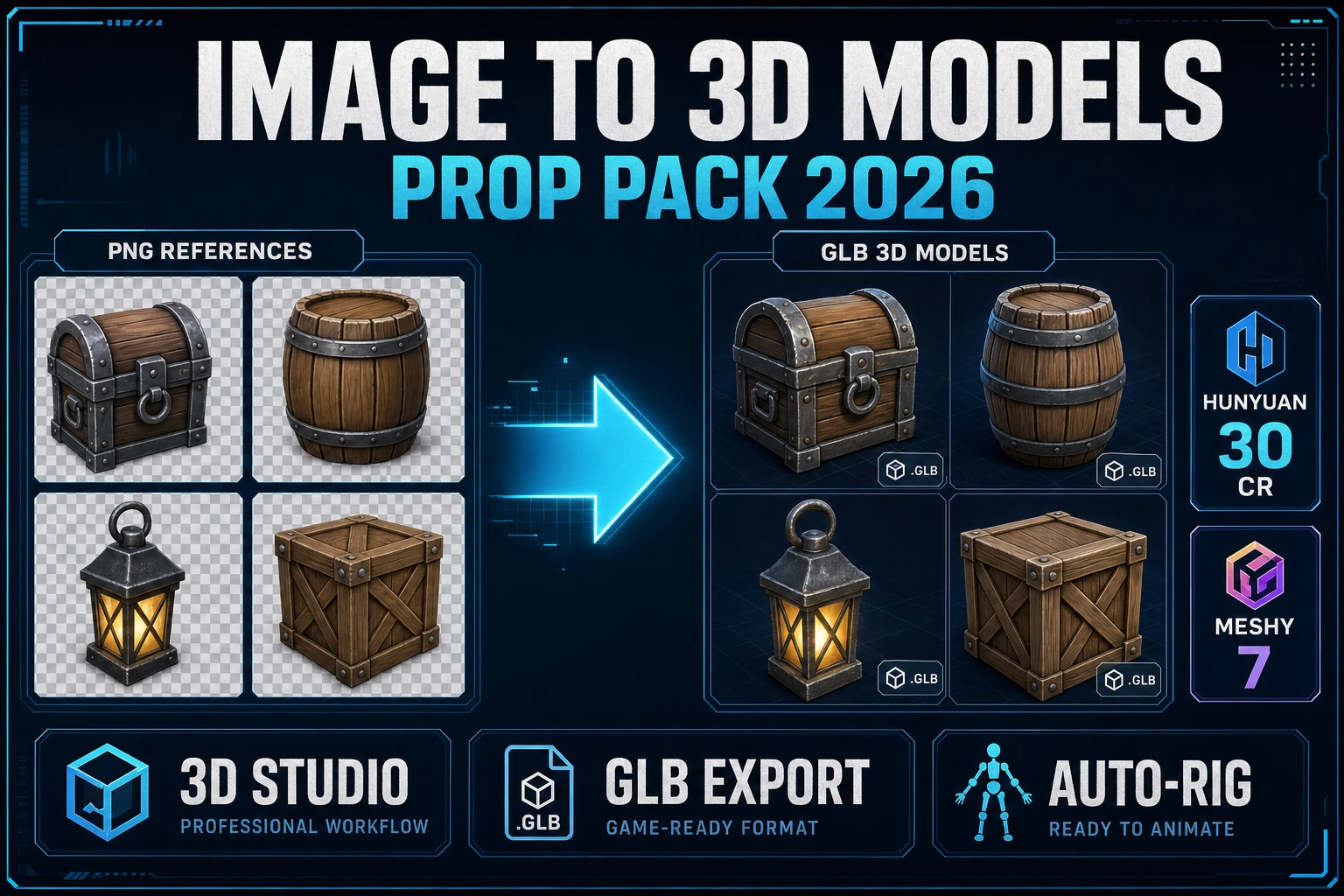
A jam that needs six props rarely fails because the code is hard. It fails because the crate, the sword, the chair, the barrel, the key, and the hero all live in different tabs with different credit sheets. Searchers who type image to 3D models want one place that turns a folder of references into a folder of meshes. This guide is that prop-pack loop on Sorceress in 2026: what the query actually needs, the 3D Studio route, prompt versus upload, GLB and FBX export, the rig handoff for humanoids, and the credit math verified against source today.
What image to 3D models actually needs
DataForSEO lists image to 3d models at 8,100 searches a month with KD 28 (confirmed in tools/research-supplement.md). Neighbors include converting image to 3d model (720/mo), 2d image to 3d model (1,000/mo), how to turn an image into a 3d model (480/mo), and convert image to 3d model (720/mo). Those neighbors want a single conversion. The plural head query wants a set: several meshes that share a style, a poly budget, and an export format so the pack drops into one scene.
For games, image to 3D models succeeds when four surfaces land together: a polycount the engine can afford, topology that survives a later skin if the asset is humanoid, UVs that bake albedo without silhouette seams, and a clean background on the input so the reconstructor does not invent floating debris. Miss any one and the “AI saved me time” claim evaporates into a remesh afternoon.
Two open-source lineages still anchor the field in September 2026. Microsoft Research’s TRELLIS paper, Structured 3D Latents for Scalable and Versatile 3D Generation, remains a CVPR’25 Spotlight (verified 2026-09-24 on github.com/microsoft/TRELLIS, 13,701 stars). Tencent’s Hunyuan3D-2.1 README still describes the line as From Images to High-Fidelity 3D Assets with Production-Ready PBR Material (verified 2026-09-24 on github.com/Tencent-Hunyuan/Hunyuan3D-2.1, 4,069 stars). Hosted pickers wrap those ideas plus commercial meshes into one credit ledger — that is the prop-pack job.
The 3D Studio route for image to 3D models
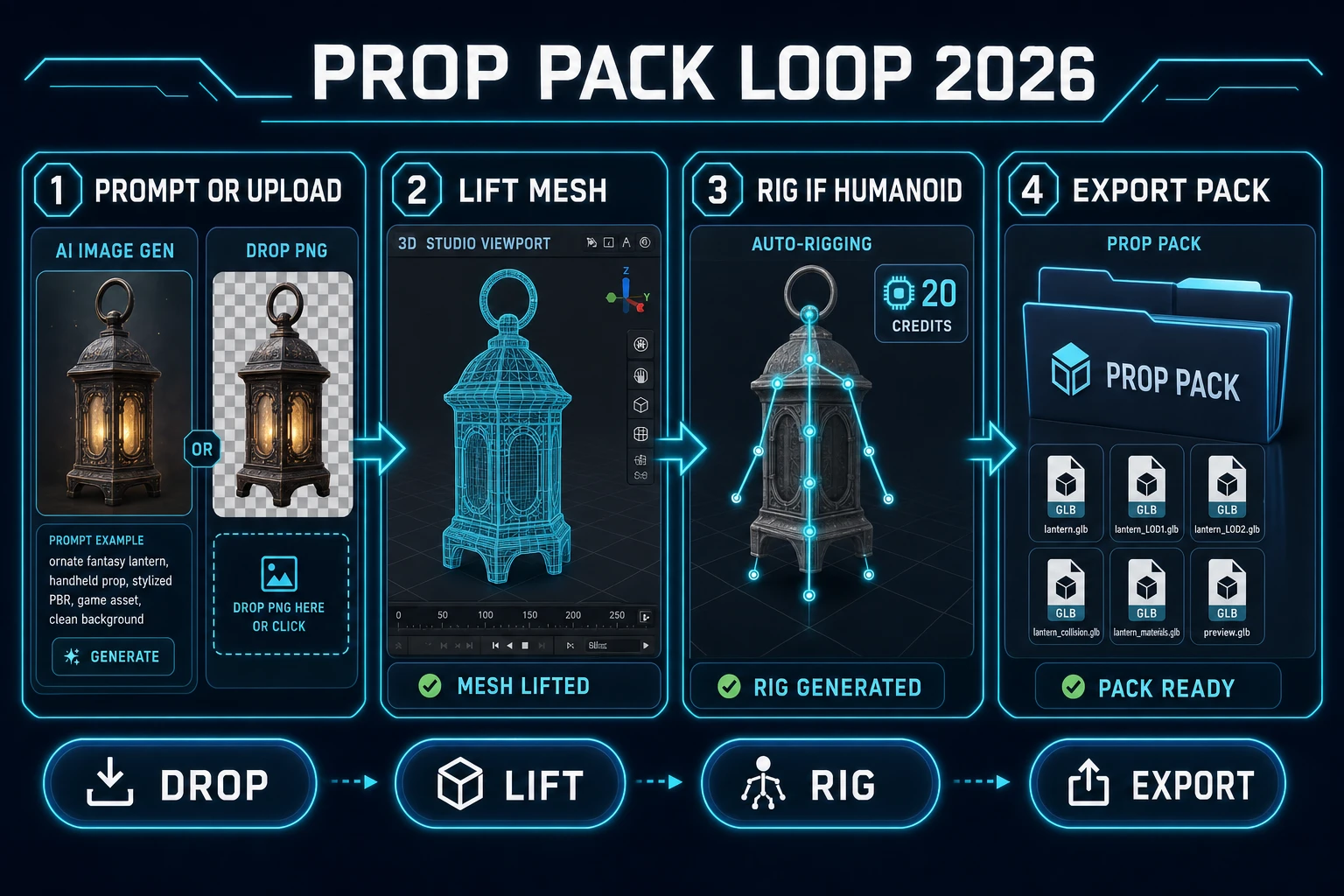
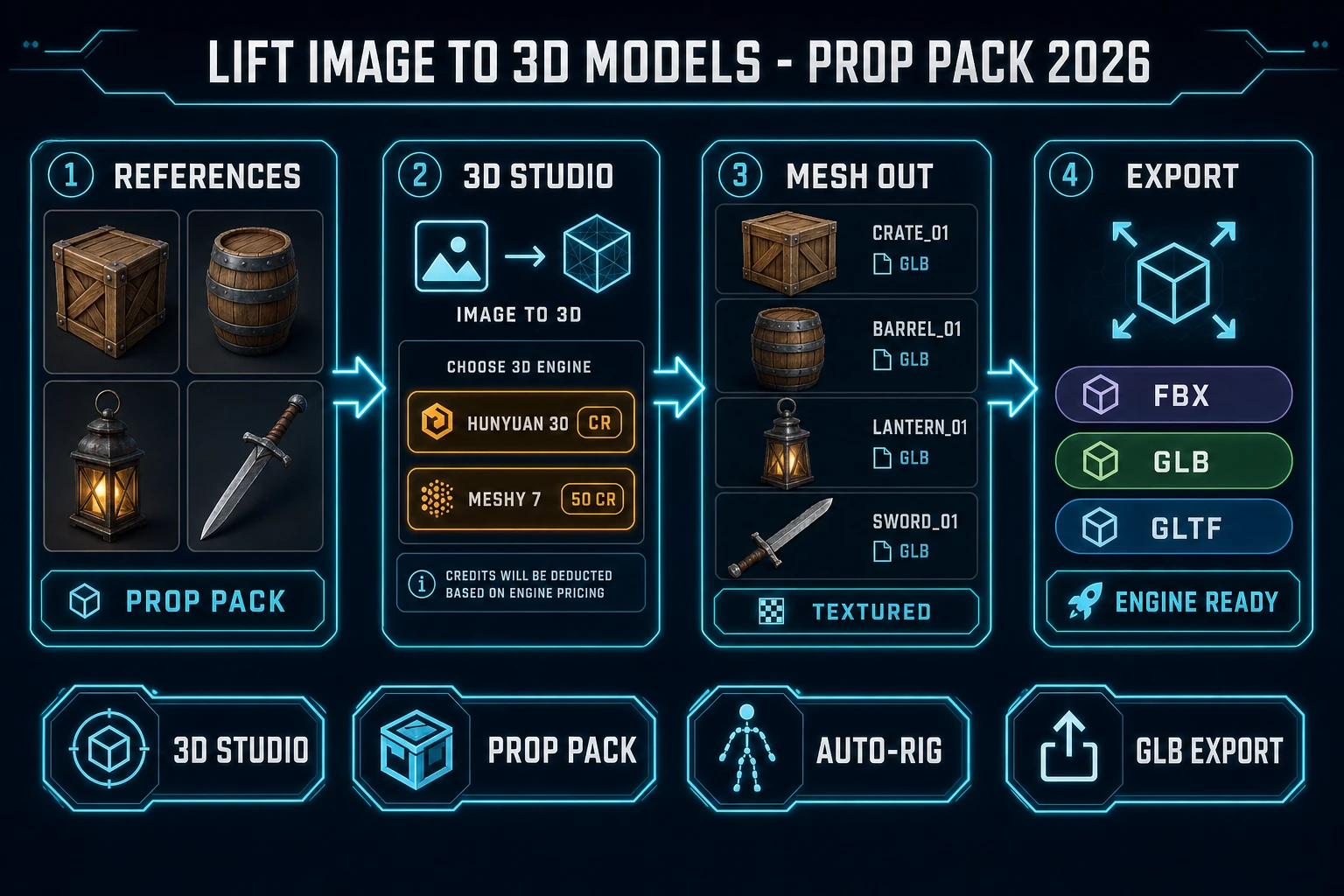
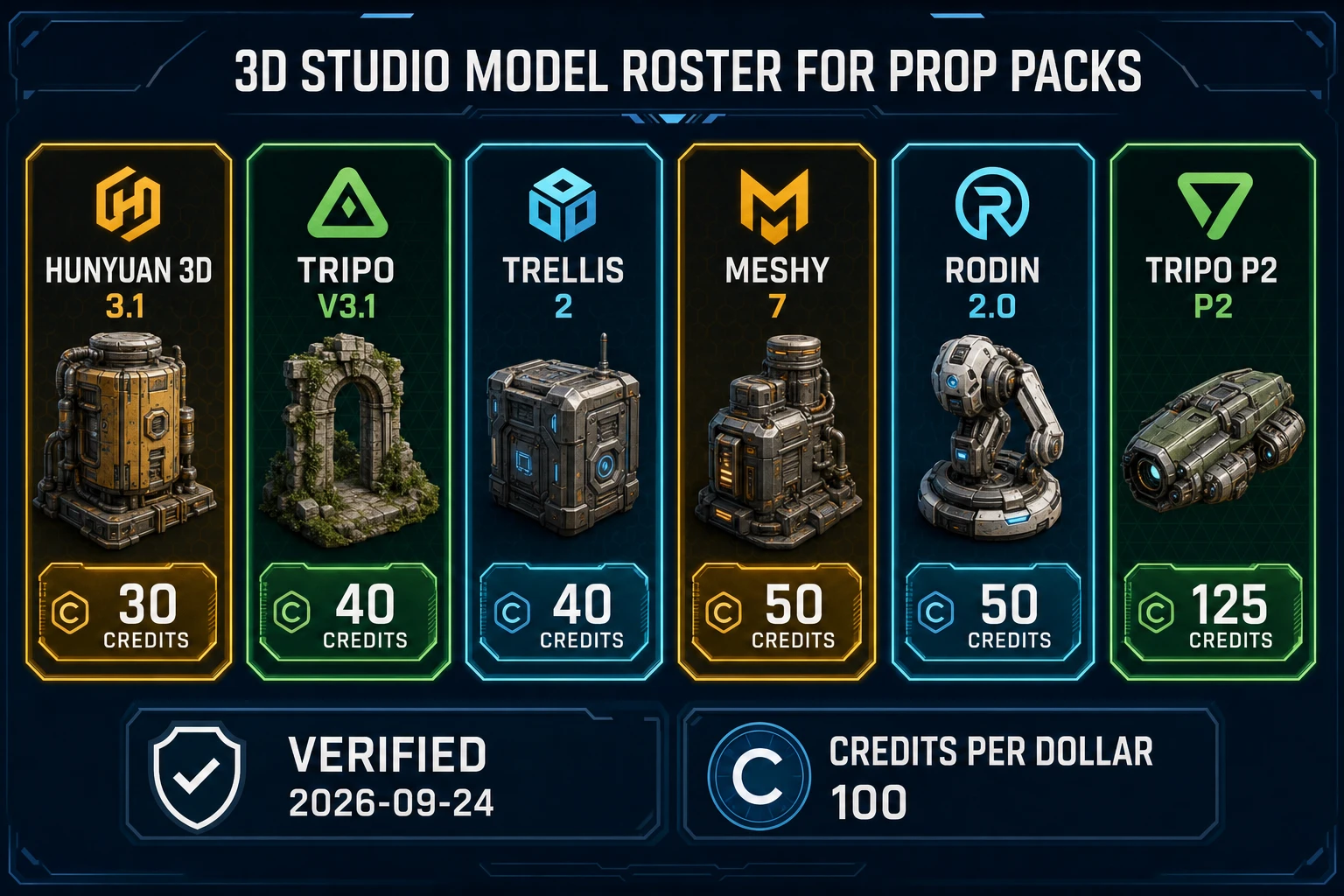
Sorceress 3D Studio is the featured panel. The home card description (verified 2026-09-24 in src/app/_home-v2/_data/tools.ts) chains AI image generation, single-image to textured 3D, automatic humanoid auto-rigging with weight-paint refinement, and AI text-to-animation, then exports FBX, GLB, or GLTF for any engine. The picker lives in src/lib/threed-models.ts. Base credits checked today:
| Model | Base credits | Best fit in a prop pack |
|---|---|---|
| Hunyuan 3D 3.1 | 30 | Bulk static props on a wallet |
| Tripo v3.1 | 40 | Game-ready props with Face Limit control |
| TRELLIS 2 | 40 (1024 default) | Concept meshes and mood-board props |
| Meshy 7 | 50 (texture on) | Humanoids headed to auto-rig; Pose Mode A/T |
| Meshy 6 | 50 | Stylized characters; Low Poly mesh type |
| Rodin 2.0 | 50 | Stylized props with PBR material options |
| Tripo Smart Mesh P1 | 65 | Low-poly mobile/web budgets |
| Tripo P2 | 125 | Hero props when fidelity beats cost |
| Pixal3D | 0 (VIP free unlimited) | VIP-only image-to-3D lane |
Meshy 5 sits at 31 credits for older jobs. TRELLIS v1 stays registered at 8 credits but is hidden from the picker in favor of TRELLIS 2. Hunyuan 3D 2.1 is 15 credits and gated behind RunPod configuration. Seed3D 2.0 shows creditLabel Admin test and is admin-only — do not plan a public prop pack around it. Pixal3D is vipOnly: true with creditLabel Free unlimited (all verified 2026-09-24 in src/lib/threed-models.ts). The badge on the home card for 3D Studio is AI Credits, not Free.
For sibling angles already shipped on the blog, see image to 3D model AI for the single-character loop and image to 3D model free for the low-credit voxel path. This page stays on plural image to 3D models as a pack.
Prompt versus upload when you lift image to 3D models
Two honest entry points feed the same picker.
Prompt first. Open AI Image Gen, generate a clean orthographic or three-quarter reference with a plain background, then drop the PNG into 3D Studio. Ask for one subject, full object visible, no ground shadow soup, no second prop in the frame. For characters that will be rigged, demand A-pose or T-pose facing camera. For crates and furniture, demand a flat floor contact and no floating hover. Consistency across the pack matters more than cinematic lighting: same camera height and same white plate make six meshes feel like one set.
Upload first. Drop an existing concept PNG, a photo, or a sprite sheet frame. Busy photographic backgrounds confuse geometry; crop to the silhouette before you spend credits. For bilaterally symmetric props (swords, chairs, cars) set Symmetry to on when the model exposes it. For rocks and asymmetric keys, leave Symmetry off. Meshy 7 Image Enhancement defaults on for single-image passes and helps noisy photos (verified 2026-09-24 in the Meshy 7 param block).
Do not batch six unrelated styles in one sitting and call it a pack. Generate or gather the references as a series first, then run image to 3D models with the same model and similar poly knobs so remeshing later does not fight six different topologies.