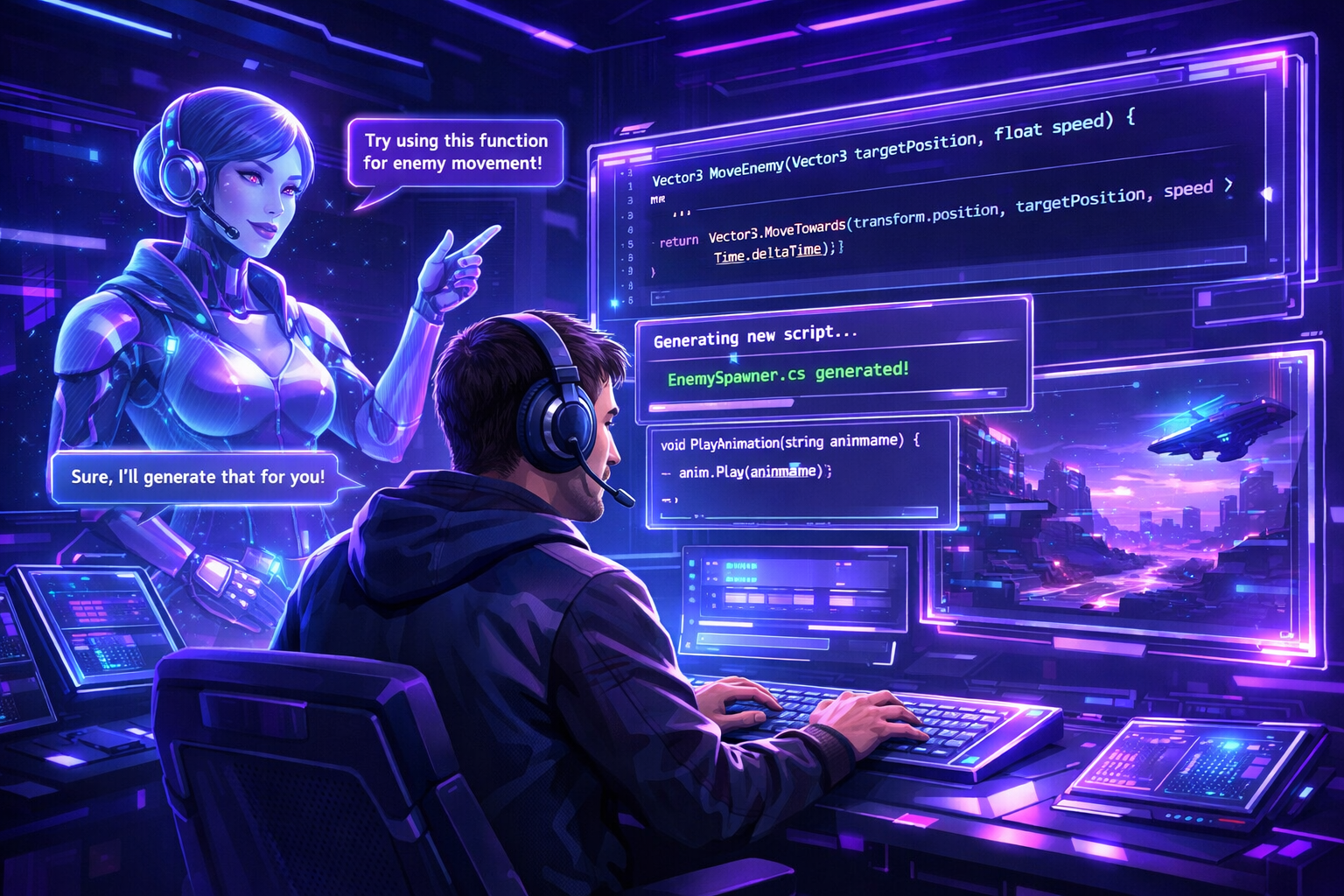
Writing game code used to mean hours googling Stack Overflow and reading docs. Now AI can write, debug, and explain code for you.
Ive been using AI coding assistants for my game projects since early 2025. They went from "kinda helpful" to "holy shit this actually works" really fast. Let me break down whats actually useful in 2026.
Why Game Devs Need AI Coding Assistants
Game development has specific challenges that AI handles surprisingly well:
- Repetitive boilerplate code (UI systems, save/load, etc)
- Physics and math calculations you always forget
- Converting pseudocode game logic into actual working code
- Debugging weird edge cases
- Learning new game engines and frameworks
The traditional approach was spending hours writing basic systems that every game needs. AI speeds that up dramatically.
Best AI Coding Assistants for Game Dev
1. GitHub Copilot
Best for: Auto-completing game logic in your IDE
Cost: $10/month
Game engines: Works with everything (Unity C#, Godot, Phaser, etc)
Copilot sits in your code editor and suggests completions as you type. For game dev its solid at:
- Generating enemy AI behavior patterns
- Creating common game functions (movement, collision, etc)
- Writing unit tests
Downsides: Sometimes suggests outdated Unity syntax. You need to know enough to catch mistakes.
2. Claude/GPT-4 for Game Logic
Best for: Designing game systems and debugging
Cost: $20/month for ChatGPT Plus or Claude Pro
Game engines: Any
Better for high-level stuff. I use Claude to:
- Design inventory systems
- Figure out complex game mechanics
- Debug errors by pasting stack traces
- Explain how specific Unity/Godot features work
Pro tip: Give it your full error messages. It can usually tell you exactly what broke.
3. Sorceress AI Coding Agent
Best for: Game-specific code with built-in toolkit integration
Cost: FREE (bring your own API key)
Game engines: Phaser, HTML5 canvas games
Full disclosure - this is part of Sorceress toolkit that I use. But its genuinely useful because:
- Runs in browser, works on your local game files
- Knows about the sprite sheets and assets youve generated
- Can write game logic that integrates with the rest of the toolkit
- Free if you bring your own Anthropic API key (costs like pennies per session)
I use it mainly for quick game prototypes and HTML5 games. Handles animation setup, physics, and UI code really well.
Real Example: Building a Match-3 Game
Let me show you what AI coding actually looks like in practice. When I built my match-3 game:
Without AI (old way):
- Research how to detect matches in a grid (2 hours)
- Write the detection algorithm (3 hours)
- Debug edge cases (4 hours)
- Add special power-ups (6 hours)
- Total: ~15 hours just for core matching logic
With AI (new way):
- Ask AI to write grid matching algorithm (5 minutes)
- Test and fix issues with AI help (1 hour)
- Ask AI to add power-up system (30 minutes)
- Total: ~2 hours with better code than I would have written
Thats not exaggeration. The AI version was cleaner, more efficient, and I understood it better because AI explained each part.
How to Actually Use AI for Game Code
The key is treating AI like a really smart junior developer. Give it clear instructions:
Bad prompt: "Make my player move"
Good prompt: "Write a C# script for Unity that moves a 2D character using WASD keys with a speed of 5 units per second. Add smooth acceleration and deceleration."
The more specific you are about what you want, the better the code youll get.
My Actual Workflow
- Sketch out what I need in plain English
- Ask AI to generate the initial code
- Test it in my game
- If theres bugs, paste the error back to AI
- AI suggests fixes, I implement them
- Iterate until it works
This loop is WAY faster than manually debugging. AI usually spots issues I would have spent 30 minutes tracking down.
What AI Coding Assistants Suck At
Being real here - AI isnt magic. It struggles with:
Complex game architecture: AI can write individual systems but designing how everything fits together is still on you.
Performance optimization: AI generates working code but not always efficient code. Youll need to profile and optimize yourself.
Engine-specific quirks: Unity vs Godot vs Unreal all have weird gotchas that AI sometimes misses.Creative game design: AI can implement your ideas but it cant tell you what will be fun.
Cost Comparison
Lets talk money:
GitHub Copilot: $10/month = Infinite code suggestions
ChatGPT Plus/Claude Pro: $20/month = Unlimited conversations
API-based (like Sorceress): ~$0.50-2 per coding session = Only pay for what you use
Compare that to:
- Junior developer: $3000-5000/month
- Your own time: Priceless (especially if you have a day job)
Even at $20/month, if AI saves you 10 hours of coding thats a ridiculous ROI.
Tips for Better Results
After hundreds of hours using AI for game code:
1. Learn to spot AI hallucinations
Sometimes AI confidently suggests Unity methods that dont exist. Always test the code.
2. Break big tasks into smaller ones
Dont ask for a complete inventory system. Ask for item data structure, then storage, then UI, etc.
3. Keep a "working code" library
When AI generates something good, save it. You can reuse patterns across games.
4. Use AI to learn, not just copy-paste
Ask AI to explain WHY the code works. Youll level up your skills faster.
Getting Started Today
If you want to try AI coding for your game:
- Start with ChatGPT (free tier) - Just describe what you need
- If you like it, upgrade to GitHub Copilot for in-editor help
- For browser-based games, try Sorceress coding agent (its free with your API key)
Begin with small tasks like "write a health system" or "create a basic enemy AI". Build confidence before tackling bigger systems.
Final Thoughts
AI coding assistants changed how I make games. I ship faster, with fewer bugs, and I actually understand my code better because AI explains things clearly.
Theyre not replacing game developers. Youre still the designer, architect, and creative force. AI just handles the tedious stuff so you can focus on making your game fun.
If youre still manually writing every line of boilerplate code, youre working way harder than you need to. Try Sorceress or any other AI coding tool - just start somewhere.
The game dev workflow is changing fast. Might as well take advantage.